

AOCHUAN Smartphone Gimbal Stabilizer, Smart Face Tracking Tripod Without APP – 4 in 1 Cellphone Gimbal Stabilizer for iPhone&Android Extended 108cm Rod with RGB Fill Light,M2PRO White
$59.90
Related Products





Product description
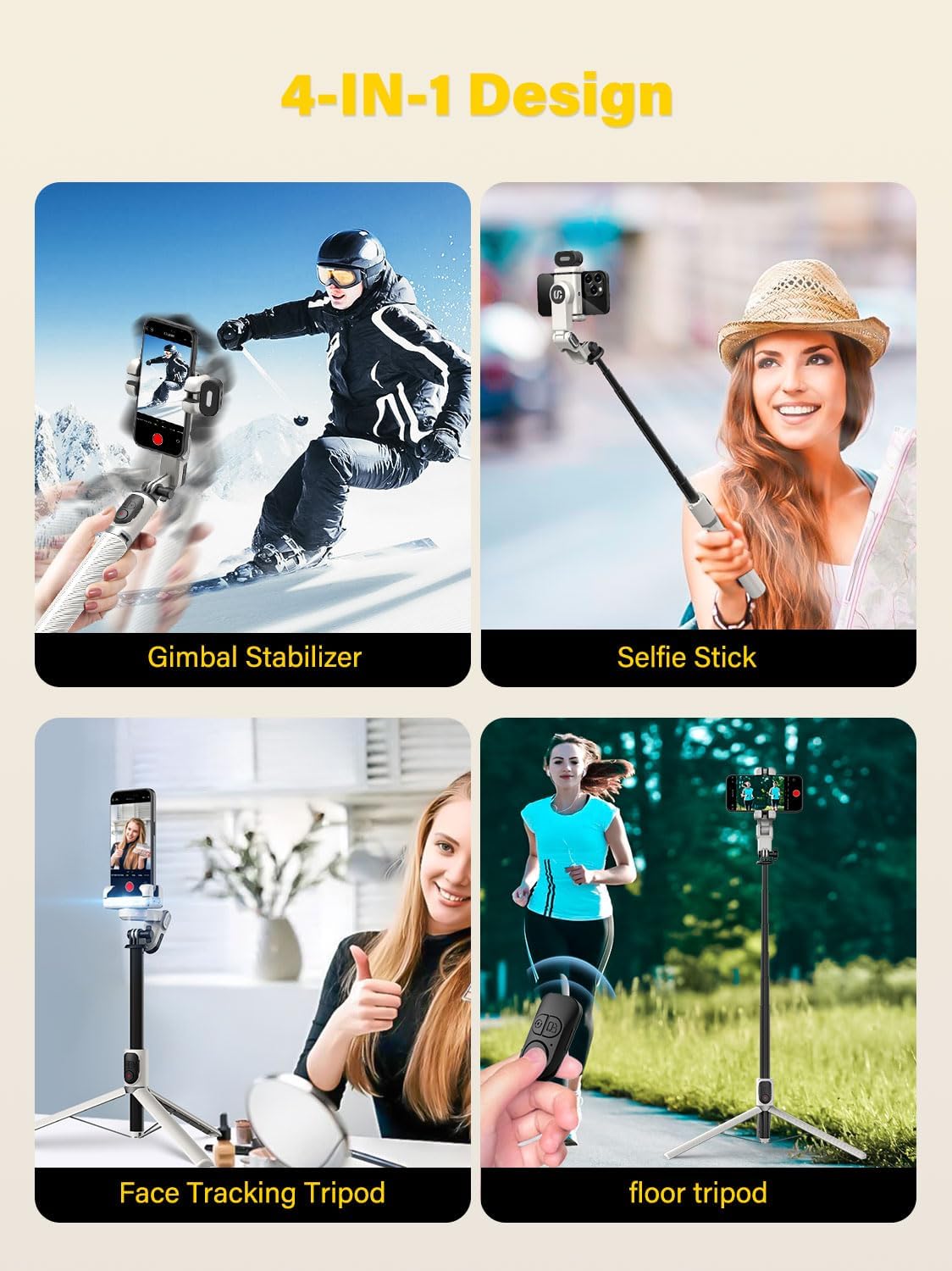
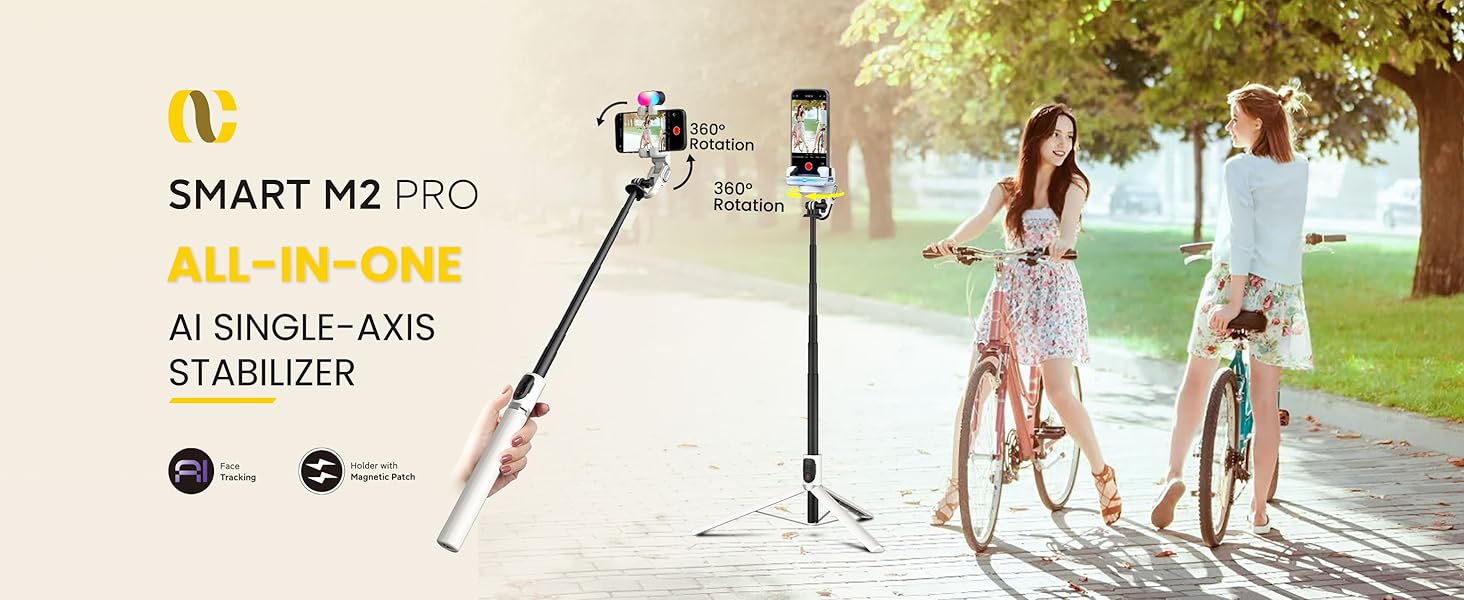
M2PRO 4-major shooting modes AOCHUAN Smart M2PRO AI tracking mode
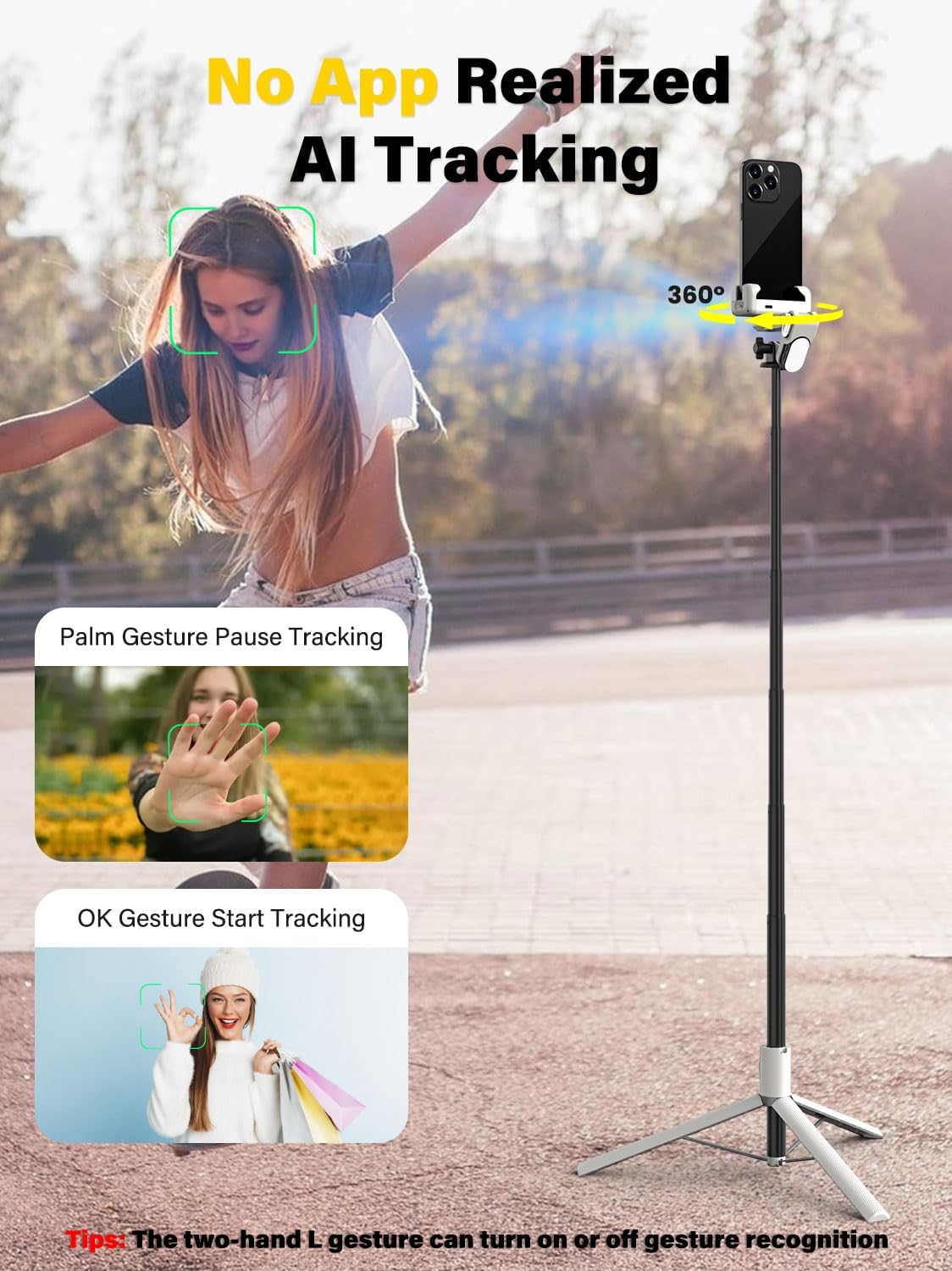
Turn on the stabilizer switch, gesture “OK” to the stabilizer to enter the tracking mode, and the stabilizer will automatically track and assist your shooting.
The video showcases the product in use.The video guides you through product setup.The video compares multiple products.The video shows the product being unpacked. m2pro AI sensor Merchant Video
AOCHUAN Smart M2PRO Stabilizer mode
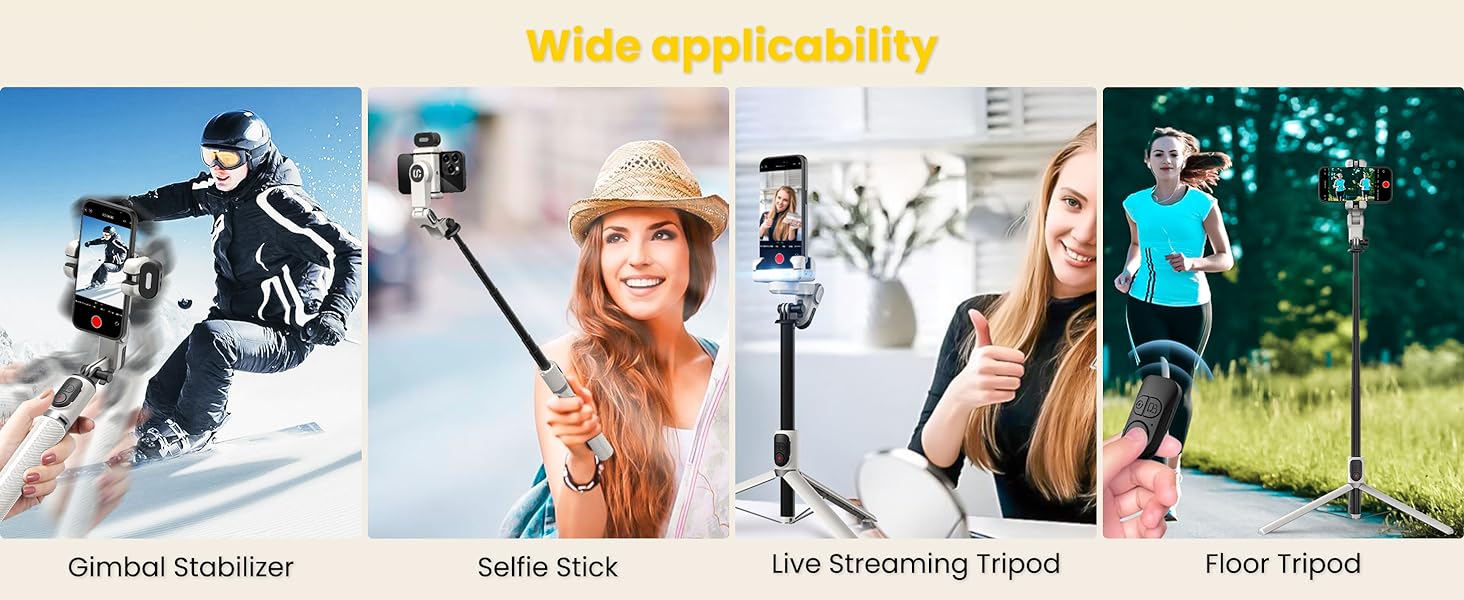
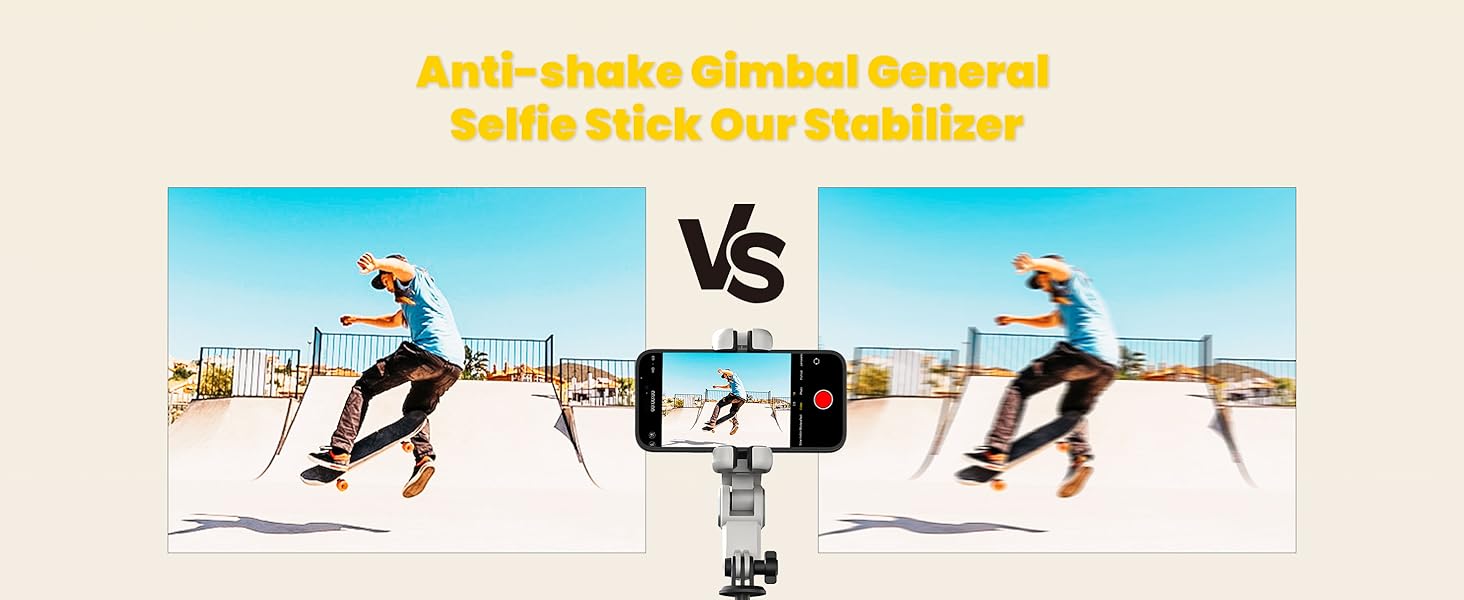
The stabilizer mode automatically adjusts according to the movement of the human body, and the output is more stable and high-quality video. Even in the case of strenuous exercise, you can get a stable video.
The video showcases the product in use.The video guides you through product setup.The video compares multiple products.The video shows the product being unpacked. m2pro extension pole Merchant Video
AOCHUAN Smart M2PRO Floor tripod shooting mode
The stabilizer can be extended and placed on the ground to act as a remote control tripod for shooting. The stabilizer can be rotated and photographed 360° by remote control.
The video showcases the product in use.The video guides you through product setup.The video compares multiple products.The video shows the product being unpacked. m2pro tracking mode Merchant Video
AOCHUAN Smart M2PRO Selfie stick mode
Extend the stabilizer and lock the stabilizer clip to turn it into a selfie stick mode, which can be used as a selfie stick to shoot through the Bluetooth remote control.
The video showcases the product in use.The video guides you through product setup.The video compares multiple products.The video shows the product being unpacked. m2pro 4-in-1 mode Merchant Video
1 4-in-1 Gimbal
2 RGB Fill Light
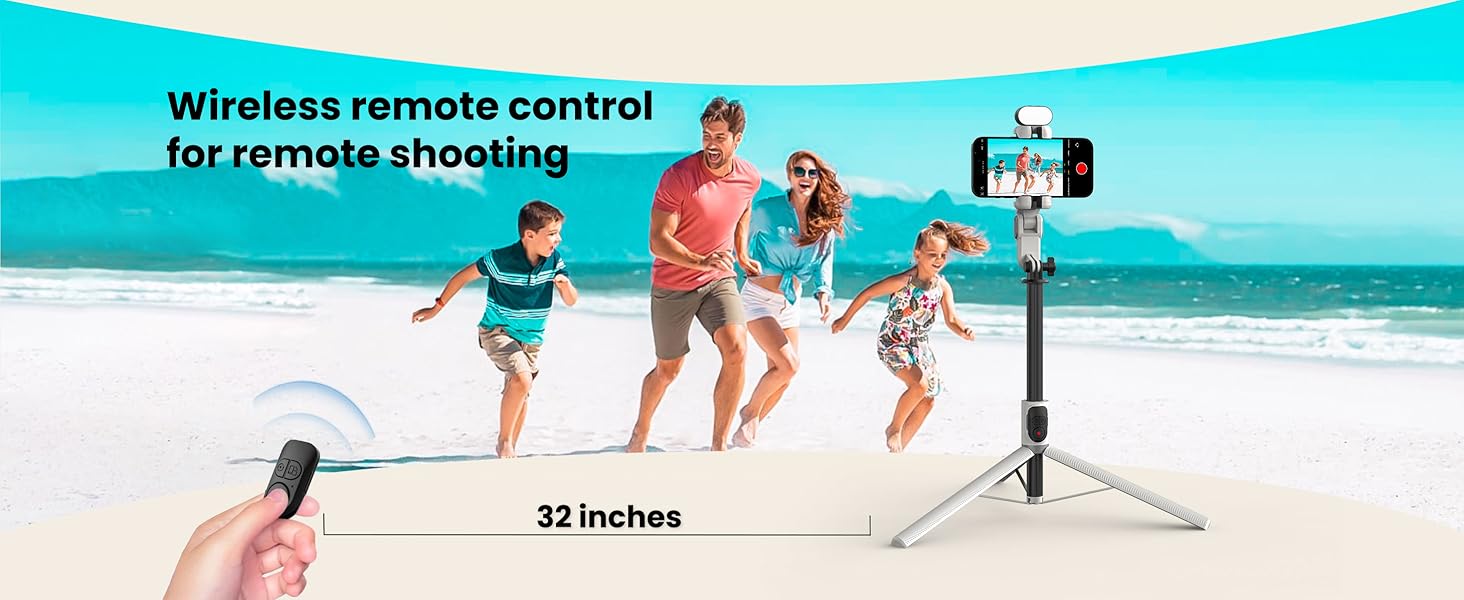
3 Remote Control
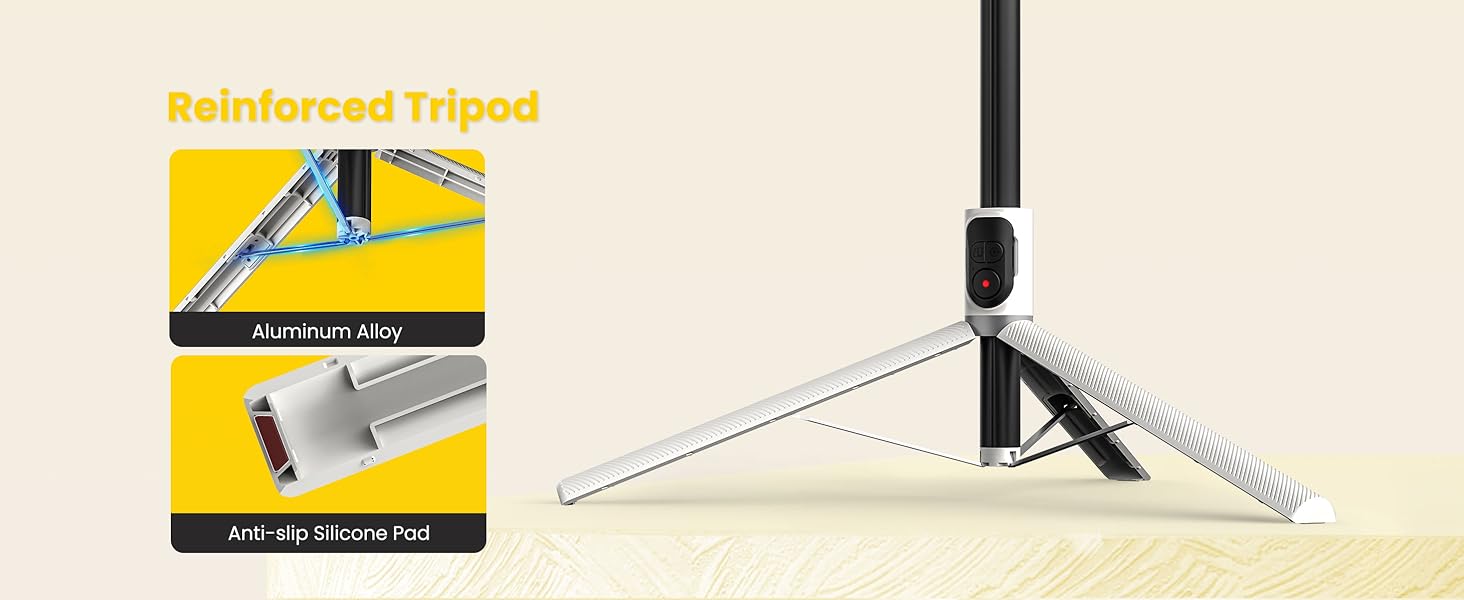
4 Durable Tripod
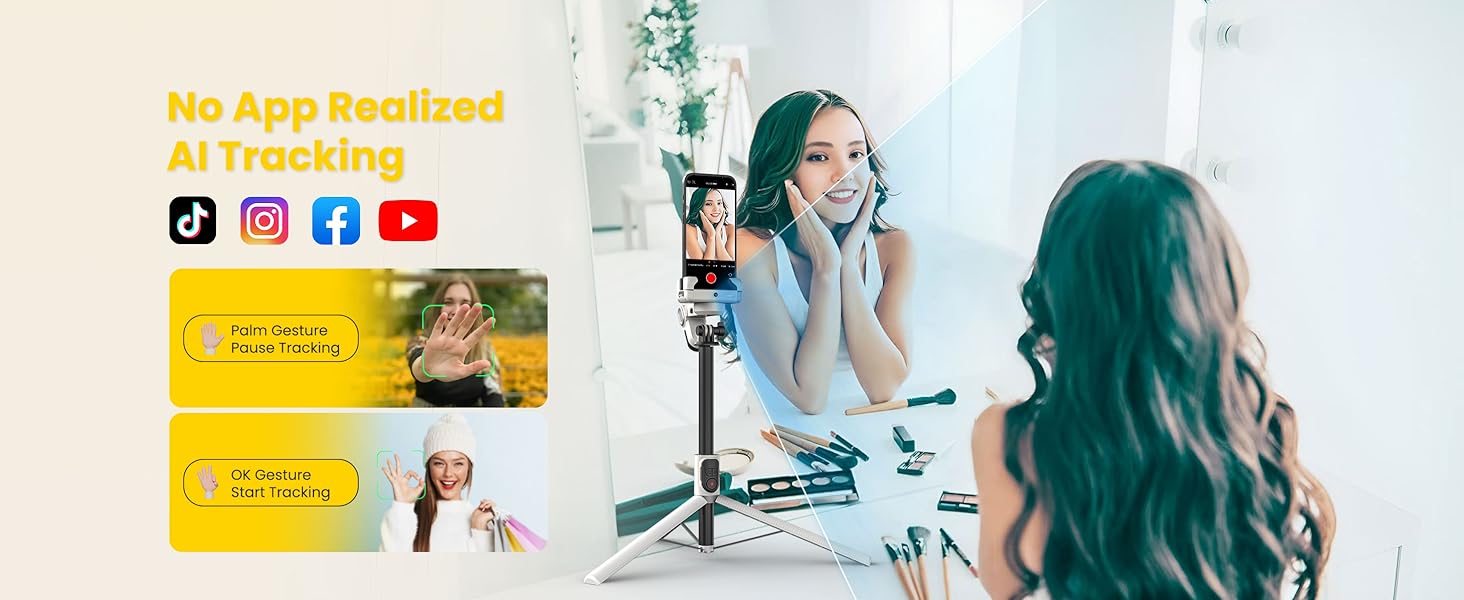
1 AI Tracking
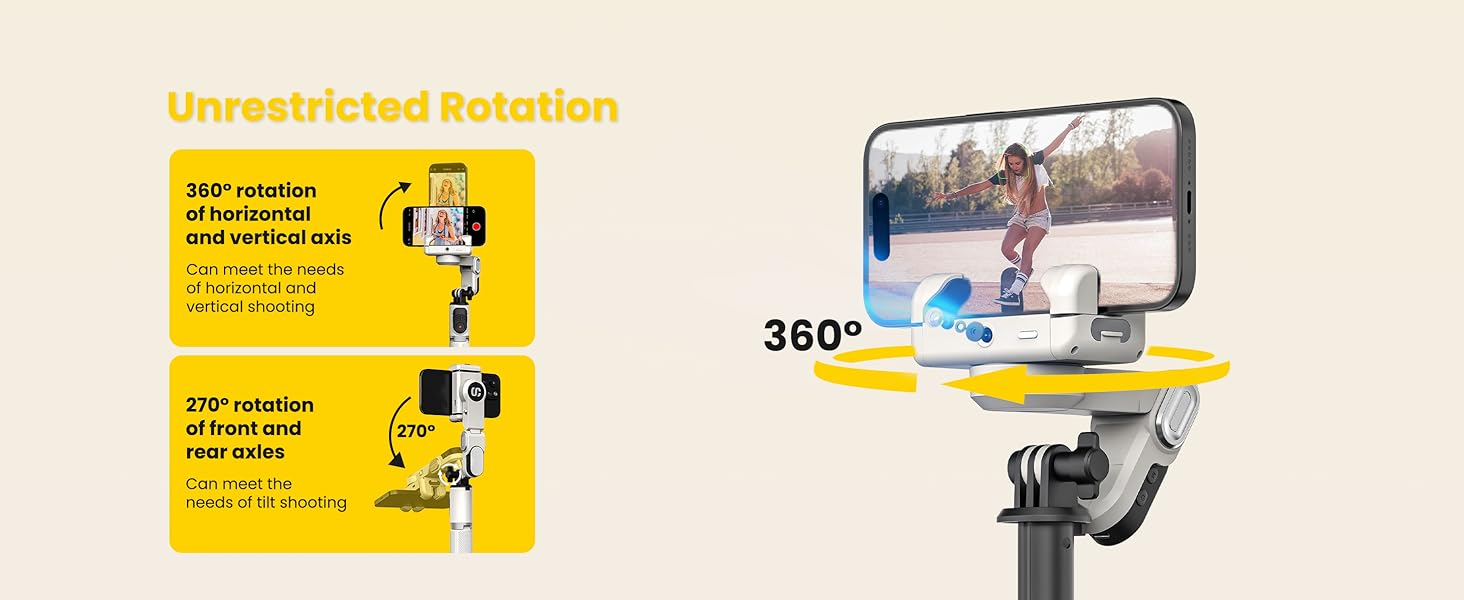
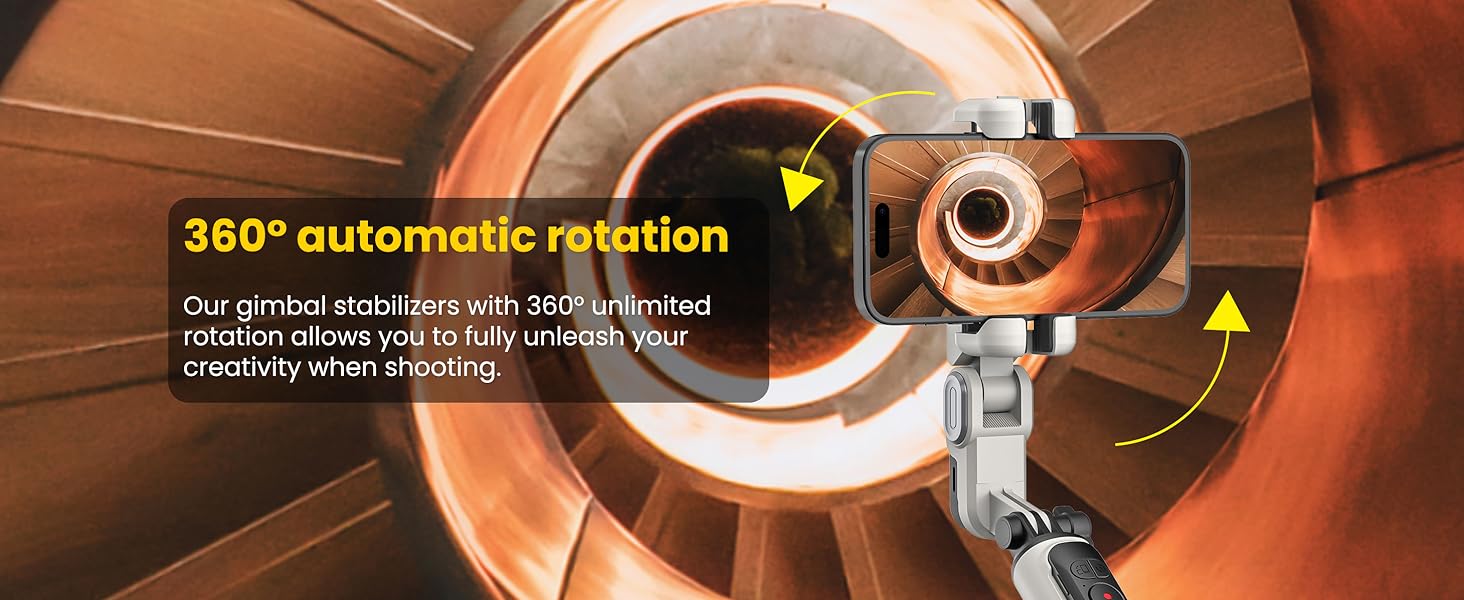
2 360° Rotation
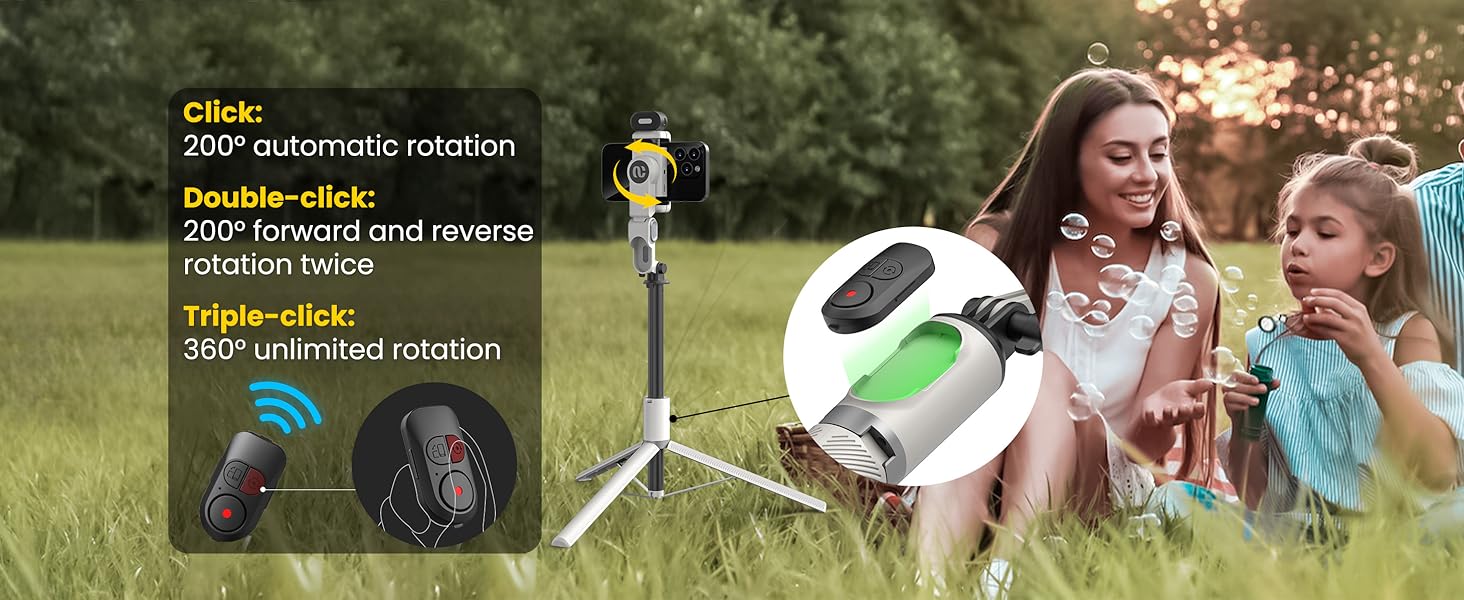
3 Multiple Rotations
1 All-in-one Gimbal 2 Upgrade Stability 3 Inception Mode
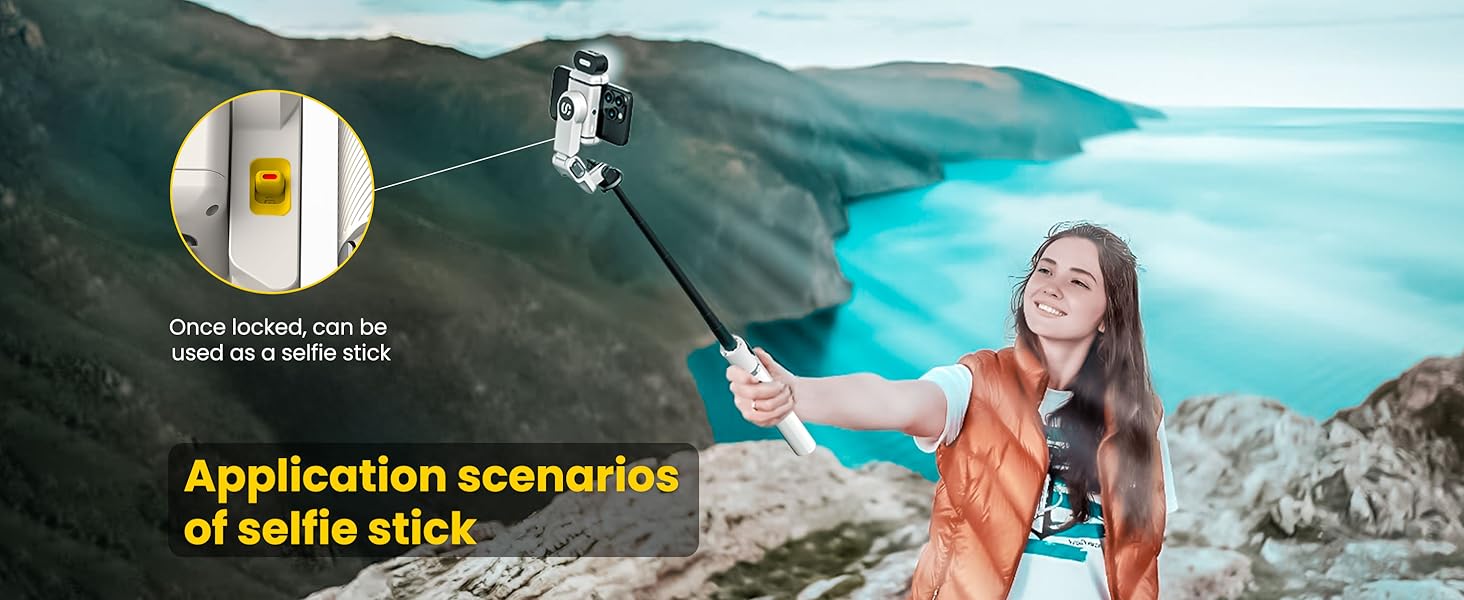
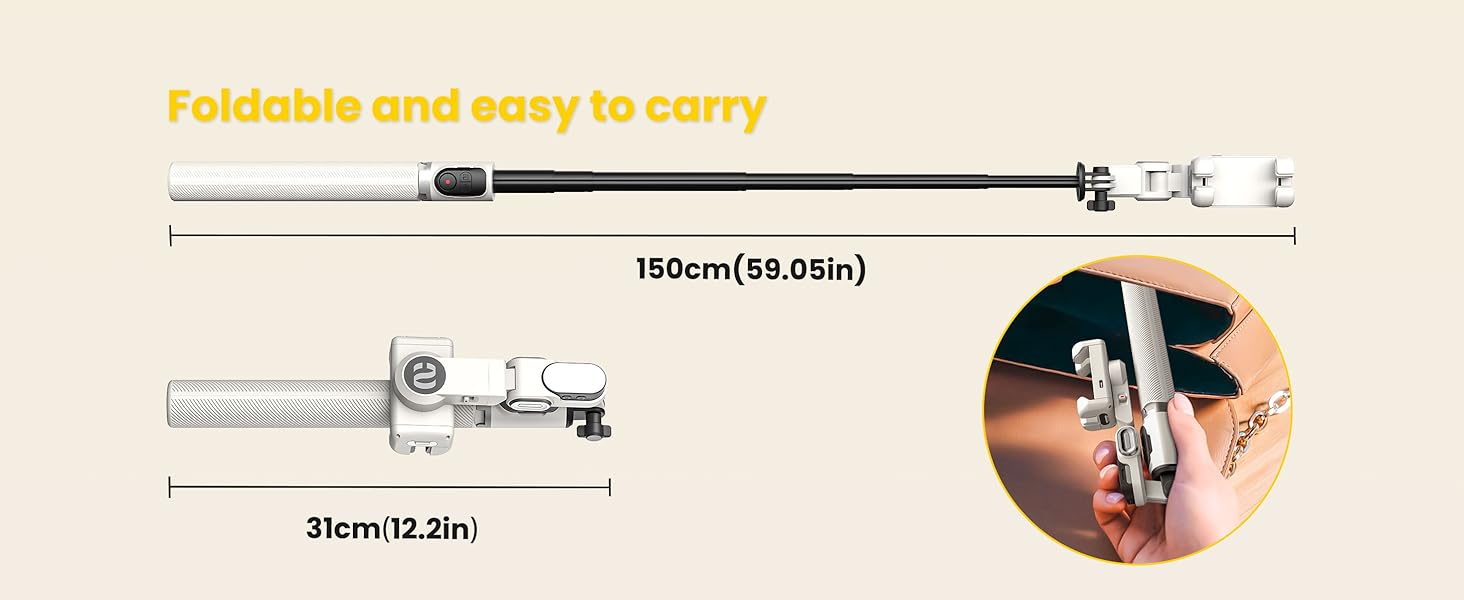
1 Selfie Stick 2 Foldable Stick
Instructions – Switching b/w 2 modes
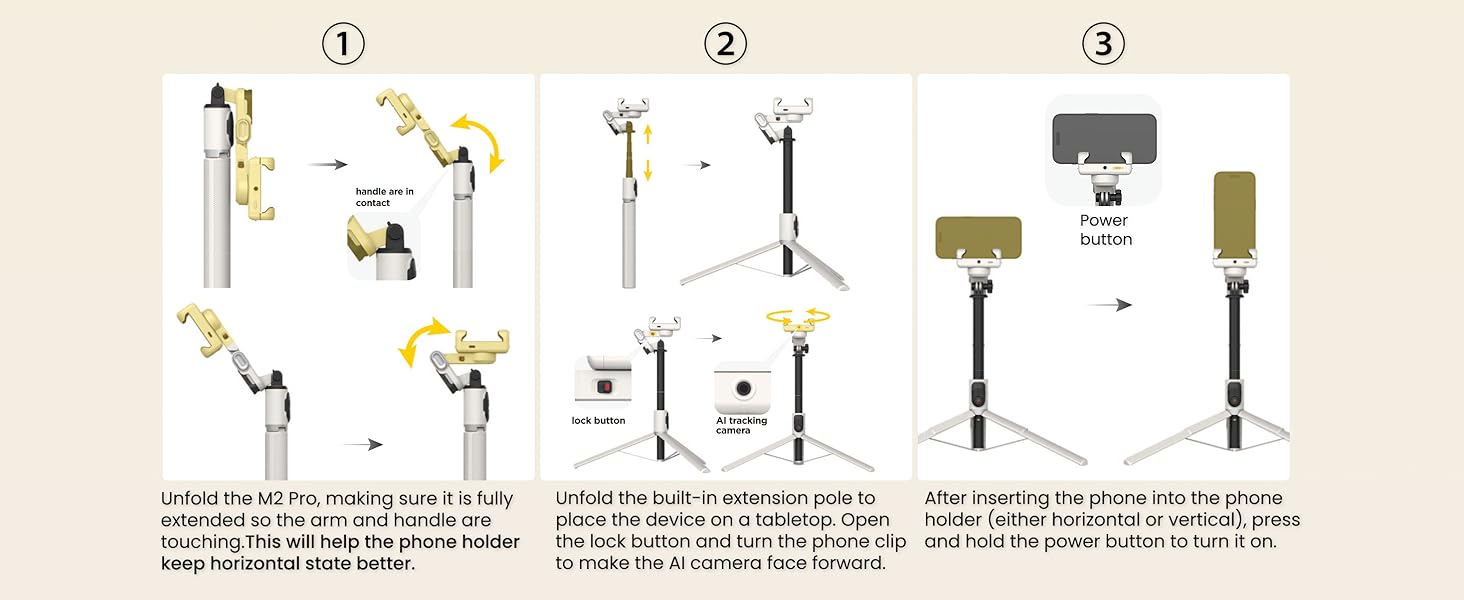 AI Tracking Mode
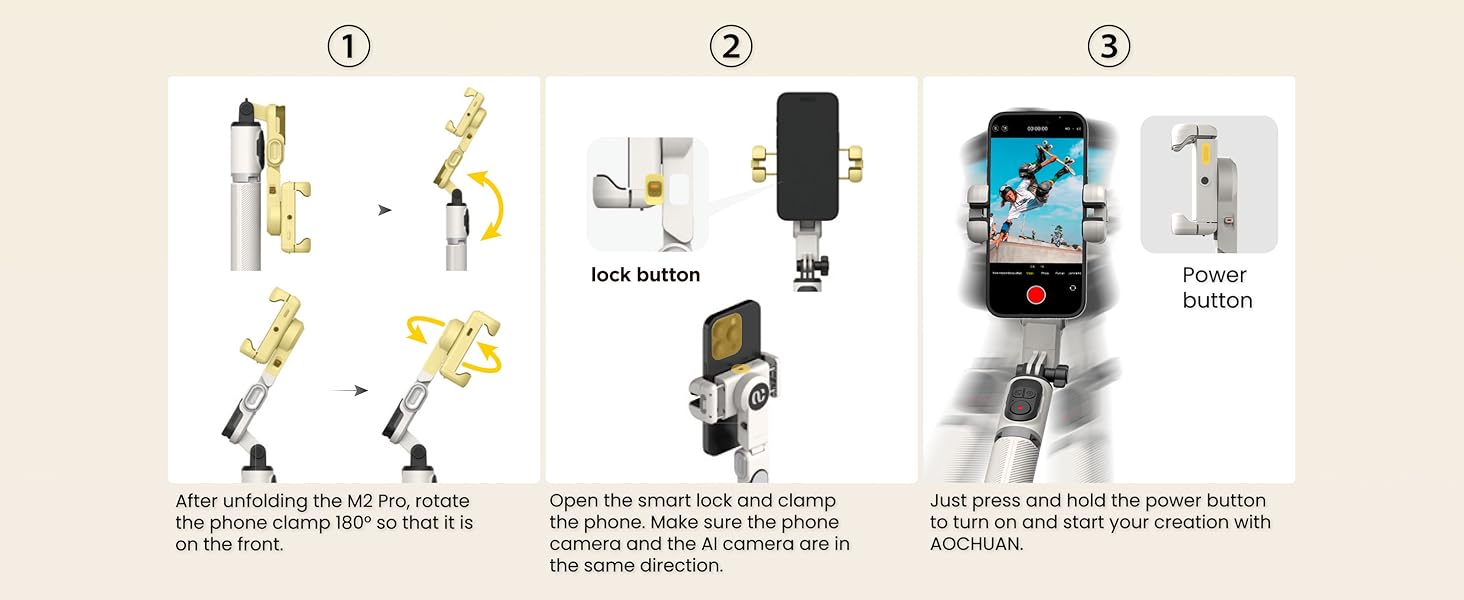 Handheld Gimbal Mode

How to convert between M2Pro several modes?
The video showcases the product in use.The video guides you through product setup.The video compares multiple products.The video shows the product being unpacked. How to convert between M2Pro several modes? Merchant Video
【Multi-function Cellphone Stabilizer】The gimbal stabilizer is not only a phone stabilizer, but also a selfie stick and phone holder. It can be used in many situations. You can use it for Tik Tok, video blogs, and live screaming. When you are out traveling, you can also use it to take selfies and group photos. When you are traveling alone, you can also use it as a phone holder. The gimbal stabilizer is convenient in many environments.
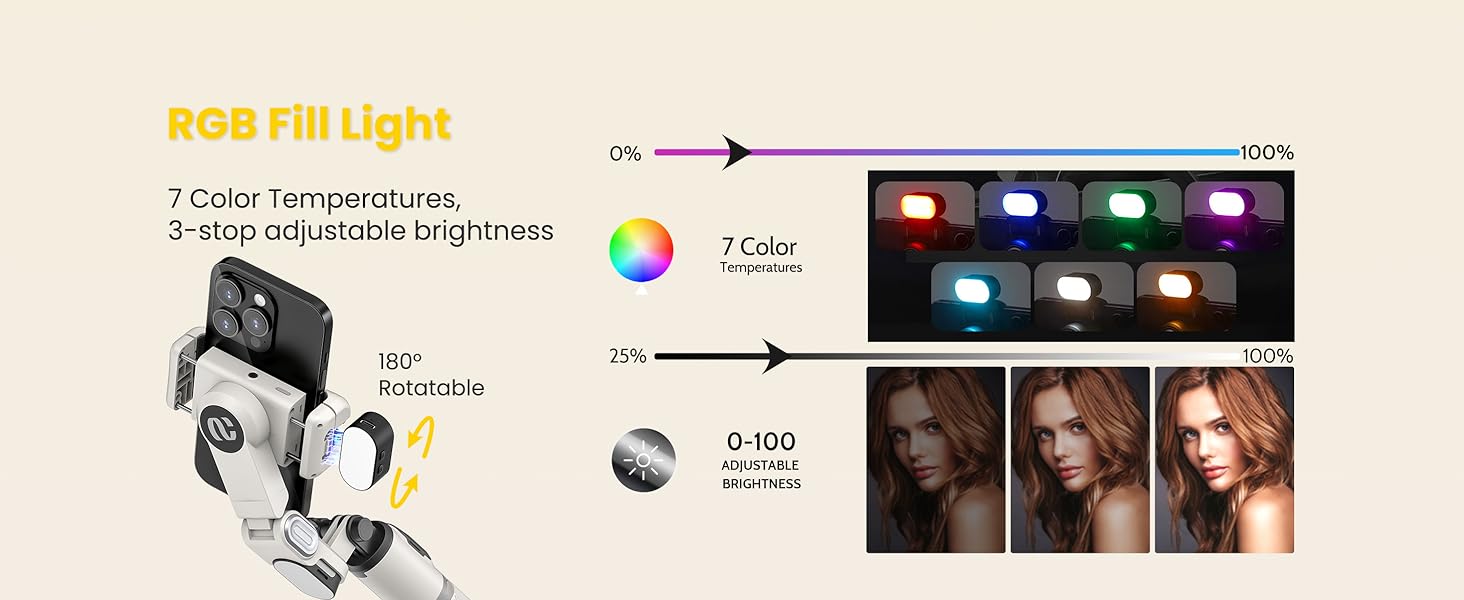
【Selfie Stick with Remote and Light】Our gimbal stabilizer has a wireless remote control, which allows you to use it freely, change shooting modes or press the shutter within a distance of 10 meters, which is very suitable for group or long-distance photography. They have RGB fill lights with 7 color temperatures and 3 levels brightness options, so you can take beautiful photos and videos in any environment.
【AI Tracking Without App】Unlike other 3-axis gimbals, this one is easier to use without downloading any apps. The phone holder is equipped with an AI camera, which allows you to easily take portraits with hand gestures. AI facial tracking can help you in different shooting situations, allowing you to live screaming and record your life better.
【Equipped with Multiple Shooting Modes】The 1-axis gimbal has 4 main modes: AI tracking, handheld camera mode, POV mode, and inception mode. With high-precision 360° rotating gimbal, anti-shake technology, and powerful automatic balancing function, you don’t have to worry about image shaking, just focus on shooting your life. It allows you to record more interesting videos and photos, and never miss precious moments again.
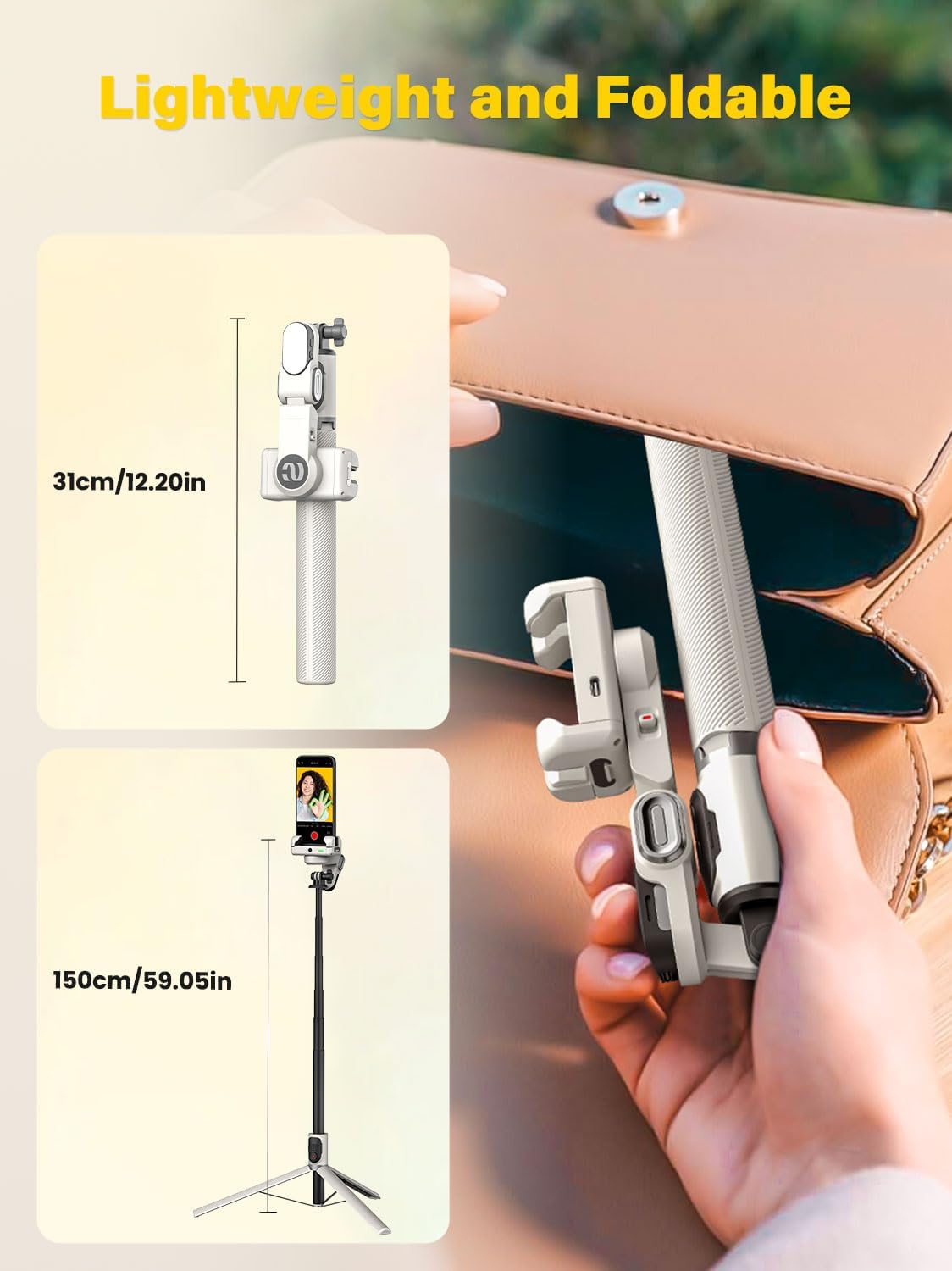
【Portable and Universal】This lightweight and foldable gimbal stabilizer weighs only 0.87 pounds and is 12 inches long when folded. It comes with a retractable phone clamp and is compatible with 4.0-6.2-inch smartphones. The pole can be extended to 43 inches and the battery standby time is up to 4-7 hours. The package and support include the AOCHUAN SMART M2 gimbal (phone not included), fill light, USB-C charging cable and user manual.
13 reviews for AOCHUAN Smartphone Gimbal Stabilizer, Smart Face Tracking Tripod Without APP – 4 in 1 Cellphone Gimbal Stabilizer for iPhone&Android Extended 108cm Rod with RGB Fill Light,M2PRO White
Add a review
$59.90
Christina D. –
100% RECOMMEND!
This Gimble is very impressive. A great value for the money, very user friendly, all functions work properly. Love the detachable remote control. Makes it easy to snap a photo or start/stop a video. It easily connects to your Bluetooth and there’s no need to download any apps. The grip is nice, wish there was rubber on it, but nevertheless it’s solid, well built, very sturdy on the tripod closed or fully extended. It fits my iPhone 14 Pro Max beautifully, and the mini led light is magnetic and sticks to different parts of the gimble. You do need to charge the gimble, the remote control, and the mini light which 1 usb to usb-c cord is included. Please note: Nothing will work unless charged.
IMHO&FYI –
I love it but..
Almost perfect. It does track your face, but it isn’t smooth. It tends to be jerky and loses you if you aren’t standing at the right spot for it.So, if you are looking at it solely for this function, I don’t recommend it, BUT that aside, it is a great tool and the gimbal does a nice job.
Heather Brdecka –
Great for snowboarding
The size it breaks down to super small for storage. The material was great. It does have a remote control which is nice and it was super lightweight..
misty wells –
Great Investment!
Love the size. Easy to travel with and convenient when taking photos. The remote works great. Very durable to hold your phone.
david m jones –
Not user friendly
AI tracking is horrible, any more than 2-3 degrees to either side and it looses tracking. Hand gestures rarely work.
Steve –
This is really cool.
It took me a little while to actually figure out how to use this thing, as I never had one before, nor have I even seen one. I recently heard about these and wanted to try it. The handle just manually opens out. Gotta give it a little tug and the legs pop open one at a time and it extends to stand taller than 5 foot. I am 5’10 and fully extended, my phone is slightly taller than I am when installed in this gimble. The auto rotator is really cool, and recharging this took me a few moments to find where to plug it in. (It’s where the phone is held). Can’t wait to start using this!
Zion Urban Wear –
Short Battery life. Go for novice!
The battery life is not long. The gamble will not stay in place when the battery is low. Cute though.
Michele C Hinds –
Nice gimble
I might have teething problems, but when im recording my son’s football game or my daughters swimming, it would be following fine and then suddenly do a 360 spin which i did not press for, sometimes missing the win or the goal. Other than that, i love it.
Manchester Customer –
Used it a lot
Client d’Amazon –
Article utile pour connaisseur et amateur de matériel professionnel. Un peu complexe à maitriser au départ, nécessite une bonne prise en main.
ぷりん –
意外と重いので長時間の使用は筋力がいる固定する分では最高
Jonathan franco Rodríguez –
Karsten Matz –
Alles Top, gerne wieder