

Amazon Fire TV Stick 4K Max streaming device, with AI-powered Fire TV Search, supports Wi-Fi 6E, free & live TV without cable or satellite, find shows faster with Alexa+
$59.99
Related Products






Elevate your entertainment experience with a powerful processor for lightning-fast app starts and fluid navigation.
Play Xbox games, no console required – Stream Call of Duty: Black Ops 7, Hogwarts Legacy, Outer Worlds 2, Ninja Gaiden 4, and hundreds of games on your Fire TV Stick 4K Select with Xbox Game Pass via cloud gaming. Xbox Game Pass subscription and compatible controller required. Each sold separately.
Smarter searching starts here with Alexa – Find movies by actor, plot, and even iconic quotes. Try saying, “Alexa show me action movies with car chases.”
Enjoy the show in 4K Ultra HD, with support for Dolby Vision, HDR10+, and immersive Dolby Atmos audio.
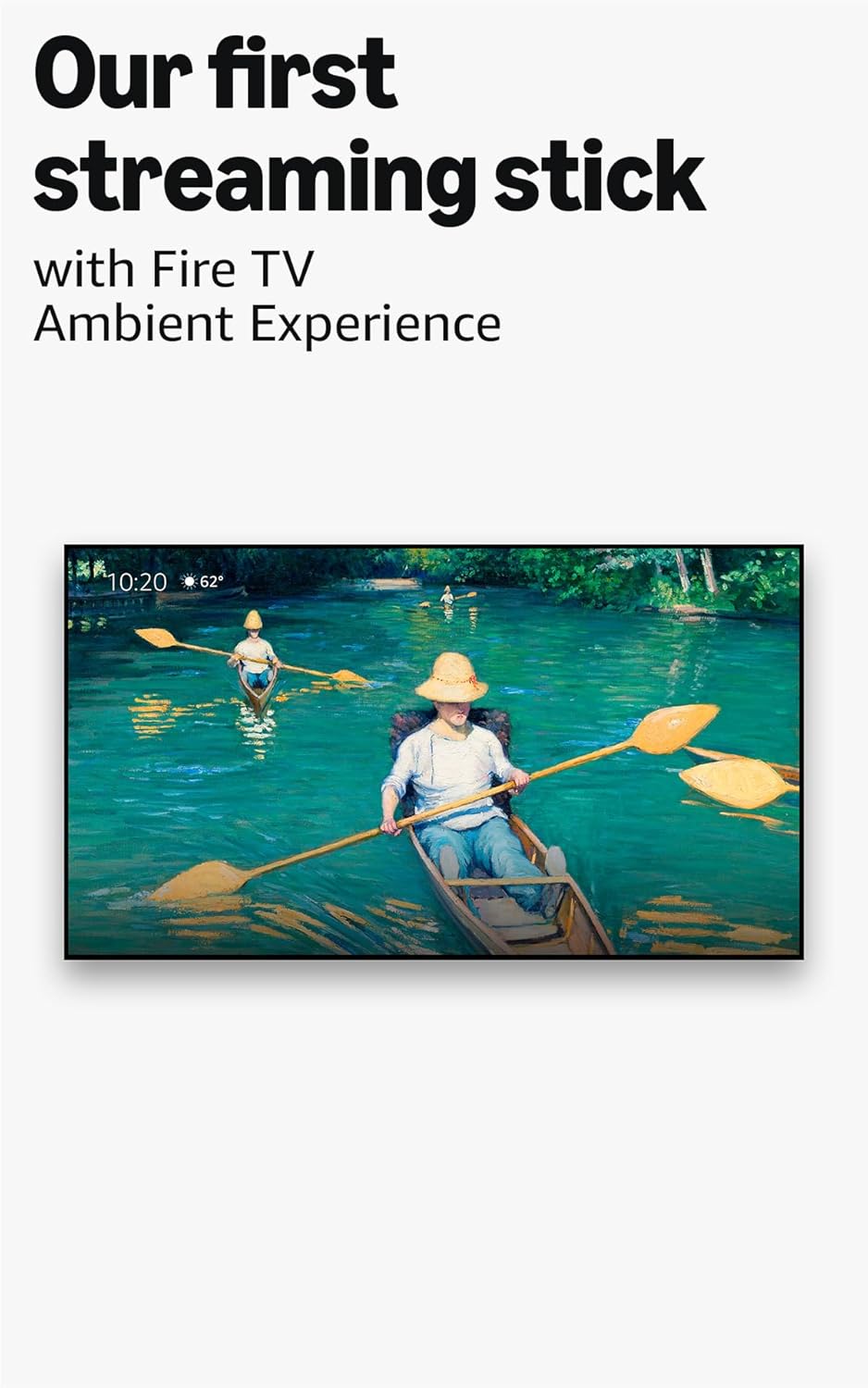
The first-ever streaming stick with Fire TV Ambient Experience lets you display over 2,000 pieces of museum-quality art and photography.
Fire TV Stick 4K Max has 16GB of storage—double that of Fire TV Stick 4K Plus and our other streaming sticks, for even more apps, games and downloads.
Stream more than 1.8 million movies and TV episodes. Watch favorites from Netflix, Prime Video, Disney+, HBO Max, and more, plus listen to millions of songs. Subscription fees may apply.
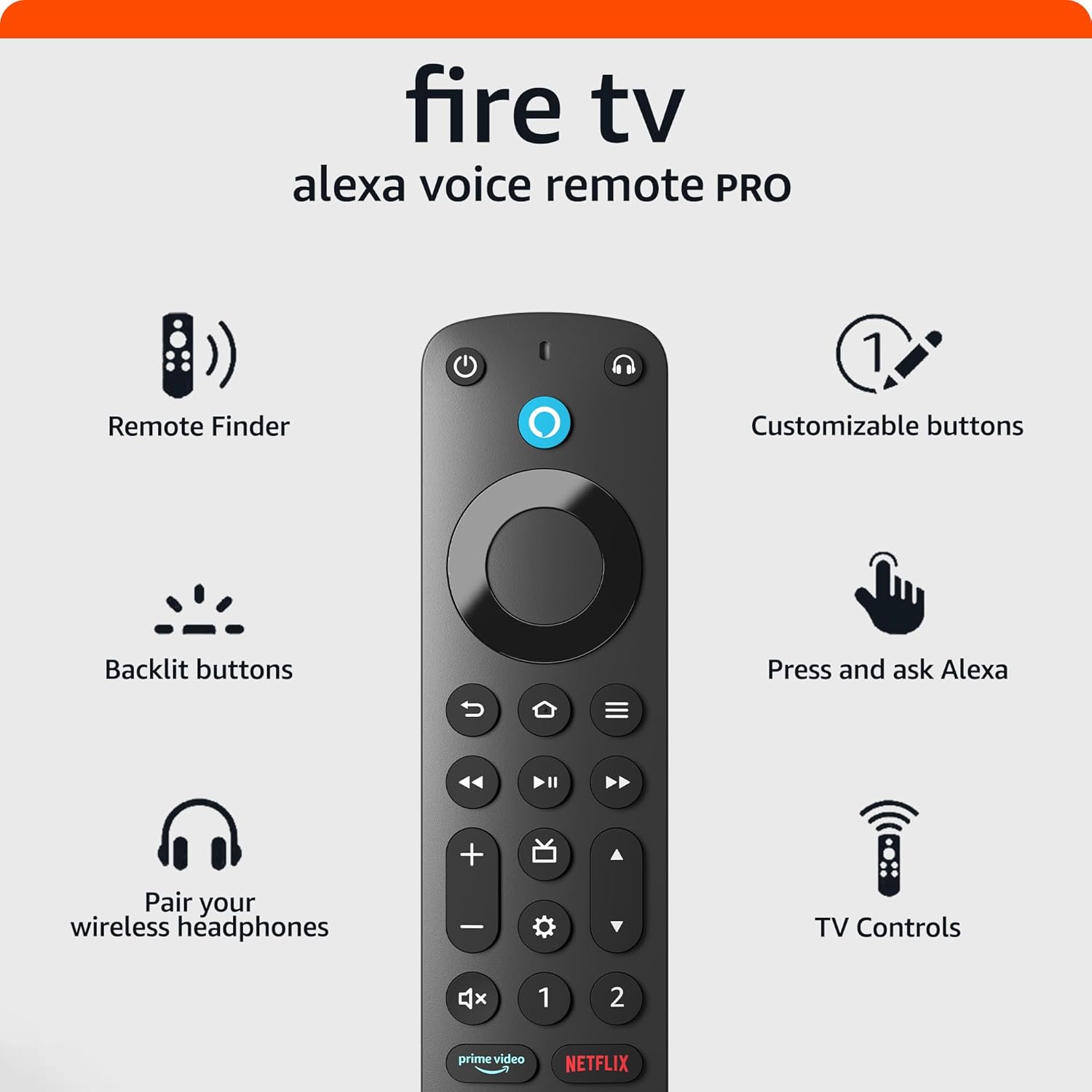
Control your TV and connected devices with an upgraded remote that includes voice control, a recents button, and dedicated channel buttons to surf live TV.
Enjoy fluid gameplay and fast-rendering graphics with a lightning-fast processor. Access popular games with an Amazon Luna subscription—no console required.
8 reviews for Amazon Fire TV Stick 4K Max streaming device, with AI-powered Fire TV Search, supports Wi-Fi 6E, free & live TV without cable or satellite, find shows faster with Alexa+
Add a review
$59.99
Irvis –
Works perfectly. Love it!
I absolutely loved this Fire TV Stick 4K Max. It is fast, easy to use, and the picture quality is very clear and in high definition. The setup was very simple, and within minutes I was already enjoying my favorite shows and movies. It is definitely an excellent product, practical and modern. I totally recommend it for turning any TV into a Smart TV and having instant entertainment.
Angie c Martinez –
Fast, fluid and excellent 4K quality – totally worth it
Amazon Fire TV Stick 4K Max is the best I have ever tried to turn any TV into a fast and complete Smart TV. It works super fluid, opens the apps fast and the quality in 4K looks excellent with very sharp colors.Controlling with Alexa is very practical, you can search for content or open apps with your voice alone. I also really liked that it hardly gets stuck and the WiFi is very stable, ideal for watching movies or IPTV without interruptions.The only “negative” thing is that the main screen has a lot of advertising and content from Amazon, but outside of that the performance is excellent.Overall, it is a powerful, fast and very easy-to-use device. It is totally worth the price 👍
Alfredo Marín –
Incredible Performance and Quality in a Compact Device
The Amazon Fire TV Stick 4K Max is, without a doubt, one of the best purchases I have made to enhance my home entertainment experience. From the very first use, you can tell just how fast and fluid it is: apps open almost instantly, and navigating through the menus is incredibly smooth. As for content, it offers access to practically every major platform—such as Netflix, Prime Video, Disney+, and more—so you won’t be missing out on anything.In short, it is a powerful, fast, and comprehensive device—ideal for anyone looking to transform their TV into a modern entertainment hub. Highly recommended
AMZ buyer –
Fire Stick 4K Max is excellent, a backlight on remote would be welcomed.
This Fire TV Stick 4K Max works seamlessly. Connectivity was a breeze. Buffering and responsiveness of control remain excellent. It works instantly switching from one streaming app to another and is compatible with our new Samsung 65” 4K (2026) TV. The one feature that would be welcomed is to have a backlight available on the remote for night use. Otherwise for speed, dependability, efficiency, responsiveness and ease of use, this Fire Stick is 5⭐️⭐️⭐️⭐️⭐️.
Jason Clinton –
Great Streaming Stick – Fast, Feature-Rich, and Easy to Use
Great Streaming Stick – Fast, Feature-Rich, and Easy to UseI’d give the Amazon Fire TV Stick 4K Max a solid 4 stars. The Wi-Fi 6E support delivers noticeably fast and stable streaming performance, and the 4K picture quality is sharp and impressive on a compatible TV. Setup is quick and intuitive, the interface is responsive, and having access to thousands of streaming apps plus free live TV without a cable or satellite subscription makes it a genuinely great value. The only reason I’m holding back a star is the heavy push toward Amazon’s own content and ads in the interface, but overall it’s a capable, fast, and easy-to-use streaming device worth having.
Scully RN –
Great App Organizer!
Plug and play in minutes! Organizes all my apps like Amazon, HULU, and whatever I subscribe to all in one place. It also downloads the free apps I get with my cable company automatically. If you’re all confused about what you’re subscribed to or what you have this is a great way to organize everything. No ongoing costs. A lot of free apps are just included and it has links to Amazon if you shop there etc. No trouble with buffering unless your modem is the issue. The remote is great and functions to turn on the TV and also controls volume, it’s the only remote I use.
Thank You –
Fast, smooth, and very easy to use
The Fire TV Stick 4K Max is an excellent streaming device. Setup was quick and simple, and the performance is very fast and smooth. Apps load quickly, and streaming quality is great in 4K.The Wi-Fi 6E support makes a noticeable difference in speed and stability. Alexa voice control is very helpful for finding shows quickly.Overall, a great upgrade and definitely worth it!
powerrider16 –
Great device, but may not be for Plex users
For various reasons, I decided it was time to at least try a different streaming device, and I figured a FireTV Stick would be the obvious solution.I wanted a responsive device, and to try to ensure this, I figured I might as well go for the top model of the FireTV Stick, so I ordered the 4K Max. This device does not at all disappoint in that regard! It is very snappy while navigating through the UI and the various streaming apps I utilize, so I’m very pleased with that.It comes with a short HDMI extender, which is a great touch because it makes using a “stick” form device such as this not interfere with being in the way of your other HDMI ports.Make sure you use the power adapter it came with (or a USB adapter capable of outputting 2 Amps) because you will run in to problems quickly if it doesn’t detect enough amperage. I rather wish it came with a longer cable, as it is not uncommon these days for a TV to be wall mounted, but that’s just my own opinion.Setup is very easily done and has nice guidance every step of the way. Even getting the remote to work with my TV was super easy and included in the first time setup guidance. The remote ended up only being able to control my TV’s power and volume, which is not a big deal, and I’m sure most individuals who buy this intend to use it as the main source of media to play on their TV.Streaming from various services is an absolute blast and I’ve had no issues there.I rather wish there were more big name options for aftermarket remotes, it seems like there are for every other major streaming device, but on the other hand I’ve never personally heard of anyone’s FireTV remote having issues.If you have a non-smart TV or an aging smart TV that is getting laggy, the FireTV Stick will serve you well for years to come, go for it!The FireTV Stick 4K Max also has an option for a service that allows you to play games from your PC on your TV, I am intrigued to try the trial of that at some point just to see how it is.***For Plex users:**** This is in no way, as far as I can tell, any fault of the device itself. Certain movies will get stuck and after a while make an error pop up, and certain shows will result in the audio playing but the screen being stuck black when the auto play starts the next episode. I have tried everything, and I mean everything. Everything else has never given me this issue. I have gone so far as factory resetting the FireTV Stick, rebuilding my media libraries, cold starting every device on my network, and gone through every single setting in the Plex app. This has resulted in my second issue with the autoplay being seemingly resolved, but again I do not think it is the device itself, or anything on my network, because I have installed what is essentially a media player that can connect to network shares and everything plays with no issue that way. So, yes, it seems to be an issue with the Plex app itself. Unfortunately, it seems forums are full of Plex users experiencing such things on FireTV devices. Again I cannot fault the device or Amazon for this in any way. Unfortunately though it leaves me trying to decide if I should just continue using the player application on my FireTV Stick, which is connected to the only TV I use, and that is mostly what I use when I’m watching anything. If I do that, I have very little reason to run Plex, but I like its layout and I’ve put a lot of time and effort over the years in to getting it just the way I like it. I can hope that an upcoming update fixes things, I could buy a Plex Pass and see if this improves things, I could switch to Emby and pay their monthly charge, or I could purchase a different streaming device…..it’s a tough spot….