
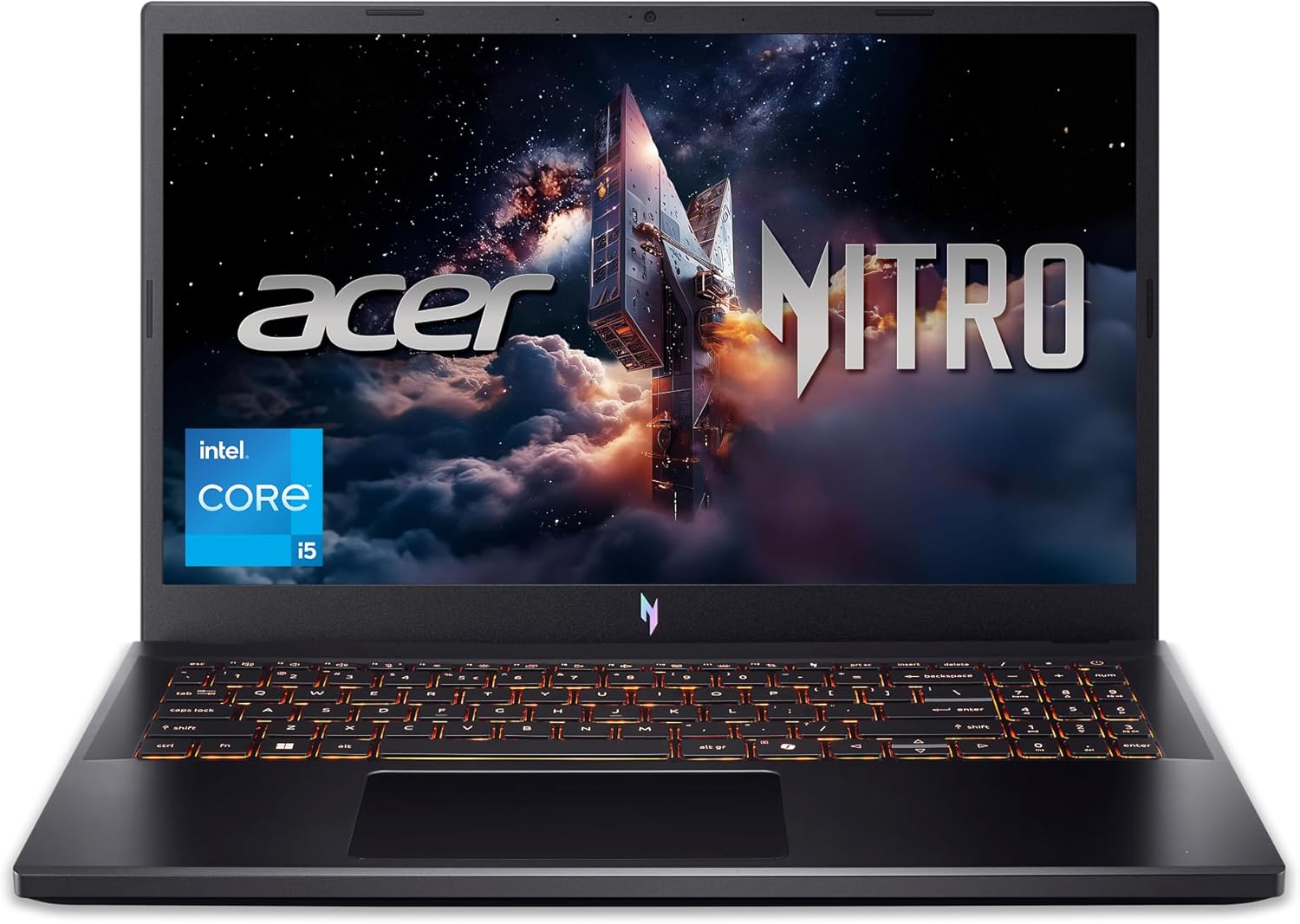
acer Nitro V Gaming Laptop | Intel Core i5-13420H Processor | NVIDIA GeForce RTX 4050 Laptop GPU | 15.6″ FHD IPS 165Hz Display | 8GB DDR5 | 512GB Gen 4 SSD | Wi-Fi 6 | Backlit KB | ANV15-52-586Z
$794.99
Related Products



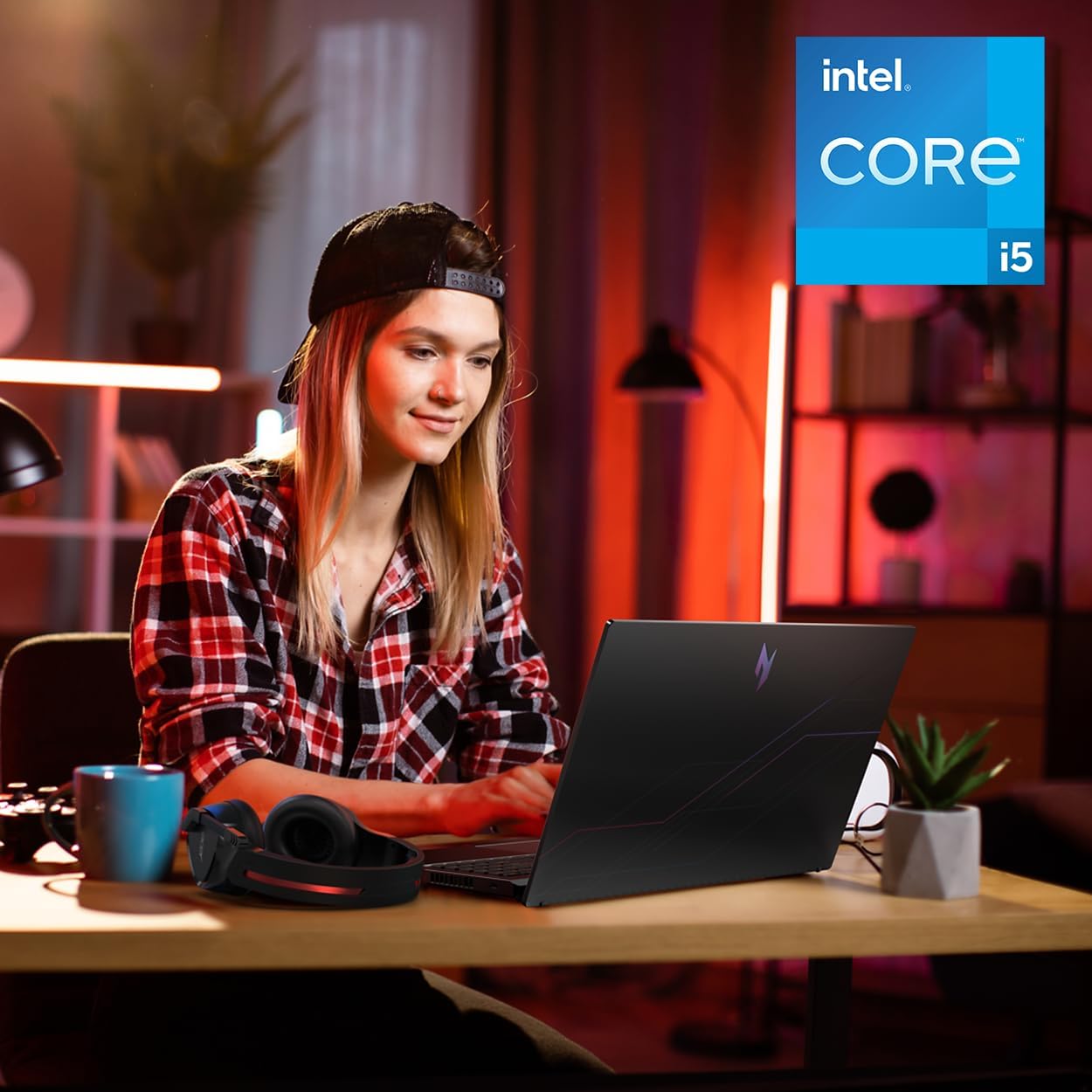


Live For Victory: Elevate your gaming adventure with the Acer Nitro V 15, your gateway to an adrenaline-charged journey. This laptop is the perfect blend of power and style, pushing the boundaries of what’s possible on a laptop. Powered by an Intel Core i5-13420H processor and NVIDIA GeForce RTX 4050 laptop graphics and showcasing a crystal-clear 15.6” Full HD display with a 165Hz IPS panel – you can see why the Nitro V 15 is a knockout hit for gamers of every level. (NH.U0NAA.001)
Beyond Performance: The Intel Core i5-13420H processor goes beyond performance to let your PC do even more at once. With a first-of-its-kind design, you get the performance you need to play, record and stream games with high FPS and effortlessly switch to heavy multitasking workloads like video, music and photo editing.
AI-Powered Graphics: The state-of-the-art GeForce RTX 4050 graphics (194 AI TOPS) provide stunning visuals and exceptional performance. DLSS 3.5 enhances ray tracing quality using AI, elevating your gaming experience with increased beauty, immersion, and realism.
Visual Excellence: See your digital conquests unfold in vibrant Full HD on a 15.6″ screen, perfectly timed at a quick 165Hz refresh rate and a wide 16:9 aspect ratio providing 82.64% screen-to-body ratio. Now you can land those reflexive shots with pinpoint accuracy and minimal ghosting. It’s like having a portal to the gaming universe right on your lap.
Internal Specifications: 8GB DDR5 Memory (2 DDR5 Slots Total, Maximum 32GB); 512GB PCIe Gen 4 SSD
Stay Connected: Your gaming sanctuary is wherever you are. On the couch? Settle in with fast and stable Wi-Fi 6. Gaming cafe? Get an edge online with Killer Ethernet E2600 Gigabit Ethernet. No matter your location, Nitro V 15 ensures you’re always in the driver’s seat. With the powerful Thunderbolt 4 port, you have the trifecta of power charging and data transfer with bidirectional movement and video display in one interface.
4 reviews for acer Nitro V Gaming Laptop | Intel Core i5-13420H Processor | NVIDIA GeForce RTX 4050 Laptop GPU | 15.6″ FHD IPS 165Hz Display | 8GB DDR5 | 512GB Gen 4 SSD | Wi-Fi 6 | Backlit KB | ANV15-52-586Z
Add a review
$794.99
Starr –
Excellent performance, overall good choice
Works fine and as expected, hot and loud (obviously). You wont really notice anything bad at 1080p and that is pretty much the target for a budget gaming laptop, very nice screen quality indeed. The battery lives for long enough when in eco and energy saver mode so there is nothing i can complain about. Its a gaming laptop, therefore youd like it being plugged in more than just using it on battery. The keyboard is amazing aswell, very cool backlit… Fits the style. And no problems in compatibily on my end, everything works fine as it should. And last but not the least important, it will pretty much run your games very fine, excellent performance. Make sure to set it to performance mode on nitrosense.
Gabriel –
It’s good, but it could be better
I’ve been using this computer for a while now, it works very well, but there are times when it stutters, the FPS drops to 0, which usually takes less than 1 second, but it’s still very annoying. The screen’s 165Hz refresh rate is spectacular, but I did an online test and I’m almost certain it has ghosting, which is also quite annoying. Also it’s a bit slow when performing various tasks, such as opening the browser or simply changing categories on Steam.I’m going to add more RAM since the 8GB it has doesn’t seem enough to me; I even think that might be the root of the problem I mentioned. So, I’ll try to upgrade to 32GB of RAM.But despite all of the above, it’s still a very good computer. I like that it comes with the Nitro Sense application and also with Intel’s graphics software, since it allows for some customization. The camera looks good and works smoothly in good lighting, but the computer doesn’t have anything to cover the camera.You have 3 fan options: silent, balanced, and performance. Expect a lot of noise from the fan in performance mode. Also, another bad thing is that when I connected my headphones with a built-in microphone, the computer only recognized it as audio output, not as both audio input and output, so I had a lot of problems with that. I even had to restart my PC in safe mode to reset everything because I had no sound anymore, so be careful with that, If you experience the same issue, simply open the Realtek Audio Console application, then go to advanced device settings and program it as an input and output.So I think it’s a very good computer. You have to do a couple of things beforehand to be ready to use it for gaming or anything like that, but I don’t think I’ll be changing it for a long time. Just add more RAM and you’ll probably be good to go. I’ll update this review when I add more RAM to let you know if there are any changes to the stuttering.So my final thoughts on this laptop are that I wish it were more of a turn-on, ready-to-use thing, but I guess you can’t expect that at this price. Despite that, I give it 5 stars
Amy Lyn Marie –
Great economy, gaming laptop
So far this laptop has been great. It has the ability to play Hogwarts Legacy, which is what I purchased it for the old Acer we had was over 12 years old lost some keys and eventually the keyboard stopped working and it overheated quickly and the battery died very quick after years of use. I went with the Acer because the last one had lasted so long and performed so well. The lights on the keyboard are super cool and you can turn them off if you don’t want them there are a lot of additional buttons for gamers and that is a nice addition to a laptop. It’s not loud and the extra fan definitely helps with cooling. It seems to work very fast. Had it over a month and many games have been played on it so far and it is performed wonderfully for its price base. So far I am very happy with this purchase.
Sven –
Almost perfect for a limited budget
The computer has been quite a ride. When I purchased it, the price was $679, which was more than reasonable considering everything it offers. Of course, at that price some might expect a poor product, but that’s not the case here. Still, I would say this is more of a “project” laptop, as upgrading the RAM is absolutely necessary if you plan to use it for demanding tasks.Performance:With the limited RAM, it handles basic and relatively simple tasks well. For more demanding tasks, performance is just average. The system runs fast overall, Wi-Fi speed is solid, and the graphics are decent as long as you’re not too demanding. As mentioned, this computer shines as a base to upgrade, especially by adding more RAM.Display:The screen looks good. Since it’s an LCD panel, you can’t expect extremely vibrant colors, but it still delivers a pleasant experience and the refresh rate is more than sufficient.Cons:1. The spacebar does not have backlighting.2. The RAM is very limited.Issues Experienced:1. The pre-installed Windows was defective. After transferring files from my old computer, it started deleting data and even erased my entire user folder. I basically lost almost everything, recovering only a few files I had on another SSD. I had to reformat and reinstall Windows, which was a chaotic first experience. However, after installing a fresh copy of Windows 11, I haven’t encountered the same problems again.2. RAM limitations are significant. Just being on the desktop consumes around 80% of the available memory. I strongly recommend purchasing additional RAM to avoid these restrictions.Overall, it’s a good value laptop for the price, but keep in mind that adding more RAM is essential to get the most out of