
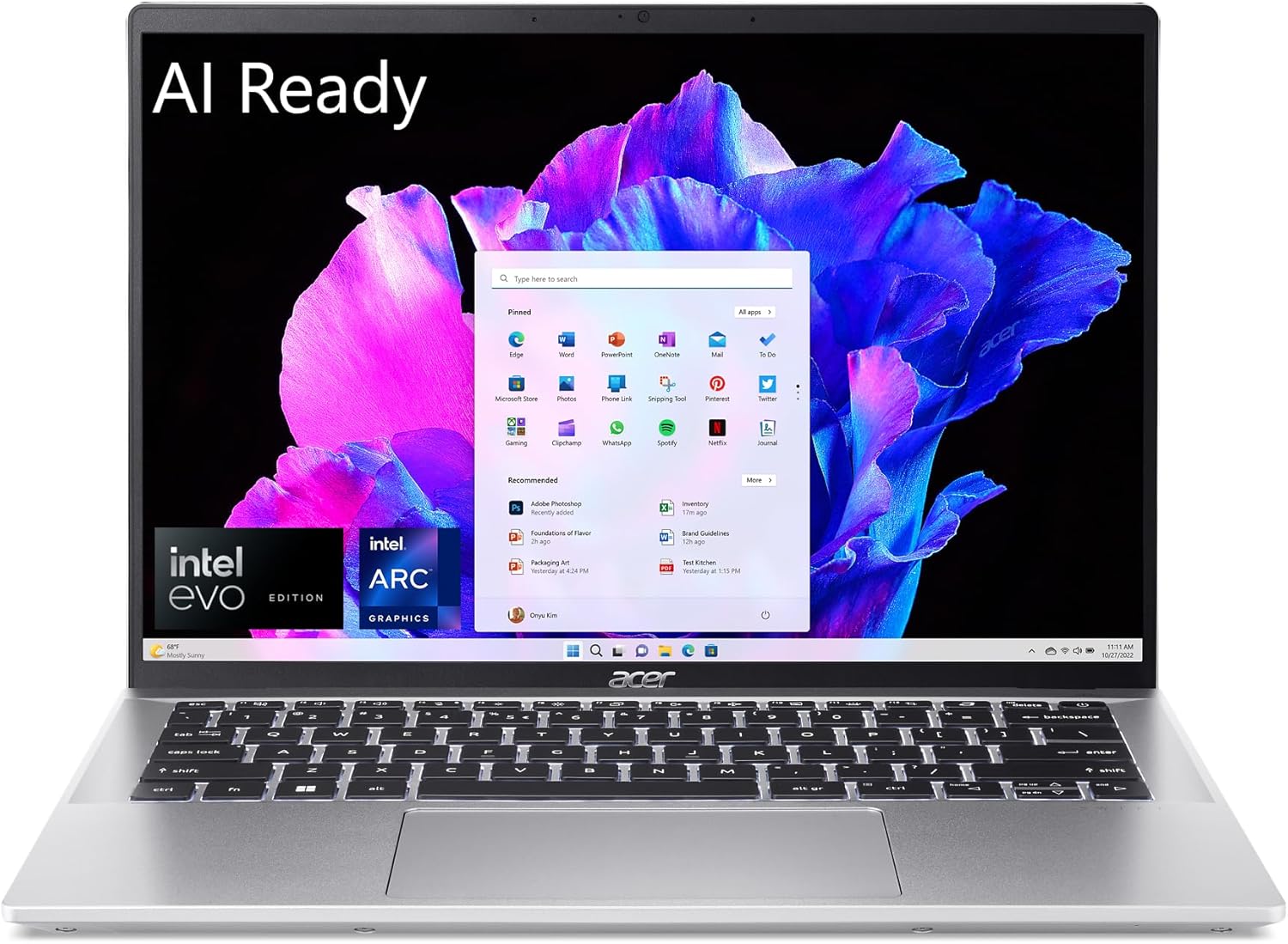
acer Swift Go 14 Intel Evo Thin & Light Laptop | 14″ 1920 x 1200 Touch Display | Unlock AI Experiences | Intel Core Ultra 7 Processor 155H | Intel ARC | 16GB LPDDR5X | 512GB SSD | SFG14-72T-718K
$810.00
Related Products

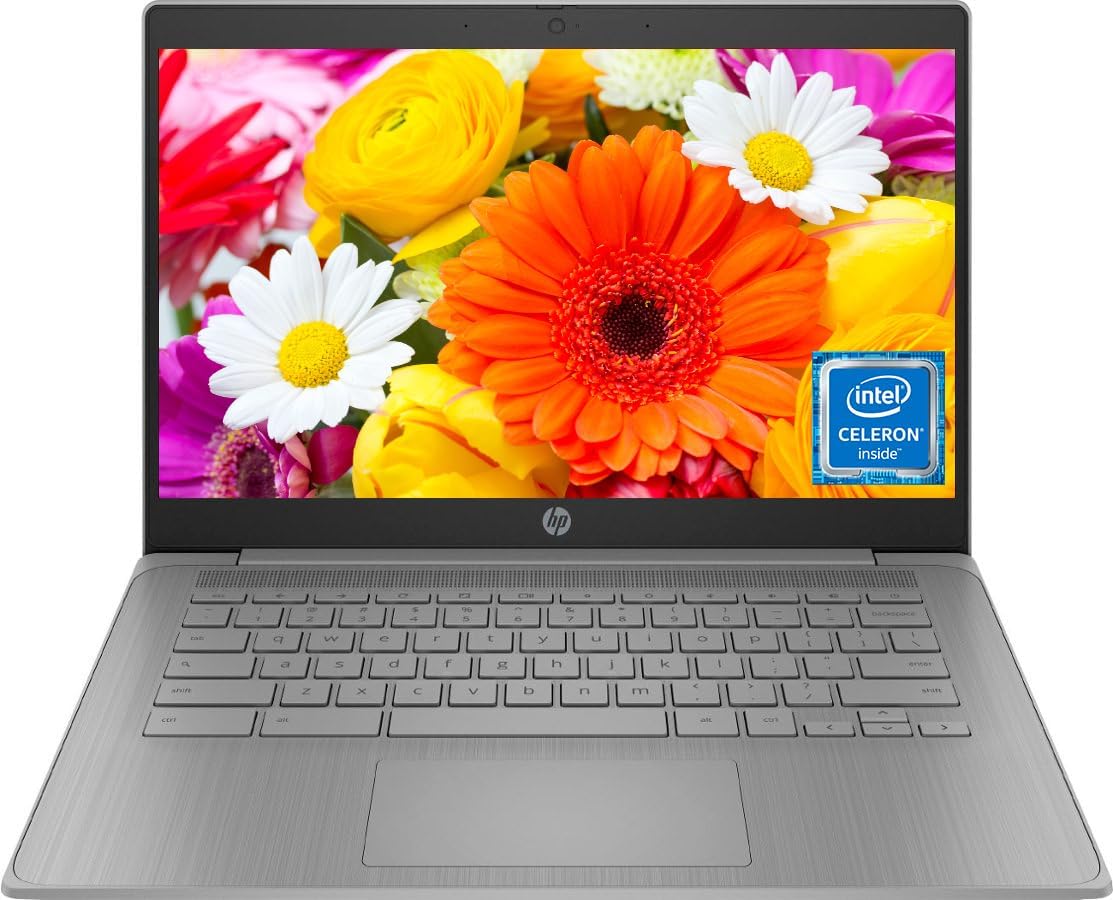


Say hi to the all-new Swift Go—your AI ready laptop featuring the latest Intel Core Ultra 7 Processor and verified as an Intel Evo Edition thin and light laptop. A visually brilliant 14″ WUXGA (1920 x 1200) 100% sRGB touchscreen display and designed in an eye-catching, thin-and-light body that’s great on the go! (NX.KR0AA.002)
Ready, Set Go!: Say hi to the all-new Swift Go—your AI ready laptop featuring the latest Intel Core Ultra 7 Processor and verified as an Intel Evo Edition thin and light with Windows 11 and Copilot for Windows 11. A visually brilliant 14″ WUXGA (1920 x 1200) 100% sRGB touch display and designed in an eye-catching, thin-and-light body with Windows 11 that’s great on the go!
Indulge Your Eyes: The Swift Go 14-inch WUXGA (1920 x 1200) IPS display with 100% sRGB offers vivid color accuracy, remarkably deep blacks, and ultra-crisp image quality and a touchscreen if you prefer to tap and swipe.
Next-Gen Performance: Featuring the next-gen Intel Core Ultra 7 processor 155H – with 16 cores and 22 threads-and dedicated Intel ARC graphics – for superior performance where you need it most.
Intelligent Assistance at Your Fingertips: Create, make, and communicate. This Windows 11 PC powered by an Intel Core Ultra processor powers the AI experiences you need with speed and ease. This Intel Evo Edition laptop is thin, light and equipped with the hardware you need to effortlessly breeze through the most demanding of tasks without a hitch.
Brand New Ways to Create: With new AI features in Windows 11 editing your stories, photos and videos gets easier. With Intel Core Ultra processors, your creative flow will never be slow. New background removal in Paint makes it easy to switch up the scene.
AI Ready for Tomorrow: Ready for the ever-evolving possibilities of AI, Swift Go integrates Intel’s new dedicated AI engine—Intel AI Boost—with Acer’s own AI solutions, featuring the dynamic AI-generated wallpaper AlterView and Copilot in Windows 11 for more intuitive and enjoyable AI experiences.
Internal Specifications: 16GB Onboard LPDDR5X Memory; 512GB PCIe Gen 4 SSD; microSD Card Reader; Killer Wireless Wi-Fi 6E AX1675 supports dual-stream Wi-Fi in the 2.4GHz, 5GHz and 6GHz bands, including 2×2 MU-MIMO Technology, Supports Bluetooth 5.3 or above, Supports Bluetooth LE Audio
Video calling has never been so good on the 1440p QHD camera—which uses Acer’s TNR (Temporal Noise Reduction) technology for high-quality imagery in low-light conditions along with Acer PurifiedVoice with AI Noise Reduction.
Acer PurifiedView combines 3 key features (Background Blur, Automatic Framing and Gaze Correction) together with advanced AI algorithms that make you look more centric and confident through e-meeting, live streaming, and video calling.
Ports: 2 – USB Type-C Ports – supporting USB4 (up to 40 Gbps), Thunderbolt 4 & USB Charging & Power Delivery (Up to 100W), 2 – USB 3.2 Gen 1 Ports (one featuring power-off charging), 1 – HDMI 2.1 with HDCP support, 1 – Headphone/Microphone-in Jack | Battery Life: Lithium-Ion Battery Supporting Fast Charging Technology, Up to 12.5 Hours Battery Life
8 reviews for acer Swift Go 14 Intel Evo Thin & Light Laptop | 14″ 1920 x 1200 Touch Display | Unlock AI Experiences | Intel Core Ultra 7 Processor 155H | Intel ARC | 16GB LPDDR5X | 512GB SSD | SFG14-72T-718K
Add a review
$810.00
ALEXANDER GIRALDO RAMIREZ –
Excelente
Excelente estado
Nick Frost –
Install stalls – can’t even begin to use computer. Microsoft OS problem – infinite loop.
Computer doesn’t compute! Microsoft OS won’t allow use.This is really probably a Microsoft (Windows 11) problem; sorry ’bout that, Acer. But, I need a computer to compute!The screen looks sharp enough, the keyboard good enough. But the process of setting up the computer leads nowhere. Microsoft requires that you set up an account. I don’t want an account with Microsoft but since it is forced upon me I guess I have to go along with it. Nothing new there.One of the attached photos shows instructions saying “once you’ve created a Microsoft account you can log in, in a different way, as a local user.” Unfortunately this point is never reached.After following the instructions for creating an account, I (repeatedly) got the message shown in the second photo. Success! I proved I was a human.After that, absolutely nothing. No “next step”, nothing more to click or enter. The computer is simply stalled. The only option is a “back arrow” and using that just takes you back to steps you already performed. I did try this – 4 times in fact. I also tried rebooting. Nothing worked.The setup process is really kind of idiot-proof; it’s not like I/you ever have any option. The only one option I had was whether to sign in with an existing Microsoft account, or create a new one.I am sorry that what seems to be a nice, sweet little computer, fairly high quality, simply cannot be made to work. The computer is no more useful than a brick.It is/was literally a waste of time. It’d be aggravating also but I actually expected something like this. Microsoft seems to make the setup process more and more restrictive and intrusive. I expected that.What I did not expect was, that once you go through the install process, the computer still does not work.Buy a different computer, save yourself the hassle and discouragement.
Gerald Beamish –
Had transfer of old to new , done by store.
Had old acer Swift #1. Windows 10. Started getting slower .not supported any more. New acer Swift 14 , windows 11. Wow . Got a lot to learn. Easy set-up. Fast. Really like.
K. Al-Akhras –
battery isssues
the main issue with this laptop is the battery , it drains very fast.
Max –
Extremely Disappointed: Laptop Failed Few Months after Purchase
I purchase this laptop (listed at pew-owned but mint condition) in late October. It worked fine and was the perfect size for what I needed, with only occasional display issues (could not alter brightness with keyboard, only upon restart).A few weeks ago, the screen stopped working entirely. The laptop still turned on, but the screen stayed black. I only know it turned on because the Windows narrator functioned and music would still automatically play on start-up. Even when hooked up with an HDMI to another monitor, nothing worked.I took it to a repair shop, who informed me it was likely a motherboard issue. And what sucks more is that they said the part was no longer being manufactured, so a replacement was either going to be impossible or very expensive.I am mostly saddened that this laptop was listed as being in “mint condition”, yet this issue arose so quickly. Very disappointed.
Peter J. –
Acer
Great computer for the money. Very satisfied.
CrowRiver Angie –
Had to set up twice, still doesn’t work
general internet reviews on this computer were good so I bought it. Set up initially went fine, but glitches were immediate. Then it froze up couple times a day. After several tries to get a hold of support at Acer, they had be do a reset. What a pain to do all that over again. The set up was different then the first time so things weren’t the way I wanted. The support agent wasn’t great. I lost a day setting up again. updating this review as the reset didn’t work. Computer is still locking up.I will return and try a Dell.
DeTrooper –
Dissapointed
Disappointed, this laptop is much heavier and smaller than my Win 10 Swift (14″). Was hoping it this swift 14 would be similar. Don’t know how well it will work for me, stand by.