
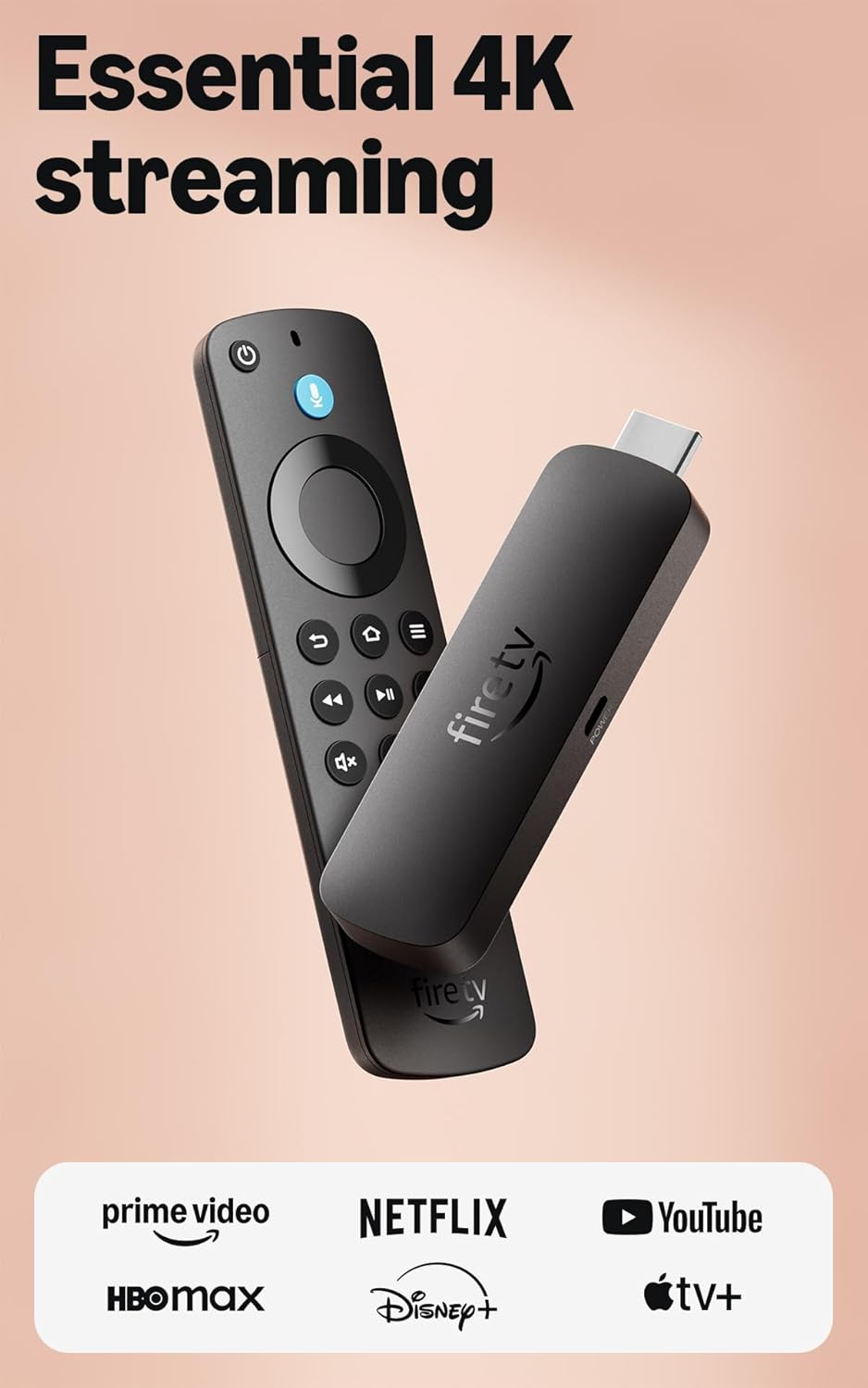
Amazon Fire TV Stick 4K Select (newest model), start streaming in 4K, AI-powered search, and free & live TV, find shows faster with Alexa+
$24.99
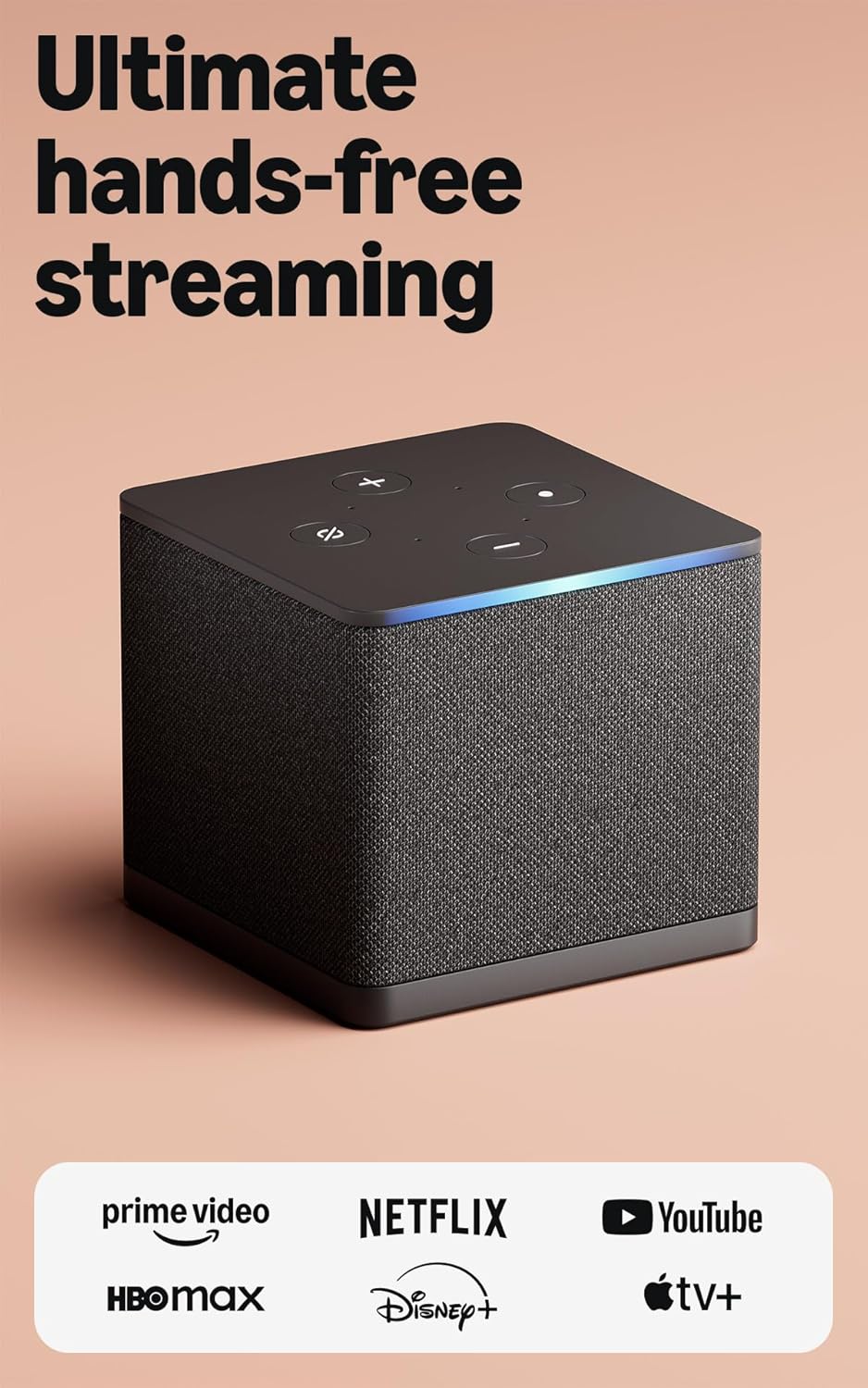
Related Products



Essential 4K streaming – Get everything you need to stream in brilliant 4K Ultra HD with High Dynamic Range 10+ (HDR10+).
Make your TV even smarter – Fire TV gives you instant access to a world of content, tailor-made recommendations, and Alexa, all backed by fast performance.
All your favorite apps in one place – Experience endless entertainment with access to Prime Video, Netflix, YouTube, Disney+, Apple TV+, HBO Max, Hulu, Peacock, Paramount+, and thousands more. Easily discover what to watch from hundreds of thousands of movies and TV episodes (subscription fees may apply), including free, ad-supported content.
Getting set up is easy – Plug in and connect to Wi-Fi for smooth streaming.
Alexa is at your fingertips – Press and ask Alexa to search and launch shows across your apps.
Find shows faster with Alexa+ – Getting to what you love has never been easier. Talk naturally to find what to watch fast, view Amazon Photos, manage your smart home, or dive into virtually any topic.
Play Xbox games, no console required – Stream Call of Duty: Black Ops 7, Hogwarts Legacy, Outer Worlds 2, Ninja Gaiden 4, and hundreds of games on your Fire TV Stick 4K Select with Xbox Game Pass via cloud gaming. Xbox Game Pass subscription and compatible controller required. Each sold separately.
Control your compatible smart home – Alexa checks the weather, dims the lights, streams music, and more.
5 reviews for Amazon Fire TV Stick 4K Select (newest model), start streaming in 4K, AI-powered search, and free & live TV, find shows faster with Alexa+
Add a review
$24.99
CHASE –
Amazon Fire TV Stick
I’ve been using the Amazon Fire TV Stick for a while now, and it’s honestly one of the best upgrades I’ve made to my home entertainment setup. The setup process was incredibly simple—just plug it into the HDMI port, connect to Wi-Fi, and you’re ready to stream within minutes. The interface is smooth and user-friendly, making it easy to navigate between apps like Netflix, Hulu, and YouTube without any issues.What really takes the experience to another level for me is how seamlessly it integrates with my Amazon Alexa device. Being able to control my TV with just my voice feels incredibly convenient and futuristic. I can say things like “Alexa, open Netflix” or “Alexa, play my favorite show,”
NorthWoods Living –
Reliable Service
Reliable function. Portable, (can take with you when traveling/visiting a VRBO, AirBNB, or in your RV).Primary use in our home. We wanted a basic operating Fire TV Stick WITHOUT Alexa features. Have not had one issue since we purchased our first Fire TV Stick years ago. Fair price, quality product, universal use, fast delivery, arrives synced to your account if you choose. A product you can count on at home, or wherever you may go. Thanks, Amazon.
Amazon_User –
Amazon Fire TV Stick 4K Select (newest model per it’s one title).
Sadly it surprised me how this performed.- Someone who’s acclimated to installing stuff like this is okay, but, for those who are not – they’ll need a friend. Many in my family would not have gotten this installed and they don’t do tech phone call well. And, so gage that for yourself.- Once it “installed” I presumed that my long standing account, as-is would be there. No!- I spent 2.5 hours attempting to guess what was up, saw parts of my account online I never knew existed, and traversed many Setup Menu items in the FireTV menu that fixed nothing (stop, clear cache, restart). The whole restart thing becoming a few x’s a day ritual is what caused this purchase – ironic. Described as may go away since “better”. No.- So, finally giving in – clicked HELP here and figured out how to fool the menu picks into “other help” needed, not listed some may relate to having to do. So, got to a Chat with CS.- As someone who’s engaged development of devices like this on global platforms I consider that Product Support IS part of the PRODUCT itself. What else would it be?What I determined is that, they knew that not all of my Apps would be visible (even visible) since not “compatible”. That means to me, they could have, (I would have as a product realization person) – Flagged the purchase to the customer that said, e.g. ? suggestion – “Some of your apps may not show up upon installation due to incompatible with the new Stick 4K operating system. They did not.I was THEN told – you don’t even see them since not compatible. WHY then, in all the other “help” where it said, “DELIVER” this to your Fire Stick did it not even then – if got that far – was not then “waiting” for “delivery”.So, then I asked, what do I do now, hold onto it and wait, return it, are we done now – what. I asked several times and got, to me, odd scripted replies. All they had to do was say, “wait, I’m checking on that for you”. So finally I was told I could return it. Well, we all know that’s an option.- So, if use Apps to see programs. Firs KNOW that you DO and those Icons are not program placeholder they are downloaded into your App Library.- If not there upon first getting into this new Stick – well, that’s it, you’re done.If told that upfront – I could have negotiated with Family that demand certain apps and be prepared, warmed up for it not being there. Some of those apps were locking up anyway, unstable and so would likely be good as gone anyway.But, as this went yesterday, omg – I was taking a beating and they wanted it removed and the old stick put back. 🙂 Uhhh, no good deed goes unpunished it seems.So, there you go. It may be an old adage of “release then test” or, who knows. However, the CS rep “felt” like they knew which was encouraging to me, not a negative. I feel there were still options to resolve it better then proceeded during the return process. But, it is what it is.I hope that informs folks and helps since is presently being advertised at special deal prices and many like me may order it and be into half a day of installing what should take no more than 20 mins +-.
Whoknowes –
Great device for older TV’s, keeps them with all the smart options newer TV’s have built in.
This is my 6th or 7th Firestick over the years, this one is 4K, but also works in 1080 HD for an older tv in the garage. Most people know what these look like and if not the picture in the listing is accurate. It comes with the Firestick a usb power cable and the power brick to supply power to the Firestick. Super easy to install, Easy to add your own app to the menu. Connects to your wifi quickly so the set up doesnt take too long. All of the controls for the Firestick and most for the TV are on the remote the Firestick comes with there are many options like everything now days, you can configure your setup on the tv how you like with many options for apps and channels to watch. Storage capacity for other apps is good, not sure what the memory capacity is, but I’ve never had one tell me it was full or to check storage. Rarely have any issues with the device either, they always work as expected, buffer rarely so the stability and usability of the device is strong.
Andrew cpt.morgan –
Easy 4K Streaming Upgrade with Smooth Performance
The Fire TV Stick 4K Select is a simple and effective way to upgrade any TV into a full streaming hub. Setup takes only a few minutes, and the interface is easy to navigate even for people who aren’t very tech-savvy. Streaming in 4K looks sharp and smooth, and apps like Netflix, Prime Video, YouTube, and others load quickly without noticeable lag.The AI-powered search feature is helpful for finding shows across multiple platforms, and the included voice remote makes browsing much faster than typing everything manually. It also offers access to plenty of free and live TV options, which is a nice bonus. Overall, it’s a reliable and affordable streaming device that delivers strong performance for everyday use.