
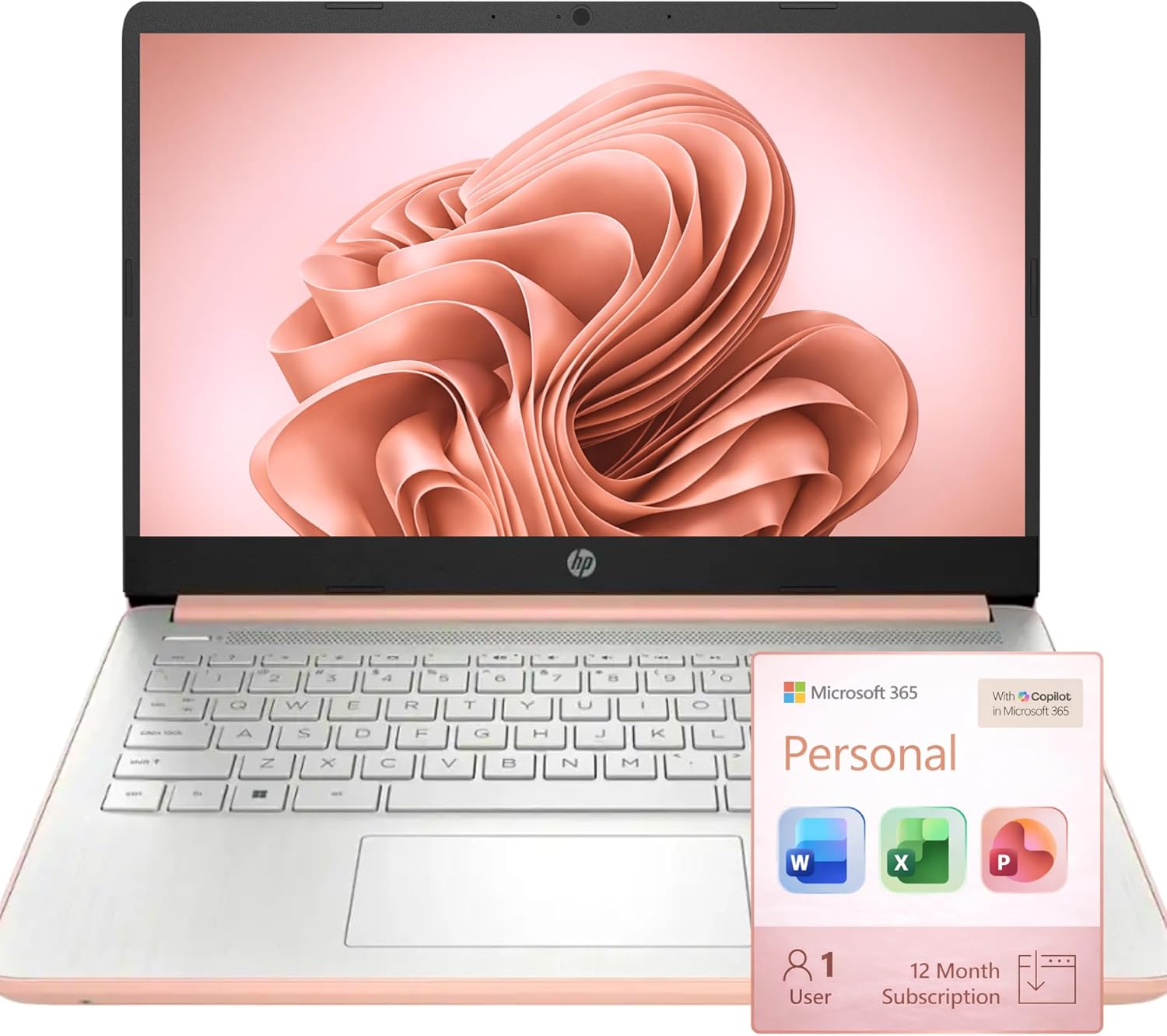
HP Ultrabook Laptop, 8GB RAM, 64GB SSD, Microsoft 365, Intel 2-Core | Fast, Smart, Budget-Friendly, AI-Ready Essential no Mouse, Rose Gold
$299.99
Related Products







Switching out of S mode in Windows 11 in S mode is designed for security and performance, exclusively running apps from the Microsoft Store. If you want to install an app that isn’t available in the Microsoft Store, you’ll need to switch out of S mode 1. On your PC running Windows 11 in S mode, open Settings > System > Activation. 2. In the Switch to Windows 11 Pro section, select Go to the Store. (If you also see an “Upgrade your edition of Windows” section, be careful not to click the “Go to the Store” link that appears there.) 3. On the Switch out of S mode (or similar) page that appears in the Microsoft Store, select the Get button. After you see a confirmation message on the page, you’ll be able to install apps from outside of the Microsoft Store. HP 14 inch Laptop for Business and Student: Sleek design: Easily take this thin and light PC from room to room or on the road Dual array microphones: With two microphones and advanced noise reduction software, you’ll always sound crystal clear when you video chat or record Display: 14.0-inch diagonal, HD (1366 x 768), micro-edge, BrightView Processor: Intel Celeron N100, 4 Cores & 4 Threads Graphics: Intel UHD Graphics 600 Operating System: Windows 11 Home in S mode HP Fast Charge: Go from 0 to 50% charge in approximately 45 minutes Battery Life: Up to 11 hours and 30 minutes (video playback); Up to 9 hours (wireless streaming) Webcam: HP True Vision 720p HD camera with integrated dual array digital microphones Connectivity: 802.11a/b/g/n/ac (2×2)(19a) Wi-Fi and Bluetooth combo Dimensions: 12.76 x 8.86 x 0.71 inches Weight: 3.24 lbs
【Make the most out of your 365】Bring your ideas to life.Your creativity now gets a boost with Microsoft 365. Office – Word, Excel, and Power Point – now includes smart assistance features that help make your writing more readable, your data clearer and your presentations more visually powerful. 1 -Year subscription included.
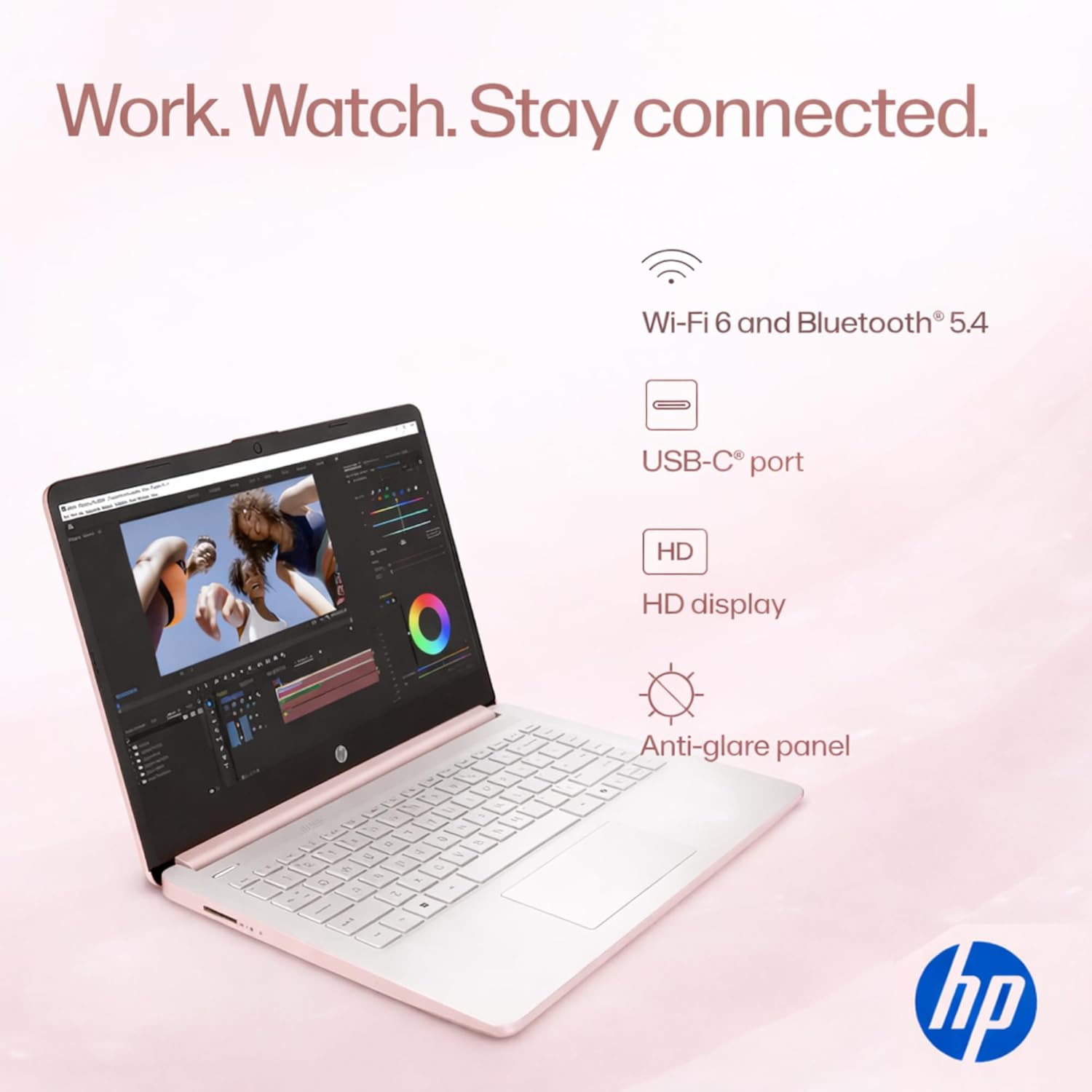
【14″ HD Display 14 inch diagonal, HD (1366 x 768), micro-edge, BrightView. With virtually no bezel encircling the display, an ultra-wide viewing experience provides for seamless multi-monitor set-ups
【Processor & Graphics】Intel Celeron N4500, 2 Cores & 4 Threads, 1.10 GHz Base Frequency, Up to 2.60 GHz Burst Frequency, 4 MB Cahce, Intel UHD Graphics 600, Handle multitasking reliably with the perfect combination of performance, power consumption, and value
【Ports】1 x USB 3.1 Type-C ports, 2 x USB 3.1 Type-A ports, 1 x HDMI, 1 x Headphone/Microphone Combo Jack
【Windows 11 Home in S mode】You may switch to regular windows 11: Press “Start button” bottom left of the screen; Select “Settings” icon above “power” icon;Select “Activation”, then Go to Store; Select Get option under “Switch out of S mode”; Hit Install. (If you also see an “Upgrade your edition of Windows” section, be careful not to click the “Go to the Store” link that appears there.)
8 reviews for HP Ultrabook Laptop, 8GB RAM, 64GB SSD, Microsoft 365, Intel 2-Core | Fast, Smart, Budget-Friendly, AI-Ready Essential no Mouse, Rose Gold
Add a review
$299.99
DALE F KASHAKITIS –
HP Laptop
Good quality HP laptop for a great price.
Mesang Clayborne –
Misleading Specs: This Laptop Cannot Run Modern Software
I bought this laptop because the listing made it sound fast, modern, and “AI‑ready,” but the internal hardware tells a very different story. Even though it’s a brand new device, the processor inside (Intel Celeron N4500) is extremely outdated and underpowered. This CPU does not support AVX2, which is a basic requirement for many modern creative and productivity apps. Because of that, several essential programs simply will not install at all.Despite the listing advertising “8GB RAM,” “fast performance,” and “smart features,” the laptop has been slow from day one. Basic tasks lag, and anything beyond web browsing becomes frustrating. None of the software I actually needed for my business could run, including video editing tools, creative apps, and even some standard utilities.On top of that, the system made it unusually difficult to install simple programs like Google Chrome. For the price, this level of performance is unacceptable, and the product description feels misleading. A laptop can be newly manufactured, but if it uses an old, low‑end processor, it will not perform like a modern machine. If you need a laptop for anything beyond basic browsing or email, I strongly recommend choosing a different model. This one is not worth the cost.
Cheyenne Sumner –
Perfect for school, would definitely buy again!
The computer came quick, and just as expected. It works well and has wonderful battery life, as well as a great amount of storage, especially for the price.
TS1 –
Nice HP
The shipper sent this super fast! Nicely packaged and good value. The laptop was very nice, pretty color. I returned it but it was just not for me as far as keyboard and a bit slower than I wanted. It would be nice for a student, perfect size to tote around.
Dewey –
Great laptop even better price
My wife loves her new HP ultra book laptop. The battery holds a charge for a long time, it was easy to set up and use.
TONY G. –
Good laptop just needs to be updated correctly
The laptop was received in amazing condition, but when trying to get through the sign in process the laptop continued to restart itself. I purchased the asurcion warranty and I reached out to them 2 times and both times the laptop kept restarting and the last agent recommended that I return the laptop
Samantha Beall –
Wrong color
I received two white laptops vs the two rose gold I ordered, but they seem to work great… and color wasn’t important to me. So, I’m gonna give it two just to be generous.
Jerry Bryant Jr –
Great for the value
She loves it works perfectly for her and her business