
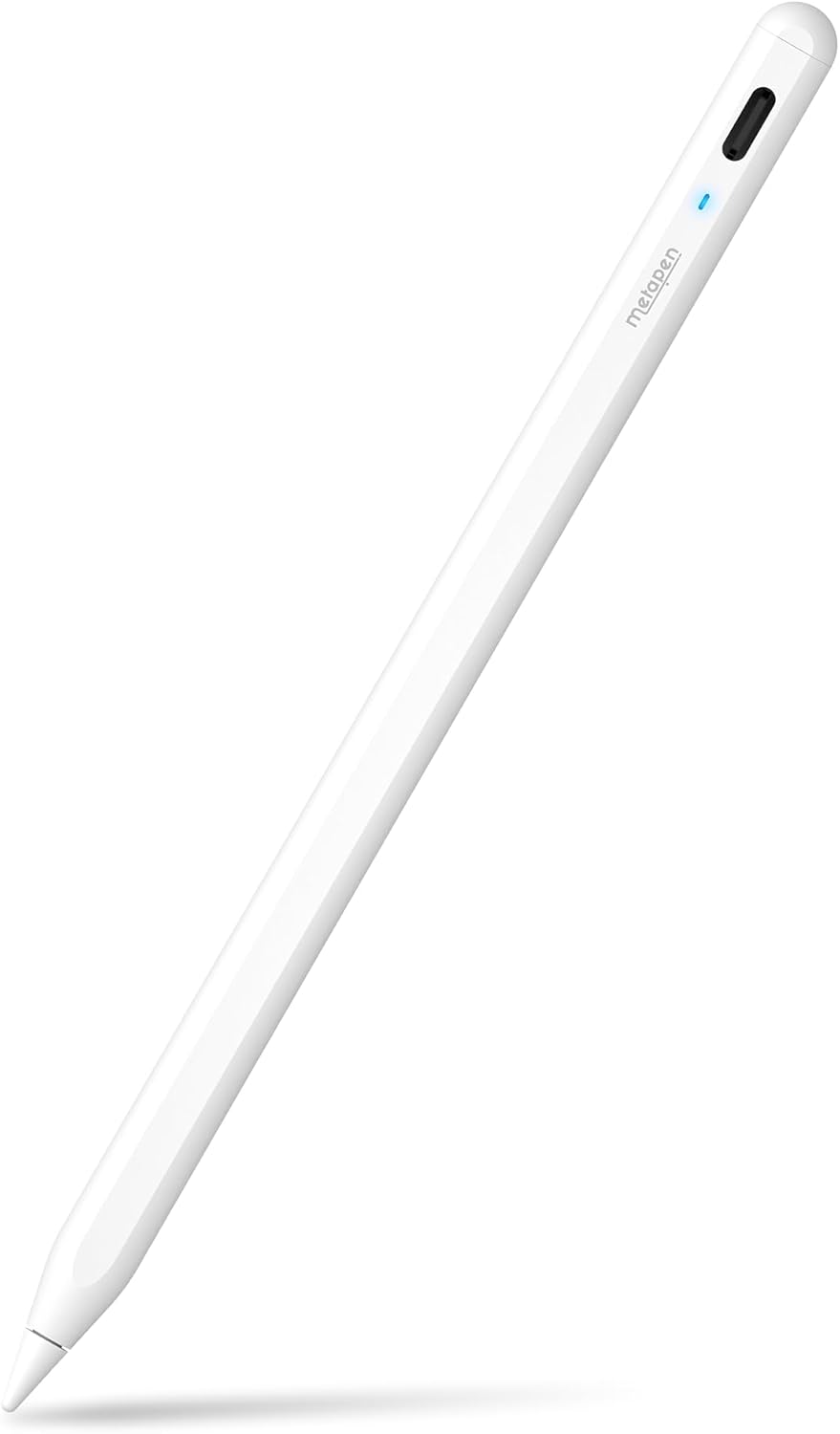
Metapen A8 iPad Pencil for Apple iPad 2018-2026, 4Min Fast Charge,Magnetic Attachment Stylus Pen for iPad 11/10/9/8/7/6th Gen, iPad Accessories for Pro 12.9/11/13-inch M4, Air 3/4/5/M2/M3, Mini 5/6th
$14.99
Related Products


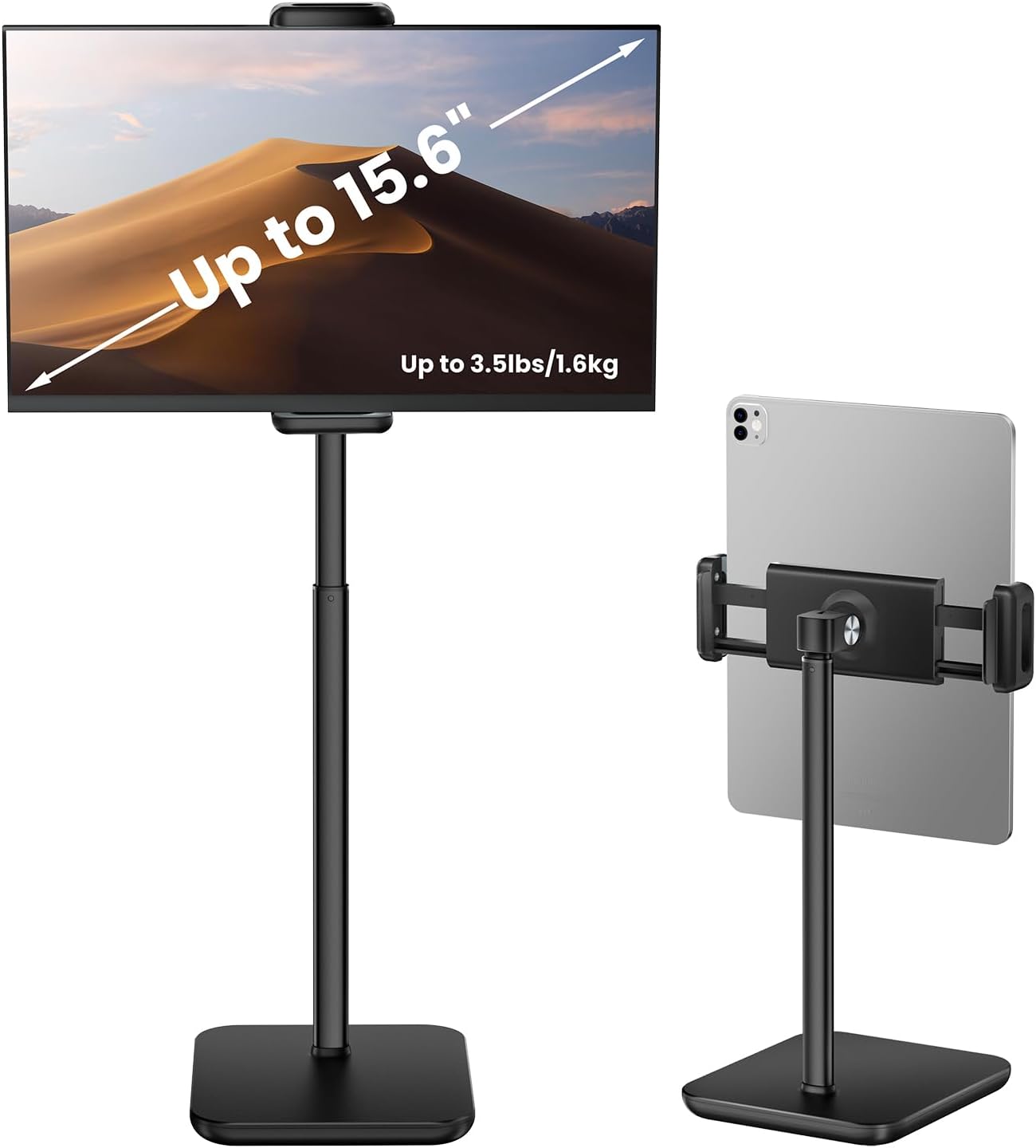






From the brand

Choose your favorite pen!


Metapen iPad Pencils
Surface Pen & USI Pen
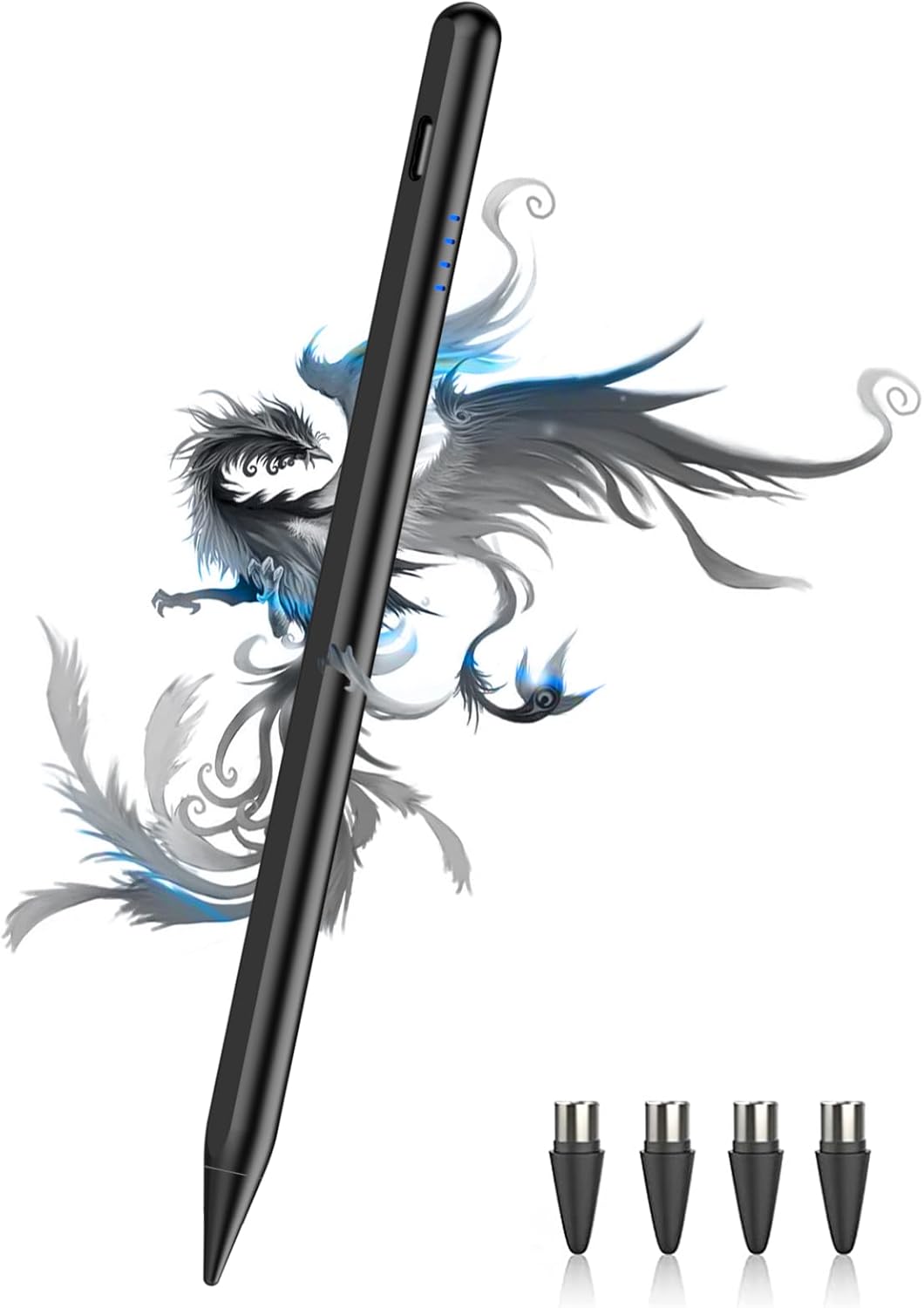
Metapen Tips



Metapen with first-rate devs, key labs and service teams gives you peace of mind.
【0.1 mm Pixel Precise Without Delay】: The upgraded smart chip delivers pixel-level accuracy of 0.1 mm with high responsiveness, no breakpoints, and no delays. You can enjoy writing small words and drawing fine lines with ease, just like using a real pencil! NOTE: The iPad stylus does not support pressure sensitivity
【2X Faster Charge】: Metapen Pencil A8 fully charges in just 30 minutes via USB-C and lasts up to 10 hours. 1-min charge = 50-min use; 4 min fast charge = 2 hour use. The LED indicator displays different colors based on battery level, reminding you to recharge in time. It automatically shuts down after 5 minutes of inactivity for better energy efficiency
【More Durable Tips】: Made of high-quality polymer, the Metapen’s tips pass a 20 km durability test—2X more durable than original iPencil tips(NOTE:The package comes with two nibs, one already installed and one as a spare). Their internal structure remains intact even after 3,000 impacts. Each Metapen A8 pen comes with two extra replaceable tips , saving costs for frequent users
【Tilt-sensitive and Palm Rejection】: Different tilt angles create varying lines and shadows. Tilt for the shadow in [Pencil Brush] or tilt for thicker lines in [Marker brush]. Our iPad stylus supports Palm Rejection, so no need for a glove. You can rest your palm or fingers on the screen during sketching, drawing, or writing
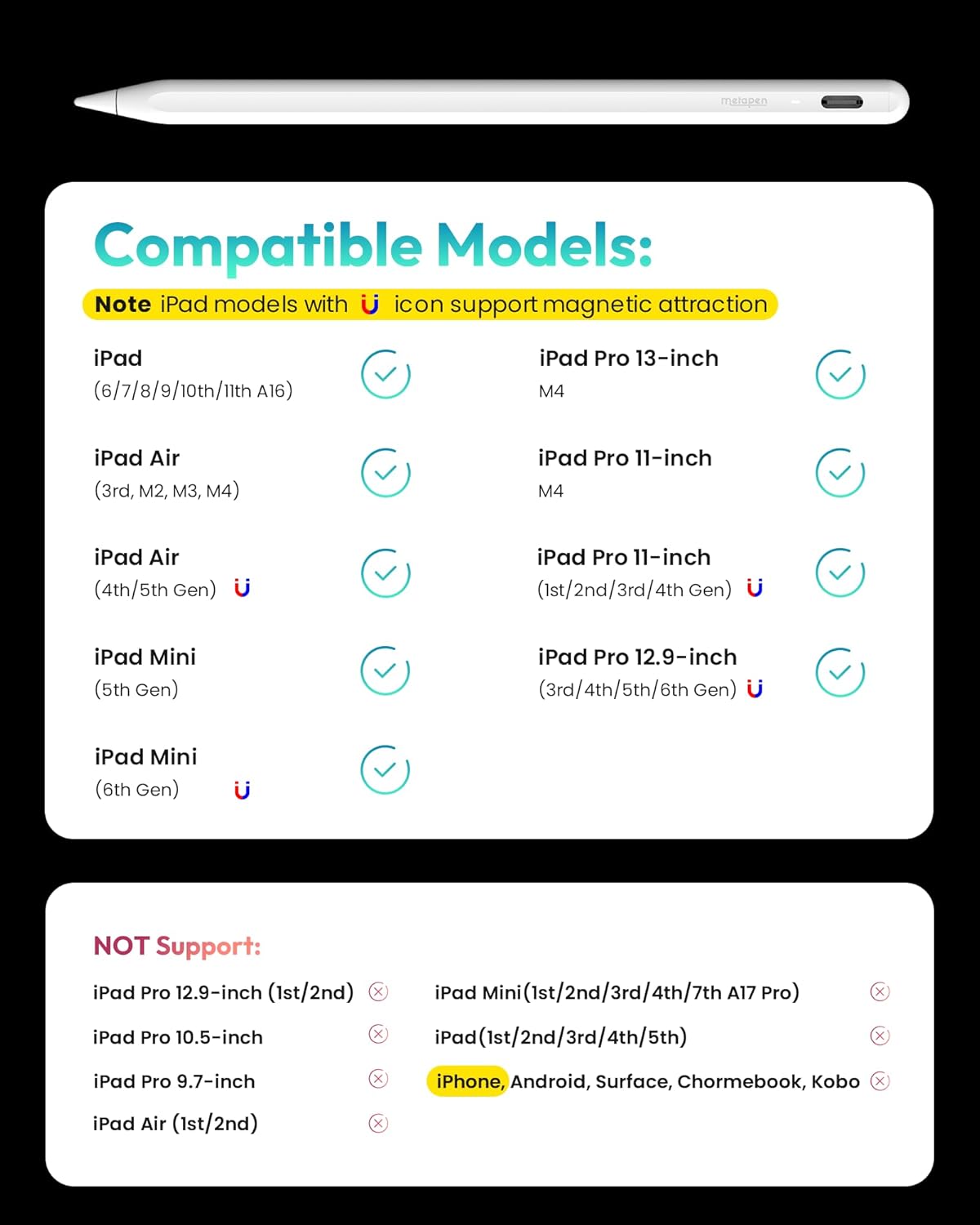
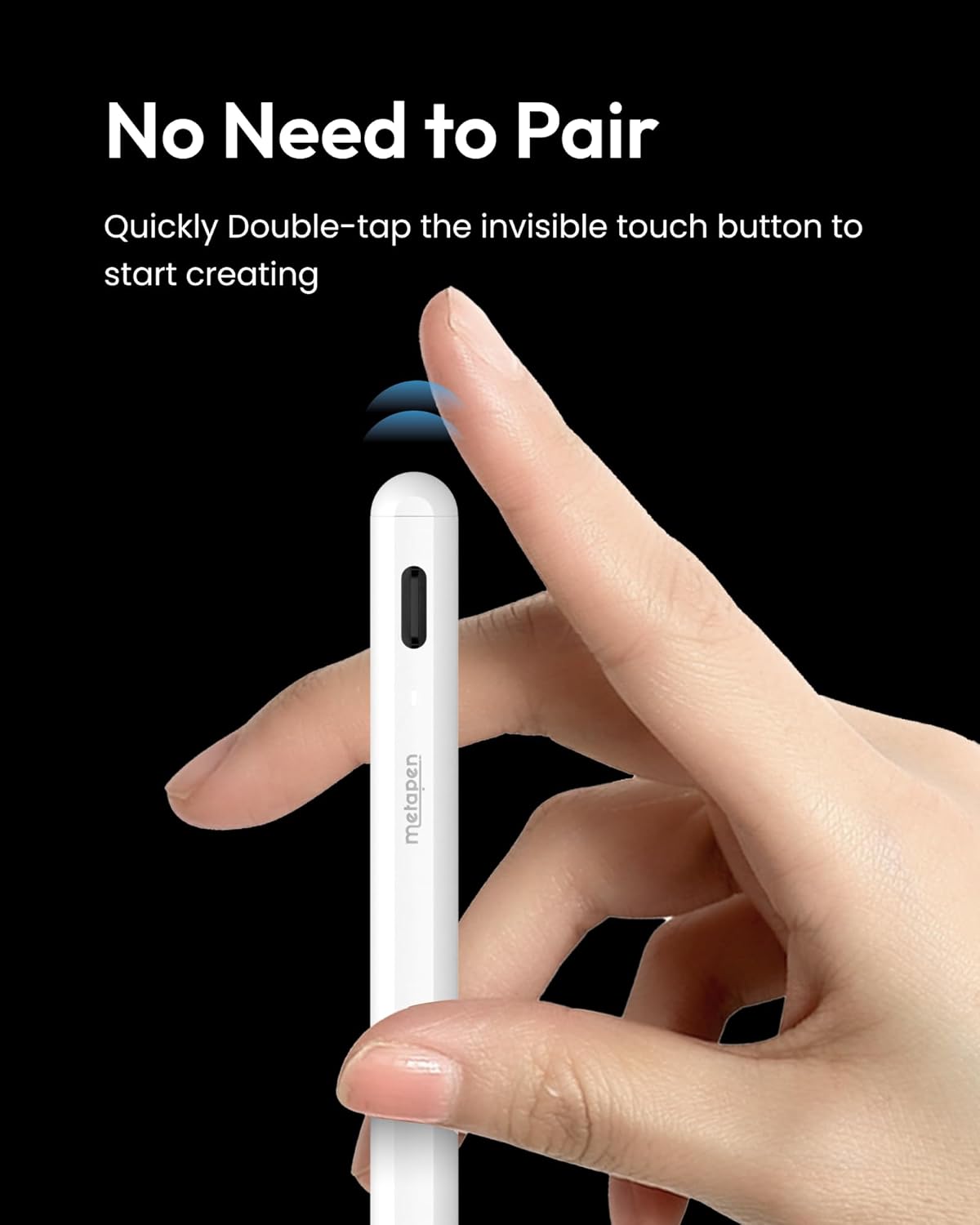
【Quick Connect and Double Magnets】: No need to connect via Bluetooth or apps. Simply double-tap the invisible touch switch on the rounded end of A8 to power ON/OFF. With two built-in magnets, the Metapen iPad Pen securely attaches to your iPad anytime, no more rolling away or getting lost. (NOTE: Wireless Charging is NOT Supported. NO magnetic attachment for iPad Air 3rd/M2/M3 Gen, iPad 6th/7th/8th/9th/10th/11th Gen, iPad mini 5th/7th, iPad Pro M4)
【Make Sure Your iPad Model is Compatible】: Metapen Pencil A8 is ONLY compatible with the iPad models 2018-2026: iPad 11/10/9/8/7/6 Gen, iPad Pro 13-inch M4, iPad Pro 11-inch 1/2/3/4/M4, iPad Air 3/4/5/M2/M3, iPad Pro 12.9-inch 3/4/5/6 Gen, iPad Mini 5/6 Gen. NOTE: The Pencil A8 is NOT compatible with iPads before 2018, iPhone, Android or Microsoft devices. Please check your iPad model before ordering
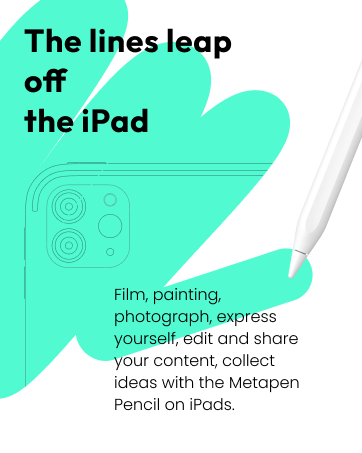
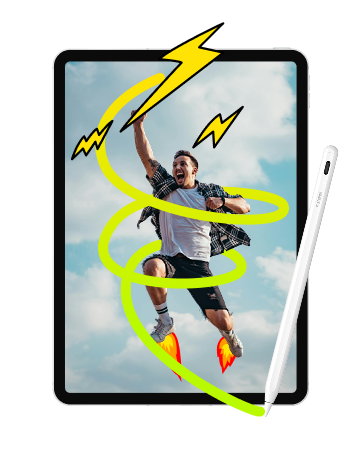
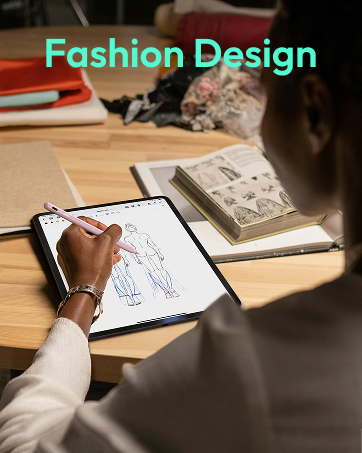
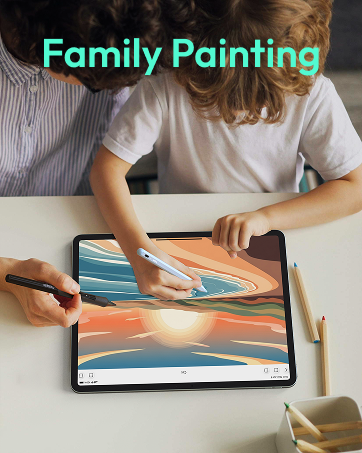
【All-powerful Assistant】: Pencil A8 uses the latest technology to accurately capture your every stroke, perfect for study, work, note-taking, drawing, sketching, designing, and video editing. Like the original iPencil, it works with iPad for smart graffiti (auto-converting rough sketches into regular shapes) and double-click on the lock screen for quick notes. It is a reliable partner for children, college students, engineers, artists, and anyone who uses iPad for digital creation
【Warring & Safe Charging】:Only use certified charging adapters and cables. Do not charge the iPad Stylus for extended periods (e.g., overnight). Keep away from high temperature and High-humidity environments when placing or using this iPad pencil. Do not disassemble or modify the stylus. If the iPad pen overheats, swells, or emits odor, stop using immediately.
11 reviews for Metapen A8 iPad Pencil for Apple iPad 2018-2026, 4Min Fast Charge,Magnetic Attachment Stylus Pen for iPad 11/10/9/8/7/6th Gen, iPad Accessories for Pro 12.9/11/13-inch M4, Air 3/4/5/M2/M3, Mini 5/6th
Add a review
$14.99
Ash –
This is Your New Pencil!!!
This pencil is amazing – never going back to Apple Pencils. Honestly more reliable than my Apple Pencil ever was.Connectivity: Just turn it on and start using it. No troubleshooting, no pairing issues.Power: The double tap on the “eraser end” to turn it on/off works perfectly every time.Charging: USB-C charging is super fast and no parts to deal with while charging.Battery Indicator: The light indicator is really useful to know when it’s on and to keep track of charge.Feel: Feels great in hand, not slippery, and looks clean.Performance: Writing and drawing are very precise with no lag, and tilt works great.Even if this product had a shorter lifespan, I wouldn’t care – it performs better, costs less, and is way more practical.
Hayley Rae –
Better than the real thing!
My old Apple Pencil unfortunately isn’t compatible with my new iPad so I decided to try this pencil out before splurging on a new Apple one.I was so shocked at how easy this pencil is to use. You just double tap to turn it on and it’s ready to go. No need to pair it or anything. It’s like magic! In my opinion, it’s easier to use than the official Apple one.I charged it once and I haven’t had to charge it again and I’ve been using it all week. The battery is amazing!I’ve used it for note taking, drawing, and playing games and so far it has worked great for everything.I highly recommend buying this product! Don’t spend unnecessary money on the Apple one!
Jennifer –
The battery life is quite good and it charges easily, which is very convenient
Love this iPad pencil, It works very accurately and responds quickly on the screen, which makes writing and drawing very smooth. It’s comfortable to hold, even during long use, and feels lightweight but still good quality. I’ve used it for taking notes, making annotations, and drawing, and it performs really well in all situations.
Jon N. –
A simple, cheap stylus that works fine
This pencil is pretty decent! It feels good in the hand, charges quickly, and keeps a charge for a long time. I have had no issues with the precision – it seems to be very accurate and works well with my base model A16 ipad. I’m not a procreate user and pretty much just use it as a standard stylus during regular tablet use, so I can’t speak on tilt, palm rejection, pressure sensitivity, or anything fancy that the name brand apple pencil does. If you just like the feel of a stylus while using a tablet, this is a really good option.It’s super easy to use – you don’t even need to pair it or anything. Two taps on the end turns it on and off, which you can see from an LED. The LED is super bright and mildly annoying if you’re using it in the dark, but it’s a very minor gripe.My biggest complaint with it is the magnets – the magnets on the side are really weak when trying to magnetize it to the ones on the side of my base model ipad. I don’t use a case either, so I just have to kind of keep it loose nearby and hope I don’t lose it (even though I inevitably will)If you’re just wanting a regular stylus for standard use or you’re testing the waters to see if you like the experience, this is a great entry point. I fully plan to eventually buy a logitech crayon or name brand apple pencil, but if you don’t want to go all in right out of the gate, this is a very good option.Update – a few months later, I received an official Apple Pencil as a gift, and the difference is seriously night and day. I dinged it one star because it’s significantly worse than the real deal, but it’s also a fraction of the cost.
Customer ^•_._•^ ≈ –
Metapen has blown away the Apple Pencil
I do not have a bad word to say about this pen. I used an Apple Pencil for about two years before switching to Metapen instead because Apple Pencil broke and the transition was absolutely seamless, if not better.First off, connecting the Metapen is a breeze. All you have to do is double tap the top of the pen and it’s immediately turned on. With the Apple Pencil, I usually had to plug it into my iPad before it would even be connected. Metapen connects much easier than Apple Pencil.As for quality of writing and drawing, there is not a clear winner, but multiple pros and cons. Apple Pencil adjusts better to tilting the pen, so if you’re writing on the side of the pen to increase line size (I mostly use the pencil for art), Apple is more sensitive to slant. Metapen, however, certainly reacts better to pressure. Apple can be wildly inconsistent with line size and pressure, whereas Metapen is more consistent with line size. Overall, there is not a difference in the writing and drawing functionality, and Metapen does the same things as Apple Pencil for much less money.As for durability, that is no contest- Metapen wins. My Apple Pencil was literally shattered by the time I had to stop using it- it had electrical tape on it and Silly Putty holding the tip on. It broke way too often. I dropped it once and the cap on the charger was immediately fractured. The Metapen does not break, however. It has been trapped under books, bags, water bottles, you name it, and it’s still kicking just fine. Metapen is much more durable than Apple Pencil, if only for the fact that I don’t have to watch it like a newborn the way I did with my Apple Pencil.As for charging and battery life, Metapen has its pros and cons. Battery life of the pencil is about as long as the Apple Pencil’s, if not a bit shorter. I could often get a week or so out of my Apple Pencil, where I get 4-5 days from the Metapen. That said, with the amount you’re paying for the Metapen as opposed to what you pay for an Apple Pencil, there’s an obvious choice. I spend a lot of time with my pencil writing and drawing as well, so I probably use the pencil more than the average user. Additionally, the Metapen recharges faster than the Apple Pencil, and you don’t have to stop using your whole device for it to recharge. You can just plug it into a cord instead of inserting the pencil into the device like you’re broadcasting to outer space.It is also easy to see how much battery you have with the Metapen. With the Apple Pencil you can see the exact percentage, but the Metapen has a small light that changes color depending on how much battery your pencil has left. I have found this feature to be quite helpful.The overall pick? Easily Metapen. I have not noticed any cons that I’d trade for an Apple Pencil for, and the value was much more worth it. Don’t blow your money on a fancy stylus from Apple, give your $14 to Metapen and move on. The Metapen is just as effective and even more functional.
Rosmery Roxana Suarez –
Overall, it is a good quality product for the price.
One of the things I like most is that it is very easy to use: you don’t need Bluetooth or complicated settings—you just turn it on, and it starts working. Plus, it features palm rejection and tilt sensitivity, which greatly enhances the experience when writing or drawing.
luis heredia gonzalez –
I’m giving it 5 stars because the pencil works perfectly with my iPad. The connection was quick, it responds very well when writing or drawing, and the precision is excellent. The battery life is also very good, so it can be used for quite a long time without any issues.But what I would especially like to highlight is the customer service from Metapen, which was truly excellent. They were very attentive, responded quickly to my questions, and made sure everything was working properly. It’s really appreciated when a brand stands behind its product with such efficient customer support.Overall, I’m very satisfied with this purchase and I would definitely recommend it.
Adeana –
I’m really impressed with this iPad pen. Even though it’s not an Apple Pencil, it works amazingly well and does everything I need it to do for work.It’s very responsive and smooth to use, whether I’m writing, navigating, or working on different tasks on my iPad. I also like that it comes with different tips, which is really convenient and makes it easy to switch them out when needed.The battery life is another big plus. It lasts a long time between charges, so I’m not constantly worrying about it dying while I’m using it. Overall, it’s a great alternative if you want a reliable iPad pen without paying the higher price for the Apple one.
Lynda Aitmohand –
I loved the pen performance and quality so when my child lost his , which is very normal for him, I ordered the exact same one.The pen connects straight out of the box once turned on with the 2 taps . Also is chargeable and so affordable. Can’t justify buying the Apple one
Andrea –
I bought his pen back in March for my IPad (10th gen) and kept it for quite some months. I did not really use it that much until two months, but when I did, it had some problems. Every time it would work discretely but also either make —- lines or not write anything at all. Every time I had to go back to the part and write the text again. I did not do much about it for a while.Last month I contacted the Costumer Service via the WhatsApp number they have on their website. I explained the problems the pen had and they were quite friendly. They gave me the option to either 1) get a full refund or 2) get a new pen, because it seemed that the tip was defective. I chose the latter, as I needed the pen at that point. They asked me to send my info for the new order through Amazon, and then they shipped it! I did not have to send the defective one back or pay additional money for the new one.It arrived after a couple of days. I have been using it since then (about a month). It works perfectly! I have no problem that I previously had with the written lines, and the battery lasts quite some time. As you might read in the description, it shows different colours for how charged it is, but it also shows a red light when it is being charged and when it is completely charged it turns white. The charge does not take long (about 30 minutes for a full one, but you can leave it charging for 10 minutes to use it for a couple of hours). I have not seen a decrease in performance for the past month and also for the battery.The package is not really high quality (at least font and colours wise), and the plastic where the pen is on is also quite cheap, but other than these things, the pen feels and looks high quality. I also really like the fact that you can choose many different colours. I personally chose the purple one.The little cover for the USB-C charging port is quite useless for me as it’s too bulky for my IPad cover.
ANDERSON RANGEL DOS SANTOS BEZERRA –
Caneta que funciona super bem. Estou gostando.