

TCL NXTPAPER 11 Plus Android Tablet, 11.5″ 120Hz 2.2K Drawing Pad & Digital Notebook, 4096-Level Stylus & Flip Case Included, NXTPAPER 4.0 Display, AI Tools, 8+8GB RAM, 256GB Storage, 8000mAh Battery
$259.99
Related Products







From the brand

About Us
Founded in 1981, TCL is a global tech brand known for innovation and user care. Our NXTPAPER display technology offers vivid colors with low blue light and zero flicker—bringing comfort to your eyes without sacrificing clarity. From smartphones to tablets, TCL helps you see smarter, live better.
TCL Tablet Series
Phone / Tablet / Accessories

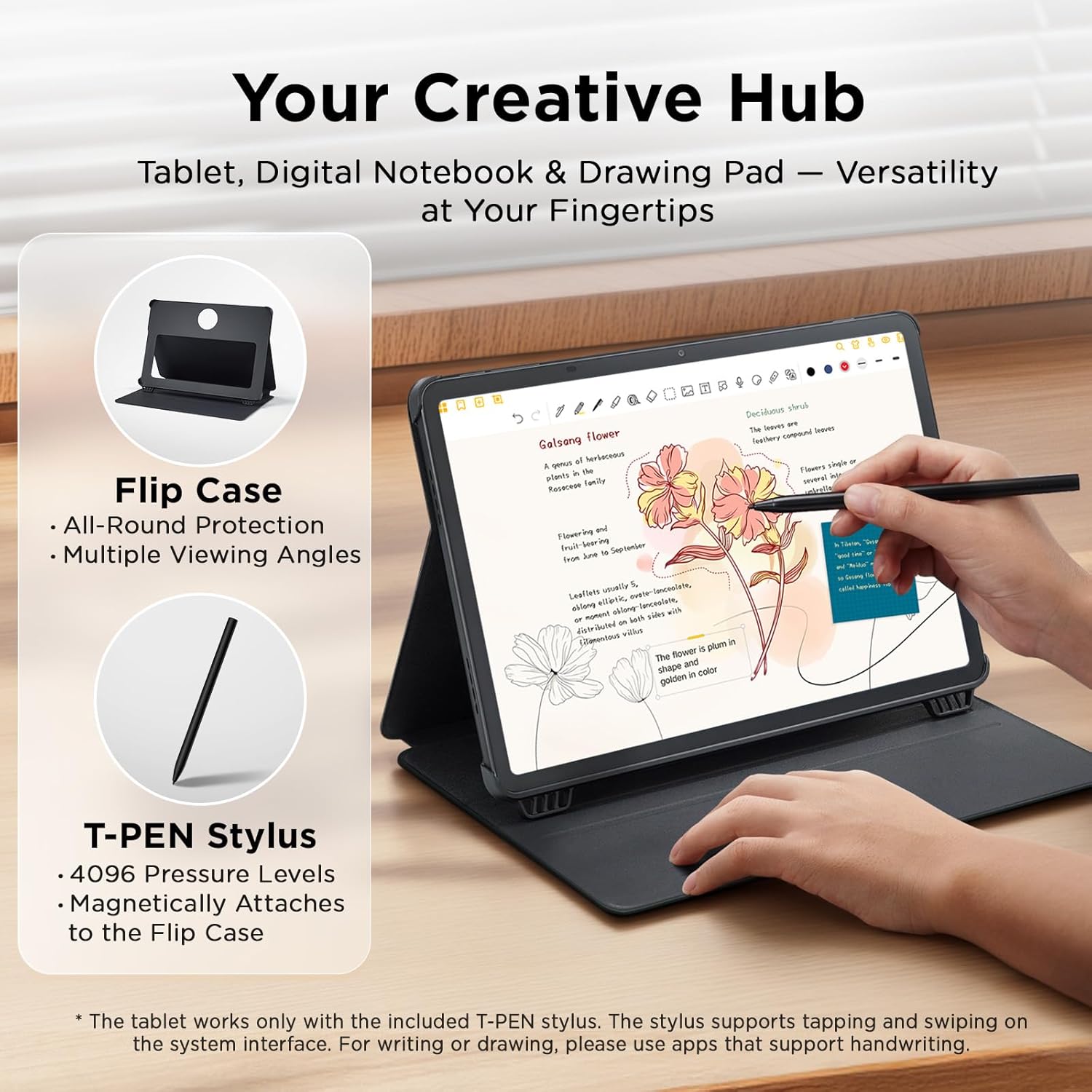
Tablet, Drawing Pad, and Digital Notebook — All in One: Designed for artists, students, professionals, and entertainment users, the TCL NXTPAPER 11 Plus seamlessly fits into your daily routine. Equipped with an 11.5″ 120Hz 2.2K display, it delivers smooth visuals and crisp clarity, while the TCL T-PEN stylus with 4096 pressure levels ensures precise and natural input for writing, sketching, or note-taking
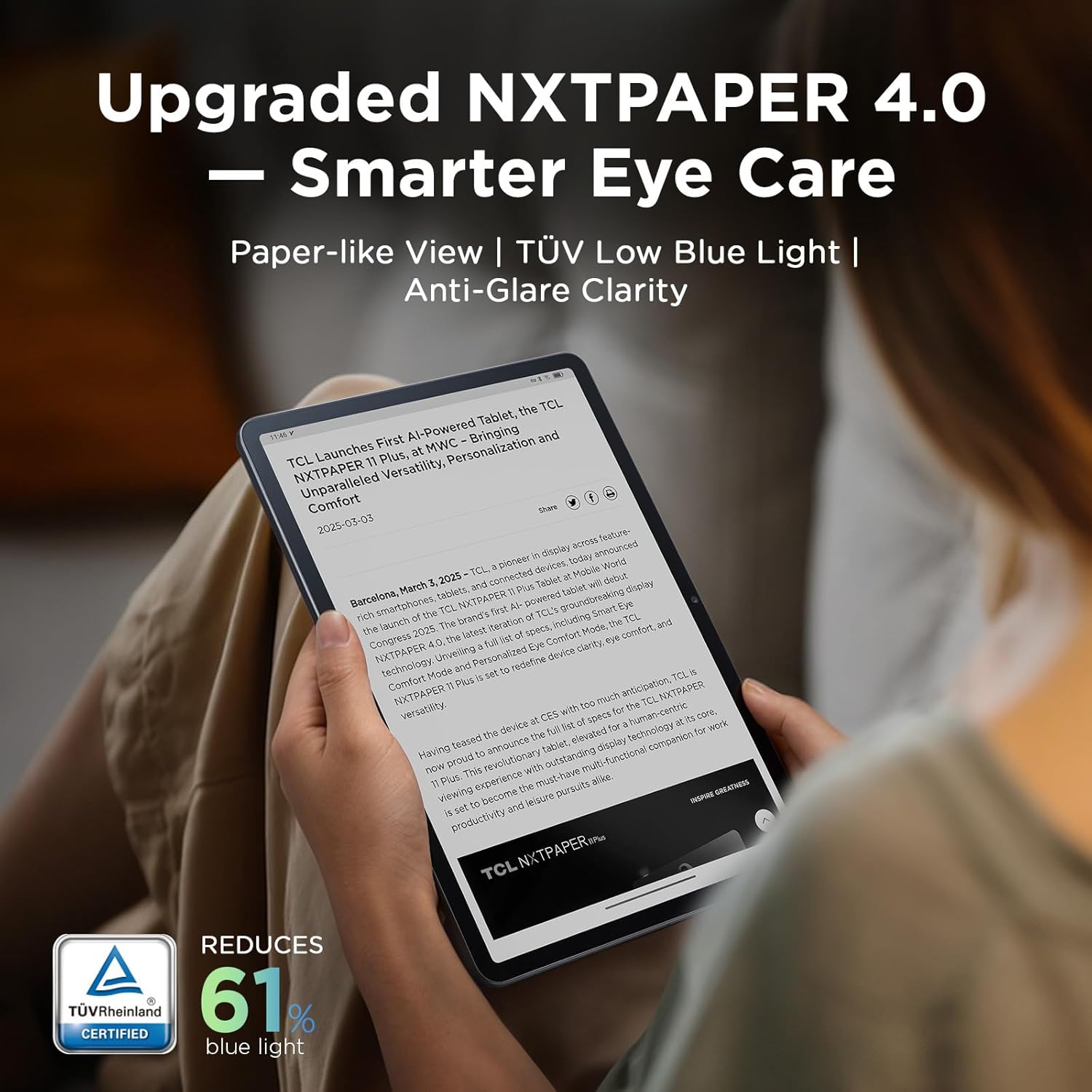
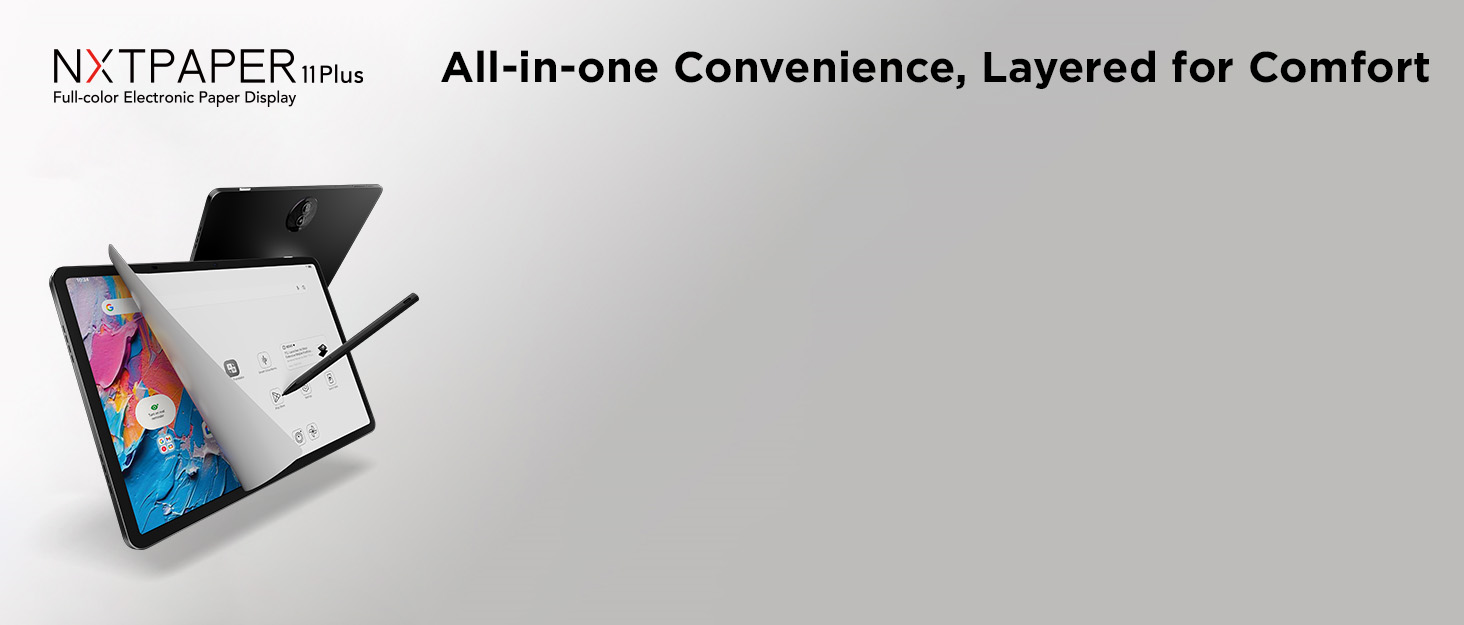
NXTPAPER 4.0 Display for Enhanced Eye Comfort: With upgraded NXTPAPER 4.0 technology, this tablet offers a more natural, paper-like viewing experience. TÜV-certified low blue light, anti-glare coating, and DC dimming work together to reduce eye strain and eliminate flicker. The built-in Eye Care Assistant intelligently adapts brightness and color temperature while reminding you to take breaks
AI-Powered Productivity & Communication: The TCL NXTPAPER 11 Plus note taking tablet integrates smart tools like voice memo, real-time bilingual subtitles, writing assist, text assist, and a smart translator. Effortlessly convert speech into text, generate and refine content, and translate text, images, or conversations with ease. With “Circle to Search with Google,” you can instantly find information with a simple gesture
3-in-1 VersaView Modes for Every Scenario: Easily switch between three display modes using the dedicated NXTPAPER Key on this TCL NXTPAPER 11 Plus tablet. Regular Mode delivers vivid visuals for streaming, video calls, and digital art, Ink Paper Mode turns the screen into an e-reader-like display for comfortable reading and note-taking, and Color Paper Mode offers soft, low-saturation tones ideal for comics and magazines
Ample Storage & Powerful Performance: Store your memories, apps, and large files effortlessly—TCL electronics tablets with 256GB built-in storage provide the space you need. Powered by the MTK Helio G100 processor, 8GB + 8GB RAM expansion, and TCL’s custom UI on Android 15, it delivers smooth multitasking with split-screen, floating windows, extended display, and screen mirroring. Note: Built-in storage only; microSD cards not supported
Long Battery Life with Reverse Charging: Stay powered all day with the 8000mAh battery on this Android tablet, perfect for work, study, and entertainment. Featuring 33W PD fast charging, it quickly gets you back to full power. Need to charge your phone or earbuds? The 1.5A reverse charging function turns your tablet into a portable power source. Note: Charger not included
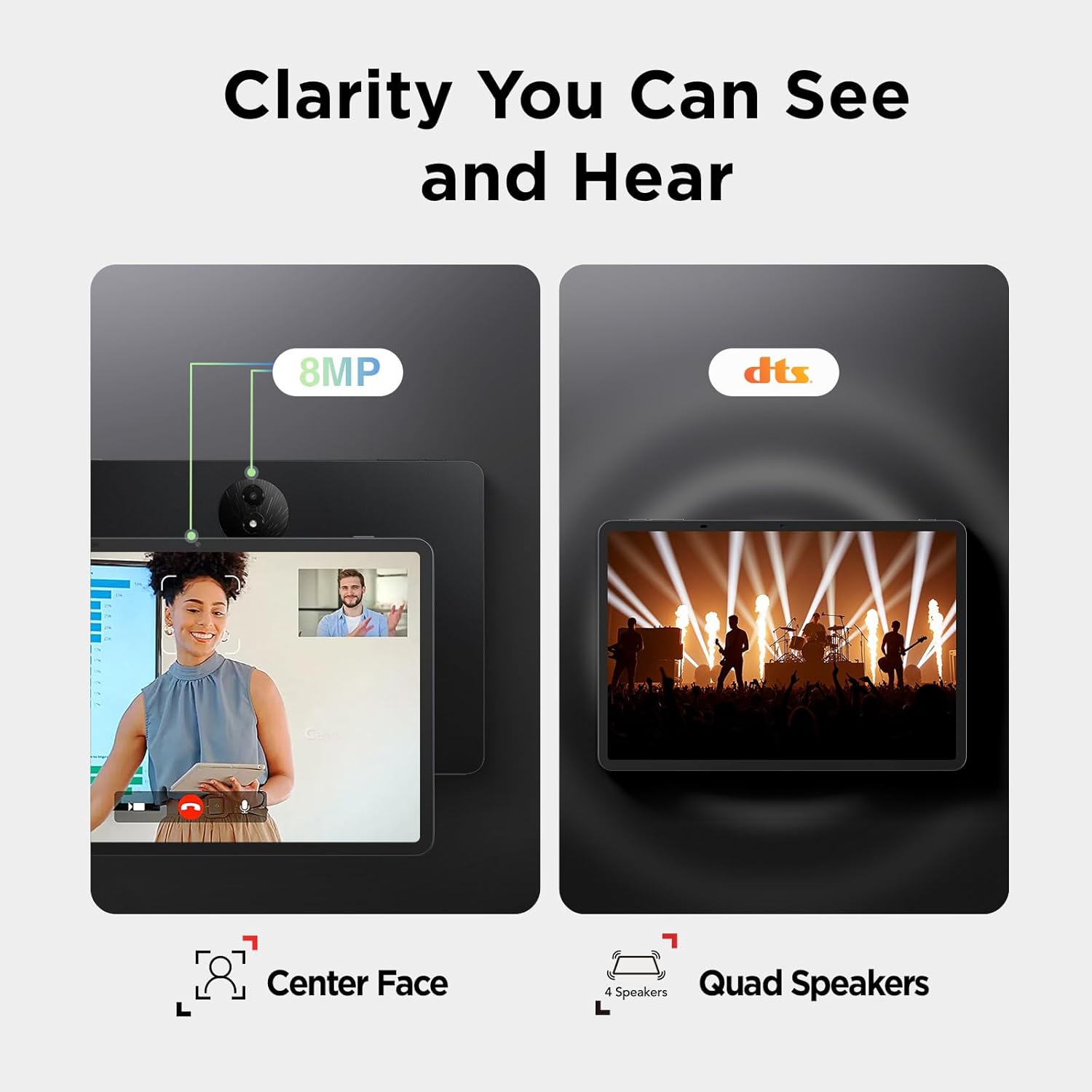
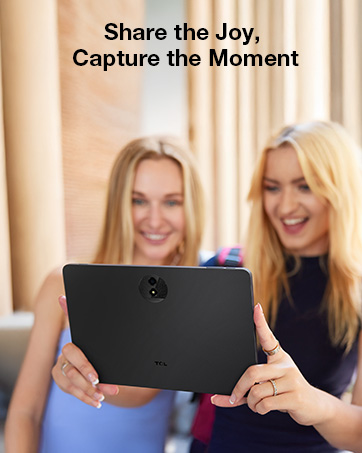
Clear Visuals & Immersive Sound, Anytime: Capture clear photos and enjoy smooth video calls with 8MP front and rear cameras on TCL NXTPAPER 11 Plus tablets. CenterFace tracking keeps you in focus, while quad speakers and dual microphones enhanced by smart PA and DTS audio deliver rich sound and clear voice pickup. The Sound Booster feature amplifies volume from 100% to 200% for a more immersive experience
Ultra-Slim Design with Durable Everyday Build: Measuring just 0.26 inches thick and weighing only 1.08 lbs, this lightweight drawing tablet is easy to carry and comfortable to hold. Its durable metal body withstands daily use, while the included adjustable flip cover not only protects your device but also functions as a convenient stand
11 reviews for TCL NXTPAPER 11 Plus Android Tablet, 11.5″ 120Hz 2.2K Drawing Pad & Digital Notebook, 4096-Level Stylus & Flip Case Included, NXTPAPER 4.0 Display, AI Tools, 8+8GB RAM, 256GB Storage, 8000mAh Battery
Add a review
$259.99
John Morgan –
A Good, Solid Tablet & Good Value
I’ve used a lot of tablets over the years, both androids and Ipads. The super glossy screens were always prone to glare and fingerprints. The matte screen on the TCL is different. It is much less prone to glare, and doesn’t show fingerprints.I primarily use my tablets for studying, though I did try a game or two on the TCL. They ran well. Sound is loud, but quality is just OK. The screen is very easy to read, which very important to me.I like that this tablet came with a good case and stylus. It’s frequently difficult to find cases for less common tablets. The way the stylus magnetically attaches to the side of the tablet is clever.Battery life is good. The overall take on android is pleasant, without a bunch of extra junk.If you’re looking for a tablet for reading and studying, this is a good choice.
Hanbing W –
Great Tablet!
Really happy with this purchase. The screen is huge and super smooth when you’re writing or drawing with the stylus. It actually feels natural, not laggy like some cheaper tablets I’ve tried.The display is easy on my eyes, which is great because I use it for hours taking notes at work. The stylus comes with it, which saved me money since I didn’t have to buy one separately.I mainly got it for digital note-taking but I’ve been using it for sketching too. Works great for both. The picture quality is really clear and everything runs smoothly. For the price, you’re getting a solid tablet that does what it’s supposed to do. Would definitely recommend it!
aaron williams –
Great tablet for the every day user
Pros: Very nice screen and powerful enough for the every day user. I love that it comes with the case and stylus. The ability to change the display to simulate an Ereader is fantastic. And the matte screen completely erased glares.Cons: one of the reasons I bought this tablet was so that my child could draw, and while this tablet supports multi-users, there is no easy way to switch, and I have to log in first. Android 15 allows a device to enable multiple users to log in through the lock screen, but for some reason TCL does not enable this ability. And since TCL is fairly well known for lackluster support once you own a product don’t expect much from the company.
Hammie Fraser –
Great tablet for reading and videos
I’ve been using the TCL NXTPAPER 11 Plus for a little while, and it handles everything I need. I can use it as a tablet, drawing pad, or digital notebook without switching devices. The 11.5″ 120Hz 2.2K screen is smooth, and the stylus feels natural when sketching or taking notes.The NXTPAPER 4.0 display feels a lot like paper, which makes long reading or writing sessions easier on my eyes. The brightness and color adjust depending on the light, which helps a lot. I’ve tried the voice memo, translator, and “Circle to Search” features, and they make things faster. I can take notes, translate in real-time, or look up information without switching apps.I use Regular Mode for videos, Ink Paper Mode for reading and notes, and Color Paper Mode for comics. One device can do all that without feeling awkward. With 256GB storage, extra RAM, and the MediaTek processor, the tablet handles multitasking pretty well. The 8000mAh battery lasts all day, and fast charging gets me back to full quickly. I’ve even used it to charge my phone, which is convenient.
Luke Duffy –
Great value
Was a little nervous about the tablet given the price point. Before buying, Gemini suggested a more expensive tablet and faster tablet.I’m happy I stuck with this. The chipset is definitely powerful enough for what I use it for.It runs the full Microsoft and Google suite of apps no problem. No problems doing splitscreen or multi tasking. Easily can pan through large PDFs. Probably a little slower and choppier than the high end tablets but definitely not enough to bother me, especially sub $250.Makes a great digital notepad.I use it next to my desktop as an additional screen and run all my docs off of the cloud.YouTube/video runs smooth.Great screen for reading. Definitely could replace a Kindle.Camera is good enough for video calls. The cameras on pretty much any phone today will be better thoughSpeakers are serviceable.Talk to text works great. Has a nice suite of built in AI features.Happy I got the case. It makes a good stand
Amazon Customer –
No Post-Product Support
If you want this only for reading, this might be a solid option. It certainly seems it for the price and included accessories. A tablet at this price with a case (even if it’s a fairly standard, cheap one that other tablet models have floating around for sub-$20) and a stylus seems like a steal.But, if you want to use this for writing or drawing (you know, two of the three things this tablet is really advertised doing well), that stylus is the big problem that brings down the whole package, frankly.The T Pen is very low quality and performs terribly, offering no real tilt use for shading, having a fair bit of lag to it, and hitting the screen with harsh tapping sounds every time you use it. It stinks to use. The real kicker is that if you manage to put up with that and hit the point of needing a new nib for the T Pen, TCL does not have a solution for you. You either buy a whole new T Pen from them or you play roulette buying another brand of stylus and hoping it works. They simply do not sell nibs in North America, and, given how long the product has been on market, they simply don’t plan on it.Save your money, spend it on a tablet from a company that has figured out the answer to “what does a customer do if they need a new pen nib?”
Neighbor Nerd –
The best android tablet
I love this tablet. It’s much better than the Gen 2 and very easy to use. It works with WiFi and has a great battery, especially impressive standby mode! I’ve left it without use for weeks and surprisingly found it still charged up! The screen size is very close to an iPad and the storage size is perfect even though not expandable. The audio is strong too. Much better, again, than the Gen 2.
kwangkyu –
Wow… this one works on AD… great product especially for ebook reader.
Cliente de Amazon –
He utilizado la tablet por unas semanas y es excelente, ligera, suficiente para tareas caseras(en mi caso), la parte de la pantalla excelente (leer,videos, compras, etc), aunque todavía pueden mejorar el software. Yo si la recomiendo.
Amilcar P. –
Buena compra, múltiples usos, para actividades en el trabajo ayuda a tener las cosas más ordenadas con las notas, con la IA, muy buena recomendacion
Carles –
Para leer documentos pdf y escaneados como en el ipad, incluyendo la posibilidad de aumentar o disminuir su tamaño con los dedos, pero sin las molestias en los ojos y dolores de cabeza provocados por la luz azul.