
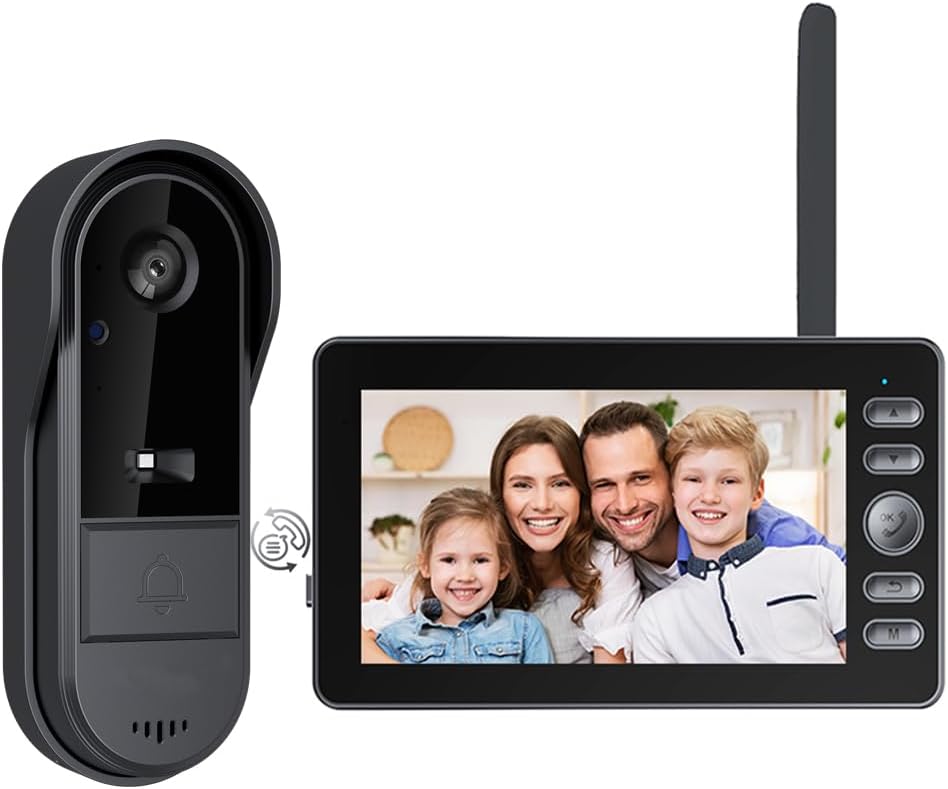
TKMARS Doorbell Camera Wireless No Subscription Video Doorbell, Two-Way Activation & Intercom, IPX65 Waterproof, 1080P Video, 4.3” Screen, 170° Viewing Angle, No APP, No WiFi
$53.98
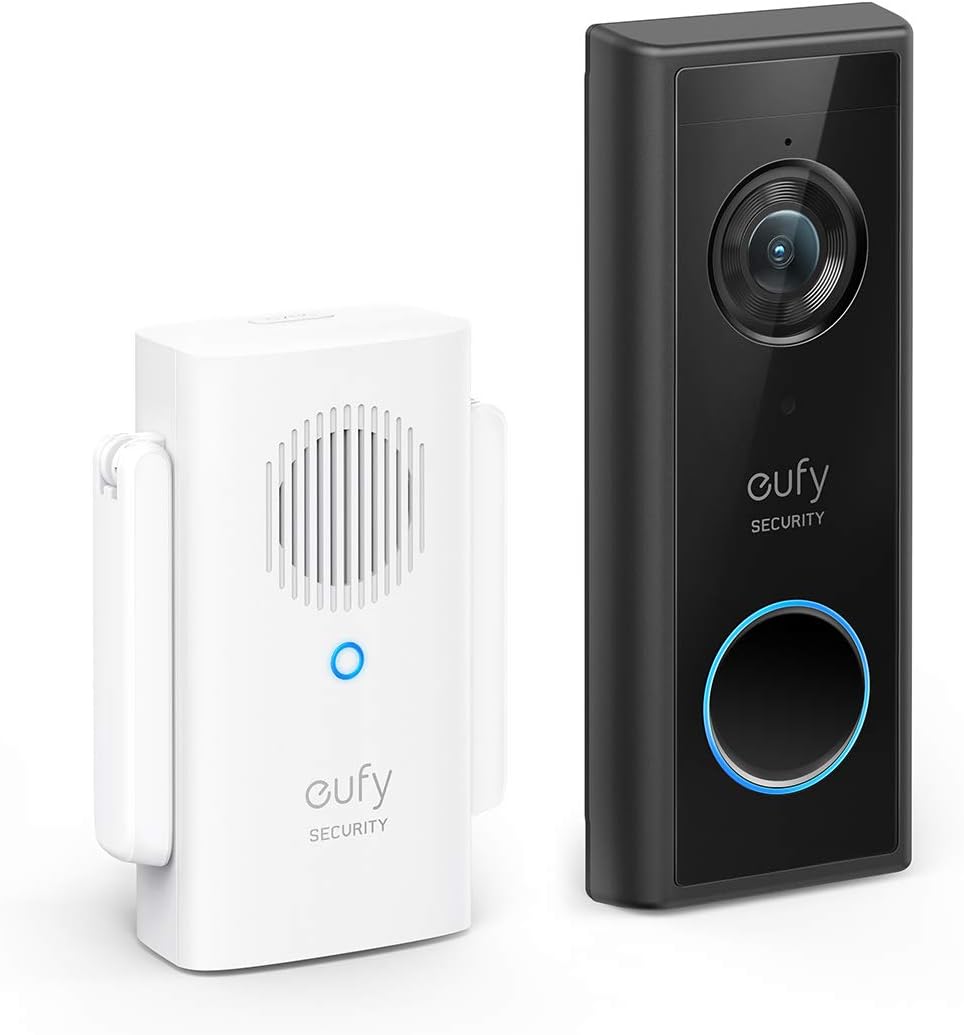
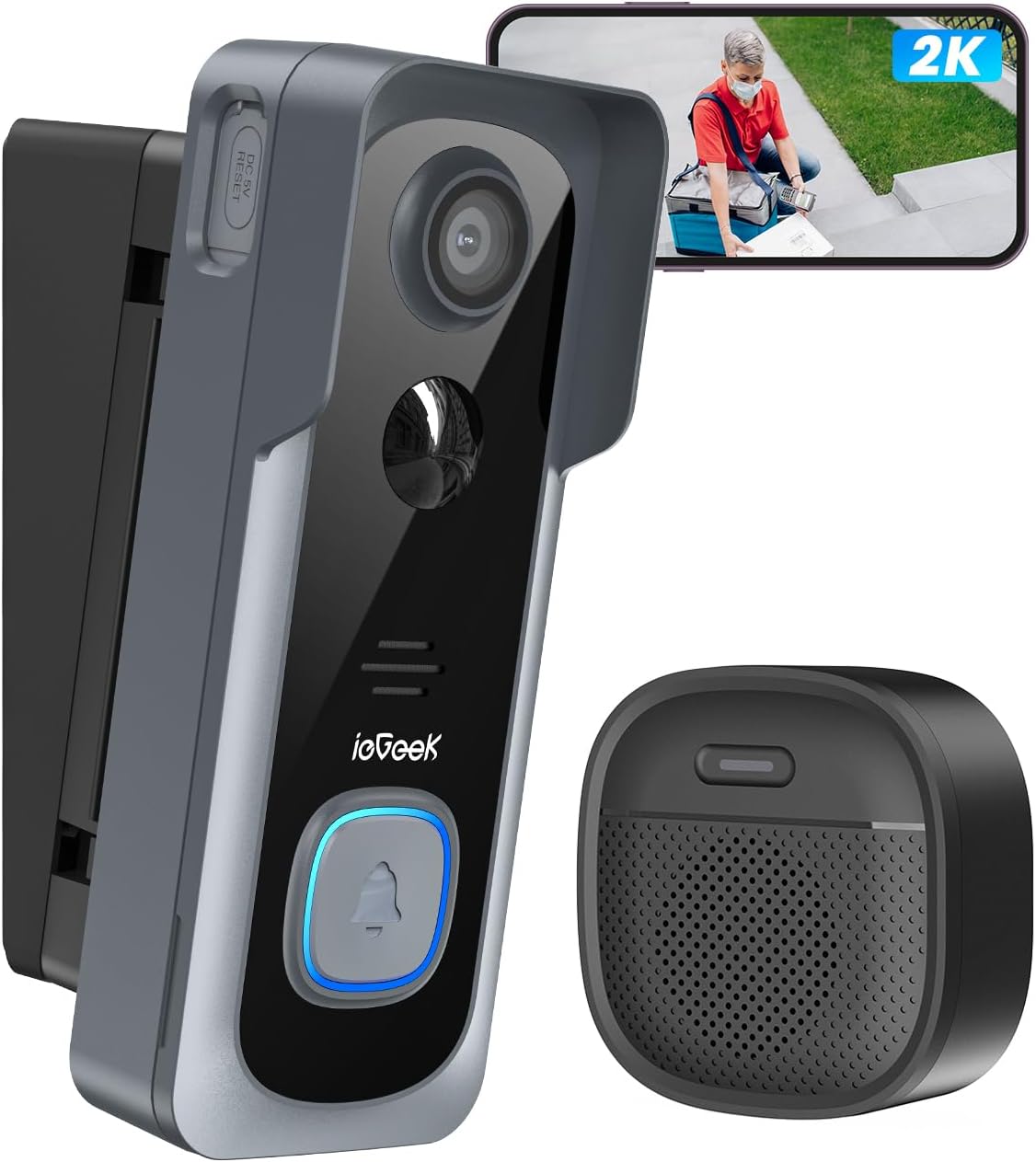
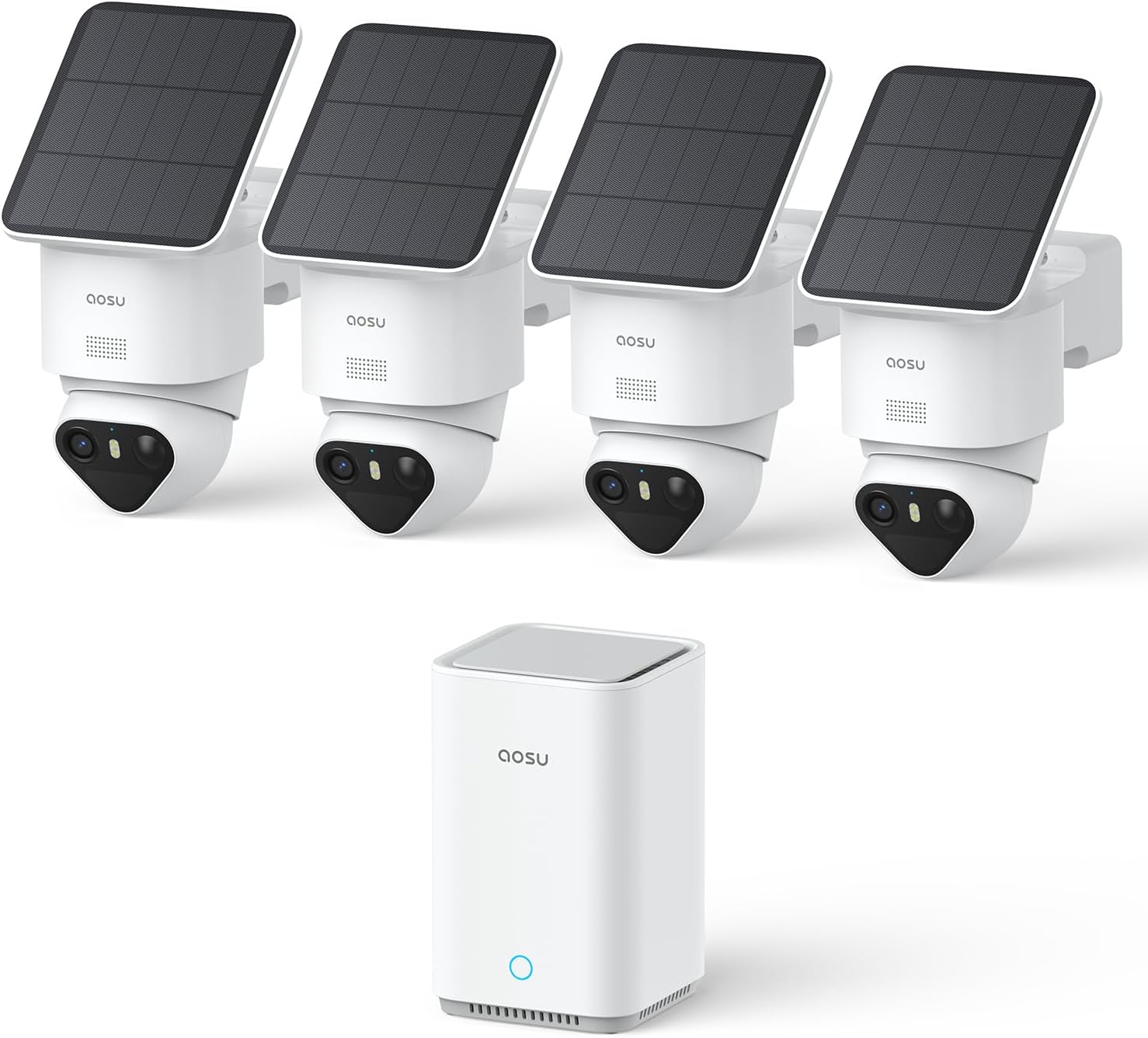
Related Products




Product description

With Bidirectional Activation & Two Way Intercom, you can check live camera at the door without ringing the doorbell or human motion.

How to Work 2-Way Intercom:
1.If presses the doorbell, it will activate the monitor, then press the “ok” key on the monitor to work the 2-way intercom.2.The doorbell requires no action. Presses and hold the “ok” key on the monitor to speak, release it to receive the audio from your visitor. It is similar to how a walkie-talkie works.3.If no need to talk, press the “ok” key again to turn off 2-way intercom.

How to install:
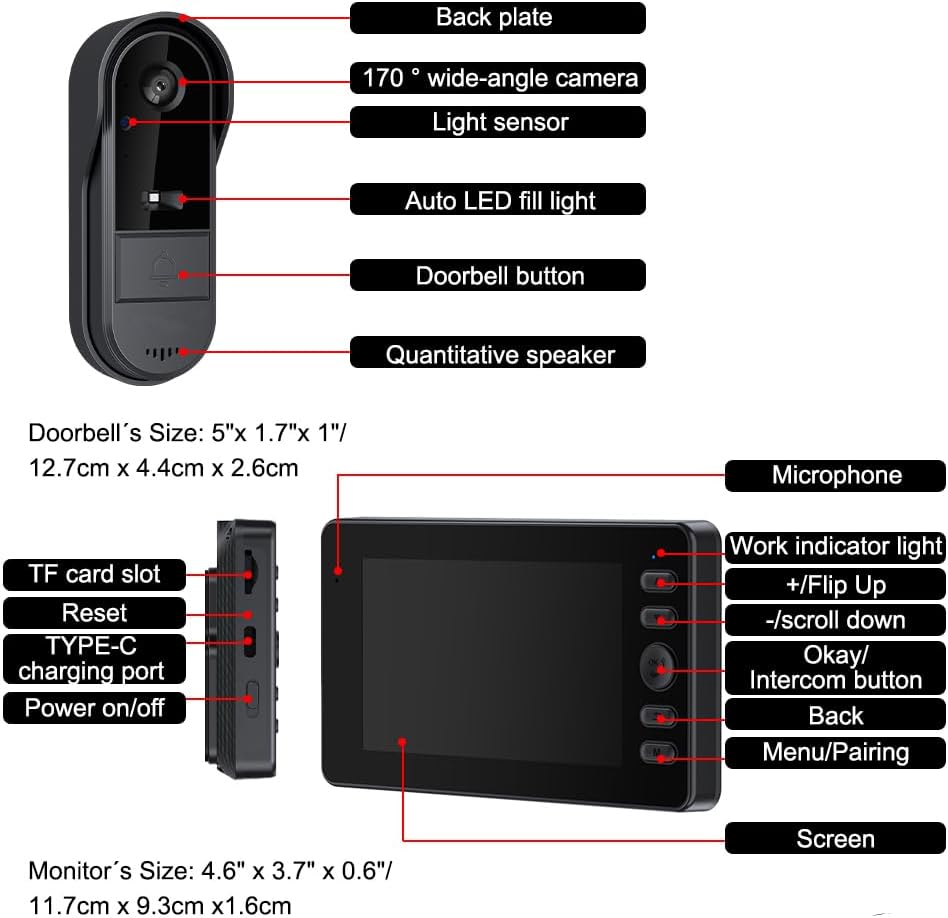
1.Please connect the doorbell with the monitor. Hold the key “M” on the monitor to enter in connection, then press and hold the doorbell button to connect.2.Please test the signal between those locations you want to place the doorbell and the monitor.3.The range of signal is 16.4ft-164ft/5m-50m on open air. The range of signal is 16.4ft-66ft/5m-20m if there are obstacles(door, wall, window and so on).4.Please install the doorbell on the door via 3M self-adhesive tape or screws. It is recommended to install on the upper end of the door handle if it is iron door. And 5ft far away the ground.5.Please install the monitor in the place you want, the monitor need to be charged by 5V charger(not included) and USB cable.6.If there is no operation for 30 seconds, the monitor can turn off automatically, press the “ok” key for 2-3 seconds to wake up the monitor.

Warm Tips:
1.It isn’t motion activated. If no one operates the doorbell or monitor, they enter in the standby mode. 2.The wall, window, metal door and so on, they can weaken the signal, please test and install the doorbell in a place with good signal.3.There is the echo if the monitor is too close to the doorbell, please move them away or lower the volume.

One key to monitor, intercom.
You can talk with your visitor, check the scene out of the door at any time.

Large battery capacity with long working time
The doorbell is powered by rechargeable 1800mAh Li-ion battery with 2 months of working time.

4.3”IPS Screen, powerd by 5V-1A charger.
The monitor also built-in 400mAh battery for emergency. Guards your families with this doorbell camera.

【Easy to Install & Work】Installing the wireless doorbell camera no subscription is hassle-free. Just connect the doorbell camera with monitor via 2.4G Bluetooth. NO monthly fee, NO WiFi or APP required. You can use the included 3M adhesive or screws to mount the doorbell where you want it. Perfect for those who need a subscription-free and simple doorbell camera.
【One Key Monitoring】No human motion or ringing required, you can check live camera by pressing and holding the dial key for 2 seconds to activate the camera. Not only does it give you peace of mind, but it also prevents accidental activation and save power. It is a video doorbell that combines premium quality, safety, and exceptional value for money.
【Two-Way Audio】When visitors press the button on the doorbell, you can watch and talk with your visitors at your door. Presses and hold the dial key on screen to speak, then release it to receive the audio from your visitor. It is similar to how a walkie-talkie works.
【1080P Video & Night Vision】Our camera doorbell wireless no subscription boasts a high-definition 8MP resolution and 170° wide-angle lens. There’s infrared night vision that allows you to see clearly who is knocking the door even at night.
【Rechargeable Battery】This wireless video doorbell is powered by rechargeable 1800mAh Li-ion battery with 2 months of working time, and recharged 3-4 hours to full. Please note that the monitor needs to be recharged with 5V/1A charger(not included).
【4.3“ IPS Screen & Automatic Video Recording】The wireless doorbell with camera automatically record when a visitor presses the button and save it on the TF card (max 32GB, TF card not included). You can view them on the 4.3“ large screen clearly. Please note that it CANNOT take photos.
【Waterproof for Indoor Outdoor】IP65 waterproof. Connection range is 16.4ft-164ft/5m-50m on open air, or 16.4ft-66ft/5m-20m if there are obstacles(door, wall and so on). Please conect the doorbell with the monitor and test signal before installation. Hold the key “M” on the monitor to enter in connection, then press and hold the doorbell button to connect.
8 reviews for TKMARS Doorbell Camera Wireless No Subscription Video Doorbell, Two-Way Activation & Intercom, IPX65 Waterproof, 1080P Video, 4.3” Screen, 170° Viewing Angle, No APP, No WiFi
Add a review
$53.98
I’m very unsatisfied with this crowd of it –
My house
It works great right out of the box
Trine –
Easy to install, large screen
This doorbell is pretty good and easy to install. It has two options to install outside by stick to the wall or drill into the wall. It makes me feel a lot safer when I’m at home and I can silently check if someone is outside of my door as well. It’s easy to use and understandable.
S –
Easily access to doorbell
Good quality product, with screen provided. It is connected directly without wire , in which is incredible. I can directly view the coming person in the monitor without open my phone app.
Donny –
Video terrible
It’s good but needs alot of updating1. Keeps Disconnecting2. Can’t see the buttons..3. Instructions don’t make sense.4.Video recording has alot of Lag on play back5. Not much of a wide lense.
Dilma –
Looks like it need a new version
The camera look old to me
Dean –
Nice picture
Works great
juana vielma -pappas –
Efectiva
Muy buen sonido y claridad en la pantalla
Amazon Customer –
Useful
This wireless video doorbell has a solid build, sleek design, and clear video quality. The two-way audio is smooth, and the setup was quick and easy. It feels reliable and very practical for daily use. The seller even sent a helpful email with instructions. Highly recommended purchase.