
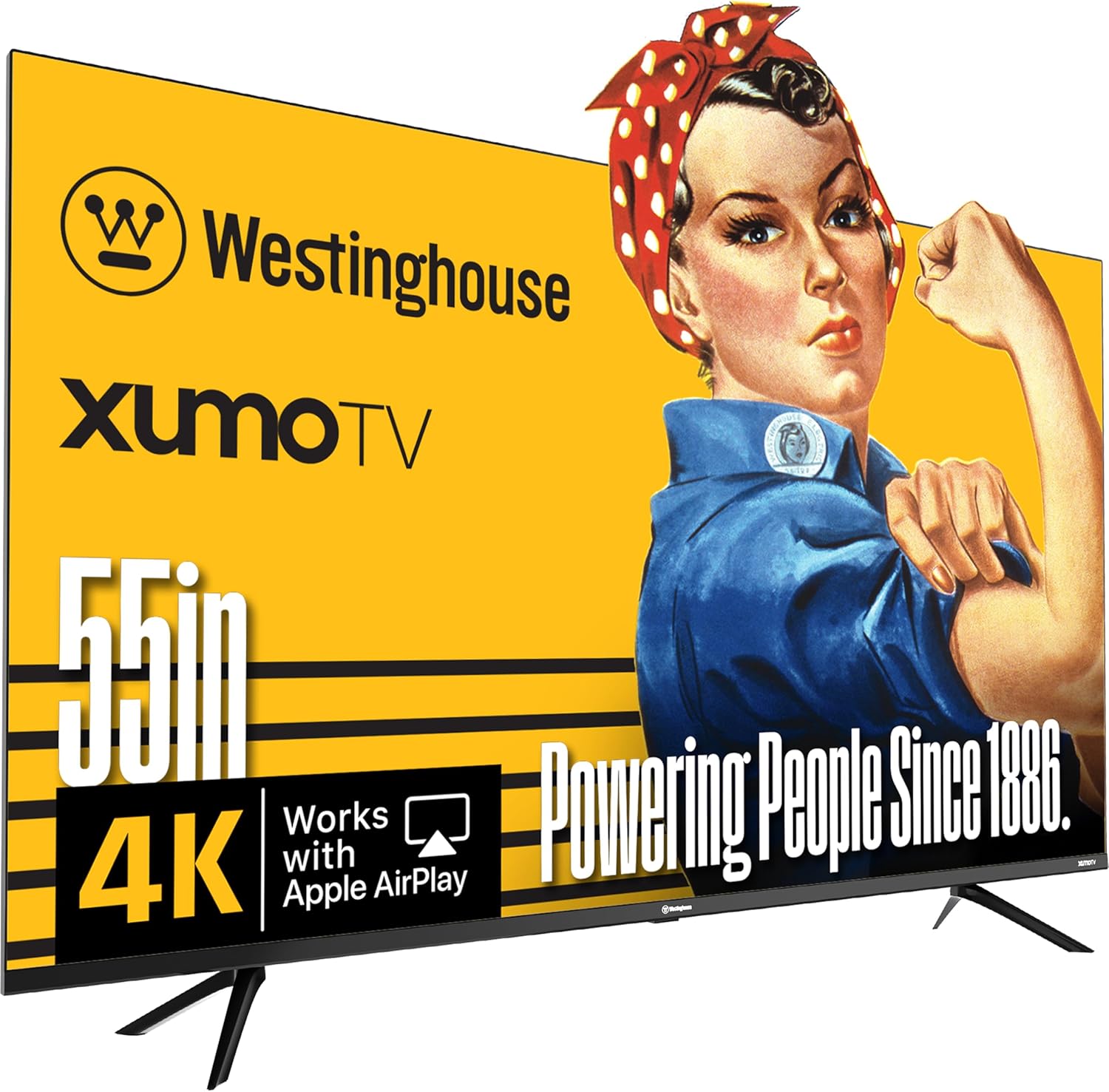
Westinghouse 55-inch Smart TV, 4K UHD Xumo TV w/ HDR10, Voice Remote, Dolby Vision, Dolby Atmos, Edgeless, Flat Screen LED Television w/Bluetooth, Apple AirPlay, Wi-Fi & Mobile Connectivity
$331.99
Related Products

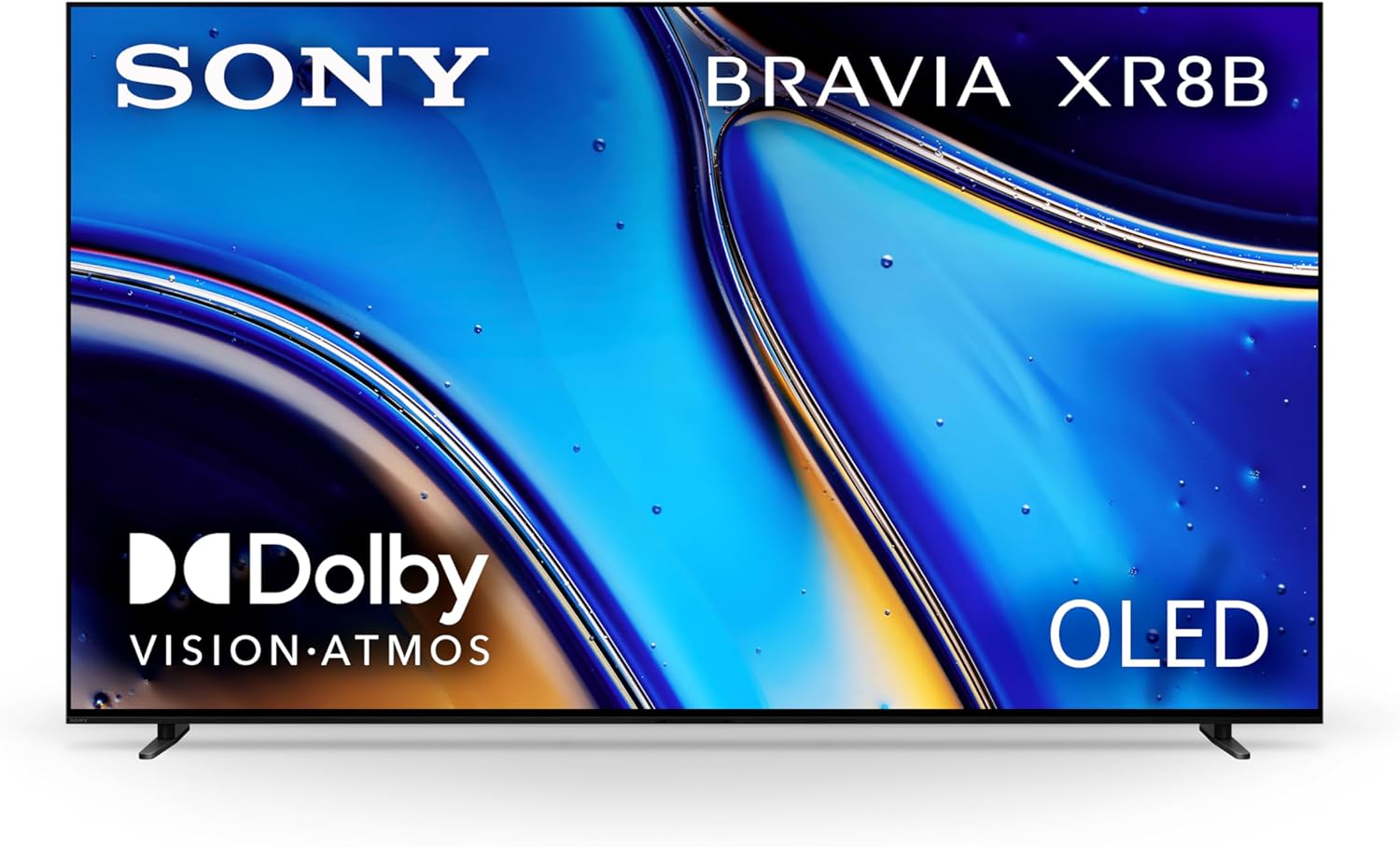
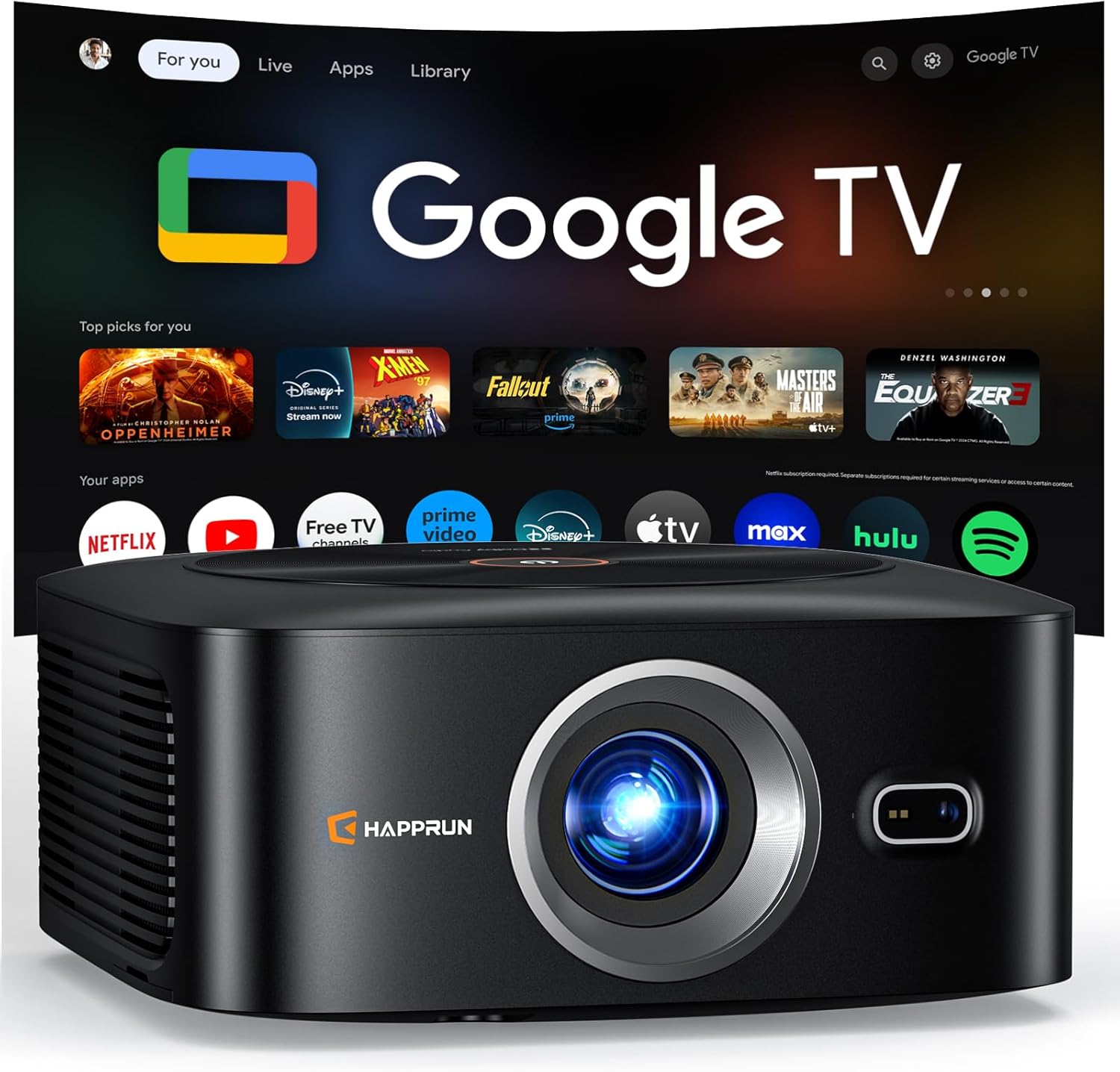

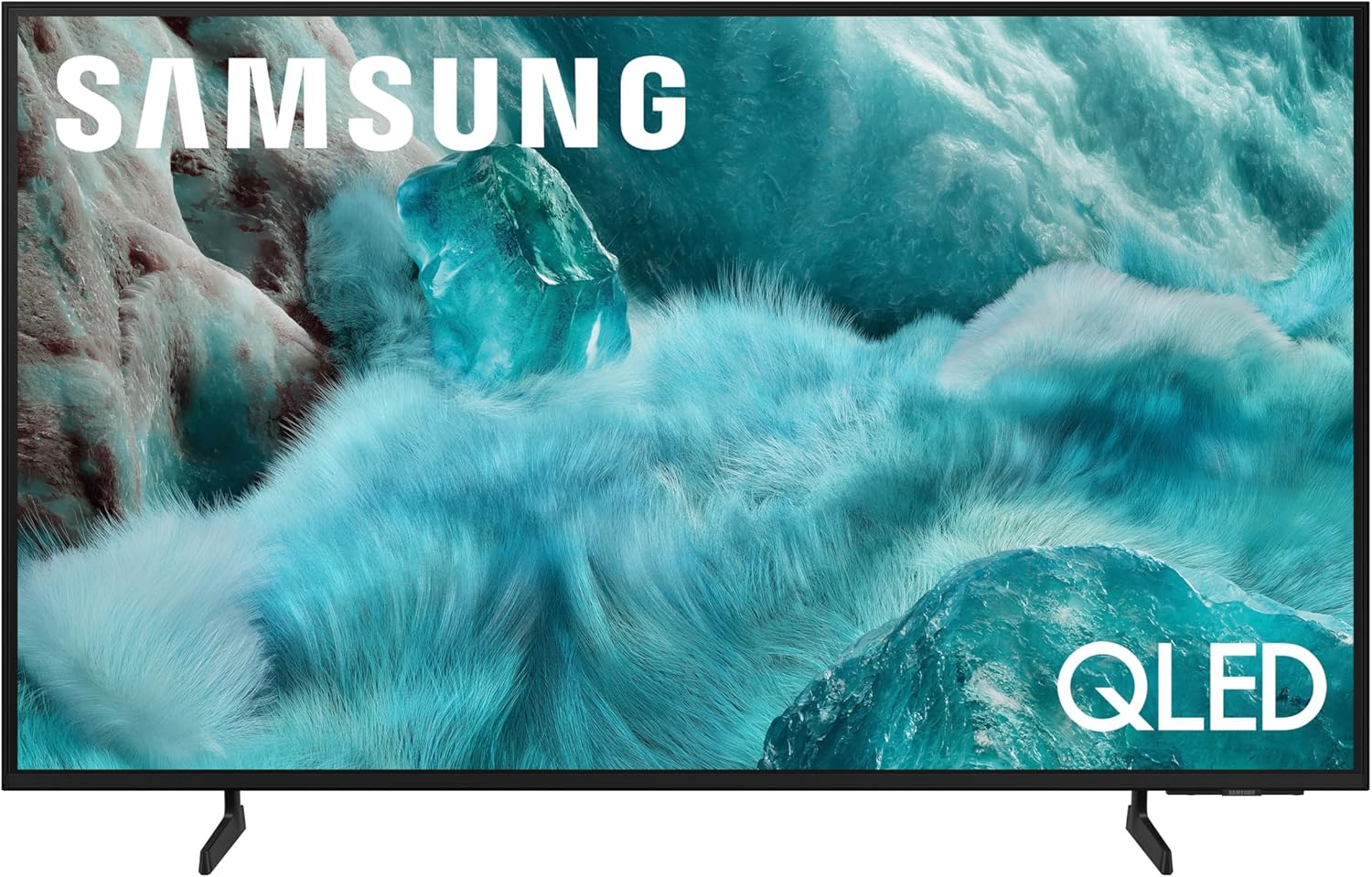



Product description
The video showcases the product in use.The video guides you through product setup.The video compares multiple products.The video shows the product being unpacked. Westinghouse Xumo 55-inch UHD TV Merchant Video



Westinghouse UHD Smart Xumo TVs
Add to Cart
Add to Cart
Add to Cart
Add to Cart
Add to Cart
Customer Reviews
4.0 out of 5 stars 30
4.0 out of 5 stars 30
4.0 out of 5 stars 30
4.0 out of 5 stars 30
4.0 out of 5 stars 30
Price
$331.99$331.99
$219.99$219.99
$289.99$289.99
$379.99$379.99
$479.99$479.99
Smart TV Platform
Xumo TV w/ Voice Remote & Cast
Xumo TV w/ Voice Remote & Cast
Xumo TV w/ Voice Remote & Cast
Xumo TV w/ Voice Remote & Cast
Xumo TV w/ Voice Remote & Cast
Display Resolution
UHD (3840 x 2160)
UHD (3840 x 2160)
UHD (3840 x 2160)
UHD (3840 x 2160)
UHD (3840 x 2160)
Screen Size
55″
43″
50″
58″
65″
HDMI Ports
3 (HDMI 2.1, eARC supported)
3 (HDMI 2.1, eARC supported)
3 (HDMI 2.1, eARC supported)
3 (HDMI 2.1, eARC supported)
3 (HDMI 2.1, eARC supported)
Wireless Connectivity
Dual-Band Wi-Fi, Bluetooth 5.1
Dual-Band Wi-Fi, Bluetooth 5.1
Dual-Band Wi-Fi, Bluetooth 5.1
Dual-Band Wi-Fi, Bluetooth 5.1
Dual-Band Wi-Fi, Bluetooth 5.1
Casting Support
AirPlay2, HomeKit, Screen Mirr
AirPlay2, HomeKit, Screen Mirr
AirPlay2, HomeKit, Screen Mirr
AirPlay2, HomeKit, Screen Mirr
AirPlay2, HomeKit, Screen Mirr
Audio
Dolby Digital+ w/ 2x8W Speaker
Dolby Digital+ w/ 2x8W Speaker
Dolby Digital+ w/ 2x8W Speaker
Dolby Digital+ w/ 2x8W Speaker
Dolby Digital+ w/ 2x8W Speaker
Viewing Angle
178° (H/V)
178° (H/V)
178° (H/V)
178° (H/V)
178° (H/V)
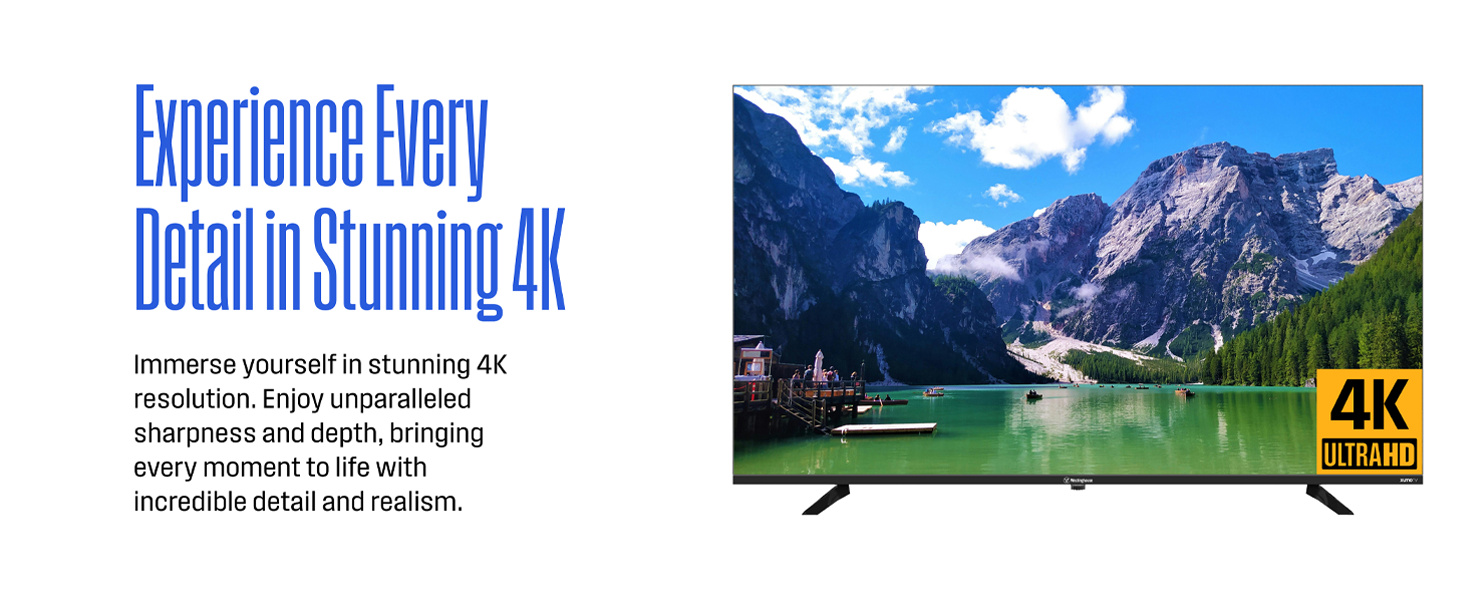
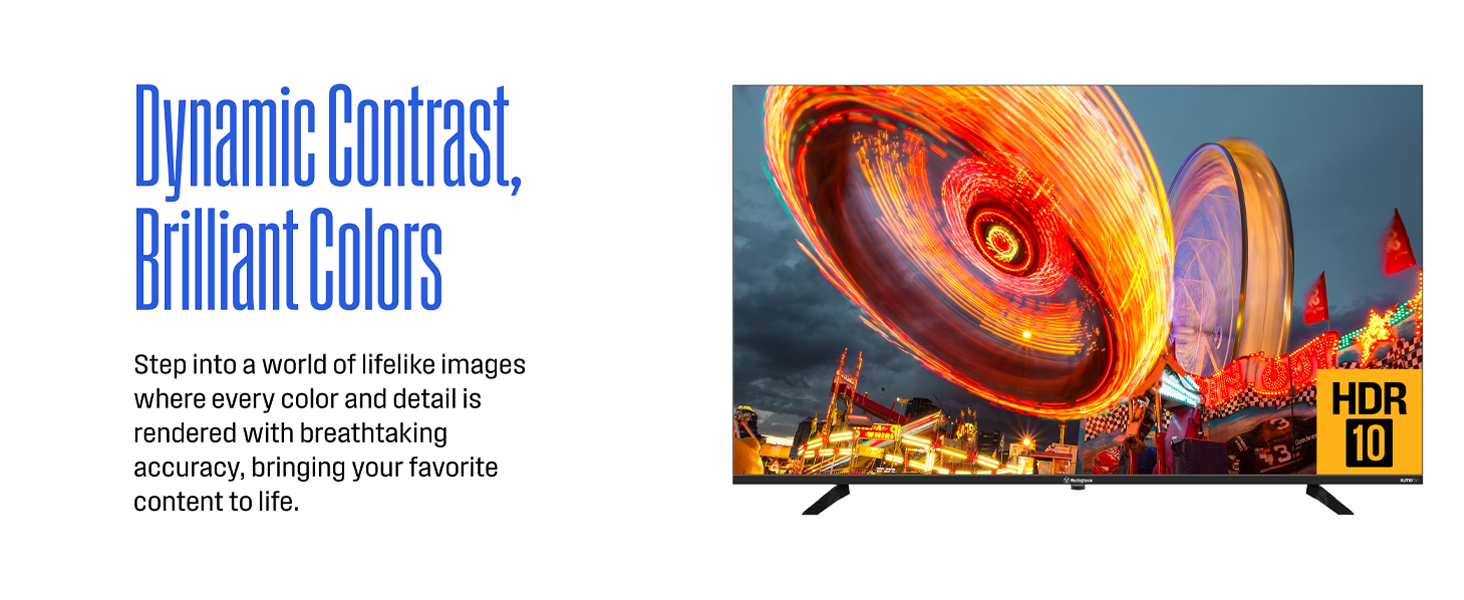
Experience Every Detail in Stunning 4K – Enjoy a cinematic viewing experience with 4x the resolution of traditional HD TVs. The 55-inch 4K UHD display delivers crystal-clear visuals and razor-sharp detail, perfect for movies, sports, and gaming. With Dolby Vision and HDR+ technologies, you get enhanced contrast, brilliant brightness, and deeper color accuracy—bringing every scene to life with vibrant, lifelike clarity.
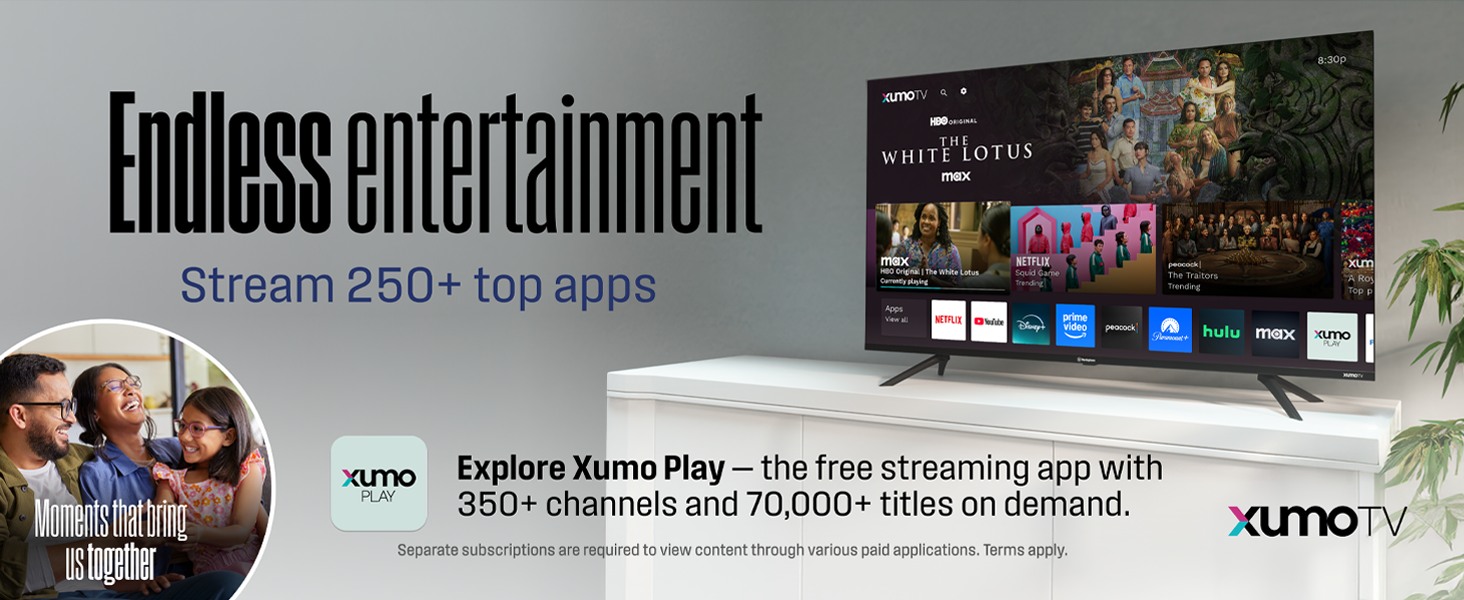
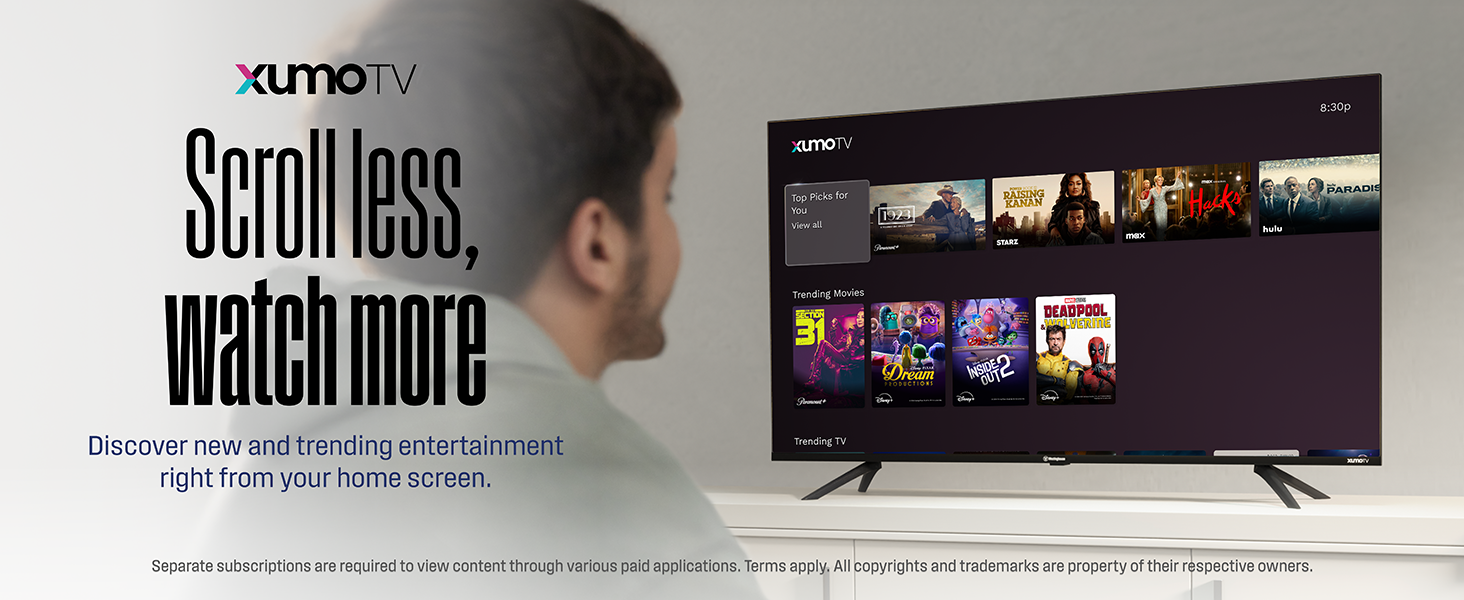
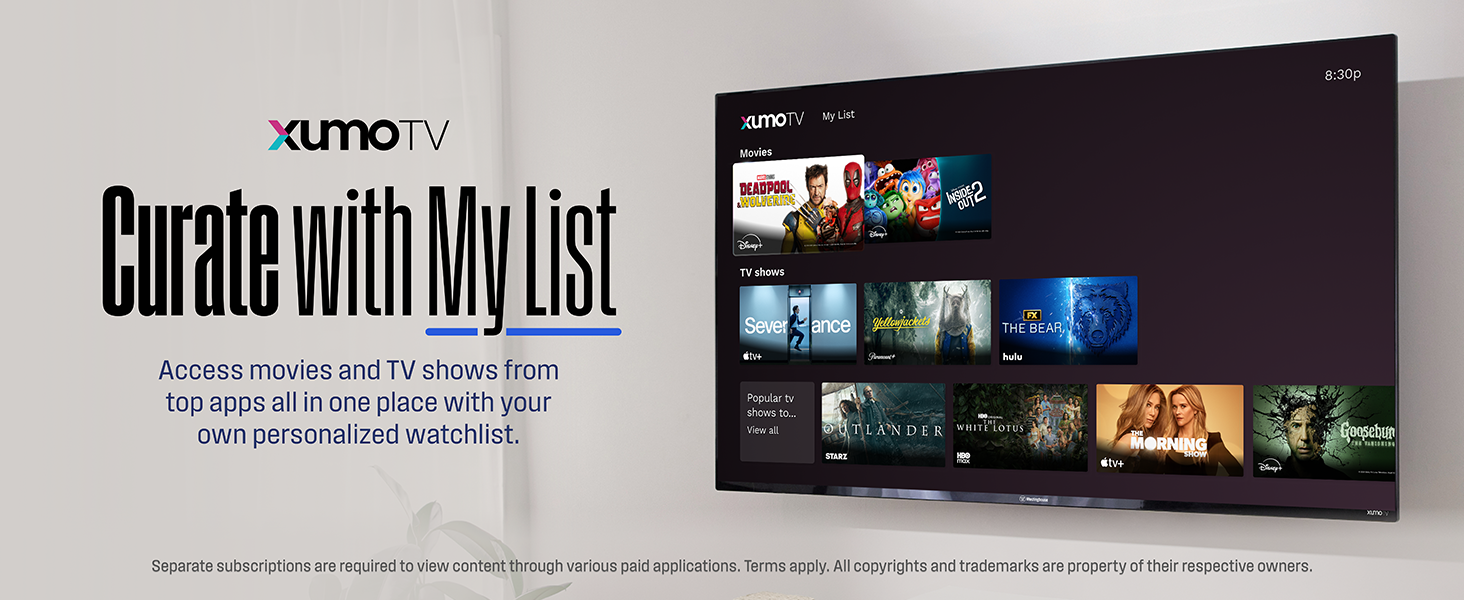
Endless entertainment – Stream easy with instant access to top apps like Netflix, Prime Video, Disney+, Apple TV+, Hulu, HBO MAX, ESPN+, YouTube TV, and more — all in one place. The Xumo Play app features 350+ free live channels and 70,000+ on-demand movies and shows across sports, news, entertainment, and more. No subscriptions or downloads required — just launch and start streaming.
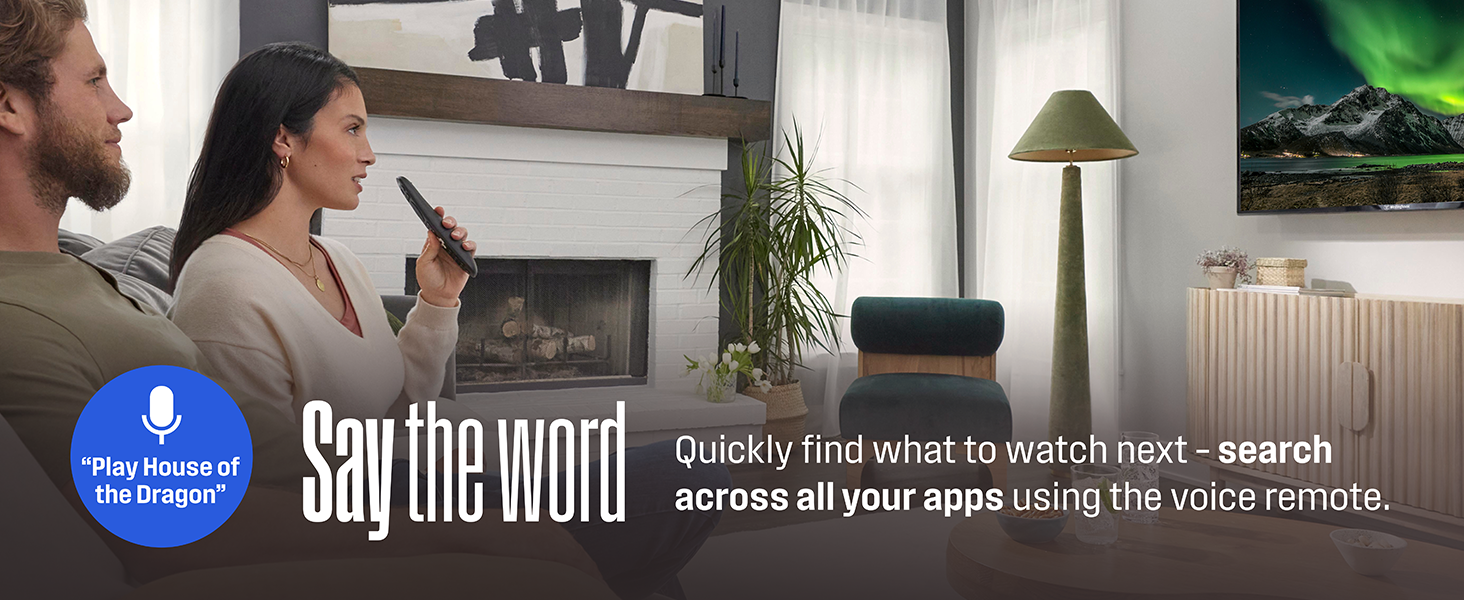
Universal search and voice search – Instantly discover what to watch across all your favorite streaming apps with powerful universal search. Say goodbye to app-hopping — use the included voice remote to search by title, genre, actor, or keyword. Just speak into the remote and find your next watch faster without typing or navigating through multiple menus.
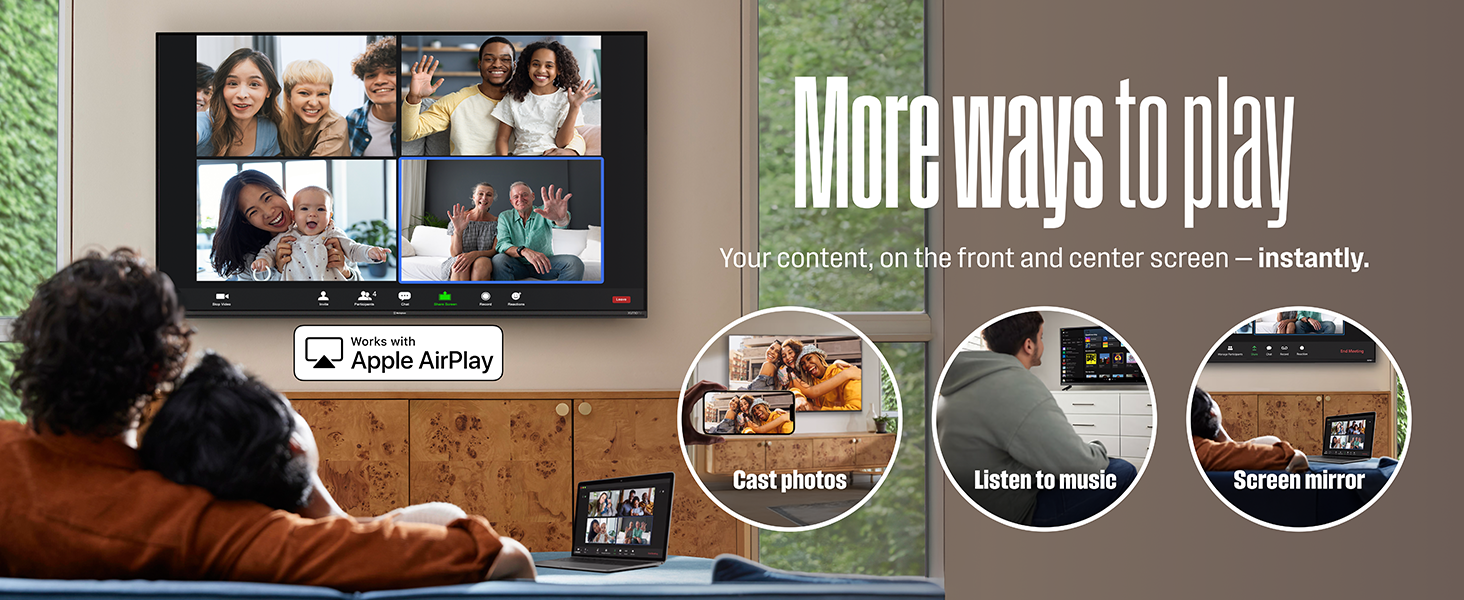
More ways to play and connect – Stream or mirror content directly from your iPhone, iPad, or Mac with Apple AirPlay. Enjoy music, view photos, or surf the web on the big screen with ease. Built-in WiFi allows you to connect to the internet wirelessly — no need for a hardwired connection or external service box. Plus, built-in Bluetooth lets you wirelessly pair soundbars, headphones, or speakers for immersive, high-quality audio—no messy cables or setup required.
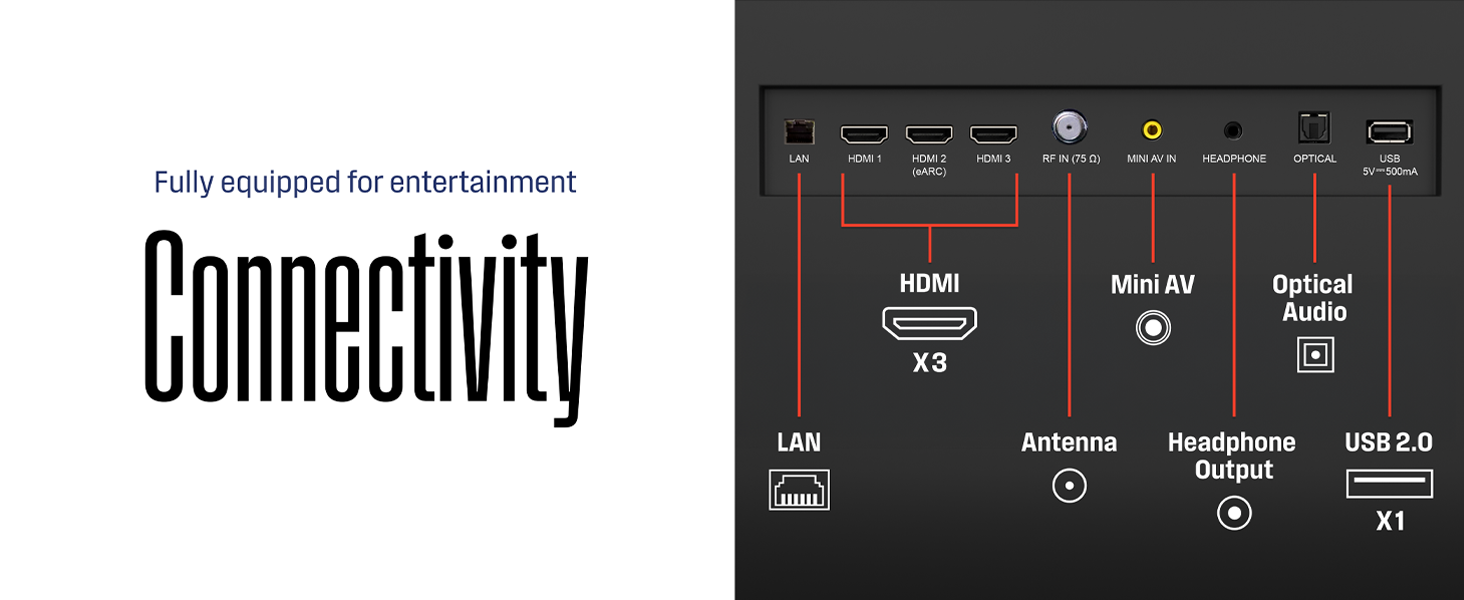
Connectivity is King – Packed with 3 x HDMI, 1 x USB input, 1 x Composite Video, 1 x Optical Digital Audio inputs for maximum flexibility. A full array of inputs to connect your cable box, game console, streaming stick, sound bar, DVD/Blu-ray player or a digital antenna for local channels.
8 reviews for Westinghouse 55-inch Smart TV, 4K UHD Xumo TV w/ HDR10, Voice Remote, Dolby Vision, Dolby Atmos, Edgeless, Flat Screen LED Television w/Bluetooth, Apple AirPlay, Wi-Fi & Mobile Connectivity
Add a review
$331.99
John M. Hammer –
I wanted a “dumb” TV but this “smart” TV is pretty good!
The backlight on my 15-year-old 42″ 1080p TV died and the repair/replacement cost for the backlight was about the same price as a new TV so I opted for a new TV. I did NOT want a “smart” TV, I have an Apple TV device that gives me all the streaming and related functions I need. So I looked around for a “dumb” TV, 39″-43″, 1080p or 4k, and… could barely find any at all and those I did find were either stupidly expensive, had extremely poor reviews, or didn’t even have the minimum 2xHDMI input ports that I need on a TV.I didn’t want an Amazon Fire, Google, or Roku. WebOS would have been OK. This one from Westinghouse has Xumo and after learning a little about Xumo I determined that if I needed to get a “smart” TV, the Xumo OS wouldn’t get in my way too much. This specific Westinghouse TV is 43″, 4k, runs the Xumo OS, cost less than the TV I bought 15 years ago, and had all the features I needed such as 3xHDMI inputs.When I first opened the box I saw some damage on the upper bezel not far from the upper-left corner. The bezel was pulled away slightly from the TV’s display panel and there was a bit of paint or anodizing scraped off that part of the black bezel leaving a white spot. I suspect I got a unit returned by a previous customer, which is NOT OK and had me a bit upset at the time. However, I decided to set it up and test it because the damage was very minor and would be invisible after a spot of black touch-up paint. In the end, I liked the TV enough that I didn’t want to bother with the hassle of sending it back and now, with that bit of black paint covering the damage, it really is invisible unless you know exactly where to look and notice that the bezel isn’t flush with the screen at that one spot.Putting it together was very easy: Pull it out of the box, attach the legs (with 4 provided screws – but no extras included so don’t lose any), put it on the table, and plug everything in. Initial setup with Xumo was very quick although it was a bit annoying to have to wait while the Xumo system updated itself before I could do much of anything else. The only thing that took real time was stuff I didn’t need to do: Set up my existing accounts with all the different Xumo apps such as YouTube, NetFlix, etc. Then a few minutes adjusting the picture quality (this has to be done with each input independently, all 3 HDMI inputs plus the built-in apps – just once for all apps), I used a reference image on my Mac and using the TV’s “custom” preset adjusted things until the TV’s display of the same reference image looked the same as on the Mac.I have a sound bar. During setup, I learned that this TV would output to the sound bar or to its own speakers but not both simultaneously. That was too bad because with my old TV I could use both at the same time and control the volume independently. My old TV’s speakers were terrible – really, really bad – so I mainly used only the sound bar. I was very pleasantly surprised by the sound from this Westinghouse TV: It’s quite good. They don’t get very loud but I don’t need them to be very loud, and the sound quality, while not quite as nice as from my sound bar, is excellent and in fact I get better stereo separation from the TV’s speakers than from the sound bar. When using the sound bar, I can use either the sound bar’s volume control or I can set the sound bar to maximum volume and control the input volume using the TV’s volume control – that’s nice. Over the last couple of weeks, though, I’ve mostly kept the sound bar turned off and just used the TV’s speakers. I’m not saying they’ll satisfy a real audiophile or someone who wants deep bone-vibing bass, but they’re good enough for me for watching the news and the TV shows and movies I’ve been watching. Again: Very pleasantly surprised by the speakers, most TV speakers are terrible.I originally planned to ignore the Xumo stuff because I have an Apple TV for all my streaming and related needs. However, it is very convenient to not have to switch inputs to a different HDMI port and then turn on the Apple TV before using one of the apps. I really didn’t expect it but I like having the “smart” features built into the TV itself! YouTube and the other apps I use all work well, the only differences between running them in Xumo on the TV and running them on the Apple TV is that they take much longer to start up in Xumo on the TV than they do on the Apple TV (only matters when first starting up the app or swapping between apps), and in Xumo on the TV I don’t have access to easy account data and passwords from my Apple iCloud account keychain. Oh, and the TV remote’s “voice control” doesn’t work to go back or forward when watching something so I can’t say, “Skip ahead 2 minutes” or “Go back 20 minutes” with the Xumo/TV remote the way I can with the Apple TV remote.I’m a little concerned that the Xumo stuff is going to slow down over time: If an Apple TV gets old it is easily replaced – not free, obviously, but easy and convenient to do. But if the Xumo stuff built into this Westinghouse TV starts to get slow there is no replacing a hardware module or something to add more RAM or SSD storage. I also am a little concerned that Xumo might not even be a thing in 10 years, or my specific TV might not get the latest updates in the future because Xumo will decide it’s too old or something – I’m not fretting about it but this is one of the reasons I wanted to get a “dumb” TV.Overall, I am extremely pleased with the performance of the hardware for the price I paid ($215) and while it took a couple of days to get used to them I actually do like the “smart” features from Xumo OS on the TV. My only complaint is that the seller seems to have sent me a unit returned by a previous customer with a bit of damage but that’s not the fault of Westinghouse and I could have done a return/exchange with Amazon if it had been a more significant issue for me.
Sergei –
Adequate
Good picture and sound. Not all features with remote function as advertised. Bluetooth is a useful featureand works well.
Mr Amazon Shopper –
Spectacular 4k UHD picture quality!
This is for the Xumo 43 inch TV, which is an excellent modern smart TV at a great value for watching TV (I don’t play video games so this review is not for that).EDIT March 11 2026, Upgrading from 4 star to 5. This is a TV in a place I wear headphones to watch so I don’t disturb etc. Watched for the first time today without headphones and the SOUND QUALITY from the built in speakers is SUPERIOR QUALITY! I’m only watching at a volume set at 22, less than half of what the speakers are capable of, and it’s booming like a surround sound experience without an additional sound bar. To me this merits a review upgrade since the other points I made below don’t apply to my experience with this tv they were just an FYI for others.(Original review) Now, the reasons for 4 stars instead of 5. One, it doesn’t have a browser app and I couldn’t find one available to download but I really don’t need it but someone might want to know that before buying in case there’s something they’d want to stream from a website instead of apps. Two, I don’t know how easy it is to add any apps if you’d want more, it should be a little more intuitive in this respect. However it comes loaded with a ton of streaming apps, it had all the important ones to me, so odds are it has all the ones you want.
fsdenney –
DON’T BUY
PIECE OF CRAP. First delivery – screen display looked like spider webs. Cust support said return – can’t be fixed. Second delivery – no sound. Horrible color on screen. Cust support clueless. They would put me on hold, look up an answer, say “try this,” and repeat. This went on for an hour. Nothing worked. Returned for refund.
Jennifer Lee McKenzie –
does not cast from Win or Android. Linux, neither, obvs.
cheap. it works. Does NOT cast, nor mirror, to Windows, nor Android, just iOS. They claim to, but they only “cast” the same services already available on the TV. So, totally pointless, as the TV can already recieve them as soon as you hook it to interwebz.If you want to use this for your computer, buy a long cable and tape it to the floor and walls. Or your TV and computer could fall with a single misstep. Better off buying a monitor, unless you like the free(mostly awful) Xumo channels.The website f9r self-help and AI assistant are pretty garbage, too.
suzann –
Great TV, beautiful!
Westinghouse 43-in Smart TVIt’s been over a decade since I last purchased a TV, so I almost gave up.It took me “a beat” to figure out the Smart tv features. (I am still finding features!)Overall, once I got my HDMI connected, and entered my WiFi info, it’s been great. I like the voice command feature to quicklyfind channels, or especially to get to settings, to make adjustments.I can watch tv like my local news, movies, and football/sports, on regular HDMI (make sure you connect to HDMI 1 or whichever port you used previously. It needs to read, “connected”) using my fiOS remote.Then to watch the whole gamut of premium TV, movies, TUBI, streaming Disney+, Hallmark +, STARZ, etc. I use the Westinghouse XUMO remote.I haven’t connected the game systems (XBOX, Wii) yet. I will leave that to my nephews over the holidays!Lastly, the picture is lovely!
Brycen Fullerton –
I mean its ight
Picture quality goodSound quality mehFunctions slow for a product in 2025Overall 6.3/10
Jim White –
nice tv
Good picture, good color and brightness. Remote does everything but run my Roku, but that controller does that. Hooks right up to wefi. Decent sound, but I have a sound system for that. Worth it to me. Hope it is durable.