
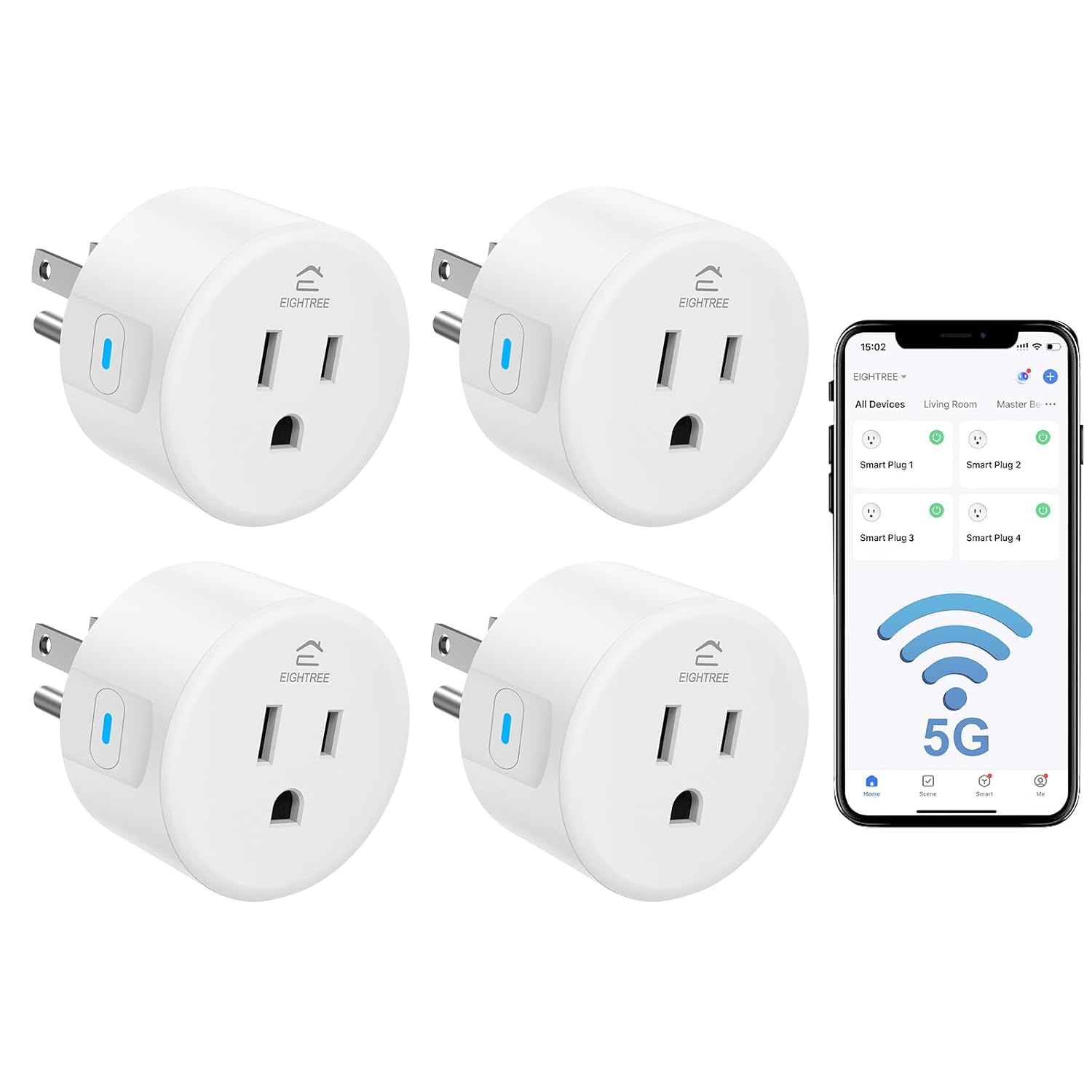
Eightree Smart Plug 5GHz & 2.4GHz, Smart Outlet WiFi Socket with APP Remote Control, Compatible with Alexa & Google Home, 4 Packs
$35.99
Related Products




Product description


1 Voice Control
2 Remote Control
3 Schedule & Timer

How to Connect My Smart Plug?
1. Download the Smart Life App and register for an account.
2. Power on the plug and ensure that the indicator is flashing.
3. The Smart Life App will automatically detect the plug.
4. Follow the on-screen prompts to complete the connection process.
What to Do When Connection Fails?
1. Unplug & hold 5s to reset.
2. Reconnect via AP mode (watch the video guide).
3. If not connecting, check for “SmartLife-xx” hotspot in AP-Mode. If not found, reach out to us for a new one. If the hotspot is found, check your router settings.
How do I use the plug to work with third-party voice assistants?
Connect the plug to the Smart Life App. Then, link your third-party service account (Alexa, Google Home, SmartThings) on the App. Alternatively, activate the “Smart Life” skill in the third-party voice assistant’s App.
What should I do if my plug is broken?
No need to worry! We’ve got you covered with a 2-year replacement service. If you encounter any problems, just reach out to us through Amazon or our official email, and we’ll be more than happy to help!
Smart Plug 5GHz
Variety of Smart Plugs
Mini Round
Product Size
Mini Round
Required
Smart Life APP
Required
2.4GHz & 5GHz Wi-Fi
Connection Tech
2.4GHz Wi-Fi Only
Remote Control
Alexa/Google/SmartT
Voice Control
Alexa/Google/SmartT
Wi-Fi Router
Device Requirements
2.4GHz Wi-Fi Router
5GHz WiFi Compatible
Product Features
Standard Smart Plug
Mini Round
Product Size
Mini Round
Required
Smart Life APP
Not Required
2.4GHz & 5GHz Wi-Fi
Connection Tech
Bluetooth
Remote Control
Alexa/Google/SmartT
Voice Control
Alexa
Wi-Fi Router
Device Requirements
Alexa
5GHz WiFi Compatible
Product Features
Alexa Direct
Mini Round
Product Size
ET12
Required
Smart Life APP
Not Required
2.4GHz & 5GHz Wi-Fi
Connection Tech
2.4GHz Wi-Fi Only
Remote Control
Alexa/Google/SmartT
Voice Control
HA/SmartThings/Alexa
Wi-Fi Router
Device Requirements
Zigbee Gateway
5GHz WiFi Compatible
Product Features
Zigbee Supported
Mini Round
Product Size
Mini Round
Required
Smart Life APP
Not Required
2.4GHz & 5GHz Wi-Fi
Connection Tech
2.4GHz Wi-Fi Only
Remote Control
Alexa/Google/SmartT
Voice Control
Homekit/Alexa/Google
Wi-Fi Router
Device Requirements
Smart Speakers
5GHz WiFi Compatible
Product Features
Homekit Supported
Smart Plug 
Smart Plug Alexa 
Smart Plug Zigbee 
Smart Plug Matter 
The video showcases the product in use.The video guides you through product setup.The video compares multiple products.The video shows the product being unpacked.
Advanced 5GHz: The EIGHTREE Smart Plug effortlessly connects to both 5GHz and 2.4GHz networks. Say goodbye to connection headaches and router hassles!
Remote Control: Enjoy the convenience of controlling your devices from anywhere with the Smart Life app. Whether you’re at home or away, you can easily turn your devices on or off with just a tap on your phone.
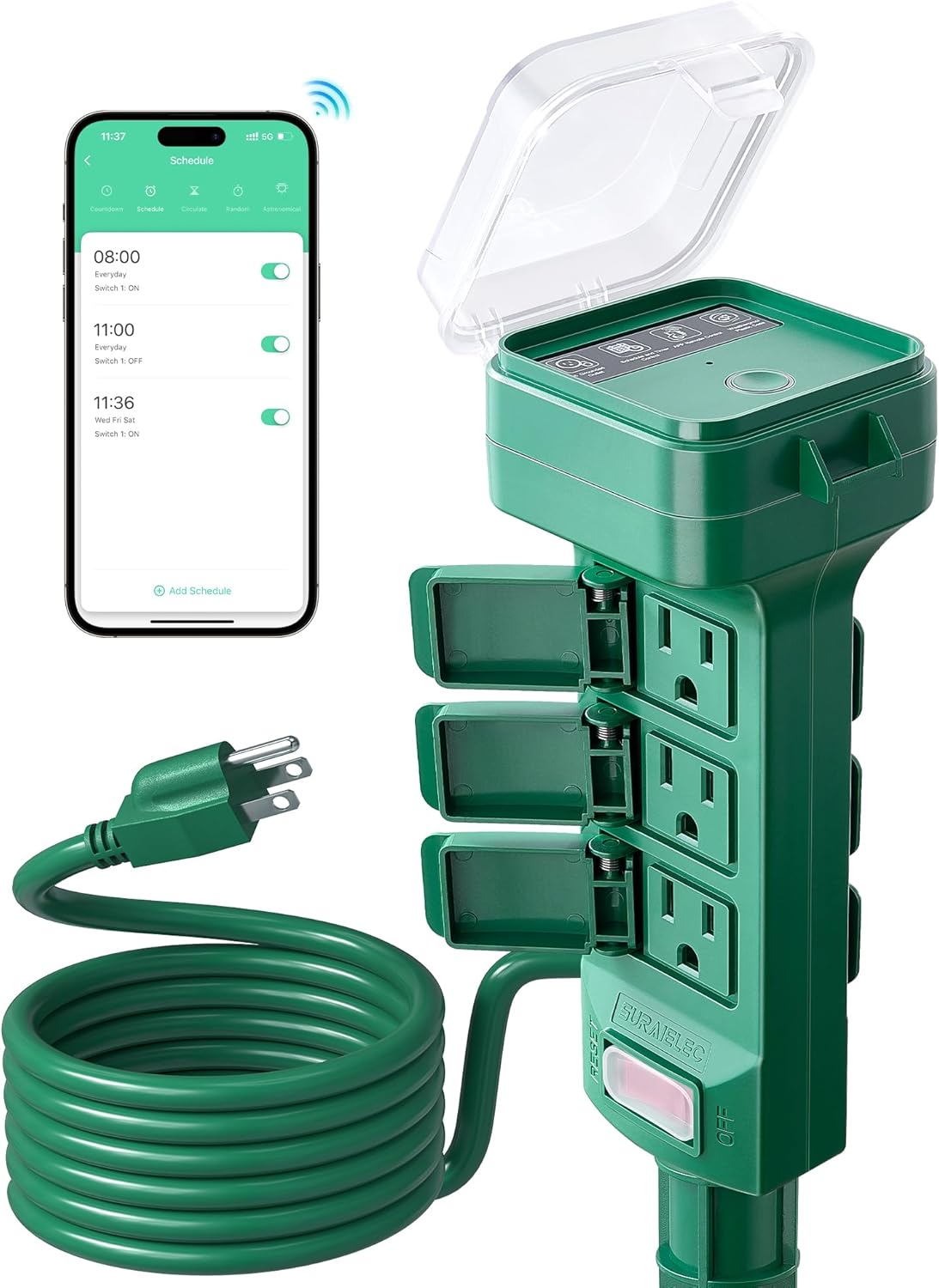
Timers & Schedule: Simplify your daily routine and save energy by setting up personalized schedules and timers for your devices. Automate the operation of your appliances, ensuring they turn on or off at specific times that suit your needs.
Voice Control: Experience the ultimate effortless convenience with our smart plug’s compatibility with popular voice assistants like Alexa and Google Home. Simply use your voice to control your devices seamlessly. Just say the word, and let the smart plug do the rest!
Reliable & Compact: The mini’s round design ensures it won’t take up extra space. Rest assured with ETL and FCC certifications, and enjoy peace of mind with EIGHTREE’s 2-year coverage.
Warm Tips: To use Alexa and Google Home for voice control, please take a minute to connect the Smart Home plug with the Smart Life App first.
Warm Tips: Our smart outlet is compatible with SmartThings. Please follow the connection instruction video to complete the setup. Don’t hesitate to reach out to us if you need any assistance. We’re here for you every step of the way!
13 reviews for Eightree Smart Plug 5GHz & 2.4GHz, Smart Outlet WiFi Socket with APP Remote Control, Compatible with Alexa & Google Home, 4 Packs
Add a review
$35.99
Kenco Door –
Best Smart Plugs I ever used!
This is my second box of these, they are the best for easy installation, smooth operation and longevity. I use Smart life and that is partnered with Alexa. It literally takes 1 minute to be hooked up and be fully functional. Just plug this product in an outlet and open Smart life, it hooks up automatically. Change the name to what you want and give Alexa a little bit and it will be in there also, best easy Smart plugs I have ever used. I needed more for Christmas lights around the house. Definitely would buy again and highly recommended.
CB –
High-Quality, Reliable Smart Plugs
I purchased these Eightree smart plugs to replace a different brand that wasn’t compatible with my new combination router modem. The setup process was incredibly straightforward; I just plugged them in and followed the app’s guided instructions. Once they were connected, they operated flawlessly, allowing me to control my devices with ease. The performance so far has been excellent, and I appreciate the reliability they bring to my smart home setup. If I ever need additional smart plugs, I will definitely choose these again!
VC KY –
As advertised
Easy to set up. App is intuitive. Works as described.
JIMBOB –
They are great… mostly.
These are easy to setup and work great. But I had one stop working on the schedule I had set up. I rebooted it and now seems to work. Time will tell. I have two set like timers to turn on and off on a schedule and they work great. The others are on lights that are not easy to reach and like that I can turn off and on with ease with the app. The only downside is that they can’t be placed next to each other on the same outlet, they are too big for that. They should be made with flats, top and bottom, so they could be. Poor design. Other than that they are better than using timers.
R. Hipp –
Worked flawlessly with my “smart” wifi!
Last year, my internet provider provided me with a new ” smart” wifi router that was great until I realized it made my entire house full of 2.4ghz smart plugs become instantly obsolete, as well as several 2.4ghz multicolor lamps that I own. This particular router did not provide a way to separate the 5ghz from the 2.4ghz and to say that I was upset would be a huge understatement. So I’ve been patiently waiting for someone to produce smart devices that run on both. Awhile back, I bought some plugs that claimed to, but after getting them, they actually used a Bluetooth connection instead of an actual wifi connection and they were a wast of Money. They never ever stayed connected And they were junk. These however, are absolutely excellent! My wifi found them easily and installed them without a problem at all and they integrated with alexa and Amazon echo flawlessly and work perfectly. So glad they came out with these! 😊
Pete –
Excellent
Easy to use and love them. Great quality
Discreet Shopper –
Perfect for Christmas lights and lamps
I had to throw away an old set from a different company because it was not compatible with my new 5G Internet. These work great when you use them with their free app. You can schedule on/off times or manually from your phone.
Tricky76 –
What I needed
They work perfectly with my starlink and devices.
Julianna –
Ordered these specifically because they work with 5GHz as I don’t have wifi at home and just use my phone data and tether to my devices (and the data network is 5GHz). The set up on the first plug took a only a few minutes to figure out and was easy to do following the instructions, second one was even quicker. Connecting them to my Alexa was seamless! Love these plugs and would highly recommend.
ismael reyes colin –
Prácticamente plug and play. Ya tenía la aplicación de SmartLife que uso con otros dispositivos. La abrí y todo se configuró en unos segundos.
juan carlos –
Muy bien construido, y materiales de calidad!
Shawn H –
Simple and easy to connect without having to mess with router and WiFi settings. Just set up an account, fast and easy, add 1st one to the network and the rest are added when you plug them in without entering network info again.
juan J. –
Se desconectan de la Red muy frecuente y requiere reconectar