
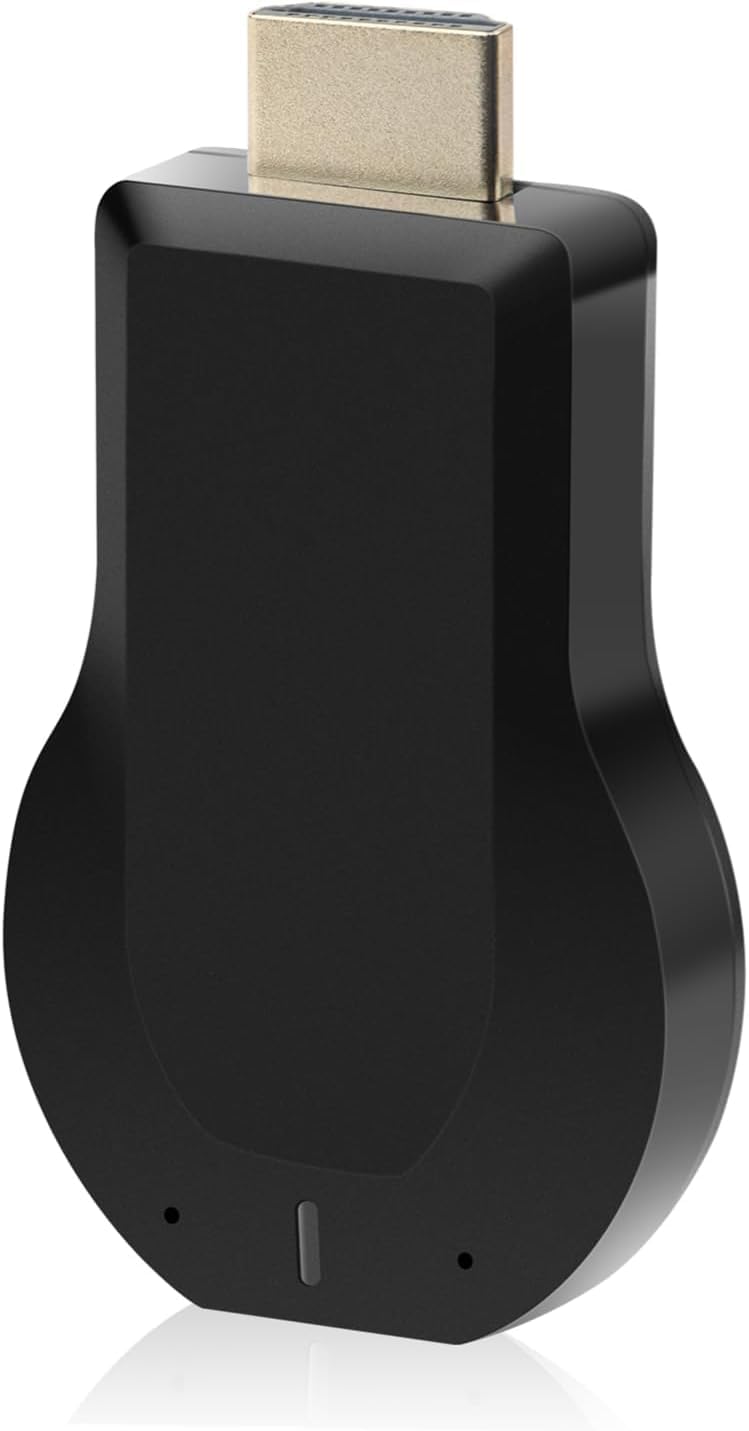
HDMI Wireless Display Dongle Adapter – WiFi 4K&1080P Portable Transmitter, Streaming Media Video/Audio/File from Smartphone, Laptop to HDTV/Monitor/Projector Support Windows
$29.99
Related Products




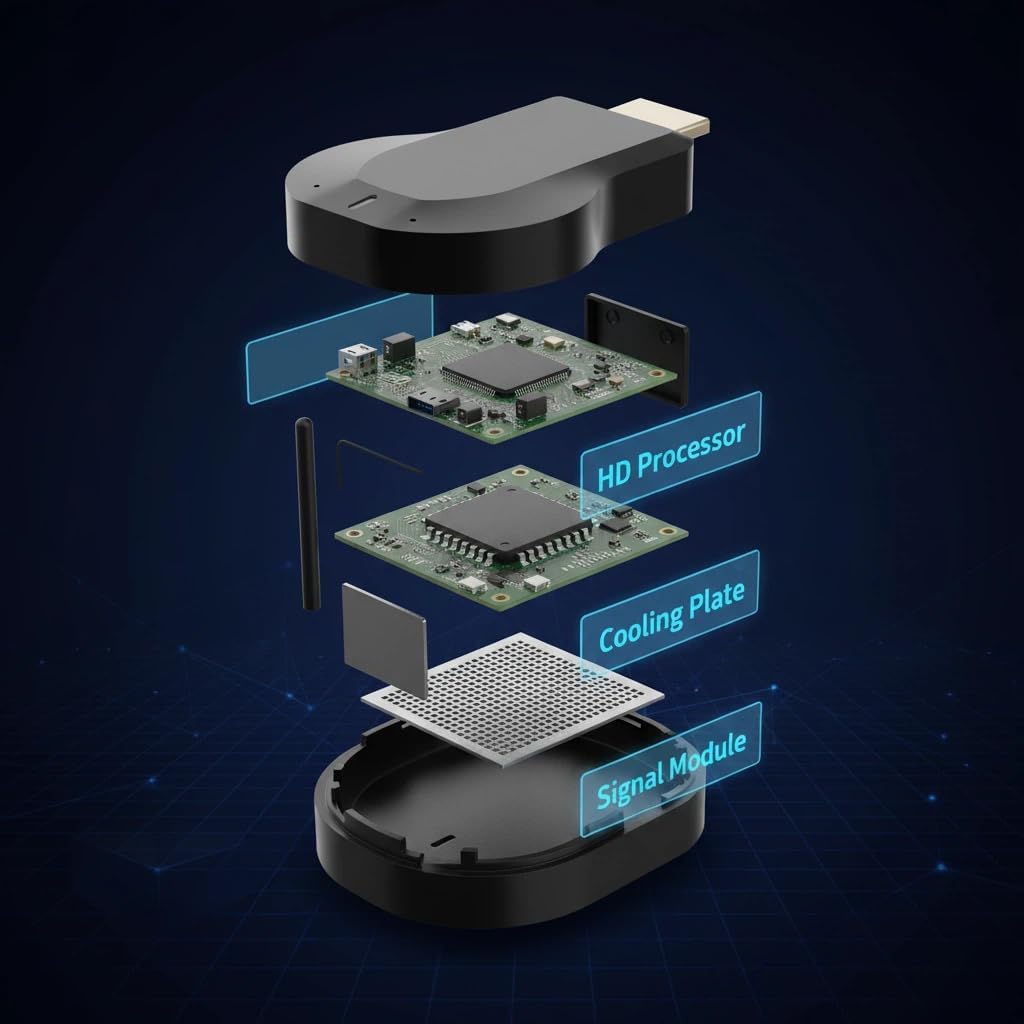

HDMI Wireless Display Dongle Adapter – WiFi 4K&1080P Portable Transmitter, Streaming Media Video/Audio/File from Smartphone, Laptop to HDTV/Monitor/Projector Support Windows
Applicable models: When your mobile device is upgraded to the latest version, this dongle can be upgraded to the latest version in time for compatibility. Supports Airplay, Miracast, DLNA protocols, i.e. iOS 9.0+, Macbook series and Android 5.0+ devices.
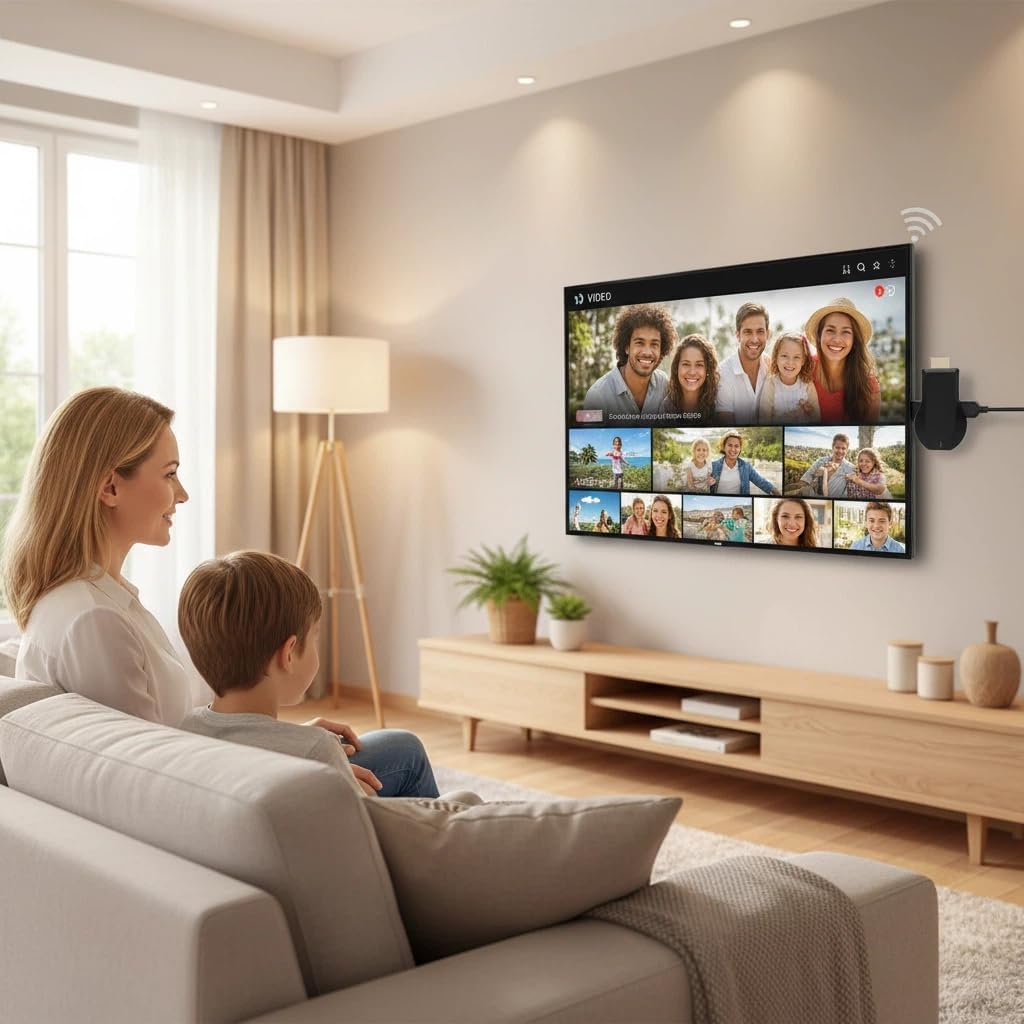
Wireless Display:This wireless display adapter can wirelessly monitor or stream to your TV/projector/monitor. Make your TV a smart TV. Easily share videos, photos, movies to the big screen. (Note: Not applicable to projectors)
Easy to use: No apps and drivers required. 3 steps: Plug in your connection mirror using Miracast, DLNA and Airplay modes. Recognizes your IP address and automatically matches the local language.
Versatile: Watch with your family at home – mirror your screen to your TV and share photos, videos, movies wirelessly. Take it with you when you travel and share your phone to your TV anytime. Watch meetings with colleagues – wirelessly mirror your screen to projectors, documents and other content. Watch with students mirroring the screen in class and share content wirelessly.
Note:Regular update Only our company can do it in time in the market. We will update the firmware regularly from our cloud server to add features and improve compatibility, connect this dongle to your wifi and upgrade it automatically so that this dongle is always compatible with the latest version of iOS/Android/Windows devices.
6 reviews for HDMI Wireless Display Dongle Adapter – WiFi 4K&1080P Portable Transmitter, Streaming Media Video/Audio/File from Smartphone, Laptop to HDTV/Monitor/Projector Support Windows
Add a review
$29.99
Danay –
Impress yourself
Excellent product, it worked better than I expected. The connection was fast and uncomplicated, in a few minutes I was already broadcasting from my phone to the TV. The image quality is very good, even in 4K it looks sharp and without delays.It is small, practical and easy to take anywhere. I have used it both at home and outside and it always responds well. For the price, it’s totally worth it. Highly recommended! 👍
Amazon Customer –
Makes hotel TVs actually useful
I travel a lot for work, and I’m tired of being stuck with basic cable in hotel rooms. Tuesday night in Dallas, I decided to try out this little HDMI dongle on the room’s older flat screen. It’s tiny, literally the size of a thumb drive, so it barely takes up any room in my laptop bag. Setup was surprisingly straightforward. I didn’t have to download any weird third-party apps to my iPhone; I just plugged it into the HDMI port, connected to the local wifi, and used regular Airplay to mirror my screen. I watched a couple of episodes of a show right from my phone to the big screen without any annoying lagging or pixelation. The picture was clear and handled the 1080p resolution fine. It even ran a quick firmware update when I first connected it, which makes me think it won’t just stop working when Apple updates iOS next month. If you spend half your life in hotels and want to stream your own stuff without logging your personal accounts into a public smart TV, this is a solid addition to your travel kit.
Amazon Viner –
Easy way to mirror my screen without running long cables
I’ve been using this wireless HDMI display dongle mainly for quick screen sharing and casual streaming, and it’s made things a lot simpler compared to dragging long HDMI cables across the room.Most recently I used it during a family movie night in the basement. I plugged it into the TV, connected it to WiFi, and mirrored video straight from my phone. The whole setup took just a few minutes. No app confusion or deep settings menus — once connected, it stayed linked and ready.Picture quality looks clean for everyday viewing. We streamed a couple of shows and some online videos, and playback was smooth with only a tiny delay when starting a new stream. I’ve also used it to throw a laptop screen onto a larger monitor while organizing photos, and text stayed readable without weird flicker.Switching between devices has been painless. I’ve gone from phone to laptop and back without needing to fully reset everything. That’s helpful when different family members want to show something quickly on the big screen.The dongle itself is small enough that I just leave it plugged into the side HDMI port. It doesn’t stick out awkwardly or clutter the setup. After longer sessions it gets warm but not concerningly hot, and the connection has stayed stable for me so far.Minor note: best results come when your WiFi signal is solid in the room where you’re streaming.For travel, quick presentations, or home streaming without cable mess, it’s been a handy plug-and-play solution in real day-to-day use.
Jen –
Easy family screen sharing
We have kids at home and on weekends we often sit in the living room to look at school photos or play videos from their activities. Before this, we all crowded around a phone screen. With this wireless HDMI dongle, sharing on the TV has been much easier. I plugged it into the HDMI port, connected it to our WiFi, and followed the on screen steps. Setup only took a few minutes. After that, I could mirror videos from my phone and my husband could show documents from his laptop without moving cables around. The picture looks clear for movies and cartoons, and playback has been smooth for everyday use. Switching between devices does not require a full reset, which saves time. The dongle is small enough to stay plugged in behind the TV without getting in the way. After running for a while it feels warm but not hot. For family movie nights, online classes, or quick work sharing, it keeps the room tidy and avoids long cords across the floor.
Barb –
Will not work for casting from streaming apps
I just received this dongle and set it up right away. Setup was more involved than it sounds like it was for other reviewers, but once I got it up and running, it didn’t work for casting the apps I had bought it to stream. It mirrored the phone fine (note that it displays essentially the same view you see on your phone screen- a narrow vertical screen that does not fill the TV screen until you maximize a video and rotate your phone horizontally, and even then, the picture does not fill the full TV screen) until trying to play a video in a streaming app, at which point it just goes black and silent, and the video and audio stop on your phone as well, until you stop mirroring. Since streaming apps seem to block screen mirroring, this device is not useful for me, and I will be returning it. There is nothing in the Amazon listing indicating that there are limitations with regard to mirroring/casting content from streaming apps, so buyers will want to be aware of this. The 21 reviewers prior to me who all gave 5-star reviews must have only been casting content outside of streaming apps.
Amazon Customer –
Easy Way to Mirror My Phone to the TV
I bought this HDMI wireless display dongle before a family trip so we could stream photos and videos on the hotel TV in Orlando. Setup took about ten minutes the first time. I plugged it into the HDMI port, connected it to WiFi, and followed the on-screen steps from my phone.Once connected, it mirrored smoothly in 1080P, and 4K content looked sharp on our living room TV when I tested it at home. We used it to stream vacation photos for my parents one Sunday night, and there was very little lag. Audio stayed in sync, which was important when we played short video clips.The dongle itself is small enough to toss in a laptop bag. I’ve also used it during a team meeting at the office when we didn’t want to deal with cables running across the conference table. It worked well for screen sharing slides from my tablet.