
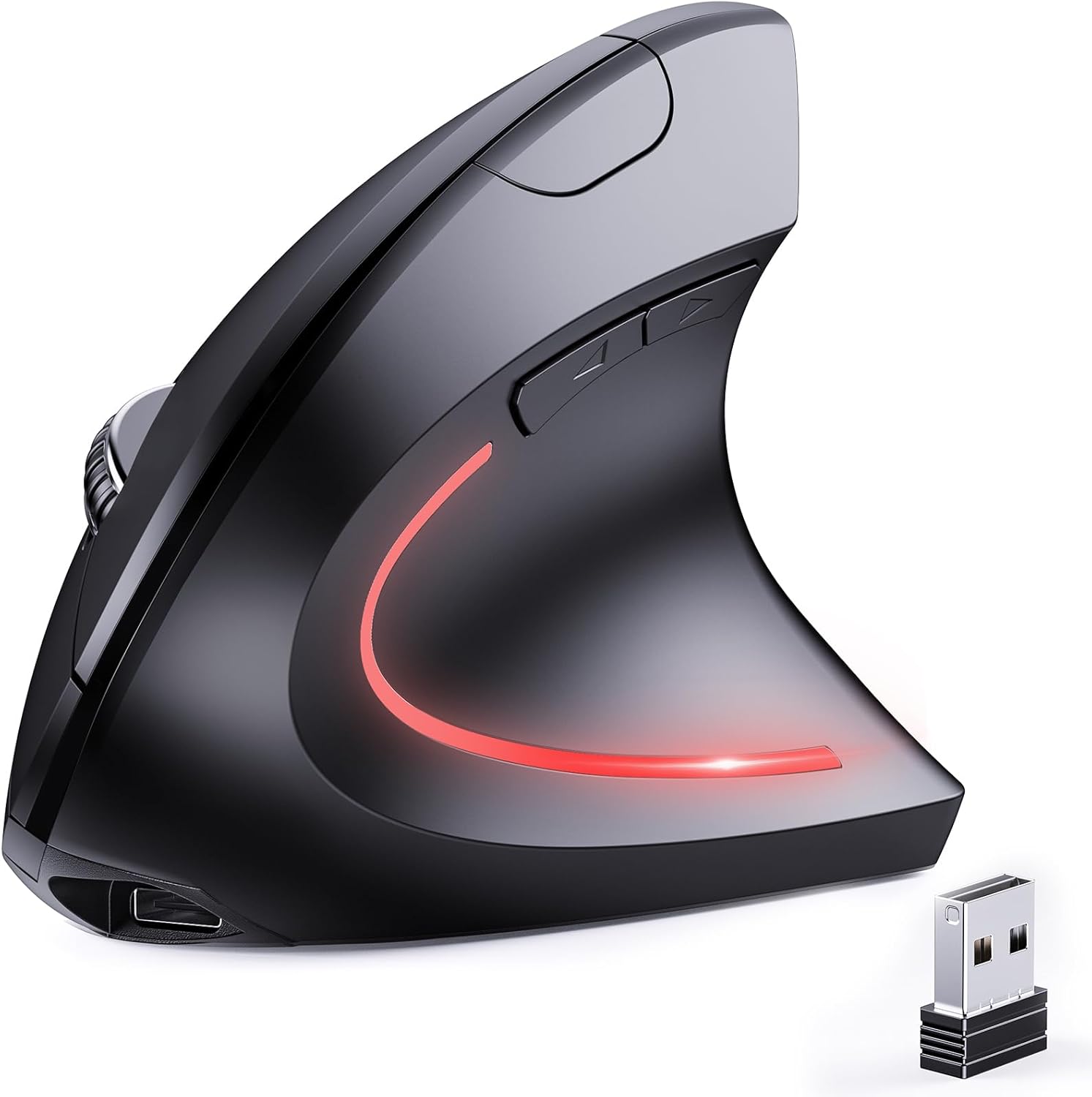
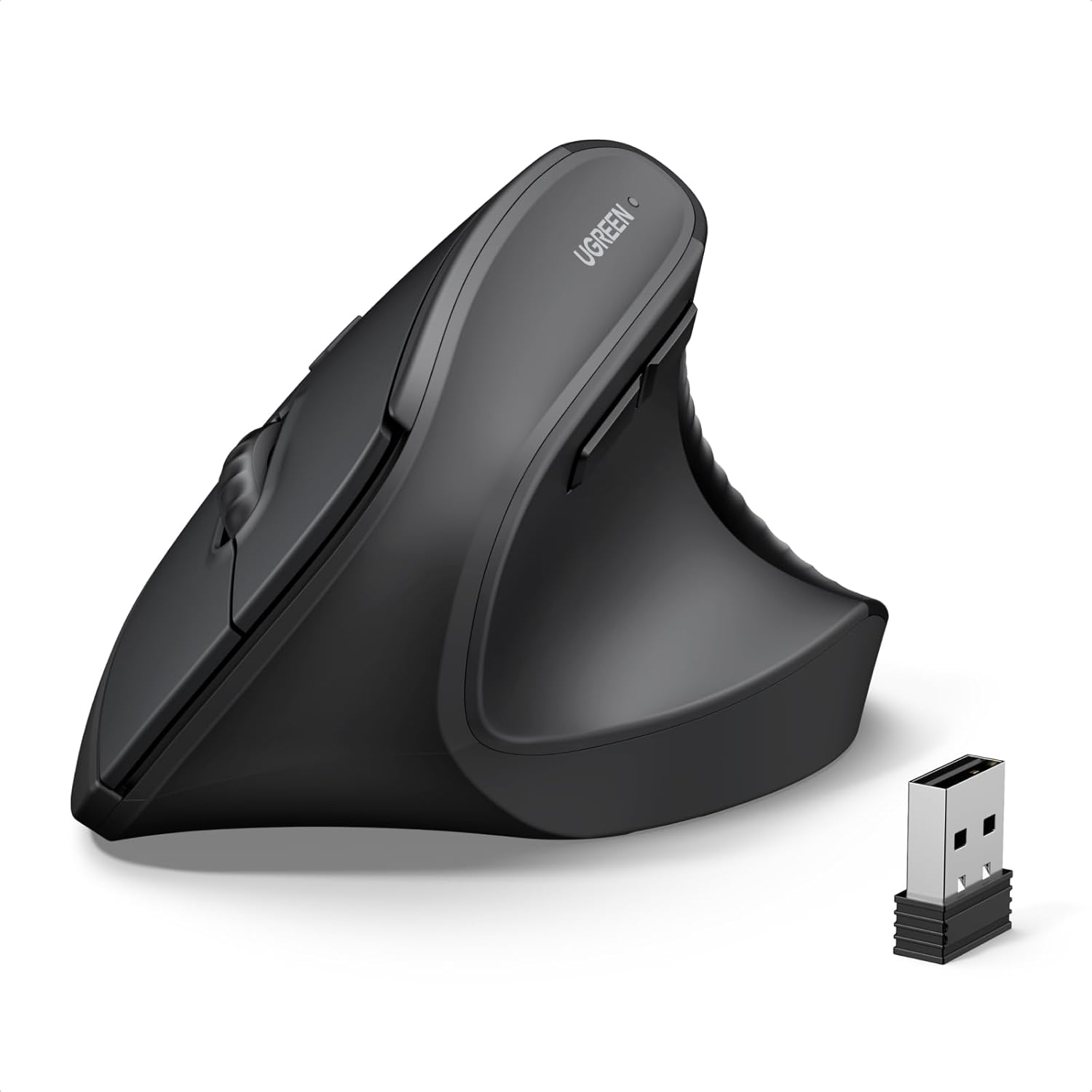
JYKEYMOUT Bluetooth and 2.4G (2-in-1) Rechargeable Wireless Mouse, Ergonomic Vertical Design, 1000/1200/1600 DPI, 6 Silent Buttons, for Laptop, Computer, PC, MacBook, Chromebook-Black
$9.99
Related Products





Product description

Note: If you have two devices with Bluetooth capabilities, one featuring Bluetooth 3.0 and the other Bluetooth 5.2. The bluetooth mouse can only connect to one device at a time and can not simultaneously connect to both 3.0 and 5.2.
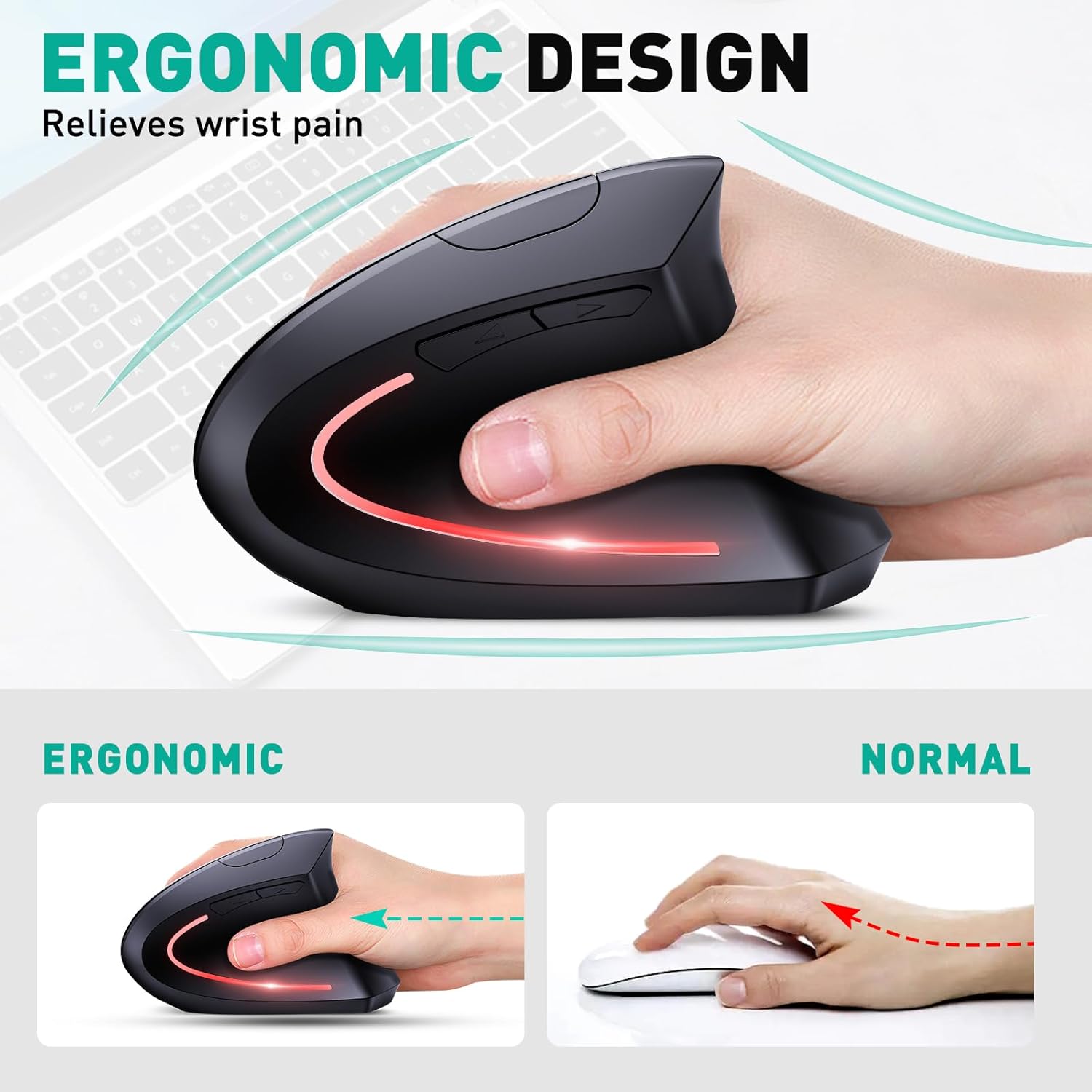
 Ergonomic design
The wireless optical mouse is specifically designed for comfort, reducing wrist pressure and pain by up to 40%, suitable for extended use.
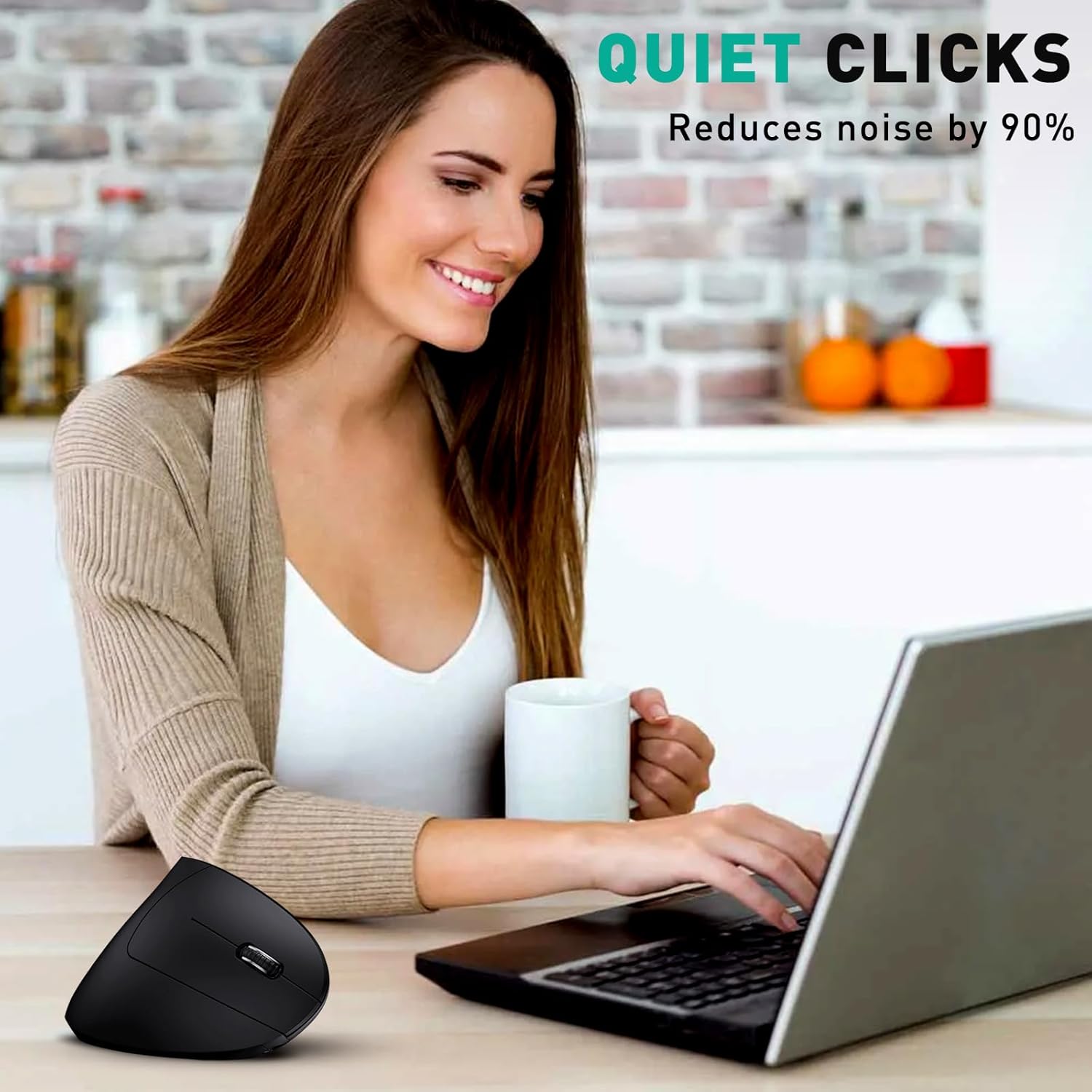
 Silent function
Quiet clicks reduce noise by 90%, avoiding disturbance to others.
Bluetooth & 2.4G dual-mode design 
Freely choose the connection method according to your needs and switch modes with one button.
 Energy saving mode
The wireless mouse for laptop is rechargeable. Enter energy saving mode after being idle for ten minutes to saving battery power and extending usage time. Wake up with one click.

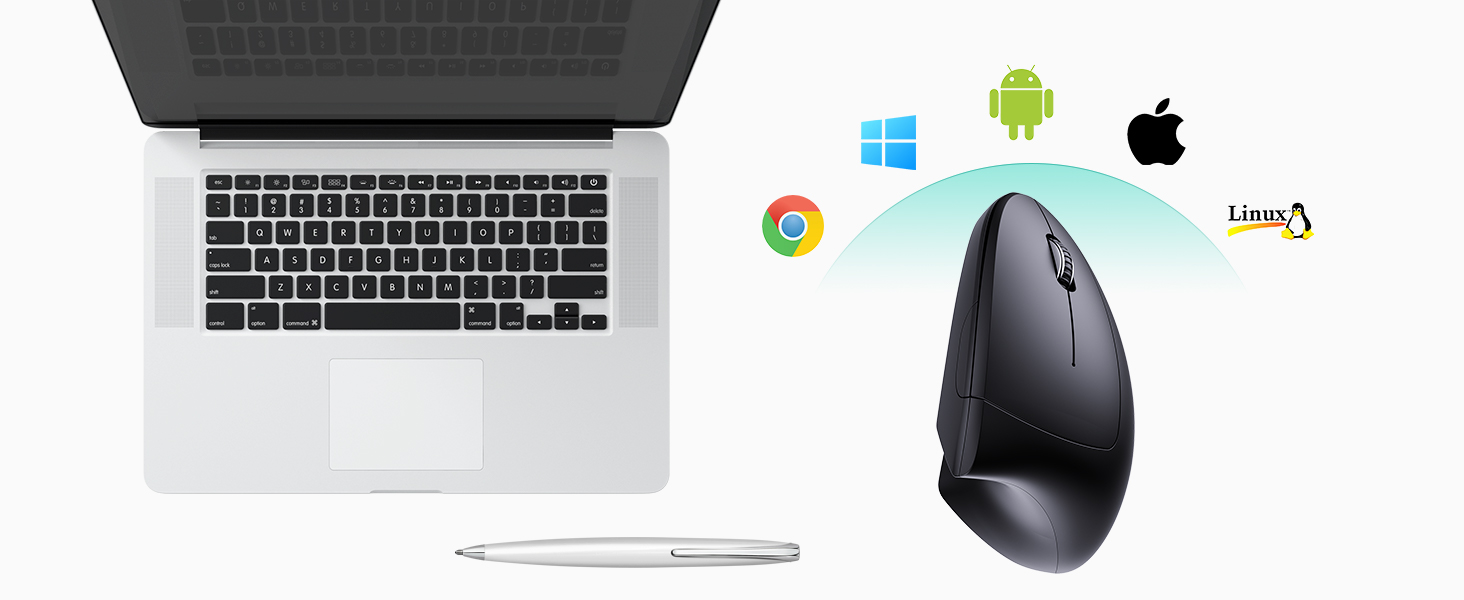 Widely compatible with various devices and systems
Including Windows/ Mac/ Chrome/ Linux/ Android/ laptop/ desktop/ smartphone.
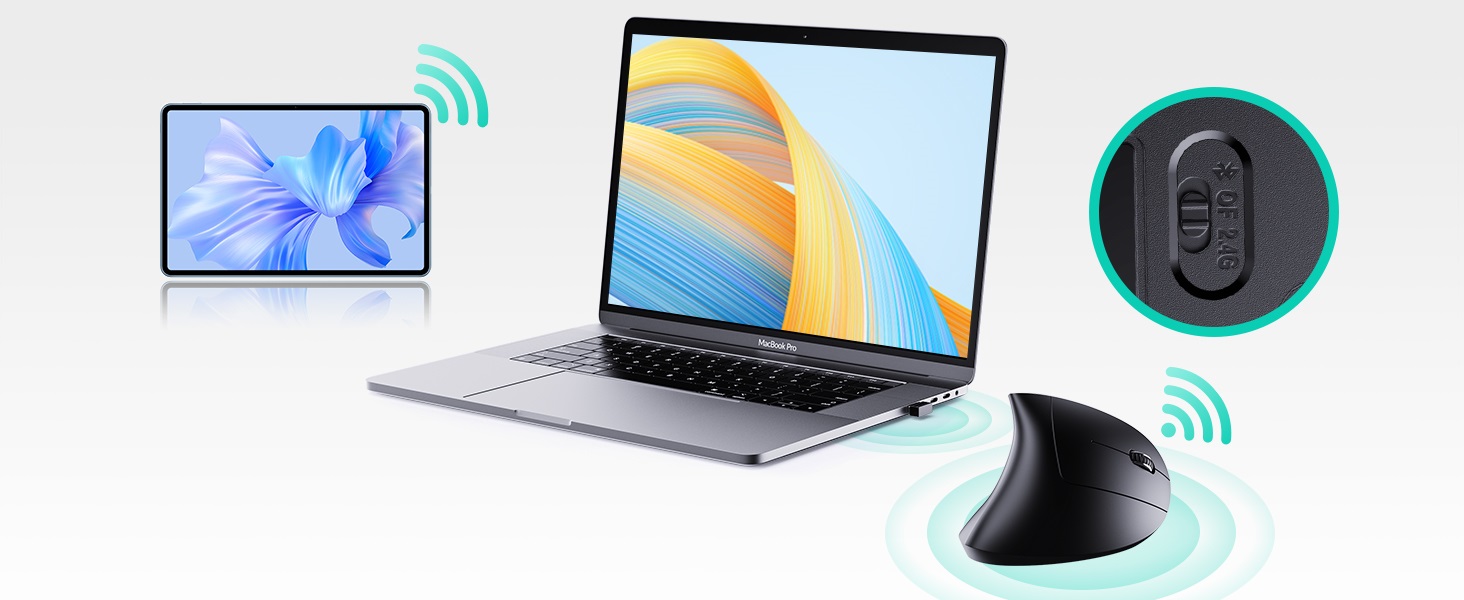 Switch between the two devices with one button.
One wireless mouse could connect to two devices simultaneously-one via Bluetooth, the other via USB.
1 Rugged Keys
2 Wide Compatible
3 One Mouse, Two Devices
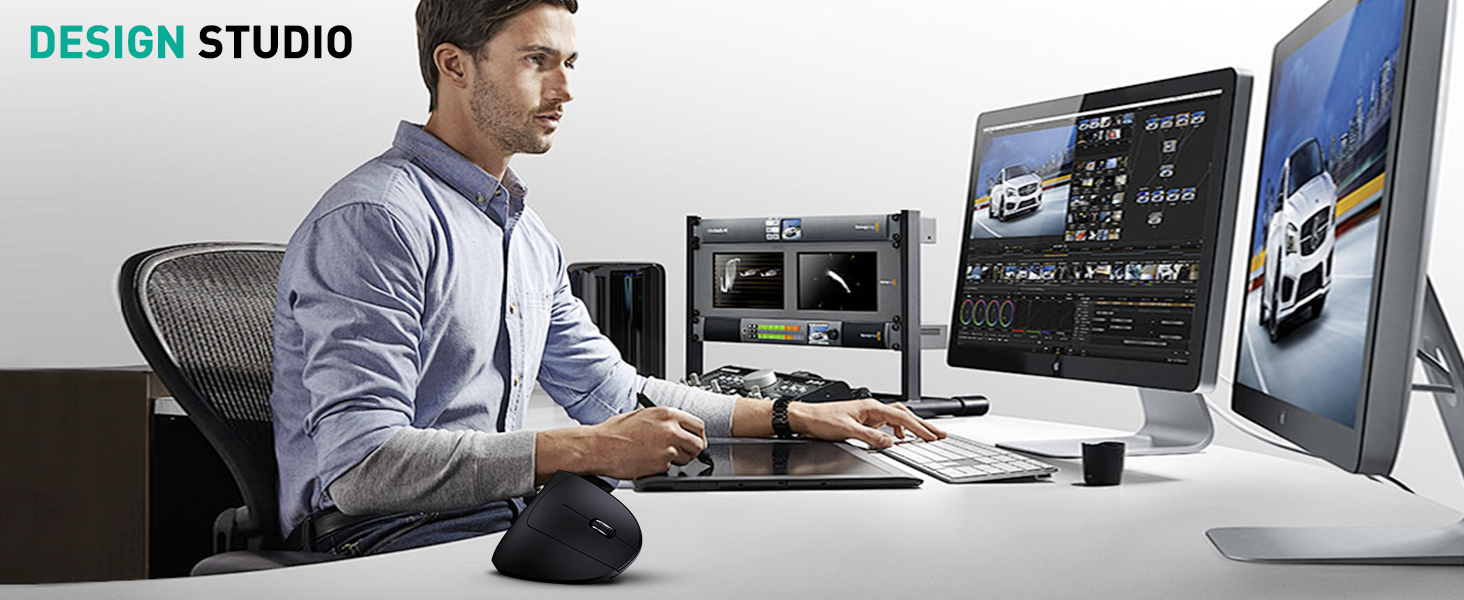
Suitable for Multiple Environments



【2-in-1 (Bluetooth & 2.4G) Dual Mode】The wireless PC mouse features both Bluetooth (5.2/3.0) and 2.4GHz USB modes. Opt for Bluetooth mode to connect to a laptop or tablet, saving a USB-A port. Especially convenient for MacBook Pro without USB port. Or choose the 2.4GHz USB mode, simply plug in the USB receiver for quick connection without the pairing process. Effortlessly switch between the two modes with the press of a button for flexible use according to your needs.
【Simultaneous Connection to 2 Devices】One JYKEYMOUT mouse could simultaneously connect to 2 devices. One device connects via Bluetooth, the other via USB. With just a simple press of a button, seamless switching between them. No need for repetitive USB plugging or Bluetooth pairing. Widely compatible with various devices and systems, including Windows/ Mac/ Chrome/ Linux/ Android/ laptop/ desktop/ smartphone.
【Ergonomic Design】Ergonomic vertical mouse promotes a neutral handshake position for the right hand, reducing wrist and arm pressure for lasting comfort. Optical tracking technology with 1000/1200/1600 DPI resolution ensures smooth and precise tracking on various surfaces.
【Quiet Clicking – Quick Browsing】The wireless computer mice features 6 silent buttons, ensuring nearly soundless clicks. Won’t disturb family members’ sleep or disrupt colleagues’ work. The “Back” and “Forward” function buttons enable faster web browsing(not compatible with Mac OS). Especially suitable for home, office, library, conference room, airplane, and other places.
【Rechargeable Feature】The ergo mouse is built in a high-capacity rechargeable battery (Note: To protect the battery, please avoid using a fast charging adapter and refrain from charging for extended periods after reaching full charge). A full charge can be used for about 1-3 months (actual time depends on habits and frequency). It charges via a Type-C interface and comes with a charging cable, saving on battery replacement costs. After the mouse is idle for 10 minutes, it will enter power-saving mode, during which the cursor cannot be moved. Pressing any key will wake up the mouse, and the LED light will light up.
11 reviews for JYKEYMOUT Bluetooth and 2.4G (2-in-1) Rechargeable Wireless Mouse, Ergonomic Vertical Design, 1000/1200/1600 DPI, 6 Silent Buttons, for Laptop, Computer, PC, MacBook, Chromebook-Black
Add a review
$9.99
Chouch –
Good product.
Received in a box containing the mouse, charging cable (USB C to A, about 18″ long) and a small manual. The mouse itself is about 4.75″ long, 2.5″ wide at the base and 3″ high. I have a medium-sized palm (7.25″), and it fits well. The USB wireless adapter is inside the base and little hard to remove. The bottom switch has 3 positions (BT, OF and 2.4G for Bluetooth, Off and wireless). The manual is not in the best of English, but decent enough and adequate for its purpose. Most importantly, it works as intended. I bought it to use with my laptop which has built-in Bluetooth and running Windows 11 Home. The moment I turned the switch to BT, a notification popped up on my laptop asking permission to connect to ‘BT 5.2 Mouse’ (I didn’t even have to search for it). I also tested it with the USB wireless adapter, and it is true PNP. All works well (right and left buttons, back and forward pages side buttons, and scrolling). I haven’t fiddled with the DPI switch and likely never will. Overall, I am pleased with a good first impression. Recommend. Thank you.
Craig U. –
Saves your wrist, and it doesn’t take long to get proficient with it.
Slight learning curve, more like getting used to it, but I can’t go back to a standard mouse now.It’s funny looking, and falls over if I hit it because it’s over 3 inches tall on the pad, but it’s so much better than the standard mouse. Hold your arm out straight, with your thumb and fingers in a ready-to-grab position. That’s how you hold this mouse. There’s no rotating or bending your wrist, your hand just slides right into place naturally.Well made and accurate. There’s a switch on the bottom for 2.4G, off, and Bluetooth. The 2.4G means the little receiver that is in its “garage” on the bottom. BT is great for a laptop so you don’t have to use up a USB port.You can plug it in with the type C cord that comes with it (or use any of the other 1.5 zillion cables you already have) and still use it. The cord plugs in the front, making it usable unlike brain-dead designs of other rechargeable “mice” where it plugs in underneath blocking its use while charging. I’d give it 6 stars just for that.Stop debating its weird “steam iron” look, just add it to the cart and try it. Your carpal tunnel will thank you.
B. Pearce –
Great mouse!
This is my first vertical mouse, and I must say, I like it very much. The first day I had it, I found it awkward to use, but after that, I adapted quickly. I cannot imagine going back to a regular mouse now. This mouse is very light weight and comfortable in the hand. The placement of the buttons is perfect; one thing I especially like is that the back and forward buttons for the browser are positioned in such a way that they are easy to reach when needed, but also far enough out of the way that accidental presses are unlikely. Another nice thing is that it can be used with the included dongle, or with Bluetooth. I have not used the Bluetooth functionality yet, but that would be very convenient for switching among different devices, using it on a device that doesn’t have any available USB ports, or using it if you’ve forgotten the dongle. There is a storage compartment on the bottom of the mouse for the USB dongle just in case you need to transport or store it so that it does not get lost. The mouse charges with a USB-C cable, and the cable is included. I haven’t had the mouse long enough to speak to battery life, but so far, so good. The one negative I can say is that the mouse is very tall, so it is easy to knock over, but that kind of comes with the form factor. You can’t have a tall vertical mouse that is flat, it would just be a regular mouse, so that will just take some getting used to. Truly, it feels like an extension of my arm and hand and for the price, there is no reason not to try it!
Angie –
Price Fits the value -very nice mouse
I’ve had this mouse for about 3-4 days now! it works so smoothly! Very light weight and easy to handle . Not much hand pain for me anymore lol One of the main reasons why I decided to buy an Ergonomic mouse Because after working in the medical field, you’ll always fine Doctors using these . I like the fact you can pretty much use it at any angle is cool . Connection was super fast and easy too.The only CONs for me at this time is that since the mouse is super lightweight (light as a pen) I’m low key scared of dropping it or my kids throwing it and it will break lol 😝UPDATE 12/4/24Mouse has fallen pretty hard off the table a couple of times and it still working . No clink noise either . ever since I made the switch from a traditional mouse, I no longer have hand and joint pain! It fits right on lot my hand ! I can be in the computer for hours !!!! Value for your money for sure !*UPDATE 02/07/26Mouse is still going strong ! I’ve had toddlers throw it , slide of the table , etc and it’s still functioning without a single problem. No cracks or breaks . I also use for gaming too which is comfortable and works just fine .
Guy Stevens –
Highly recommended!
Having worked on computers since the early 1980s, I spent thousands of hours using a mouse and it just didn’t work for me anymore. I decided to try this new Ergonomic vertical mouse and discovered that it’s possibly the best mouse on the market. There’s no strain on your wrist, It’s easy to use, it functions perfectly and it’s great value. Highly recommended
Lauren R –
I’ve enjoyed this mouse for over a year
I’ve used this for almost a year now at my work desk. I enjoy the mouse and the find the unique position very comfortable. The battery lasts a long time, and it recharges quickly and easily when needed.
Johnny –
Satisfied!
Teanne –
The silicon material is very smooth and feels nice. It took me about a day to get used to it and afterwards, it felt super comfortable to use. The only downside is that the Bluetooth function does not work for mine. I tried charging it as indicated for a few hours and there was no charging light. Tried turning it on and there was no Bluetooth connection either. The USB connection works fine so I’ve been using that, would be great if the Bluetooth connection worked.
belal elsayed –
Working fine as describedBattery is greatBluetooth is working fine
Fady Osama –
ماوس مريح جدا للايد وبطاريته بتفضل شغاله اكتر من ٨ ساعات
Patrick Antwi –
I love it very much, quality material, very sturdy and it took be few hours to get used to it, Best purchase ive made so far.