
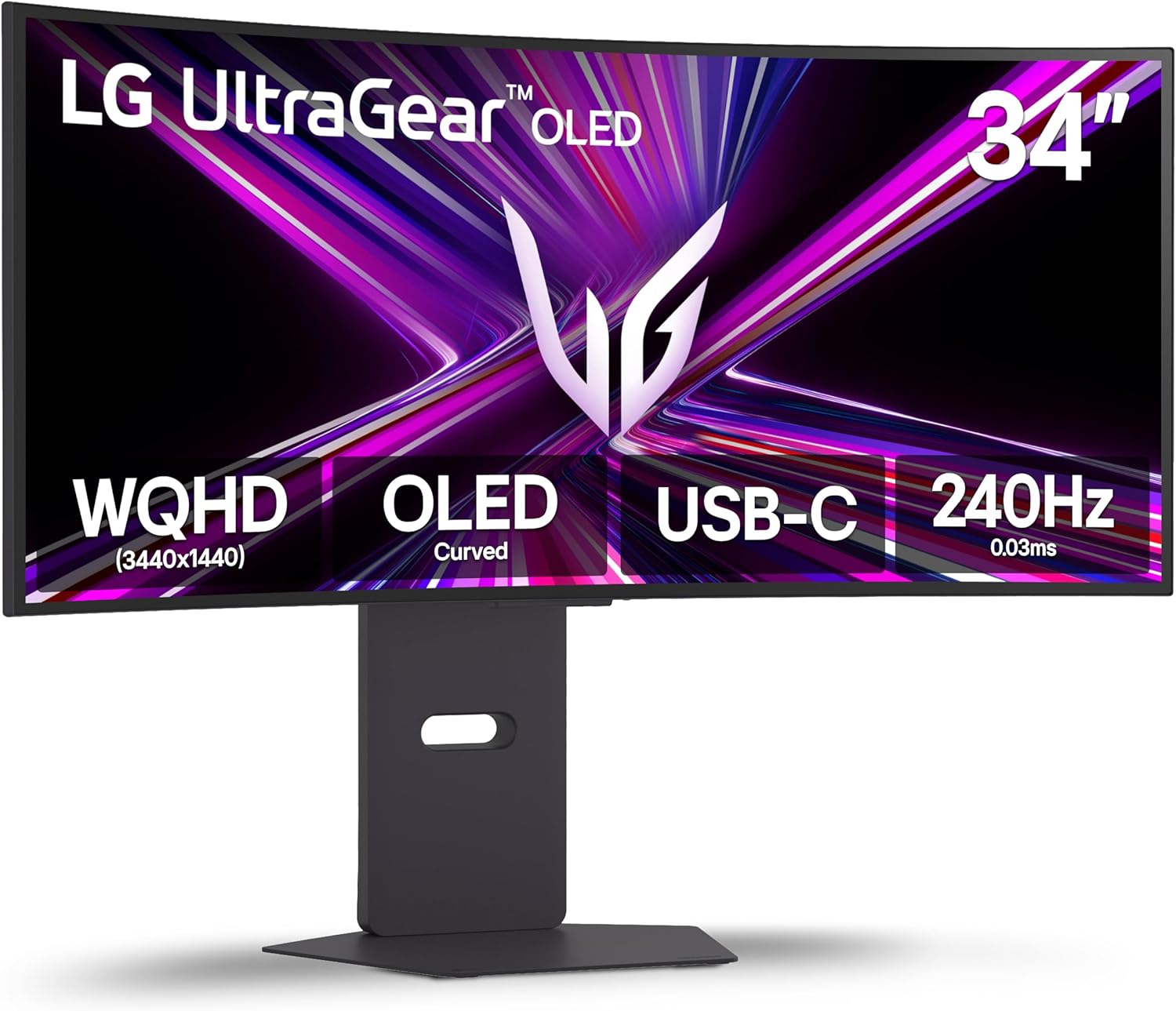
LG 34GX900A-B 34-Inch Ultragear WQHD (3440 x 1440) OLED Curved Gaming Monitor, 240Hz, 0.03ms, NVIDIA G-Sync, VESA DisplayHDR True Black 400, HDMI 2.1, DisplayPort, USB Type-C PD 65W, Black
$699.99
Related Products


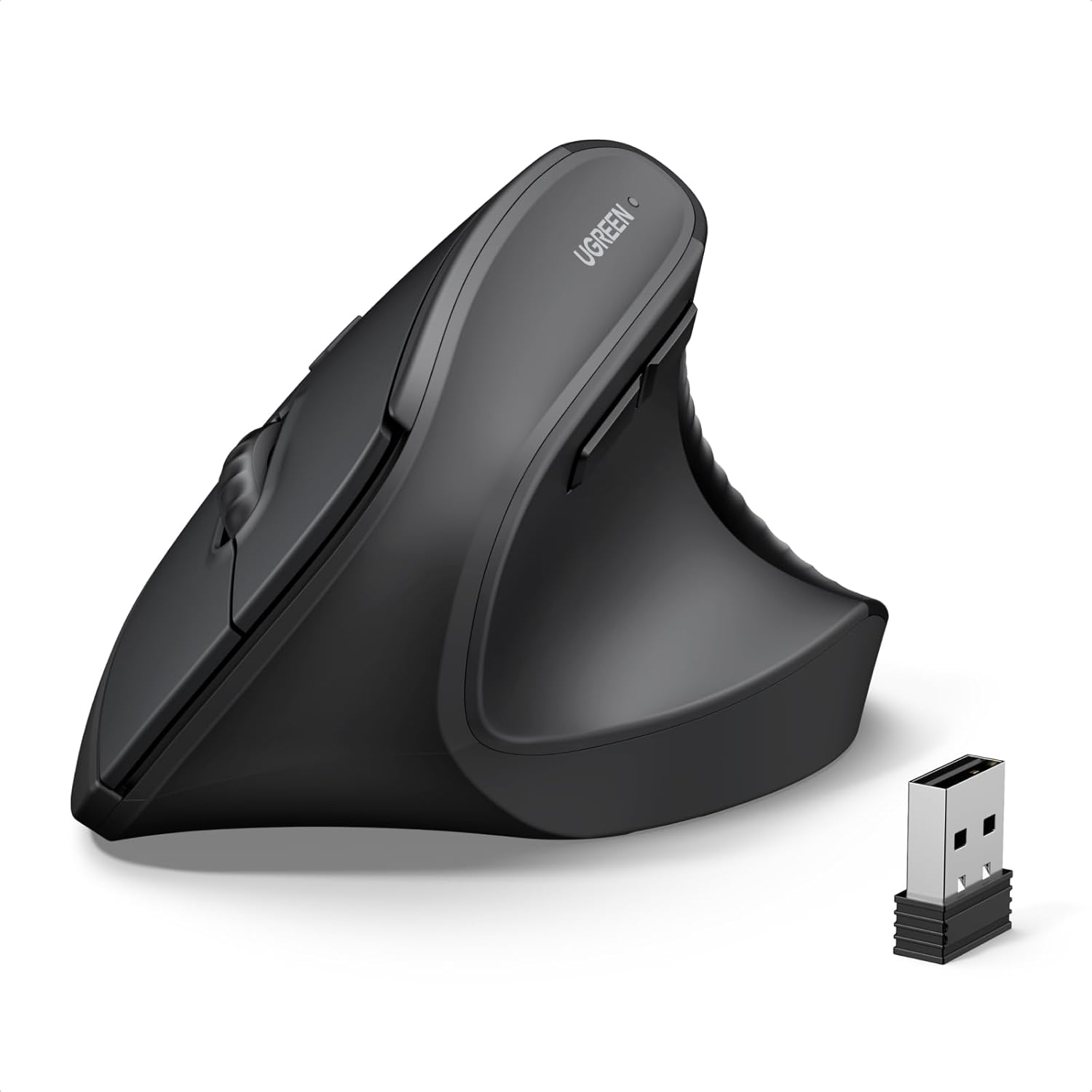




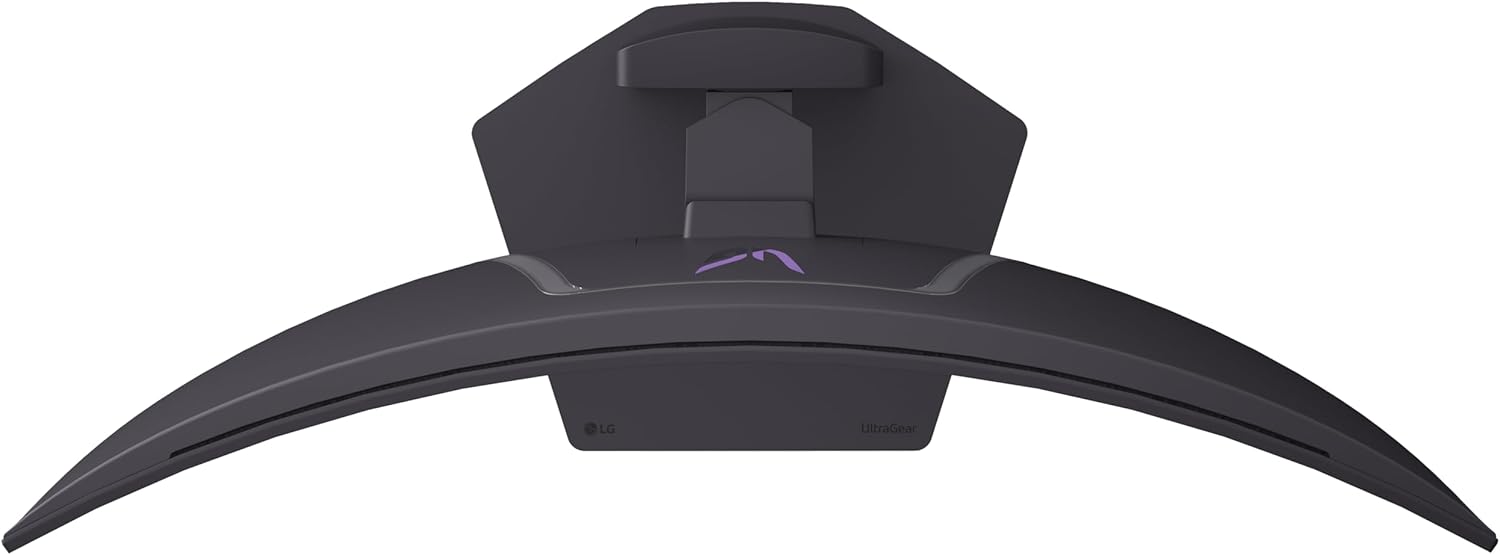
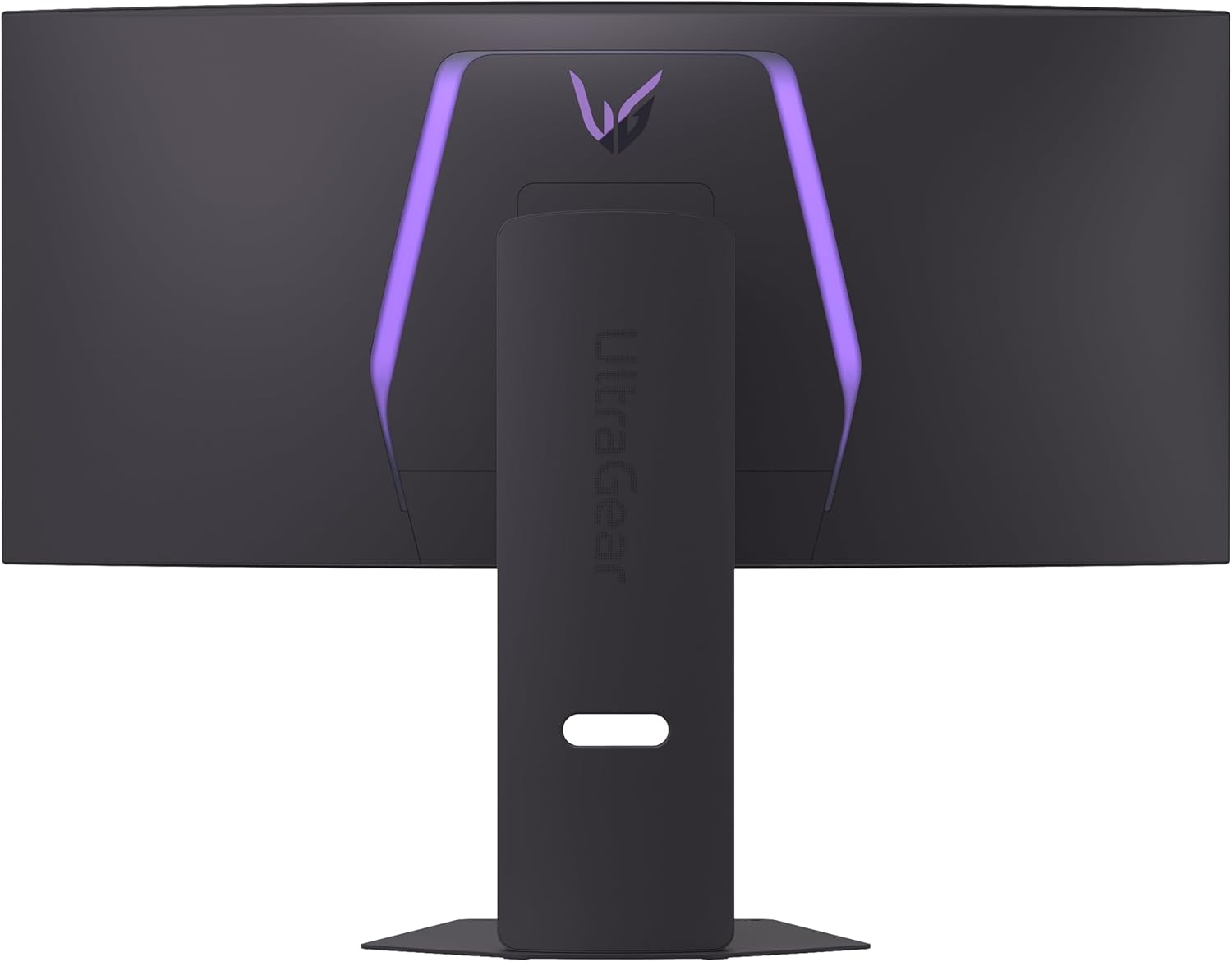


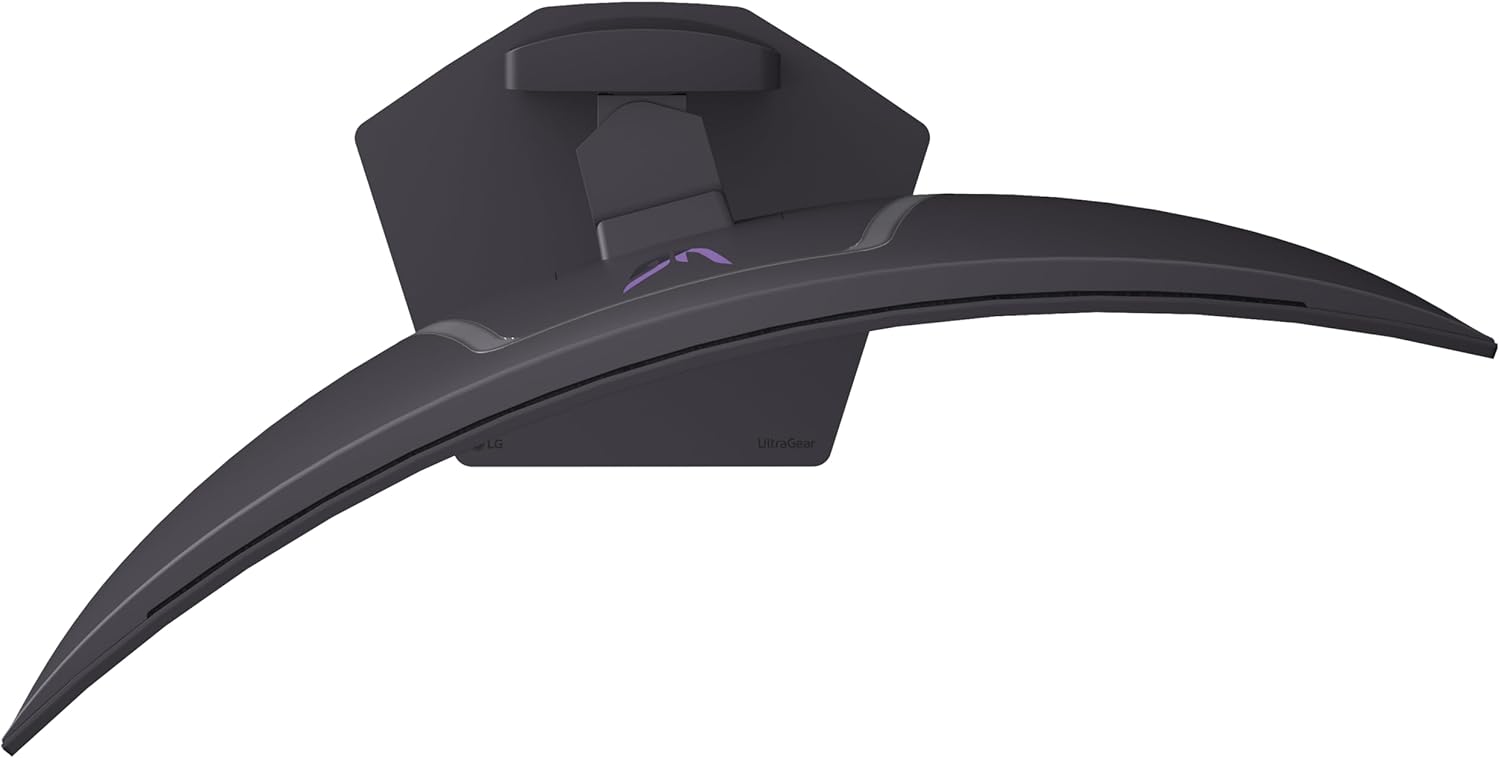
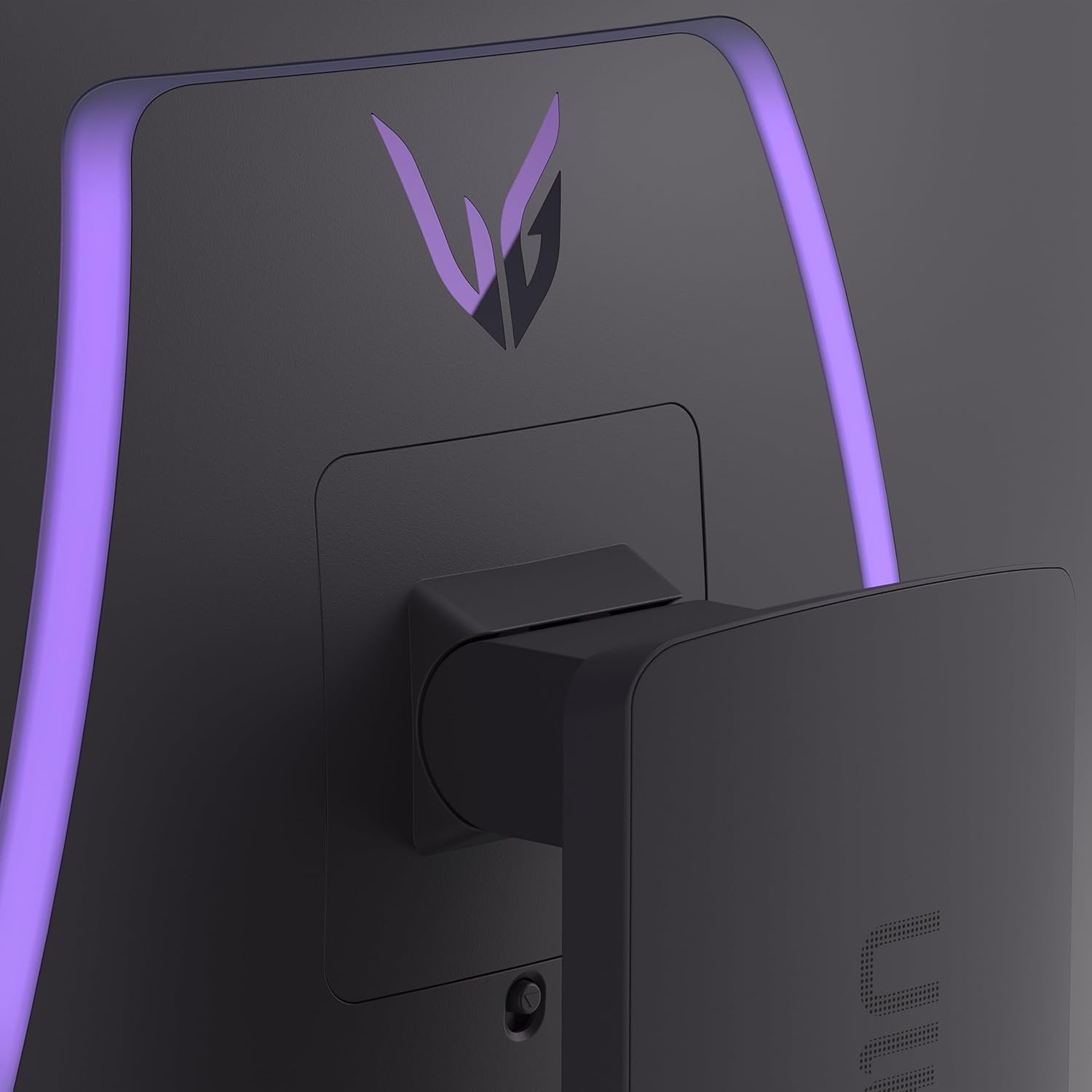


Experience lightning-quick speed with up to a 240Hz refresh rate¹ and 0.03ms response time on a huge 34 Inch WQHD curved OLED monitor. The steep 800R curve surrounds you in the action. And with the 240Hz refresh rate, and 0.03ms response time, the action is fast, the play seamless and precise. Dive into UltraGear OLED’s immaculate visuals with up to 98.5% of DCI-P3 color coverage and a 1,500,000:1 contrast ratio for stunning blacks and vibrant colors. Adaptive sync technologies FreeSync Premium Pro and NVIDIA G-SYNC compatibility ensure tear-free, stutter-free performance, whether you’re on PC or next-gen consoles. Plus, the UltraGear’s 2-year OLED limited warranty and OLED Care features give you peace of mind, keeping your UltraGear monitor in top shape. Designed for gamers, the virtually borderless design complements any gaming setup, with height, tilt, and swivel adjustments for optimal comfort. The RBG backlighting creates the mood that’ll upgrade any battlestation. Source: Circana, LLC, Retail Tracking, Monitors, Gaming Designed, Display Type: OLED, Dollars, Jan – Dec 2025
¹Graphics card that supports DisplayPort 1.4 or HDMI 2.1 are required to achieve up to 240Hz refresh rate support. Graphics card sold separately.
²Software installation required. Visit Support on LG.com to download.
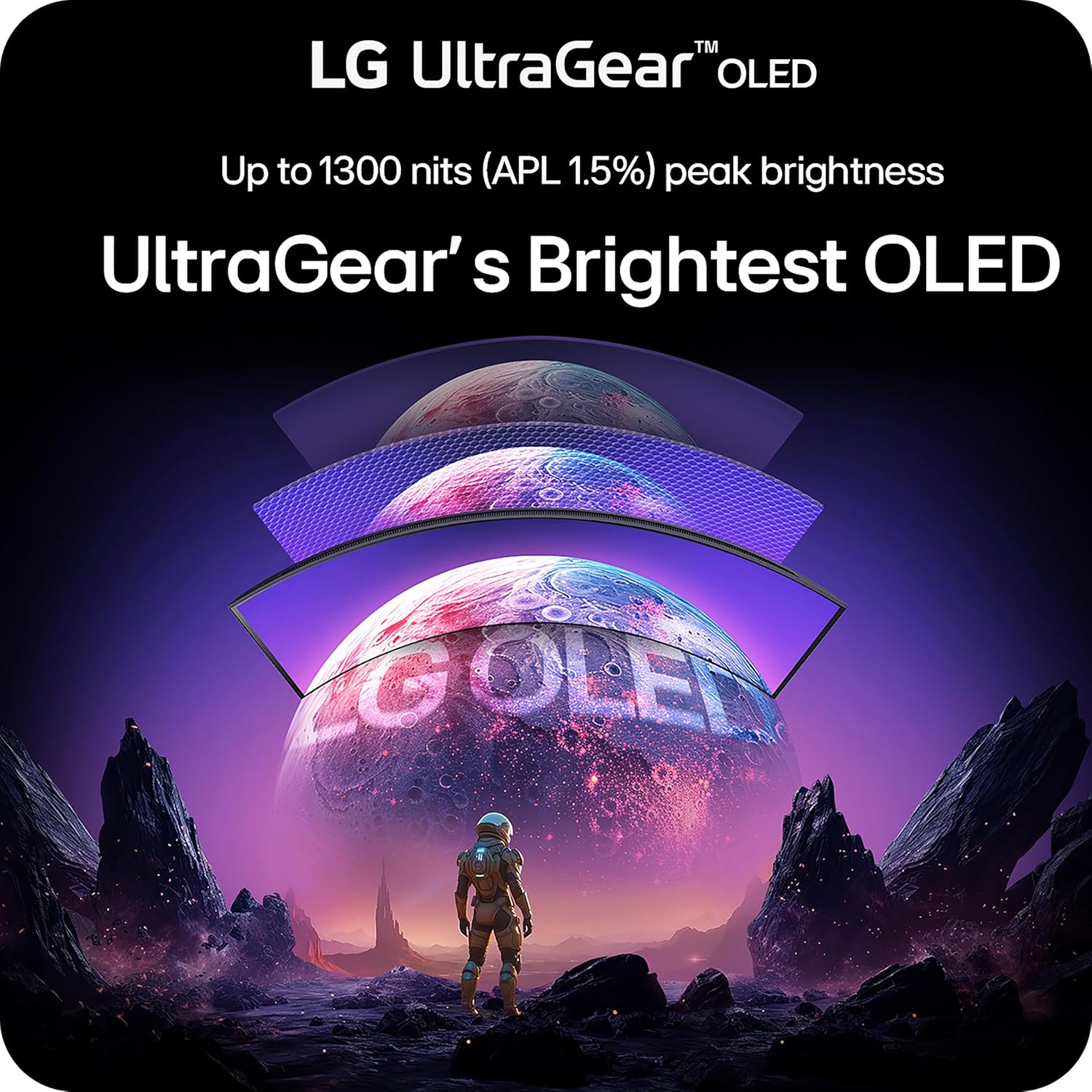
The 240Hz OLED Gaming Monitor that’s Ahead of the (800R) Curve – The 34” WQHD OLED with a steep 800R curve and up to 1300 nits (APL 1.5%) peak brightness pulls you deep into the action, while a 240Hz refresh rate and 0.03ms response time keep gameplay insanely fast and smooth.
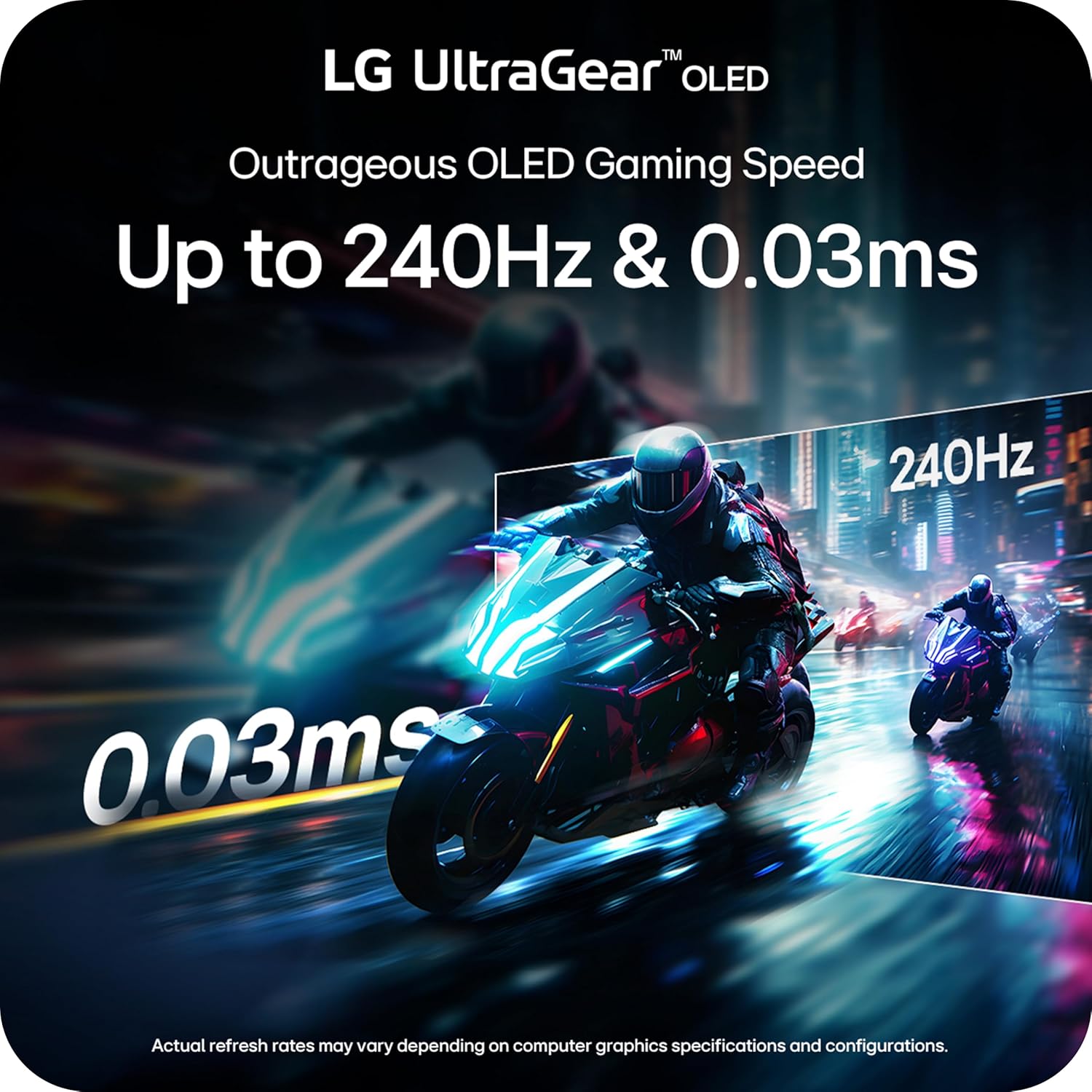
Up to 240Hz & 0.03ms – Outrageous OLED Gaming Speed – Game at the speed of OLED with an ultra-fast 240Hz and near instantaneous 0.03ms (GtG) response time. The faster speed lets you respond quickly to opponents and enjoy smoother scenes with less lag or ghosting.
Ultimate Frame Sync: FreeSync Premium Pro & G-SYNC Compatible – Say goodbye to screen tearing and stutter. With AMD FreeSync Premium Pro and NVIDIA G-SYNC compatibility, this OLED monitor delivers ultra-smooth, tear-free visuals, giving you perfect frame sync across PC and next-gen console gaming.
Bright Picture. Deep Blacks, Brilliant Detail: OLED Gaming FTW – Get lost in vivid visuals with OLED technology, delivering exceptional brightness, up to 98.5% of DCI-P3 color coverage, a 1.5M:1 contrast ratio, and DisplayHDR True Black 400. Every gaming scene pops with deep blacks, brilliant highlights, and cinematic color.
The 800R Curve: Surround Yourself in the Action – See and feel the action all around you with the dramatic 800R curve. This steep curvature extends your periphery, pulling you deeper into the game and making the action more intense.
Low Glare, More Focus: Play Without Distractions – UL-verified “Flicker-free Display”, “Discomfort Glare Free” and “Low Blue Light Hardware Solution Platinum”, this OLED display keeps your view crisp and colors bold. With advanced anti-glare tech minimizing reflections, you get distraction-free clarity—so you can stay focused and dominate in any lighting.
Unlock Your Potential with Advanced Gaming Features – Dynamic Action Sync reduces input lag for real-time response. Black Stabilizer brightens dark scenes to see what’s hidden. FPS Counter shows your real-time frame rate. Crosshair enhances precision for deadly accuracy.
OLED Protection: 2-Year Limited Warranty & Panel Care Tools – Rest easy knowing your OLED monitor is built to last. The 2-year limited warranty covers key components, including the OLED panel. And OLED Care tools such as pixel cleaning keep your display sharp, for reliable top-tier performance. Please see Warranty Information on this page for all warranty details.
Serious Connectivity for Serious Gamers – For next gen console gaming or PC gaming, with HDMI 2.1, DisplayPort 1.4 and USB Type-C (65W power delivery), UltraGear’s versatile connectivity enables high-resolution graphics, and fast, fluid gaming.
Customize Your Screen View with the Switch App – The Switch app transforms your screen into a multitasking hub for work and gaming. Effortlessly split the screen into up to 6 sections, customize display layouts, or launch video calls with a single hotkey.
13 reviews for LG 34GX900A-B 34-Inch Ultragear WQHD (3440 x 1440) OLED Curved Gaming Monitor, 240Hz, 0.03ms, NVIDIA G-Sync, VESA DisplayHDR True Black 400, HDMI 2.1, DisplayPort, USB Type-C PD 65W, Black
Add a review
$699.99
Juan F. Molina –
Great monitor at a fair price for what I am using it for.
Great monitor for gaming or just browsing. The colors are very vivid and brighter and when playing games, it has a 3D effect that surrounds the curved screen. Exactly what I was looking for and the size is perfect for looking into the small minute details. This monitor is worth very dollar I spent and more.
Jacob Mikka Moore –
Awesome oled monitor
Amazing color really didn’t want to spend this much on a monitor because my old Samsung qled monitor went out but honestly the only replacement I’ve had that I’ve been genuinely happy with both color and brightness wise.
johnathan –
TERRIBLE QUALITY CONTROL FROM LG.
Super excited to try out OLED technology and ultrawide only to be met with disaster. Tried setting up the monitor only to be met with the famous ‘No Signal, Returning To Power Saving Mode’ and this was after trying all the monitor ports, all the GPU ports, included cables, multiple known working cables, different laptops. So I thought to myself maybe I am stupid and just don’t know how to plug in a cable. Made sure all the cables were seated properly. NOPE, NOTHING. Tried all the troubleshooting methods like hard resetting, factory resetting the monitor, different order of turn on the monitor and computer. Nothing works.Since LG is like one of two of the big companies that makes OLED, you’d think their QC would be great. Nope. Absolutely abysmal.
Cody –
Game Changer
This monitor is a total game changer. It’s pretty much everything I wanted in a gaming monitor. I have always used ultrawide screens for work and productivity, so I wanted something that could handle both work and gaming, and this one completely blew me away.The 240Hz refresh rate is incredibly smooth and makes a huge difference in games. I was a little hesitant about the price at first, but I have zero buyer’s remorse. It is absolutely worth it.It also looks great on the desk. The rear lighting is a nice touch and can be set to a single color or a rotating effect. The OLED panel really shines with deep blacks and great contrast. Out of the box the colors were a bit too vivid for my taste, but after some minor adjustments to color and contrast, I was able to get it very close to a reference look.I really like the USB-C hub on the monitor. It’s much more convenient than the usual USB-B and feels more modern. I’ve seen some complaints about OLED burn-in, and when I first powered it on I noticed some slight screen artifacts that concerned me. Thankfully, the built-in OLED cleaning mode fixed it right away. The monitor also has automatic pixel shifting to help prevent burn-in, and I never notice it during use.Overall, this monitor has exceeded my expectations and I would buy it again without hesitation.
Brett –
As described. Works great.
Yep it’s pretty sweet. Great contrast and it’s G-SYNC compatible if you prefer DLSS over native resolution. The size is as advertised, as is the responsiveness. Durability seems fine, but this is a new panel so it’s hard to say, but so far everything is quite steady. Setup is plug and play. Make sure you enable HDR in Windows and use the NVIDIA app for setup. It comes with a USB cable that you can use for the LG picture calibration. Overall 5/5 so far but again, it’s a new screen. We’ll see how it holds up over time but I don’t foresee any issues.
Ry –
Best monitor I’ve seen, BUT…
This is the best looking monitor I’ve seen or used. Using it can be tricky though. The pros are everything you would see on a YouTube review, so no surprises there. It lives up to the hype. The only con is that the OSD (on screen display) menu is chatty and inconsistent. If I charge a phone with USB-C it asks if I want to clone the display every time. When you turn the monitor on, you have to wait for a boot sequence. If it’s resuming from low power mode, it might not come on at all and you have to physically unplug it. Sometimes that means you lose all of your settings. Why? Have we not figured out persistent storage in 2025? When you power it off in the OSD, sometimes it just powers off, but other times it gives you a disclaimer about the screen cleaning process. This means you always have to wait to see what it’s going to do… every day… for the next several years. Want to turn up brightness? Get ready to accept a disclaimer about increased power consumption. A note to Asus on these ‘features’: LESS IS MORE. Release a firmware fix for these annoying issues. The picture was difficult to configure with perhaps too many options in the OSD, but after some tuning it looks absolutely stunning. It is perfect for the desktop or gaming. It is still the best of breed as of 2025.
Nathaniel –
Get the biggest one u can 😏
My brother has the 45 inch version and I have the 39 inch version and I also have a 32 inch ViewSonic and an Asus 32 inch 4K OLED monitor as well. I would say if you’re doing a lot of serious super serious FPS gaming and driving I would get the 45 inch one that one’s just gonna be more screen real estate. It’s gonna be the same resolution if you want more desk space and you’re just mostly constipated and not really doing much gaming then I would get the 34 inch one.
Joel Medina –
Burn in out of the box
I’m gonna go 1star on this one.. I’ve bought the LG Ultra gear monitors for like 10 years now just found this one went for the upgrade.. and out the box there’s idk, maybe burn in lines going across the entire screen? as well as two black dots near eachother… and for $800 that’s pretty lame man. I tried to capture a good photo of the lines and two dots you can see the vertical lines and no it is not the application or browser the lines stay on screen no matter the application or device. Sucks wanted to love this monitor but probably returning.
A. BEKK –
Got it on a steal price of 675$ CAD. Best size and image quality for the price !
Ian O. –
Mucho cuidado, llega defectuoso el producto, se ve horrible, la pantalla llegó con rayas verticales en la imagen. con USBC o con HDMI sigue viendose igual, no es tema ni del transmisor, es la pantalla que llegó viendose horrible la imagen.
Neil –
Perfect combination with Mac mini USB c connection for display out and hdmi picture is great Matte coating is just enough not over powering making everything hazy
Evan –
Incredible monitor. Coming from a 27 inch 1440p flat IPS monitor, the colour and blacks are unmatched. Curve is pretty aggressive but after a week or so I got used to it and the extra screen real estate is really nice not only for gaming, but for productivity as well, allowing me to work with 3 tabs using Windows Powertoys to have a shortcut to snap windows into 3 sections.However, I got a defect with a dead pixel around the middle and paying $1000 it was sad, but it happens and I returned it without a hassle.
kev –
Absolute banger.The 800R curved is very comfortable on top of providing an amazing experience.The color look good but this perspective can change from one person to the other as most people think very vivid color are real, which is not true.The connectivity is cool, with the usb allowing to connect laptop with minimal cable.