

NVIDIA Shield TV | Streaming Media Player with Remote & Game Controller
$249.99
Related Products

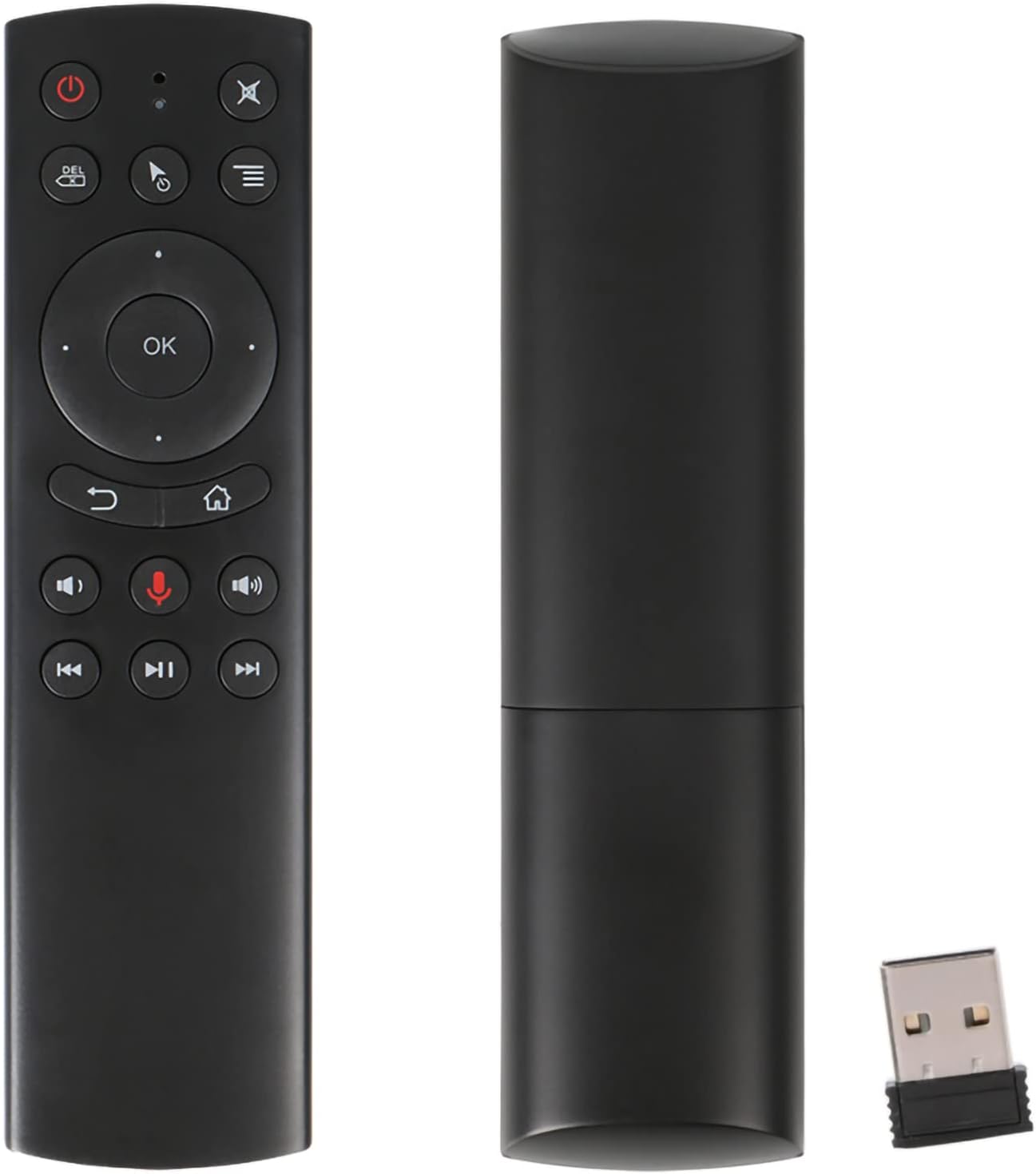

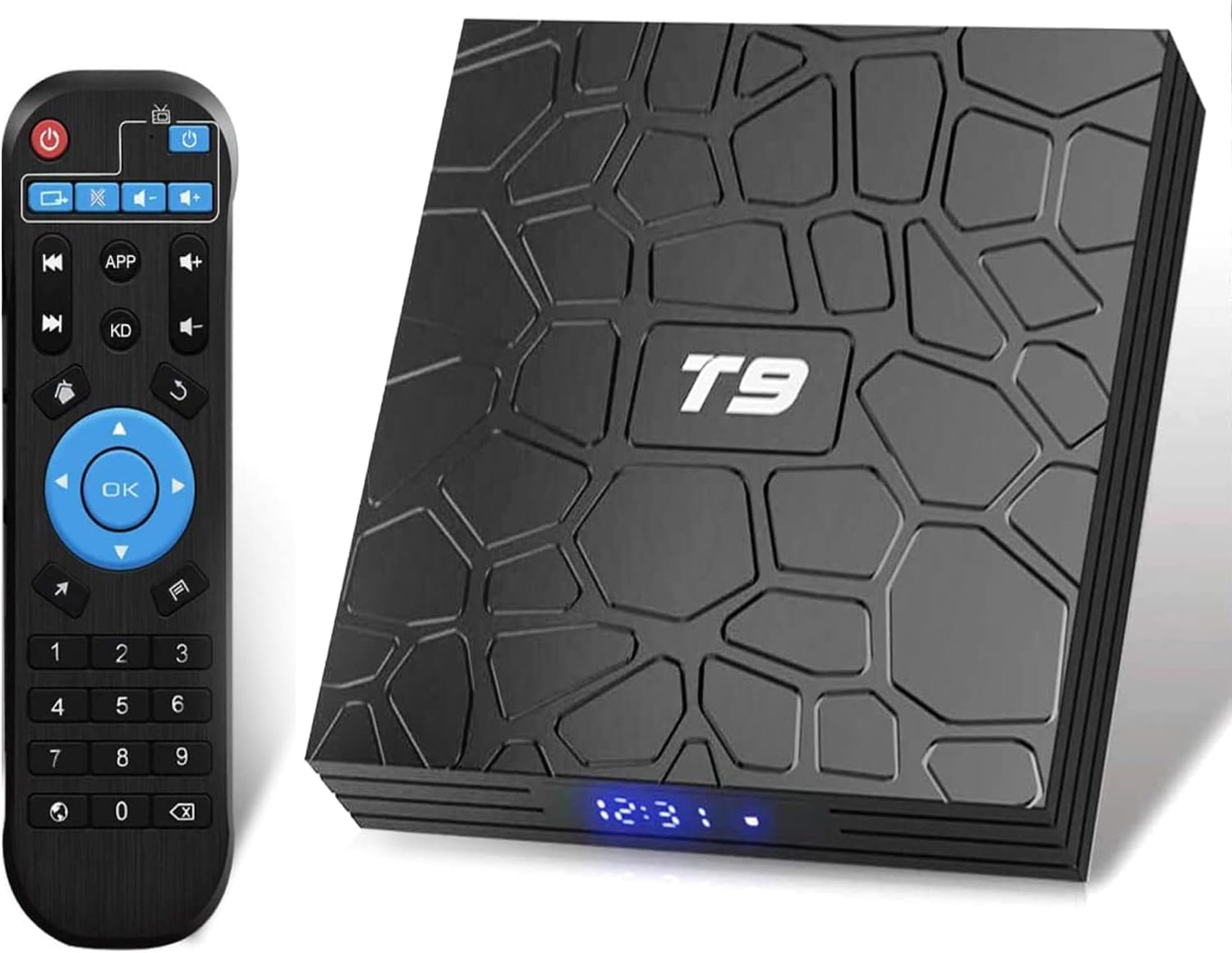


NVIDIA SHIELD TV is the world’s most advanced streamer. The fastest, smoothest 4K HDR video gives you limitless entertainment with all the essential apps, including Netflix, YouTube, Spotify, and more. Game on GeForce NOW to stream hit PC games from the cloud, instantly. Or cast your games from a GeForce GTX rig to the comfort of your living room. SHIELD is everything you want in one game-changing device.
World Class performance – blazing fast and versatile enough to be a streamer, game console, media server, and smart home hub. Fully customizable, SHIELD continues to evolve and get smarter with new features
4K HDR home Theater – enjoy the ultimate visual experience with 4K HDR quality, immersive sound with Dolby Atoms and dots-x Surround sound pass-through, and the most 4K entertainment
GeForce Now Beta access – transform your shield TV into a powerful GeForce-powered PC gaming rig. Play hundreds of supported titles like Fortnight and access Features like cloud saves and cross-play
Limitless content – apps for all the movies, TV shows, games, and music you dream of. Cord cutting apps. Chromecast apps. View Google photos and search for entertainment with simple voice commands
Google and ecosystems – the Google Assistant, Google play movies and music, and works with Google Home. Alexa controls SHIELD hands-free with echo, Plus Prime video and music. Some HDMI to DVI/VGA adapters may not support Audio. If possible, Connect your shield TV to an HDMI port on your TV without using an adapter
7 reviews for NVIDIA Shield TV | Streaming Media Player with Remote & Game Controller
Add a review
$249.99
DW –
I really don’t understand all of the negative reviews.
Why you SHOULD get it:This is hands-down the best tv streaming device out there. You just need to know (or google in about 5 minutes) how to use it. Most apps you need are in the included Google Play store, but you can side-load any android apps that aren’t (google it). You can put third party apps on the home screen by adding shortcuts to them (google that too). It has Netflix and Amazon streaming apps pre-installed (you need to have an account for those respective services to use them). It can play any audio or video file type with the right app. You can plug-and-play an external hard drive, and transfer files to and from other computers and drives on your network. You can stream from any device on your network. The interface is better than Fire TV, and the new Fire TV doesn’t have USB input for extra storage. You can use any programmable or learning (aka “universal”) IR remote. You can use any Bluetooth controller. You can stream live TV with the right apps if you’re a subscriber to that live TV service. It’s fast. It’s small. It looks pretty cool. Not only does it work, but there is absolutely nothing I can think of that anyone would want to do with it as a video streaming device, that this device can’t do. It is far and away the absolute best device for that purpose.If it’s defective or faulty or DOA, return it and get another one.Now, having said all of that, a caveat regarding gaming:The pocessing power is there. You can stream games from PC with the right setup, and it will work for that. In the long-run though, it’s an android device. If your main intention for getting the Shield is gaming, I would recommend going with a PC, or a console instead. Retro games are flawless on the Shield, but for hardcore gamers of current games, I don’t think it’s the best choice.As a TV, Movie, Video, and retro-games media center though, the Shield TV and an external hard drive are the best possible option out there.As for the price. It’s a little more expensive than some other options. It was massively on sale during the Thanksgiving and “cyber” sales period. If you want the best video media center, it’s worth it.Why you SHOULDN’T get it:Maybe you don’t need all of that. If you just want to stream Amazon and Netflix, a Fire TV is much cheaper and performs those functions just fine. The Shield is for people who want a lot more options in their media and more control over what, where, and how to play it. You just have to know or learn how to use it. If you don’t need those extra perks, or the time and energy required to learn how to get it to do what you want isn’t worth it to you, look elsewhere.As far as giving it one star because it was defective or DOA: return it for a replacement.As far as giving it one star because you don’t like the remote: use a different remote.As far as giving it a bad review because it’s too expensive: you knew how much it cost and paid for it. While I can appreciate that these issues might be frustrating, none of them is a fault of the product.If it doesn’t do what you thought it would, you didn’t do the research first to see what the device is capable of. I did a ton of research before purchasing the Shield TV. For me, it’s not only the best option, but far surpasses the capabilities of any other choice on the market right now.I just don’t understand all of the negative reviews.
Mickey H –
BUY THIS AND SAVE YOURSELF THE HEADACHE
Ok so this review should help a lot of people that’s on the fence or that’s planning to buy a higher end box first off let me say that I am very into technology have built computers done programming etc and I have also owned probably around 10 (most likely more) streaming productsFirst I want to say this was bought with my own money I’m not being paid by anyone this is a true review. So recently I have purchased the t95z octacore android box 3/32gb model also just purchased the H96 max android box which is one of the top of the line products with the hexacore processor from rockchip 4/32gb model I’ll start with t95z all I can say is don’t bother I won’t say no more since they gave me a full refund onto the H96 max now keep in mind both of these boxes have more memory H96 max has more RAM again with the H96 max don’t bother so this goes from around $100 for t95z to $150 for H96 max both have bigger processor at least more cores.Now I have just bought the nvidia sheild tv (base model) not pro so 16gb version going from the H96 max to this would be like going from dial up to high speed internet thru Ethernet ya 16gb is a little low for memory but that’s an easy fix with a $20 3.0 USB flash drive (64gb) or as big as you want the nvidia shield is by far the best media box on the market it’s at least 10x faster than ANY android box I have used (10+) plays 4k movies brilliantly I put large heavy kodi builds on my streaming boxes when I’ve tried with others it bogs them down horribly at the end on most boxes I just switched to lighter (firestick) builds not to slow it down. When I received my nvidia shield I started with set-up which was a breeze updated everything and made a few personal tweaks under devolver menu which if you don’t know what your doing I don’t recommend or go one YouTube I have a video on there of a walkthru how to beat setup the box and so does others I also downloaded all my apps along with my own custom build which is well over 1gb which is a very large build I had high expectations since I own lots of nvidia products and also had just bought a gaming/editing laptop with nvidia GeForce 1080 gpu 8gb the speed ease of use setup configuration and everything about the shield has completely blew me away it’s way faster even with the high expectations I had.The boxes I have used in the past was all top end boxes and most had more RAM and more memory the shield leaves them in the dust I hadn’t bought one cause I figured I didn’t need it I mostly just stream on it and have so many other devices for gaming but that was a huge mistake that kept me from buying this and was stupid I was of course expecting this to be much better for gaming than the android boxes I had used but I wasn’t concerned about gaming so I figured the H96 max with more Ram hexacore processor and 32gb of memory would suit me better and it had rave reviews about fluidity and speed from friends in the tech world when I tested it I hated it honestly I thought it was sluggish slow and wasn’t quite polished enough maybe after a year or two and a better firmware update but even with that it could never stand toe to toe with the shield. Now as far as gaming if your buying the shield for gaming first streaming second great I have played games streaming from my computer and it works wonderfully fast responsive and the games you can download onto the system work flawless and play perfect I have never had one bit of lag zero loading time and great gpu performance which is expected coming from the gpu king the GeForce now gaming platform is amazing and I highly recommend shelling out the $7.00-$8.00 a month for it great value with all the free games you get not only games that would cost $60+ for a console but they have games specifically made for this system only the shield is perfect they have no need to improve nothing imo ya it sucks that they took out the micro sd on base model and no IR now but those are both easy fixes and for the money $199.99 it’s an amazing value the new control is amazing feels great in your hand and works perfectly the media controller is so so but hey it’s free used to be a $50-60 upgrade in short if you don’t play games and want by far the best streaming media player on the market buy this.If you do play games want awesome content and want to stream your pc onto big screen AND have a great streaming engine BUY THIS!!!!!I have never tested a machine that I have liked BETTER than this or that does the job it’s made for so well DO NOT EVEN BOTHER WITH ANDROID BOXES give the extra money get yourself a shield then once you do you can thank me for saving you a lot of frustrating loading freezing and you’ll get a great gaming machine as well imo this box is better than PS4 Xbox1 etc and better than any kodi box you could buy so as far as value goes this is amazingI truly do not know how anyone on here has not given this machine 5* for $199.99 what more could they expectLOVE LOVE LOVE my shield and could never go back to another box
Napoleon –
Realmente no podría estar más satisfecho con la compra, el dispositivo cumple con lo que promete, le doy cinco estrellas por su desempeño, su diseño y su calidad, incluso los materiales se ven de muy alta calidad que resalta al tenerlo en la mano, incluso el empaque no tiene igual ya que los materiales son superiores, todo esto en referencia a la comparación que he hecho con respecto a reseñas de otras “cajas android”.Lo que más me ha gustado es su procesador que realmente no tiene competencia y no creo que la tenga en mucho tiempo alguna otra marca, así como también el que cuenta con android 7. También es importante recalcar que sus puertos usb son 3.0 tipo A.Lo único que no me ha gustado es que solo cuenta con 2 puertos usb.La razón principal para haberme decidido por esta consola, es el hecho de contar con la infraestructura para manejar video en diversos formatos incluso 4K y con diversos codecs, al igual que con el sonido, ya que es capaz de manejar en “pass through” formatos de audio Dolby y DTS incluyendo Dolby ATMOS y DTS X, true HD etc., con esto puedo disfrutar todos los archivos de películas con los que cuento, ya que he conectado la consola SHIELD TV a un amplificador SONY STR-DN1070, solo tuve que instalar KODI y poner apunto lo settings en cuanto a sonido y listo, películas sin problemas con los formatos de video y sonido envolvente.Este producto se recomienda principalmente para quien busque una caja android con altas prestaciones, esto para juegos ya que incluso viene con su control “gaming” y para quien busca tv shows y películas en streaming.La consola es cara, sí, pero vale la pena, tan solo al tenerla en las manos se da uno cuenta de ello.
Ian Wheeler –
Works perfectly for what I wanted it for. IPTV.
FlyingFiddle –
Although the most expensive media player, it is well worth the price, even after 3 years of release! Don’t be fooled by other so-called Android box. Many box can be based on smartphone or tablet Android platform but that is NOT designed for TV. It is surprising hard to find the real Android TV OS powered box or TV. As far as my research goes, there was the Google’s nexus player (discontinued), Xiaomi Mi Box (not very powerful), Shield (the best), and some new kickstarter backed box. Newer SONY TV also has this system but I imaging the power be lower than ShieldPros:-Powerful, fluid, and responsive-Most authentic Android TV experience. Huge app selection. Many through the TV play store, many can be installed by loading the apk file.-Great game selection, although I haven’t had time to play any. You can also find apk app as emulator for retro games such as NES games. No need to buy a very limited NES retro player. Can be paired with the PS3/4 controller, so I skipped the more expensive controller version.-True wired network for guaranteed connection speed and wifi is also available-Huge expansion possibility with TWO full USB ports! Although onboard memory is only 16GB, which is more than enough if you just install some apps and games, I can plug in my portable USB HDD and access all my movies and family videos from Kodi.-Google assistant and voice search. Still the most accurate voice search.-Flawless chomecast player. Even after putting into Sleep mode (the light is off), the Shield is always ready to receive CAST from any cast compatible apps of your phone. I have a chromecast which has to be always powered on (connected to power adapter) to be ready for cast. I was worried that the Shield won’t be as convenient since I assumed that I had to keep it powered on to receive cast. Therefore, HUGE surprise and really impressed.-HDMI automation. Can’t remember what this HDMI function is called but essentially, you can set your remote and shield to power on and off your TV, and your receiver, together with the Shield. Again, really convenient! Especially when you want to cast something from the phone while shiled is sleep and TV is off. Just select Shield to cast and everything will be ON and playing in a few seconds.-Well maintained software update by Nvidia! That’s actually the beauty of just having a single product and not in a rush to get a new version out every year. It’s powerful enough for 4K what more should we want? I like how faithful Nvidia is to take care of its customer for updates. Same can’t be said about many smartphone companies, who always rush to the next hardware upgrade but neglect or slow software update of the last gen.Cons:-Rendered my Google Chromecast useless :)-I am using less and less of my phone for watching videos (TED talk, Netflix, Youtube, news clips)-(this is a realy one), the remote controller is a little on the small side, a little too easy to get lost around living room :)-
Arpit Agarwal –
Best entertainment hub I have owned till date. Does the job well, however no support of Dolby Atmos on Netflix.
S. Sen –
This is by far the best Android TV on the market. I’ll focus entirely on functionality as you can check out unboxing, hardware specs etc. online. Netflix, YouTube, Amazon Video etc. all come pre-loaded. Most importantly, you can load Network-Attached Storage (NAS) devices. Since all my content is stored on a NAS, this was important to me. Second, it can load Kodi. You can install additional plugins (like Exodus) on Kodi as well.The device is adequately powered for apps like Netflix as well as Kodi. It is responsive and not sluggish, unlike a lot of other cheap Android boxes I’ve tried in the past. I don’t have an Android phone but I assume if you have one, you can use it to extend the keyboard on the screen. The on-screen keyboard is decent though. The biggest plus is that it supports 4K streaming (Netflix – assuming you have the right plan, YouTube etc.)Chromecast is built in so you can cast from YouTube, Twitch, Spotify etc. People have complained about Amazon video not showing up. For some reason, Nvidia doesn’t recognize that Amazon video is now available in Canada. As a result, if you select your location, the Amazon video disappears. You can always disable the location and the app will show up again. I tried this and it works. However, two points: first, Amazon video’s selection in Canada is terrible for now. Once it improves, you might actually use it more. Second, Nvidia will eventually fix the availability via a future update so this is not a permanent problem (especially since there is a workaround, as mentioned above).This device also supports HDMI-CEC. With my Samsung TV, this means that I can press a button on the remote and the device will come on and switch on my TV automatically. Similarly, when it goes to sleep, the TV will also turn off automatically. This makes it quite convenient. Note however, that different brands of TVs (and even different models) have a different implementation of HDMI-CEC so your usage may vary. On a side note, the remote is also compatible with the Sonos playbar (since the remote has a built-in IR blaster).You can download games from the Android (Google) play store. Not all games are supported but the Play store will tell you which apps/games are compatible before you purchase/download. I bought Leo’s Fortune to test out the controller and it works beautifully. The controller is surprisingly comfortable, even thought the angular shape is an acquired taste.My only drawback with this device is game stream [SEE UPDATE BELOW]. I would have loved to stream my PC games to this device but I am not able to. It gives me a message about high packet loss, which makes the games unplayable. I think this might have to do with my graphics card (since my home is wired for ethernet). My PC is ultra-wide (3440×1440) but my TV is 4K (3840×2160). As a result, my graphics card has to upscale the game and send it across the network. Nvidia suggests a GTX1080 for 4K streaming but my 980TI is relatively new and I don’t want to give it up just yet. Besides, I get full resolution and glorious high-resolution (Ultra settings on Witcher 3!) on my PC so it’s not a deal breaker to not be able to play games from my PC to my TV. I didn’t try Nvidia’s GeForce NOW service (which streams games over the internet). I would much rather prefer to play games locally where I can get max resolution and max FPS. Android games run buttery-smooth though so it’s not a complete loss.Summary: if your primary focus is streaming, then this device is your dream come true. This is a gorgeous device, very responsive, supports plenty of apps and games from the Play store and is regularly updated. If you can afford the premium price, you won’t be disappointed.[UPDATE: After some digging around, I found out that streaming problems can be fixed by changing the Speed and Duplex settings on your PC’s NIC. I had mine set to 1.0 Gbps Full Duplex. Once I changed it to 100Mbps Full Duplex, Gamestream (incl. Steam Big Picture) worked smoothly. I was able to stream games from my PC to the Shield device flawlessly (including running Witcher 3 in Ultra settings without any dropped packets). Incidentally, this fix will also often fix problems with the Steam Link.To change your duplex and speed in Win 10, open up Device Manager > Network Adapters > select your NIC (usually says Ethernet in the title), right click and select Properties > Advanced tab > Speed and Duplex > 100 Mbps Full Duplex