

Tablo TV 4th Gen 4-Tuner Over-The-Air (OTA) DVR – Watch, Pause & Record Live TV, News, Sports & Movies Throughout Your Home Over Wi-Fi – Pairs w/Any TV Antenna – 50+ Hrs Recording – No Subscriptions
$139.95
Related Products




From the brand


More from Tablo


WATCH, PAUSE, RECORD, & REPLAY LIVE TV: Enjoy live TV from major networks, including ABC, CBS, FOX, and NBC(1), as well as a curated selection of free live streaming TV (FAST) channels. Channels and Content are subject to availability in their area. TV antenna range may vary based on topography, obstructions, and other variables.
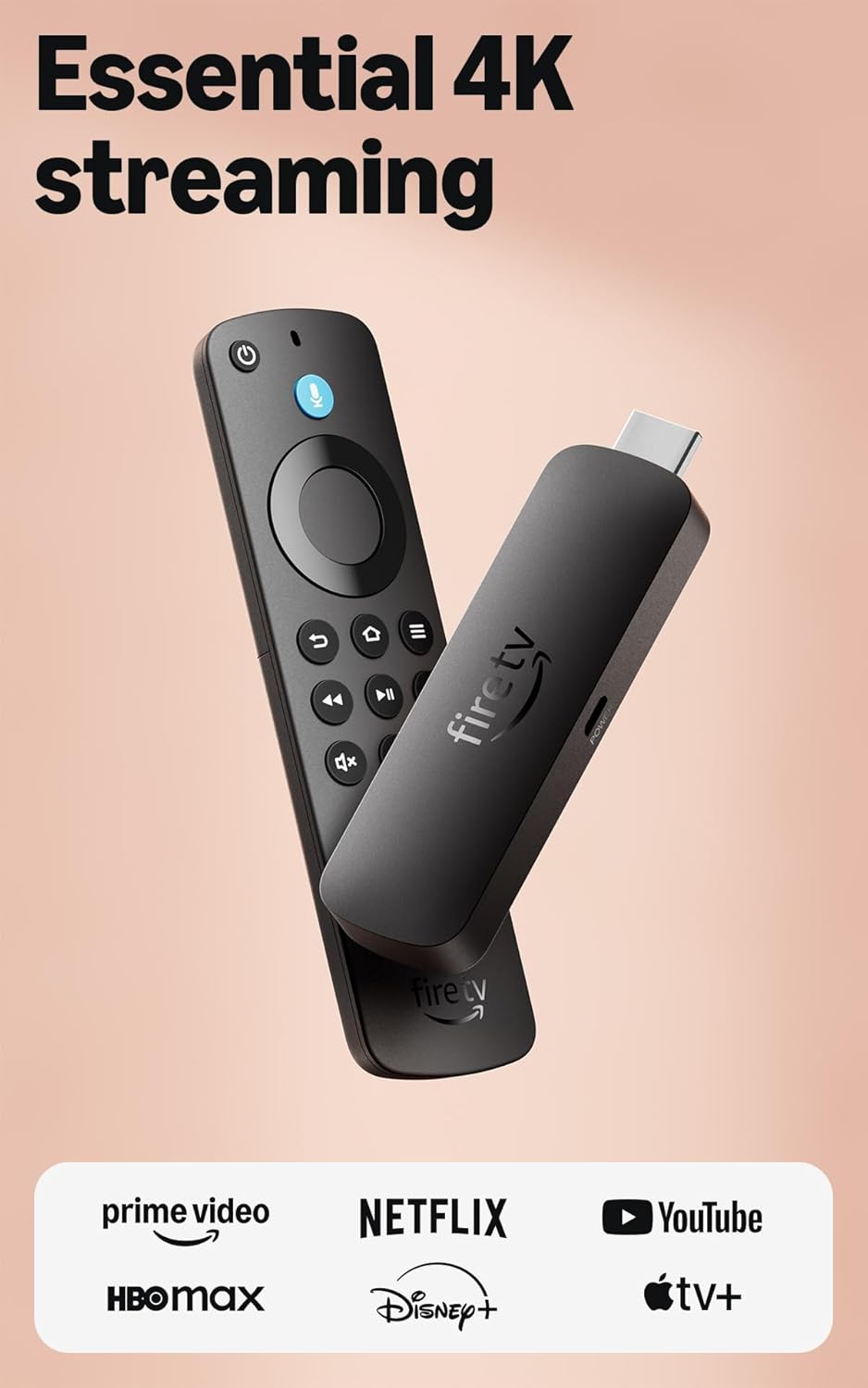
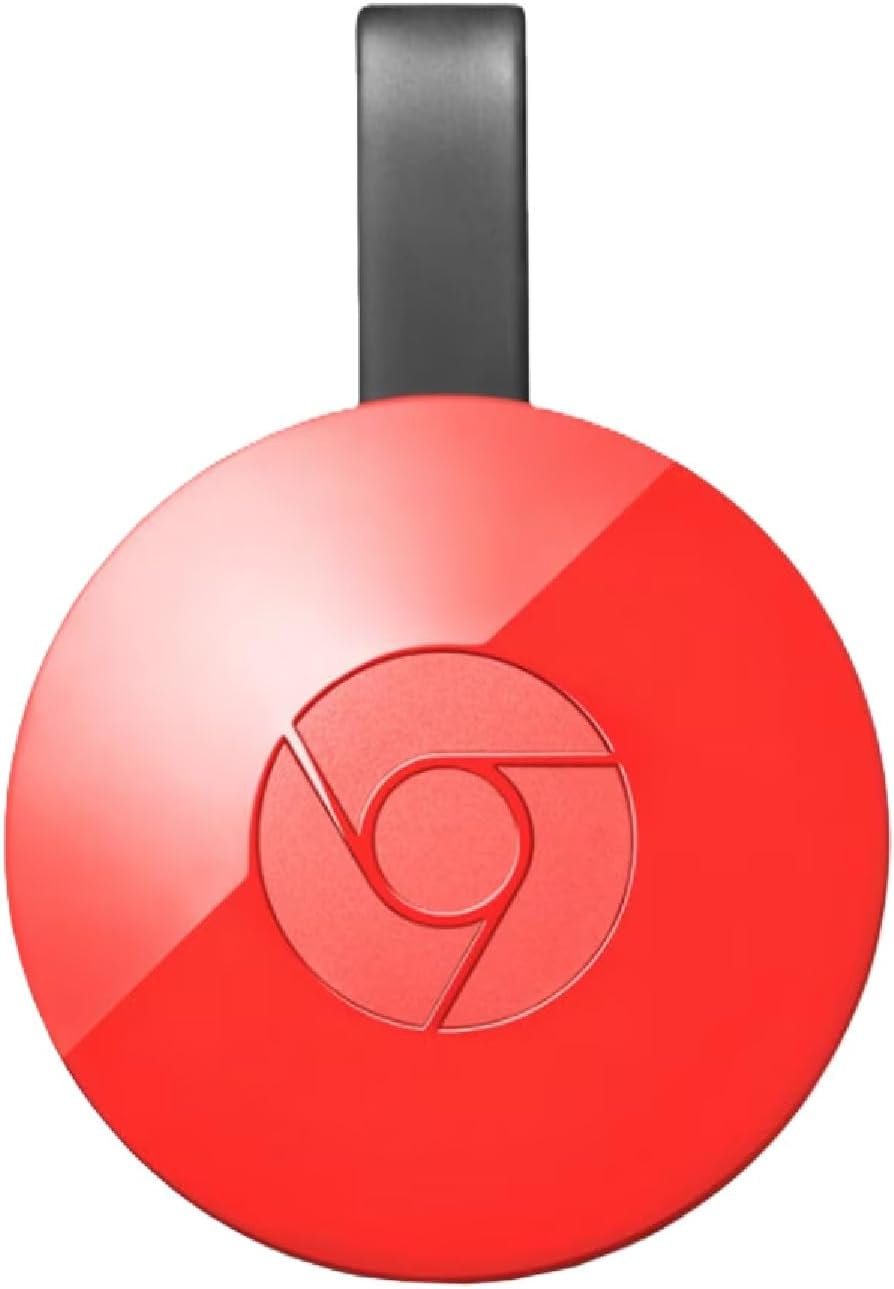
WHOLE-HOME ACCESS: 1 DVR pairs with any TV antenna to let you watch TV on multiple compatible devices at once, including smartphones, tablets, as well as smart TVs & streaming players from Roku, Amazon Fire TV, Android TV, Chromecast w/ Google TV, Apple TV, Samsung TV, LG TV. For a full list of all compatible devices, view the product carousel image or download the User Guide (PDF) from Product guides and documents section. Tablo is not compatible with non-smart TVs, specific TV models, computers (PCs) and Apple TV Voice over. Please check compatibility before making the purchase.
EASY SETUP: Connect the Tablo DVR to the indoor TV antenna with the included 6′ coaxial cable; connect Tablo to your home network via Wi-Fi or using the included Ethernet cable; download the Tablo app on your mobile device and follow the setup instructions (4). Scan the QR code on the included Quick Start Guide (Installation Manual) that will guide you through the entire product setup. HDMI cable or TV antenna are not included with this Tablo device.
NO SUBSCRIPTIONS OR HIDDEN FEES: Pay once for the Tablo device and watch and record your favorite live, local TV shows, along with free streaming TV channels without contracts or ongoing fees. Tablo OTA DVRs are designed for homes with Wi-Fi-enabled routers and a consistent high-speed connection to the internet.
RECORD MULTIPLE SHOWS: 4 tuners within this device allow you to record one live TV channel while watching another for viewing flexibility. Watch, pause, record, and replay up to four channels at once with 50+ hours of onboard storage.
RECORD 50+ HOURS: Never miss a moment with 128GB of onboard recording storage; add up to 8TB of external USB storage(2) to record even more
GET MORE TV CHANNELS: Access more than 100 additional free streaming channels you can’t get with your TV antenna alone, enhancing your endless free-TV experience. High-speed internet service and separate TV antenna purchase is required. Channels and content are subject to availability in your area. Recording of some free streaming channels may be disabled due to licensing restrictions.
TIME-SHIFT VIEWING: Start watching in-progress recordings—perfect for catching the action from the beginning or skipping to the good parts.
WI-FI CONNECTIVITY: The only OTA DVRs with Wi-Fi, Tablo devices let you position your TV antenna wherever it can get the best signal reception, then wirelessly streams live and recorded free TV content throughout your home to compatible devices.
2 reviews for Tablo TV 4th Gen 4-Tuner Over-The-Air (OTA) DVR – Watch, Pause & Record Live TV, News, Sports & Movies Throughout Your Home Over Wi-Fi – Pairs w/Any TV Antenna – 50+ Hrs Recording – No Subscriptions
Add a review
$139.95
Drac –
Actually, 4.5 Stars Would Be More Accurate
I have only had the Tablo for 3 days so I have not had a lot of opportunity for glitches. I have read some of the 1 star reviews and I can (happily) say I have not experience most of the issues mentioned.I set up the Tablo using only WiFi with no issues. I have an antenna in my attic connected to the Tablo on the main floor family room. My family room – is at the opposite end of the house and a floor below where my router resides. NO issues setting up, connecting, etc. using only WiFi. I also have the Tablo app installed on two other TV’s and all work just fine. It has recorded all shows it was supposed to.I did have some questions about how to do some things. I phoned tech support – on a Saturday evening and got a live person within 2 minutes. He answered all my questions and gave me step by step directions when needed. I needed tech support 2 more times, so far. Once I used their chat on the Tablo app. This is obviously an AI powered chat since it did a great job answering my questions and interacting with me intelligently. The third tech support interaction was on a Sunday. Again, fast response. Unfortunately they could not help because it was apparently a question that was related to “Can I do this” and the support person was not sure. It was minor – moving my smart phone sideways to landscape mode when watching a TV show, worked. But when viewing the program guide/grid it did not rotate to landscape mode. I do not use my phone to watch TV – I was just playing with my new toy – so this is not and issue for me.The Tablo has been very reliable – even though it is far from the router. I had an Amazon Recast so I do have something to compare it to. The Tablo does some things better and the Recast was IMHO better at others. Moving forward and backward though a recorded or live video is easier with the Recast. But it is a very minor difference, and some users may like the way the Tablo does it. The picture quality on the Tablo is better than on the Recast. It could be the antenna amp in the Tablo or the better encoding algorithm used by the Tablo.The Recast would often have issues when new software was installed on the Recast OR when Amazon made software updates to their servers. Probably about 25% of the time Amazon broke something when doing those updates. The latest issue which started about 10 days ago (and which pushed me into buying the Tablo) is that the Recast would not record most shows (though it DID record some). Supposedly Recast support has officially ended so I was not going to depend on this serious issue to be fixed.As has been said by others, moving though a live show does NOT have a video indication of where one is within the recording. That snapshot is created within a few minutes AFTER the recording ends. That means I have to guess how far ahead to go (my Fire TV remote allows skipping ahead or back either 10 seconds or 20 seconds (depending which button is pressed on the Fire TV remote). So if I know a commercial is usually at least 5 minutes I can quickly press the 20 second forward button quickly 15 times and then more slowly to get past the commercial. The most irritating issue for me is that when I press the skip button the show does NOT automatically resume playing so I have to press the play button to see where I am in the show. After the snapshot is created I can see where I am and continue forward (or backward) to get within 10 seconds of where the commercial ends.So far I am pleased with the Tablo – its ease of setup, its reliability, its easy of use, and all the ways I can control the start/stop and parameters of a recording.
PSL –
No PC access to Recordings and The App for Android TV ruins the experience
I have been using this Tablo for 6 months now and wanted to share my experience with it. Do I have a faulty one? Not sure.Tablo works well in terms of recording my shows. Great. This is job #1 for this device. I can schedule shows to be recorded from any app that’s connected to the device. This is nice, sometimes it’s easier to schedule a show to record from my phone instead of booting up the TV. However, I cannot connect a PC to the Tablo. I have had Tivo’s, Home built PC DVR’s and (going way back) ReplayTVs. All of which provided PC access to their recordings. But this Tablo? Nope. Even older Tablos had this feature and they removed it for this generation device. A head scratcher.My experience using the the various apps to control the Tablo varies significantly based on the platform. I bought this device to watch recordings on my 2 Android TVs. (I also have a Roku and the experience I share below for Android TV is almost exactly the same as Roku) What I have found is that the Android app on my Pixel phone or Pixel Tablet is reliable and will almost always bring up the interface, as long as the Device itself hasn’t crashed. My device crashes every couple of weeks. Acceptable? Not really. But my Tablo is very hot to the touch so I’m not really surprised about this.The problems really start when trying to connect to the Tablo using an Android TV. I have a Sony and a Hisense – both run Android TV and both have the same issues with Tablo. Most of the time when I want to use Tablo, the app won’t even launch. I just get a blank screen with a spinning arrow (photo). Wait several minutes to see if it will eventually launch and then I start my process of debugging the issue. It is slightly more reliable when I use the back button over and over again to exit the app every time I use it. This is time consuming and sometimes it still fails to launch maybe every other day. At this point, it could be a problem with the app or the Tablo itself has crashed. If I have my phone handy, I’ll bring up the app there to see if the device has crashed. If so, I will reset the Tablo with the button on the bottom. If I reset it and it still doesn’t launch. I have to navigate to the app properties tor the Tablo app on my TV (no small feat!) and do a clear cache / clear memory on the app. This fixes it most of the time. But I have had cases in the past where I had to reboot my TV to get it working again. It might be slightly little more reliable lately in the past month or so, but it updates automatically and I don’t know when it is updated and I don’t see a way to view release notes to see if anything was improved or fixed.Then there is the issue with the channel guide. I receive >150 OTA channels, which is great, but I only want to see my favorite 10-15 channels in the channel guide instead of the scrolling through all 150 of them. So I setup my ‘favorite’ channels in Tablo and setup the channel guide so it only shows my favorites. Nice feature, but every time I launch the app, the channel guide is blank below the first 3 channels (photo). I have to scroll up and down a bunch of times and eventually a few of the lower numbered channels start showing up with data, but for the rest of the channels, data never shows up. I have to switch it back to the full channel guide with 150 channels to actually see what it currently being broadcast. Maybe it’s just me, but it’s still a huge annoyance.Anyway, I’m 6 months in and I am desperate to find something else to use instead of Tablo. This was was a huge letdown after using consistently good DVR’s for the past 20 years. I hung around for a while thinking the manufacturer would fix these issues, but nope. Not yet. Time to move on.