
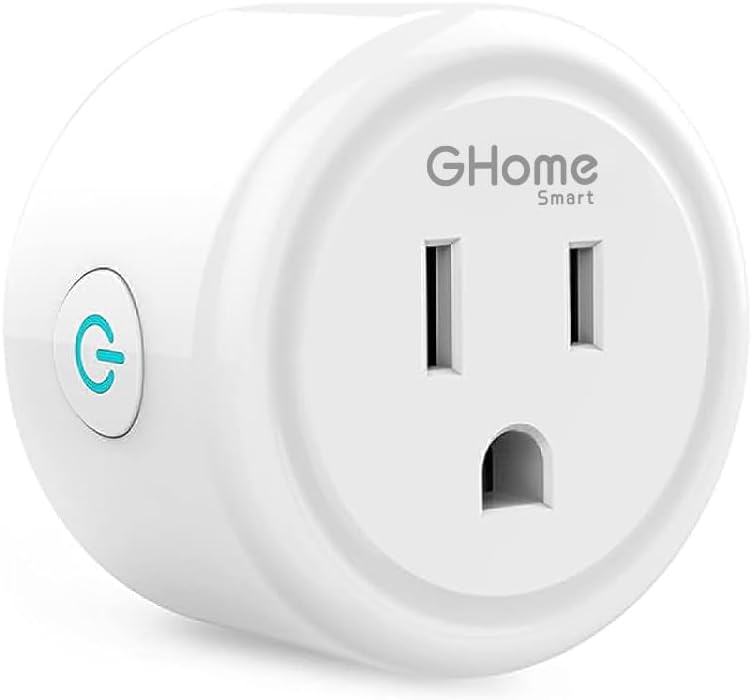
GHome Smart Mini Smart Plug Works with Alexa and Google Home, WiFi Smart Outlet Socket Remote Control Timer Function, Only 2.4GHz Network, No Hub Required, ETL FCC Listed, White
$9.99
Related Products





Product description

![[Upgraded Version] GHome Smart Mini Plug Compatible with Alexa & Google Home](https://m.media-amazon.com/images/S/aplus-media-library-service-media/68668664-285f-4e6a-a179-1a9f274b82a9.__CR0,0,1464,600_PT0_SX1464_V1___.jpg) Voice Control
Voice Control
Free your hands by using smart plugs and enjoy the funny interactive process.
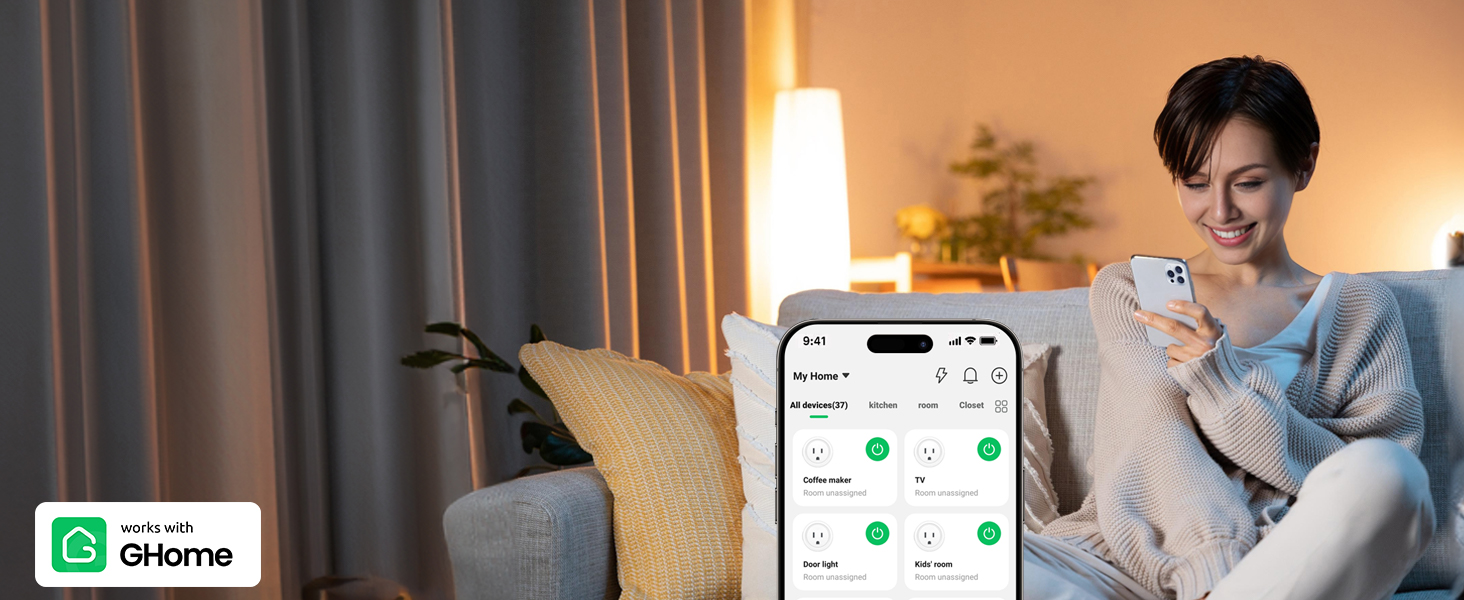 Remote Control
Control your connected home appliances and devices anytime & anywhere.
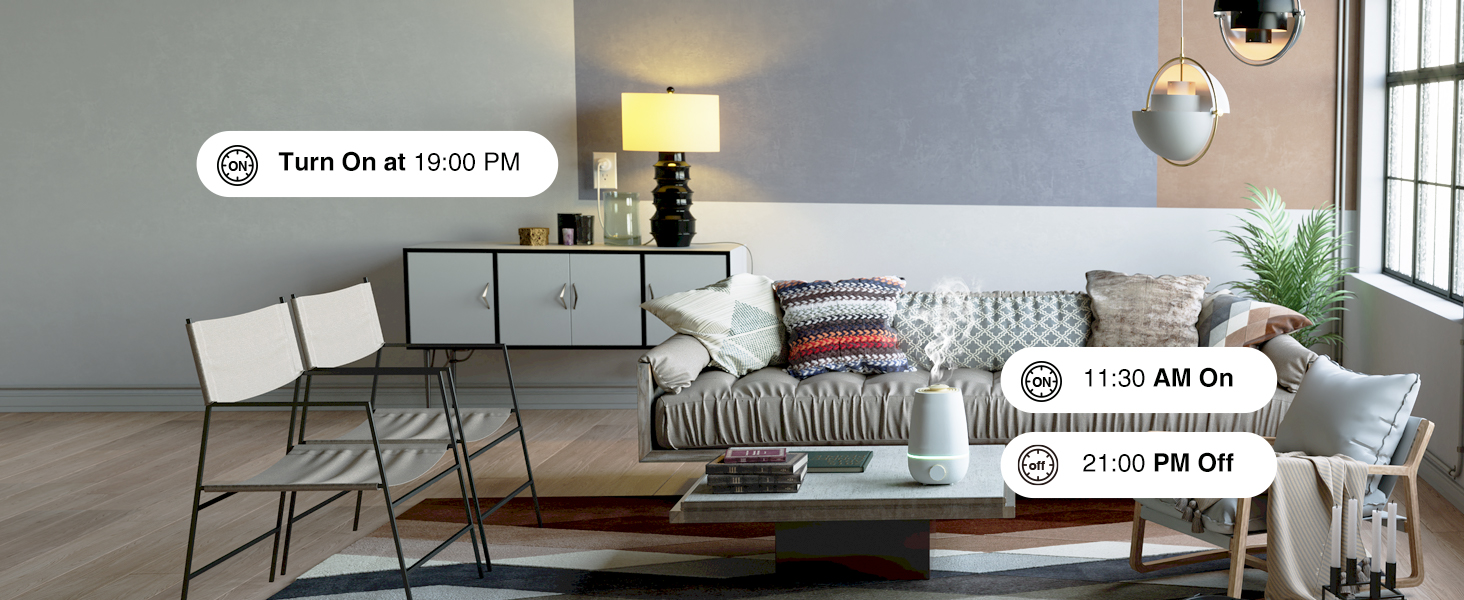 Schedule Your Home
24 hours timer, set schedules for helping save energy and money.
 New APP Name
1 Voice Control
2 APP Control
3 Schedule Your Home
4 New APP Name
![[Upgraded Version] GHome Smart Mini Plug Compatible with Alexa & Google Home](https://m.media-amazon.com/images/S/aplus-media-library-service-media/8ba264ab-848c-4db8-ba5b-a9aa05f3bab2.__CR0,0,1464,600_PT0_SX1464_V1___.jpg) Group Control
Group Control
Set a group for some smart plugs and control connected appliances with one tap.
![[Upgraded Version] GHome Smart Mini Plug Compatible with Alexa & Google Home](https://m.media-amazon.com/images/S/aplus-media-library-service-media/ddd04419-daf7-4e2a-a880-f025dc311669.__CR0,0,1464,600_PT0_SX1464_V1___.jpg) Compact Design
Compact Design
Mini size and switch indicator light that can be turned off, give you better life environment.
![[Upgraded Version] GHome Smart Mini Plug Compatible with Alexa & Google Home](https://m.media-amazon.com/images/S/aplus-media-library-service-media/5939aa98-25c6-40ec-97c8-d92a8698bb78.__CR0,0,1464,600_PT0_SX1464_V1___.jpg) Share To Families
Share To Families
Share your smart plugs with your families and enjoy the smart life together.
1 Group Control 2 Compact Design 3 Share To Families
![[Upgraded Version] GHome Smart Mini Plug Compatible with Alexa & Google Home](https://m.media-amazon.com/images/S/aplus-media-library-service-media/e2c089c4-39f2-4464-a248-23df2dc59c05.__CR0,0,1464,600_PT0_SX1464_V1___.jpg)
![[Upgraded Version] GHome Smart Mini Plug Compatible with Alexa & Google Home](https://m.media-amazon.com/images/S/aplus-media-library-service-media/b29f84ee-02f0-4b12-aa98-17e8f15061ba.__CR0,0,1464,600_PT0_SX1464_V1___.jpg)
Easy to Set up GHome Smart Plugs via 2.4 GHz Network,No Hub Required 
Tips 1 for Quick Connection
1.Only support 2.4Ghz WiFi while connecting with APP.
2.Support Android5.0 or iOS 13.0 or above.
3.Press and hold the power button for 5-10 seconds ,confirm that the indicator is blinking before connecting.
Tips 2 for Quick Connection
1.Once connected,you can control the outlet anywhere, but keep the smart plug stay on 2.4Ghz WiFi .
2.If can’t be connected , re-press the on/off button for 5s to reset the smart plug and change the Easy mode to AP mode which is more compatible.
How Do I Connect My Dual-band Router to GHome Smart Plugs?
Plan A: Please turn off 5GHz networking before first connecting.
Plan B: Set 2 different SSIDs for the 2.4GHz and 5GHz networks, then connect these plugs to the 2.4GHz WiFi network only.
What APP Connections are Supported?
Our smart outlets compatible with Our APP, Smart Life App and Tuya App.
What Appliances are Supported?
Apply to home appliances which Max load power1200W,10A, please check the load of your appliance before plugging in.
Easy Setup & Certification: Plug-and-play installation with no hub required. 2.4GHz Wi-Fi only (5G is not supported). Certified for safety with ETL FCC listing, flame-retardant materials, and overload protection.
Voice Control: Works with Alexa and Google Home. For setup, please first connect the smart plug to the GHome app, then you can control your devices with simple voice commands.
Scheduling & Timing: Automate your home by setting custom schedules to turn connected devices on and off automatically.
Remote Control via App: Manage your appliances from anywhere using your smartphone with the GHome APP, Smart Life or Tuya app.
Group Control & Sharing: Create groups to manage multiple plugs with one command and easily share access with all family members.
Surge Protection: Built-in surge protection automatically cuts power during voltage spikes to safeguard your connected devices. Note: Max load 10A/1200W, not suitable for high-power appliances.
13 reviews for GHome Smart Mini Smart Plug Works with Alexa and Google Home, WiFi Smart Outlet Socket Remote Control Timer Function, Only 2.4GHz Network, No Hub Required, ETL FCC Listed, White
Add a review
$9.99
Aimee –
🔌 Smart Plug – Super Convenient! 🌟🌟🌟🌟🌟
This smart plug has made my daily routine so much easier. I plugged in my coffee maker, and now I can turn it on from bed using my phone or Alexa. Setup was super simple — just connect through the app and you’re ready to go.It responds quickly to commands, and I love being able to schedule it to turn things on or off even when I’m not home. Great build quality, compact design, and works flawlessly. Definitely buying another one for my fan and maybe even my Christmas lights!
Kei –
Probably one of the most cost effective smart plugs you could find.
I highly like this smart plug! I configured it with a smart thermometer and plugged in the heat lamp for my turtle. It’s easy to use and configure. Works great and haven’t had any problems after quite a bit of use! The app is compatible with a lot of different devices, which is how I set up a smart timer based off of the heat levels (that the connected thermometer detected.) Timer works great, but connected device also works great.
DarkMikaruX –
Excellent Smart Outlet
Works great! Pretty much set it and forget it!Pros:- App is easy to use / Easy to setup and use.- Inexpensive and relatively reliable- Small in size as to not use up all the space in a socketCons:- No response from Support with a simple question. Never got a response from over a month ago.- Seems sensative to any Wi-Fi changes – for example enabling Bonding on your network may causethe device to randomly disconnect and thus not follow scheduling.I really like this little device. I had reached out to support over a month ago inquiring if it were possible to pre-configure the device so I can send it to friends & family as a quick plug and play solution. Never got a response.Other than that.. I like these little devices and will recommend them for people who need a simple inexpensive scheduling solution. A-
Hewett Chin –
It works and can be used to help set up your smart home
I set this up with my Google home mini in order to use voice commands to turn on/off the lights. Setup is a bit of a hassle but that has nothing to do with the plug itself. The plug itself works just fine although there is a slight delay between me voicing my command and the lights themself turning on.However, it’s possible that it is not the fault of the plug. It’s also possible that my Google home mini hasn’t heard me correctly or that I simply mumbled out my words. Regardless, if you don’t mind a slight delay, then this will work just fine.
Branny Smith Severino –
Nice
Hasta ahora funciona muy bien
Jane Strang –
Won’t connect
I have a few of these smart plugs. Unused to set up easily but suddenly they all stopped connecting with Alexa dot. I’ve tried everything suggested but nothing seems luck. Even the forum has no answer. So frustrated!! I don’t know who’s or what’s at fault but I wouldn’t buy till problem is solved.
Kiana –
Love these!!!
Love these! I have been using them to turn off and on plants lights for years with minimal problems. Every once an awhile you will have to reset them to get them to turn back on.
Robert W. Pizzi, Jr. –
Works great
I use it to run ext cord out to my diesel truck block heater. Its nice to be able to program it to have power 2 hours before I start truck and not leave it heating all night ir going out early and plugging it in. Saves money and wear on heater element. App on phone controls it. 3 prong grounded plug for my outdoor extension cord.
Rin –
Great smart plugs, very easy to use and connect with your phone.
José Cruz –
Es un buen producto y cumple con lo que menciona. El único pero es que en los contactos duplex solo se puede instalar una pieza y en el otro contacto queda inservible por el tamaño del producto. Lo mismo pasa en los apagadores con contacto queda muy justo o si mueve el apagador. Recomiendo verificar en donde lo pondras para que revises las medidas del producto.
Fred M –
I’m just confirming for those interested that these ghome plugs work with the gosund app along with gosund branded devices. It takes a bit of fiddling in the app. I had to add them manually but in the endwith persistence the app will control them just like the “originals” including grouped together in scenes. Other apps referenced for these also work, of course. My interest was the gosund app since I already had many gosund devices configured at multiple locations.
Adriana –
Los instalé en mis lámparas y ha sido la mejor compra. Sirven perfectamente y son muy fácil de instalar en el celular y son compatibles con Alexa lo cual completa la experiencia de cada inteligente. Me encantan
Ladern –
Compre un paquete de 4 enchufes, coloque 1 en mi luz del estudio, 1 para el arbol de navidad y 1 para el multicontacto de la cocina (cafetera, freidora de aire y otros de usa y quita como una batidora de mano o un nutribullet). Fucionaron excelente, con tiempos de encendido y apagado programados por Alexa y con encendidos por voz individuales y en grupo. Sin embargo el que estaba al multicontacto se quemó un dia que estaba la cafetera y la freidora a la vez. Lo curioso es que el multicontacto tiene control de voltaje y no boto, asi que la resistencia del contacto es menor que la del multicontacto. Lo reemplace con el 4to contacto inteligente y se quemo de nuevo a la semana.Los otros dos siguen funcionando perfectamente, asi que no puedo quejarme ya que en teoria deberian ser para 1 dispositivo en lugar de un multicontacto, pero esta configuracion es tan comun en la cocina que aquellos que piensen en ella deben considerar que no aguantan mas de un dispositivo a la vez.