

meross Smart Plug Mini Support Apple HomeKit, Siri, Alexa, App Control, Timer, 15A & Reliable Wi-Fi, No Hub Needed, 2.4G WiFi Only, 2 Pack
$22.46
Related Products




Product description
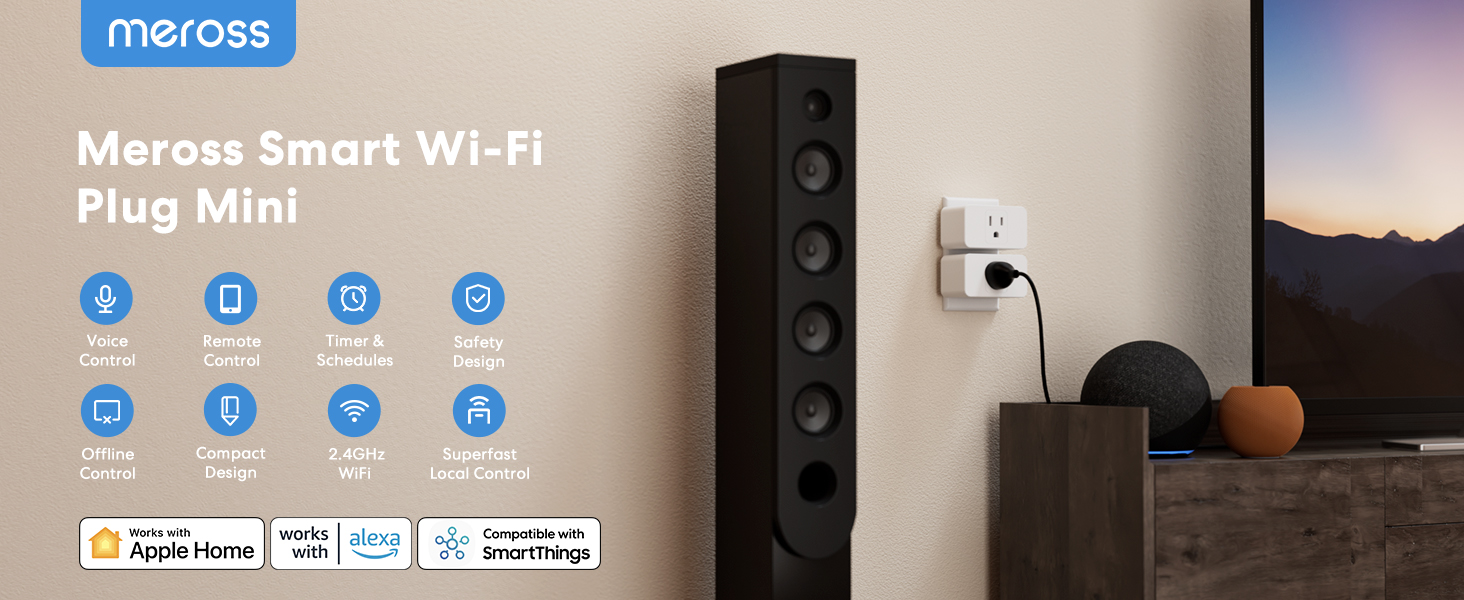
 Apple HomeKit Supported!
Integrate your device easily into your Apple ecosystem for even more convenient ways to control it.
 Voice Control
Free up your hands with voice commands. Easily set up with Apple HomeKit, Alexa.
 Control From Anywhere
Instantly turn on/off your connected devices anytime with the Meross app.
1 Apple HomeKit
2 Hands-Free Voice Control
3 App Remote Control
Set Scenes, Timers, Sunrise and Sunset to Meet Various Demands. 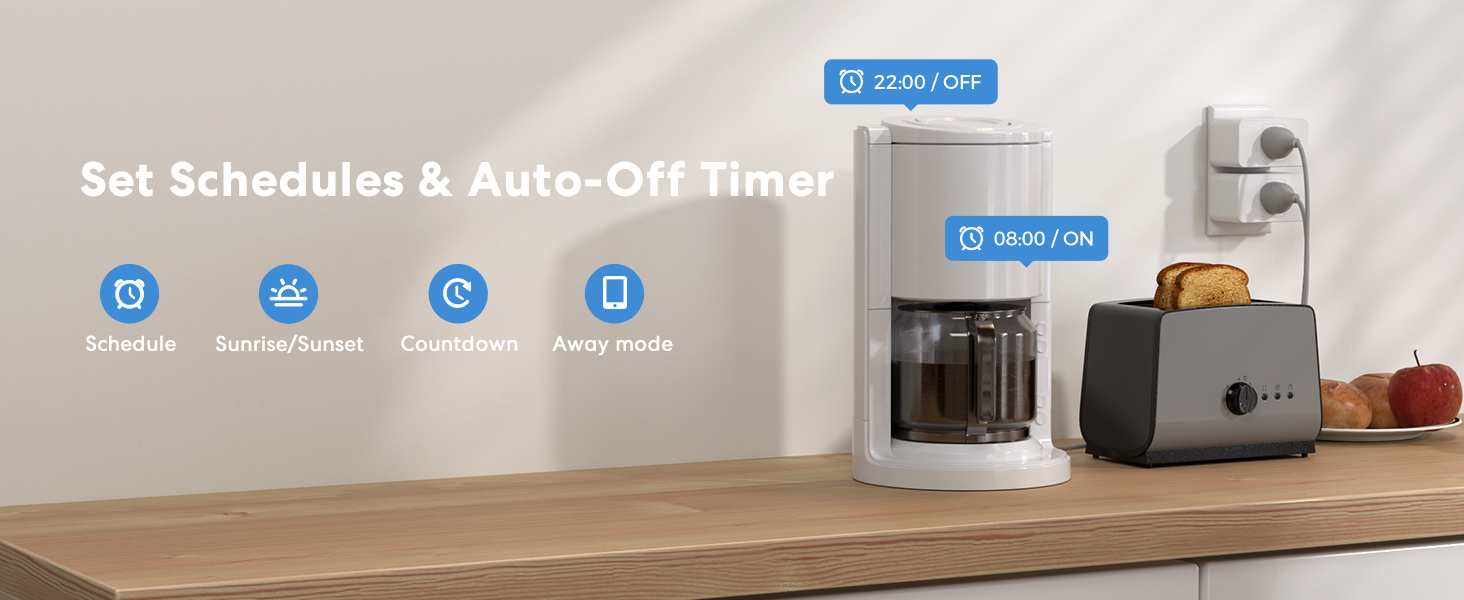
Small and Powerful. 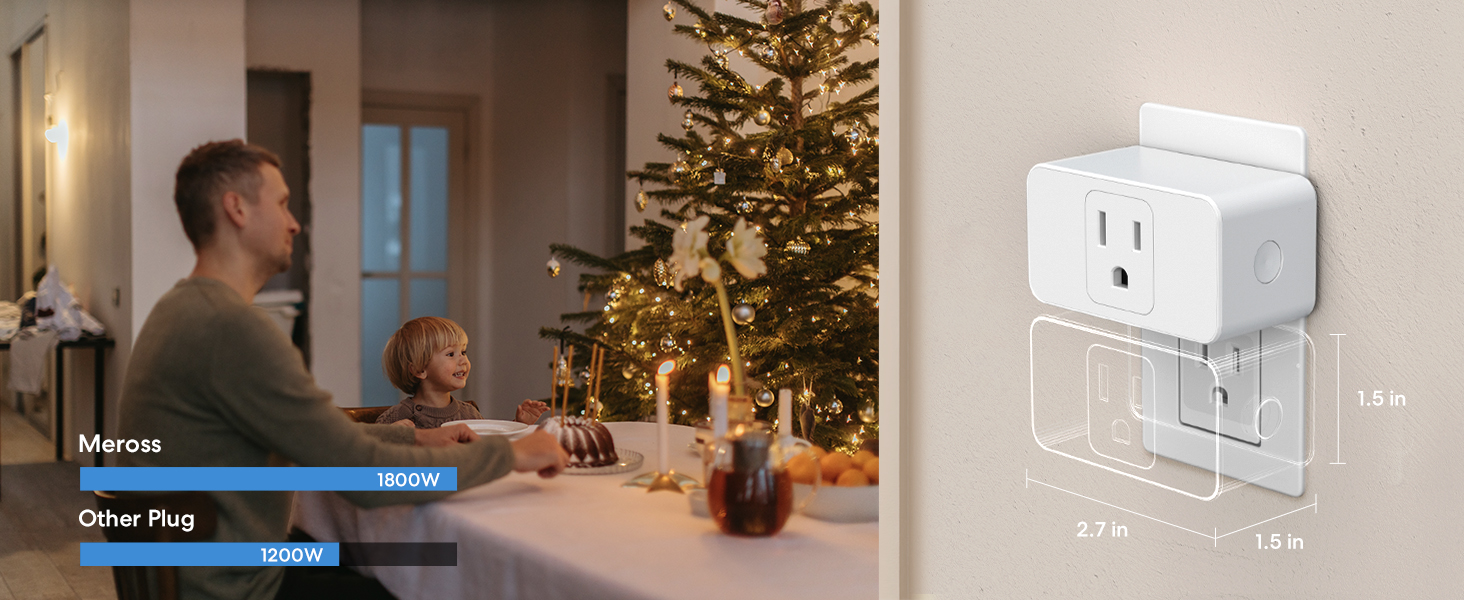
 Reliable Safety Design
PC Flame Retardant Design
ETL and FCC certified
15A Max Load
 Offline Control
When the Internet is down, you can still control smart plugs in Home Wi-Fi network via Meross app.
 Fast Response
Millisecond response and no drop-off with superfast local control when you’re at home.
1 Reliable Safety Design
2 Offline Control
3 Superfast Local Control
Compact Design, Multiple Devices For You to Control. 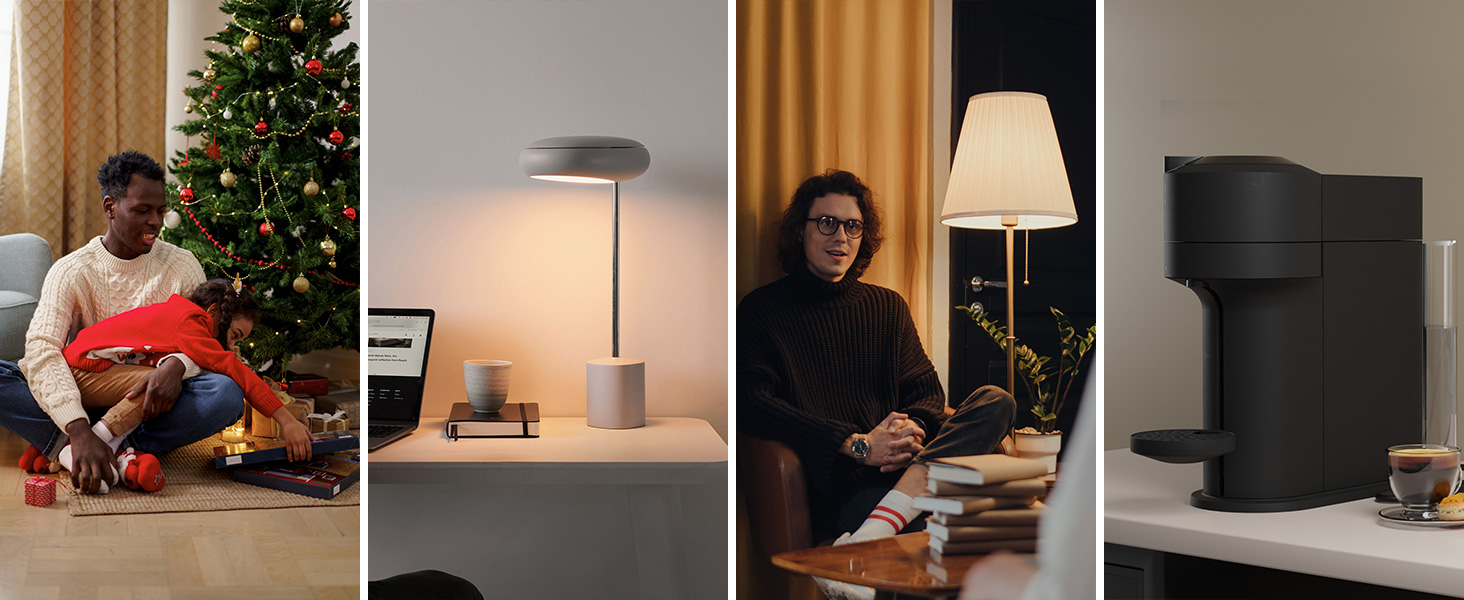
More smart devices from meross
Add to Cart
Add to Cart
Add to Cart
Add to Cart
Customer Reviews
4.4 out of 5 stars 459
3.9 out of 5 stars 427
3.4 out of 5 stars 10
4.3 out of 5 stars 265
4.2 out of 5 stars 331
3.5 out of 5 stars 63
Price
$22.46$22.46
$26.98$26.98
—
$31.37$31.37
$26.99$26.99
—
Works with Apple HomeKit
✔
✔
✔
✔
✔
✔
Works with Amazon Alexa
✔
✔
✔
✔
✔
✔
Supperfast Local Control
✔
✔
✔
✔
✔
✔
Offline Control
✔
✔
✔
✔
✔
✔
No Hub Required
✔
✔
✔
✔
✔
✔
Voice Control: You can control your devices hands free, just give simple voice commands to turn on/off the connected devices. Compatible with Apple HomeKit, Apple Watch, Siri, Carplay, Amazon Alexa, and SmartThings.
Remote Control: To enable HomeKit remote control, you need an Apple TV 4K, or Apple TV HD, and so on. Set any of these Apple devices in your house as a HomeKit bridge and connect it to your home 2.4GHz WiFi network. Keep in mind that once your HomeKit bridge is set up, it has to be kept online. If it is powered off or disconnected from the Wi-Fi, it will fail to respond when you intend to control the device remotely. 2.4GHz WiFi only, does NOT support 5GHz WiFi, no hub required.
Schedule and Timer Setting: You can schedule connected home devices to turn on and off automatically by smart plugs. Save energy when lights are not needed or left on by accident. Sunrise and sunset setting are supported.
Compact Size: Smart plug occupies only one socket, the device allows you to stack two mini smart plugs in the same outlet, which is convenient and practical.
Reliable Quality: The mini plug is made of PC flame retardant material, and has been approved for safety and quality assurance. Certified by ETL and FCC, it supports home appliance up to 15A.
13 reviews for meross Smart Plug Mini Support Apple HomeKit, Siri, Alexa, App Control, Timer, 15A & Reliable Wi-Fi, No Hub Needed, 2.4G WiFi Only, 2 Pack
Add a review
$22.46
Mike –
Super Versatile and Reliable – Love These!
These Meross Smart Plug Minis are awesome. I use them all over — automating my chicken coop lights, fan, and door, plus yard and deck lights. Setup was easy, they connect reliably over WiFi and Bluetooth, and the app makes scheduling simple. Great little plugs that make everyday automation effortless.
AnnieGL7 –
Best Smart Switches for Apple Home
I have a large number of Wemo smart switches that have become harder to keep connected and are problematic to add to the system. I have begun replacing them with the Meross switches and they work perfectly and are a better value that the Wemo. These connect to Apple Home immediately and without issues. They stay connected and seem more robust than the Wemo. I have a few Wemo switches left, but as they fail, I will replace them with the Meross switches.
Ms. Janice –
Game Changer!
One of my best purchases ever!I’m old, & don’t navigate well in dark rooms. I also hate overhead lighting, & stubbornly & lazily refuse to flick on that wall switch. I’m a table-lamp girl all the way. If I’m forced to flick that wall switch to illuminate a pitch-dark room, it causes me to have to go into the room to the opposite wall, turn on my lamp, then return to the other side of the room, back to the wall switch to turn off the overhead. My only two falls were due to walking through a room with dim lighting & tripping over something that shouldn’t have been there & wasn’t illuminated in dim lighting. Stubborn & lazy, I admit.I originally bought one set of these Meross smart plugs for my bedroom, to be able to turn on my bedside lamp before I entered the room. What a game changer! I fell in love with these plugs, & bought enough sets for all my lamps! Plus a few extras.My house is small, but with a large, open-space living room, dining room, & foyer. There are 10 small lamps scattered throughout the space. With these Meross plugs, I can use my iPhone to create the lighting ambiance that is most comfortable for a given activity. I can’t express how much I love this technology.Set-up is easy, even for an old gal like me. Instructions are included. The only thing that wasn’t clear (unless I missed it) is that you have to plug the Meross smart plug into an outlet before you scan the QR code. You don’t have to use the intended outlet for the set-up process. You can use any outlet that is easy to reach & easy to do the scan. You can then set it up, name it (very important to name the plugs!), plug it into its intended outlet, then plug your lamp or other equipment into the Meross smart plug.Meross Smart Plugs work perfectly with my Apple Home app. I did the set-up through Home, & I manage my smart plugs through Home. I never installed the Meross app. I use my Apple TV as my hub, so I didn’t have to purchase a hub separately.I have experienced the issue mentioned in other reviews: sometimes a smart plug, or unrelated group of smart plugs, will stop working & read “No response” on the app. My solution so far has been to uninstall the affected smart plug(s), & re-do set-up from scratch. That’s happened twice in the several months I’ve had them. It’s a little inconvenient, especially if the plug is behind furniture. But it’s a minor inconvenience for the unbelievable convenience of controlling my lamps so easily.Since I’m technologically challenged, I watched several YouTube videos before I ordered, & afterwards too, to get myself familiar with the process. It was really helpful.I highly recommend Meross Smart Plugs, both the single plugs & the dual plugs. Before ordering, make a plan. Get dual plugs for 2 lamps on the same table, like a foyer table or a desk or a buffet. Anything that will be sharing a wall outlet. You can control both lamps separately. You can also save $$$ by planning your smart home before buying.Next up, Christmas lights! And maybe a smart bulb for my porch light!Meross Smart Plugs. Game-changer!
E –
THe 2.4GHz band on your home WiFi is crowded
Your WiFi has 2.4Ghz, 5Ghz, and probably 6Ghz. You may have a mesh network. Depending on how much stuff you have, the 2.4Ghz band is smaller and fills-up first, always. Two reasons for this: the electronics are less expensive and the frequency passes through stuff like walls better giving better range.So, be aware that all of the better IoT switches such as these tend to work on 2.4Ghz, along with your security doorbell, your appliances, your babycam, and a host of other stuff quite possibly including your WiFi mesh backhaul. This means that if you’re adding things, at some point, some things will not work.Some IoT things are available on 5Ghz. This can be problematic for range and obstructions. Lutron has the Celesta system which requires a separate hub to plug into your modem, but works through walls and floors really well.
RTR Bama –
Works great
Setup easy
Marvin Lawley –
One of the best brands out there for iPhones and iPads
I had a different set of these that worked sometimes, updated itself every other day and wouldn’t work most of the time. But these had a very good review on Google so I gave them a try. The app was easy to install which made the set up even easier for my Apple iPhone. They work fantastic, needs very little maintenance and have given me no reason to complain. Even if I’m away from home I can turn on and off every smart plug with my iPhone. I was out of town and family needed to stay at my house for a couple of days. They were so impressed with how I was able to turn the lights on for them when they arrived that now they are customers too.
william ryley –
Very Low Quality & Essentially Useless
I installed these, they seemed to work fine. But then one by one each one would “not respond.” The only option was to forget the accessory. When you forget the accessory in HomeKit and try to reset it, HomeKit says the accessory already belongs to another home and cannot be set up.THESE WILL WORK FOR A MONTH OR TWO THEN DISCONNECT. ONCE THAT HAPPENS, THEY BECOME USELESS PLASTIC WASTE. THERE IS NOTHING YOU CAN DO WITH THEM
cacalazani –
Sure Makes Things Easier
I probably have 30 Meross smart devices between wall switches and smart plugs. Never had any problems with them and have had some of them for years. They are linked to Alexa to perform various functions.One of the big usages for these devices is Christmas decorations. They are scattered all over my house and outside. Instead of going around and turning on and off each decoration each day, I have them all plugged into Meross smart plugs; and grouped them into one Christmas “group” on the Alexa app. Now I just tell Alexa “turn on Christmas” and all the decorations come on at the same time. Even our tree, which has Twinkly lights on it.Got rid of all the mechanical/electronic timers, and now Alexa controls everything via the Meross smart switches or plugs (on at dusk, off at dawn; or at certain times). Occasionally Alexa misses her cue and fails to turn things on or off, but that is not the fault of the Meross devices – they just work.
Vichnu Torres –
La marca de este producto es el respaldo del mismo, fácil de sincronizar y se puede usar con otras aplicaciones no solamente con las predefinidas, recomendable.
Juan Pacheco –
Diseño básico, compacto, intuitivo y rápido para configurar
Luis Matus –
Excelente producto muy fácil de usar y agregar a Apple HomeKit
Estefanía Ramírez –
Fue fácil configurarlos con Alexa, lo único es de que tienes que descargar una aplicación adicional
Luis Angel Cen Madrigal –
De momento los utilizo para manejar unas tiras led en mi habitación, se integran fácilmente con Apple HomeKit sin necesidad de tener un HomePod, funcionan perfectamente